

Adalo
Launch a working app prototype in minutes by describing it in plain English, powered by the Magic Start AI that builds screens, database, and logic automatically
Listing not yet reviewed by our editors · How we check
Overview
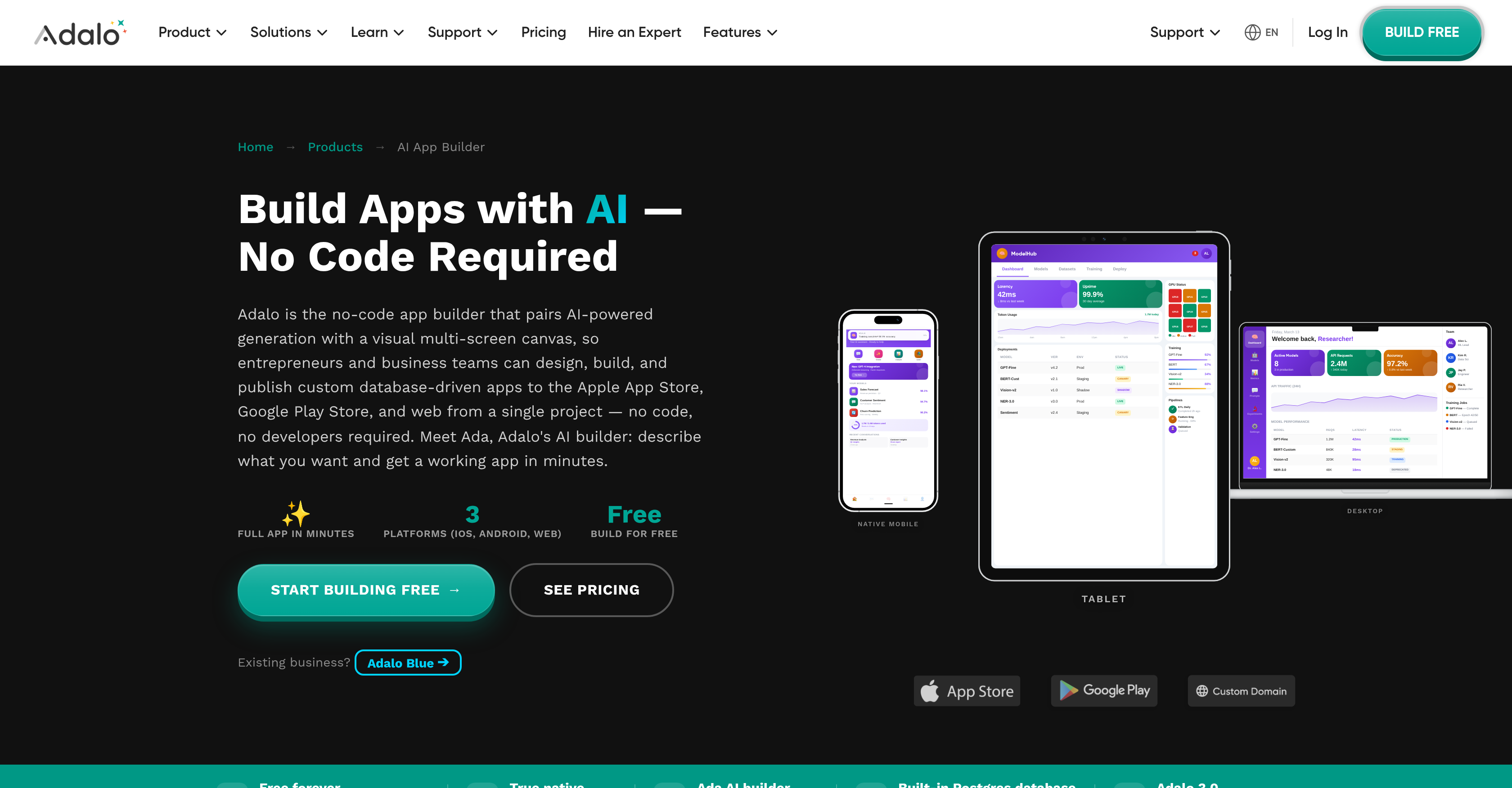
- Launch a working app prototype in minutes by describing it in plain English, powered by the Magic Start AI that builds screens, database, and logic automatically
- Publish directly to the Apple App Store, Google Play Store, and web without any coding or technical deployment steps, handling multi-platform compatibility for you
- Add complex features like review systems or notifications by describing them, using the Magic Add AI to generate the required screens, collections, and logic
- Visually refine every screen at once on a multi-screen canvas, using drag-and-drop and direct AI instructions to adjust any element without touching code
- Catch performance issues, broken links, and design inconsistencies before launch with the X-Ray scanning feature that audits your entire app
- Manage users, tasks, content, and media within your app using built-in tools, and extend functionality with integrations like Zapier and Xano
Pros & Cons
From the listing; not yet checked by our editors.
Pros
- No-code platform
- Builds from language descriptions
- Works on iOS, Android, Web
- Direct App Store publication
- Task Management Features
- User Communication Feature
- Multiple third-party integrations
- Media Management System
- Creates various app elements
- Supports different app types
- Publishes to Google Play Store
- Built-in Postgres database
- Fast app development
- Magic Start feature
- One project for all platforms
- Doesn't require technical skills
- Magic Add feature
- Automatic database creation
- X-Ray feature for troubleshooting
- Visual Multi-Screen Canvas
- Account settings feature
- Appointment Booking Feature
- Classes management feature
- Built-in relational database
- Point-and-direct editing
- Direct Google Play publication
- Multi-screen canvas editor
- Assisted prototype generation
- Single-build deployment
- Automatic database, logic, navigation
- Performance scanning feature
- Shows all screens simultaneously
- Create apps from descriptions
- User-friendly design
- Chat feature embedded
- Cuts tripled development effort
- Fitness app builder
- Automatically adds new features
- Suggests specific fixes
- Spatial design capabilities
- Changes interface visually
- Magic Start for quick start
- Creates working prototype quickly
- Scans for design inconsistencies
- Includes sample data
- Drag, resize and connect screens
- Mapping and visual identification
- User Profile and Admin Dashboard
- Announcement and Social Media Feed
- External Collections integrations
- Group Messaging capabilities
Cons
- Limited customization
- Magic Start unpredictability
- No offline functionality
- Limited Database options
- Lack of advanced features
- Language limitations
- Difficult to rectify errors
- Not truly open-source
- Dependent on Adalo's infrastructure
- Limited integrations
Alternatives to Adalo
Tools that share the most tags with Adalo.
- Stack AI
Build custom AI applications in minutes without writing code using an intuitive drag-and-drop interface and pre-built workflow templates
Freemium · from $139/month
$139/month
Not yet checked
- LaunchLemonade
Build custom AI assistants for your business without writing any code using our intuitive visual platform
Free trial · from $25/month
$25/month
Not yet checked
- Origin AI
Create custom enterprise software without hiring developers through AI-driven development that replaces traditional coding requirements
Paid · from $25/month
$25/month
Not yet checked
- Solid
Generate production-ready Tailwind and React code instantly from a simple text prompt, URL, or image upload, eliminating manual front-end coding
Freemium · from $20/month
$20/month
Not yet checked
- Floot
Launch your web app idea without writing code by describing it in chat or visually with our AI-powered platform
Freemium · from $25/month
$25/month
Not yet checked
- Chef by Convex
Launch production-ready full-stack apps with built-in database, authentication, and file uploads through automated backend configuration
Freemium · from $25/month
$25/month
Not yet checked
Related Videos
An Overview of Adalo | A No Code App Builder Tutorial
Adalo · Feb 14, 2024

Adalo review
Make with Max · Jul 23, 2024

Adalo Tutorial For Beginners | How To Use Adalo
Speak About Digital · Jul 31, 2023
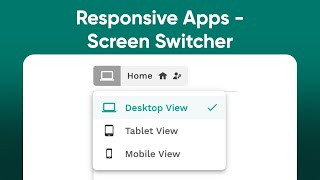
Adalo 2.0 | Using the Screen Switcher | Adalo: Build Custom Apps without Code
Adalo · Apr 25, 2023

Adalo for Beginners 2024 No Code App Builder
Doc Williams · Dec 31, 2023
Reviews
Rate this tool
Loading reviews...
Frequently asked questions
What is Adalo?
Adalo is a no-code platform specializing in AI app building. It allows creation of various types of apps like Business, CRM, eCommerce, Education, Social Media apps, etc. The platform offers a unique AI tool called Ada that intelligently assists in the app development process by generating functional apps from high-level natural language descriptions. It has a feature called Magic Start to create app elements like screens, database, logic, and navigation automatically. It also includes components for task management, user management, and content and media management, and provides seamless integration with third-party platforms such as Zapier and Xano.
How does Ada, Adalo's AI builder, work?
Ada is a tool by Adalo that uses AI to assist in the app creation process. It generates functional apps based on high-level natural language descriptions from the user. The generated app includes elements such as screens, database, logic, and navigation. Users provide the description and Ada, through the feature called Magic Start, creates an initial prototype of the app.
What is Magic Start feature in Adalo?
Magic Start is a feature in Adalo that allows Ada (their AI builder) to create an initial prototype of an app based on the user's high-level natural language description. It automatically generates various elements of an app, like screens, database, logic, and navigation.
Can I integrate third-party platforms like Zapier and Xano with Adalo?
Yes, Adalo facilitates seamless integration with third-party platforms like Zapier and Xano. This means you can connect your apps built on Adalo with different platforms and services, amplifying their functionality.
What platforms are the apps built on Adalo compatible with?
The apps built on Adalo are compatible across multiple platforms including iOS, Android, and the web. This multi-platform compatibility makes Adalo a versatile tool in the app development process.
Can I publish the apps I build on Adalo directly to app stores?
Yes. Adalo allows you to publish your apps directly to the Apple App Store, Google Play Store, and web. This removes the need for any coding or technical development skills during the app publication process.
Is Adalo suitable for entrepreneurs and business teams?
Indeed, Adalo is very suitable for entrepreneurs and business teams. It facilitates designing, building, and publishing custom database-driven apps from a single project. With its no-code approach and AI-assisted app building, Adalo is a useful tool for those who wish to create functional and personalized apps without navigational coding or development.
Can I use Adalo to build CRM and eCommerce apps?
Yes, with Adalo, you can easily build CRM and eCommerce apps. The platform offers a myriad of possibilities, and there are no restrictions on the types of apps you can create. You just need to provide a description of what you want and Ada, the AI builder, will create for you a functional app that aligns with your requirements.