

ahaboard
Get unstuck in seconds: snap a photo of a math, physics, or chemistry problem or ask out loud, and the AI tutor pinpoints exactly where your understanding breaks down.
Listing not yet reviewed by our editors · How we check
Overview
- Get unstuck in seconds: snap a photo of a math, physics, or chemistry problem or ask out loud, and the AI tutor pinpoints exactly where your understanding breaks down.
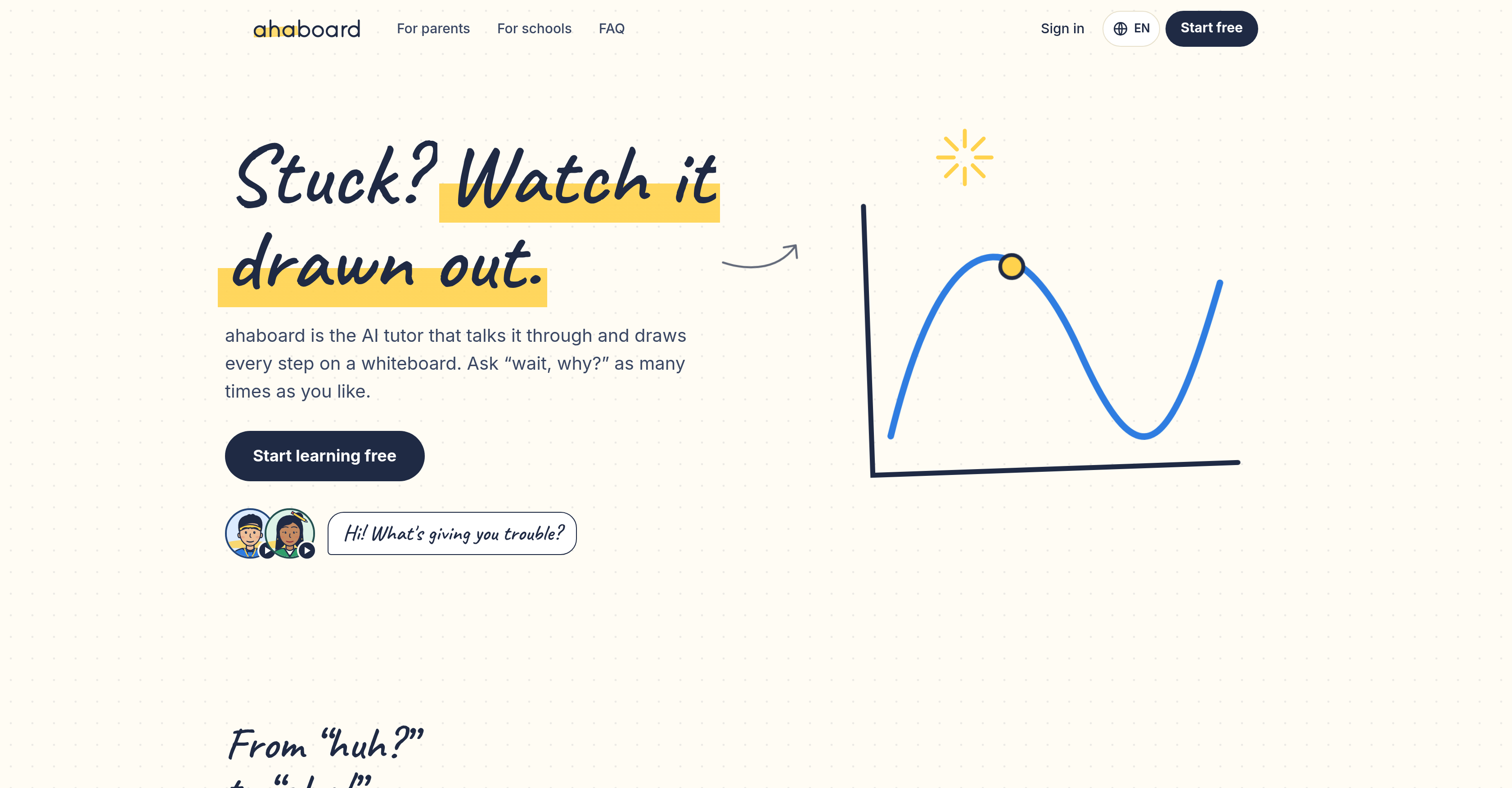
- See the idea instead of decoding paragraphs: a live visual whiteboard draws each step as calculations, graphs, free-body diagrams, Punnett squares, enzyme inhibition curves, and historical alliance maps.
- Rely on graphs built from the math itself: plots and intersections are computed from the underlying equations rather than sketched by eye, and you can ask the tutor to re-verify any step.
- Finish homework by solving it yourself: Homework mode holds back the final answer, gives incremental hints, asks you to try the next step, and checks your reasoning before moving on.
- Walk into exams knowing your weak spots: Exam Prep mode turns your study guide or notes into a review sequence, flags common mistakes, targets weaker topics, and re-explains every question you miss on the closing quiz.
- Study exactly what your class covers: build lessons from your own PDFs, lecture slides, text files, notes, and links instead of generic content.
- Ask why as many times as you need: interrupt mid-explanation, ask follow-ups, or request a different approach, and Topic mode reframes the concept with a new visual without restarting the lesson.
- Get explanations that anticipate your mistakes: before responding, the tutor prepares private teaching notes with a worked solution, likely misconceptions, and a deliberate teaching order.
- Learn in the language you think in: lessons are spoken and written in English, simplified and traditional Chinese, Spanish, French, German, Italian, Portuguese, Japanese, Korean, and Malay, and you can switch mid-lesson without losing your place.
- Study on the bus, in the library, or at the kitchen table: ahaboard runs in a mobile browser with no download and pins to your phone's home screen for one-tap access.
- Lock in what you learned: every session ends with lesson notes for revision and a quick knowledge check to confirm the concept stuck.
- Start learning at no cost: a free starting option lets you try the step-by-step homework help and exam review before committing.
Alternatives to ahaboard
Tools that share the most tags with ahaboard.
- Aristotle
Achieve deep conceptual understanding instead of memorized answers through an AI tutor that teaches the reasoning behind every subject
Free trial · from $49/month
$49/month
Not yet checked
- FaceShapeDetector
Get a precise, personalized face shape analysis that goes beyond generic labels with our unique Face Shape Blend™, revealing your exact proportions like 80% Oval + 20% Heart.
Freemium · from $6.99
$6.99
Not yet checked
- Transition
Follow a training plan that automatically adjusts to your daily schedule and recovery metrics, ensuring you stay on track even when life gets busy
Paid · from $19/month
$19/month
Not yet checked
- Mixboard
Turn scattered thoughts into mature, actionable concepts by visualizing and manipulating them on an interactive AI concepting board.
Not listed
Not listed
Not yet checked
- NVIDIA Earth-2
Make strategic decisions with confidence using precise, AI-driven weather predictions that mitigate operational risks across aviation, agriculture, and marine sectors.
Not listed
Not listed
Not yet checked
- Engain
Turn Reddit into a repeatable organic traffic channel instead of a gamble by finding and engaging in high-intent discussions that already rank on Google or where users are actively seeking solutions.
Freemium · from $79/month
$79/month
Not yet checked
Reviews
Rate this tool
Loading reviews...
Frequently asked questions
How does ahaboard's Homework mode give hints without just giving the answer?
Homework mode avoids giving the answer outright; it offers incremental hints, prompts the learner to take the next step, and then checks the student's reasoning before proceeding.
Can I upload a PDF or a slide deck for ahaboard to teach from?
Yes, ahaboard accepts PDFs, slide decks, text files, notes, and links as input for building a lesson.
Does ahaboard support voice input for asking a question?
Voice input is supported; students can ask questions out loud or snap a problem and speak to the tutor.
What subjects does ahaboard cover?
ahaboard covers mathematics, physics, chemistry, biology, and history.
How does the visual whiteboard in ahaboard work for math graphs?
The visual whiteboard computes graphs from the underlying equations and draws them step‑by‑step, rather than estimating them visually.
Can I switch languages mid‑lesson on ahaboard and keep my progress?
Languages can be switched mid‑lesson and ahaboard retains the learner’s place in the session.
Is ahaboard available on my phone without installing an app?
ahaboard runs in a mobile browser with no download required, so it works on a phone without installing a native app.
What’s the difference between Topic mode and Exam Prep mode on ahaboard?
Topic mode delivers visual concept explanations and can reframe answers when interrupted; Exam Prep mode ingests a study guide, highlights common mistakes, targets weak areas, and finishes with a short quiz.