

AI Transcriptions by Riverside
Get publish-ready transcripts without manual cleanup: AI transcription converts audio and video to text with 99% accuracy, including accents, idioms, and regional speech.
Listing not yet reviewed by our editors · How we check
Overview
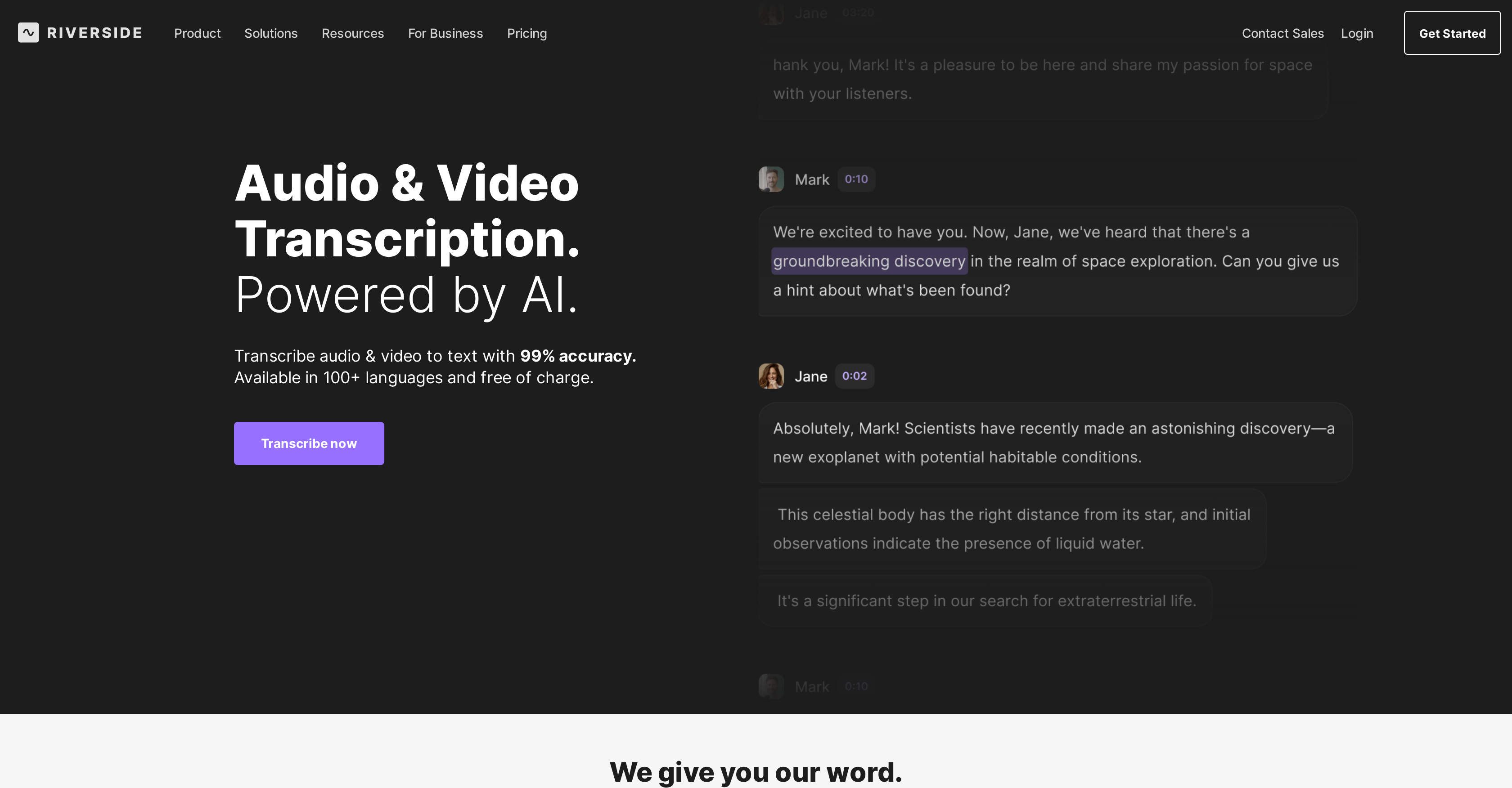
- Get publish-ready transcripts without manual cleanup: AI transcription converts audio and video to text with 99% accuracy, including accents, idioms, and regional speech.
- Reach international audiences in their own language: speech-to-text transcription covers more than 100 languages.
- Follow multi-speaker conversations at a glance: automatic speaker detection labels who said what in every podcast, interview, or panel transcript.
- Transcribe as much as you need at no cost: free transcription is unlimited, requires no signup, and accepts MP3, WAV, MP4, and MOV files.
- Cut your edit time to minutes: text-based editing removes words, sentences, or full paragraphs from the recording when you delete them in the transcript, with waveform editing for precise trims.
- Capture clean recordings even on a weak connection: local high-quality audio and video recording does not depend on internet quality.
- Record a studio-grade episode from your phone or Mac wherever you are: the Mac and mobile apps capture high-quality audio and video on location.
- Fix poor room sound without an audio engineer: Magic Audio lifts recordings to studio-level quality in one click.
- Fill your social feeds from one recording: Magic Clips turns long episodes into short, shareable social video clips.
- Ship show notes and episode structure instantly: AI Show Notes produces summaries, key takeaways, and chapters from each transcript.
- Hold viewer attention on silent autoplay: stylish captions make video content readable and engaging without sound.
- Record guests on their schedule, not yours: asynchronous recording lets guests join your studio and record while you are away.
- Deliver your talking points without memorizing them: the built-in teleprompter keeps your script on screen while you record.
- Produce more than podcasts from the same workflow: recording, transcription, and editing support webinars, virtual conferences, customer testimonials, and internal communications.
Pros & Cons
From the listing; not yet checked by our editors.
Pros
- Supports over 100 languages
- User-friendly interface
- Accepts MP3, WAV, MP4, MOV files
- Transcription available in TXT, SRT
- Free to use
- No sign-up required
- Offers speaker detection
- High-quality recording capabilities
- Simple editing capabilities
- Useful for podcasters, journalists, researchers
- Audio and video transcription
- Transcribes regardless of internet connection quality
- Creates 'Magic Clips' for sharing
- Features 'Magic Audio'
- Provides content summaries
- Available on Mac or mobile
- Supports asynchronous recording
- Applicable to various use cases
- 99% transcription accuracy
- Records in up to 4K quality
- Transcription begins immediately after recording
- Generates stylish captions
Cons
- Transcription times vary
- Doesn't support all file types
- Requires human verification
- No permanent storage for transcripts
- May have server busyness issues
Alternatives to AI Transcriptions by Riverside
Tools that share the most tags with AI Transcriptions by Riverside.
- Saveto AI | Instagram Transcript Generator
Capture every word from any Instagram Reel, Story, or IGTV with 99.9% accuracy by simply pasting the video URL
Free
Not listed
Not yet checked
- Saveto AI | TikTok Transcript Generator
Boost your content's search visibility by converting TikTok videos into searchable text that drives SEO traffic
Free
Not listed
Not yet checked
- OmniTranscript
Get an accurate, timestamped transcript from any public TikTok video in seconds without signing up or logging in — just paste the TikTok link and the speech engine converts spoken words to text.
Free
Not listed
Not yet checked
- HiTranscript
Turn any Instagram Reel into a searchable, organized transcript you can review, copy, and edit on the spot, using single or batch processing of public reel links or local file uploads
Free trial · from $9.99/unit
$9.99/unit
Not yet checked
- VideoTranscription.AI
Publish blog posts from video content in minutes by uploading a file or pasting a link for instant AI transcription
Free
Not listed
Not yet checked
- ScriptGecko
Turn any public Instagram Reel or video into clean, timestamped text by pasting a URL—no video uploads or Instagram account required, so you skip the friction and get straight to a searchable transcript.
Freemium · from $9.99/month
$9.99/month
Not yet checked
Reviews
Rate this tool
Loading reviews...
Frequently asked questions
What formats does Riverside support for transcription?
Riverside supports MP3, WAV, MP4 and MOV formats for transcription.
Does Riverside need a sign-up to use?
No, Riverside offers unlimited transcriptions for free with no sign-up required.
How does Riverside handle transcription of different languages?
Riverside is equipped with the latest AI technology which allows it to handle transcriptions in over 100 different languages. It is capable of picking up on accents, idioms, and regional particulars.
Can Riverside transcribe videos as well as audio files?
Yes, Riverside can transcribe both audio and video files.
What is the accuracy rate of Riverside's transcriptions?
Riverside's accuracy rate for transcriptions is 99%.
Does Riverside offer speaker detection during transcriptions?
Yes, Riverside does offer speaker detection during transcriptions. This feature identifies who is speaking, making it easier for users to follow the conversation.
What are the possible reasons for transcription times to vary on Riverside?
Transcription times on Riverside can vary depending on factors such as file size, length of the content, and server activity.
What special features does Riverside provide specifically for content creators?
Riverside offers a number of special features for content creators including high-quality audio and video recording, simple editing capabilities, speaker detection in transcriptions, content summaries, takeaways, chapters, stylish captions, 'Magic Clips' for creating bite-size, shareable social clips, and 'Magic Audio' for enhancing audio to studio-quality.