

AI Trend Studio
Direct every scene to the exact take you want: describe the subject, action, camera movement and mood in chat, then reply with notes to generate adjusted text-to-video takes in the same conversation.
Listing not yet reviewed by our editors · How we check
Overview
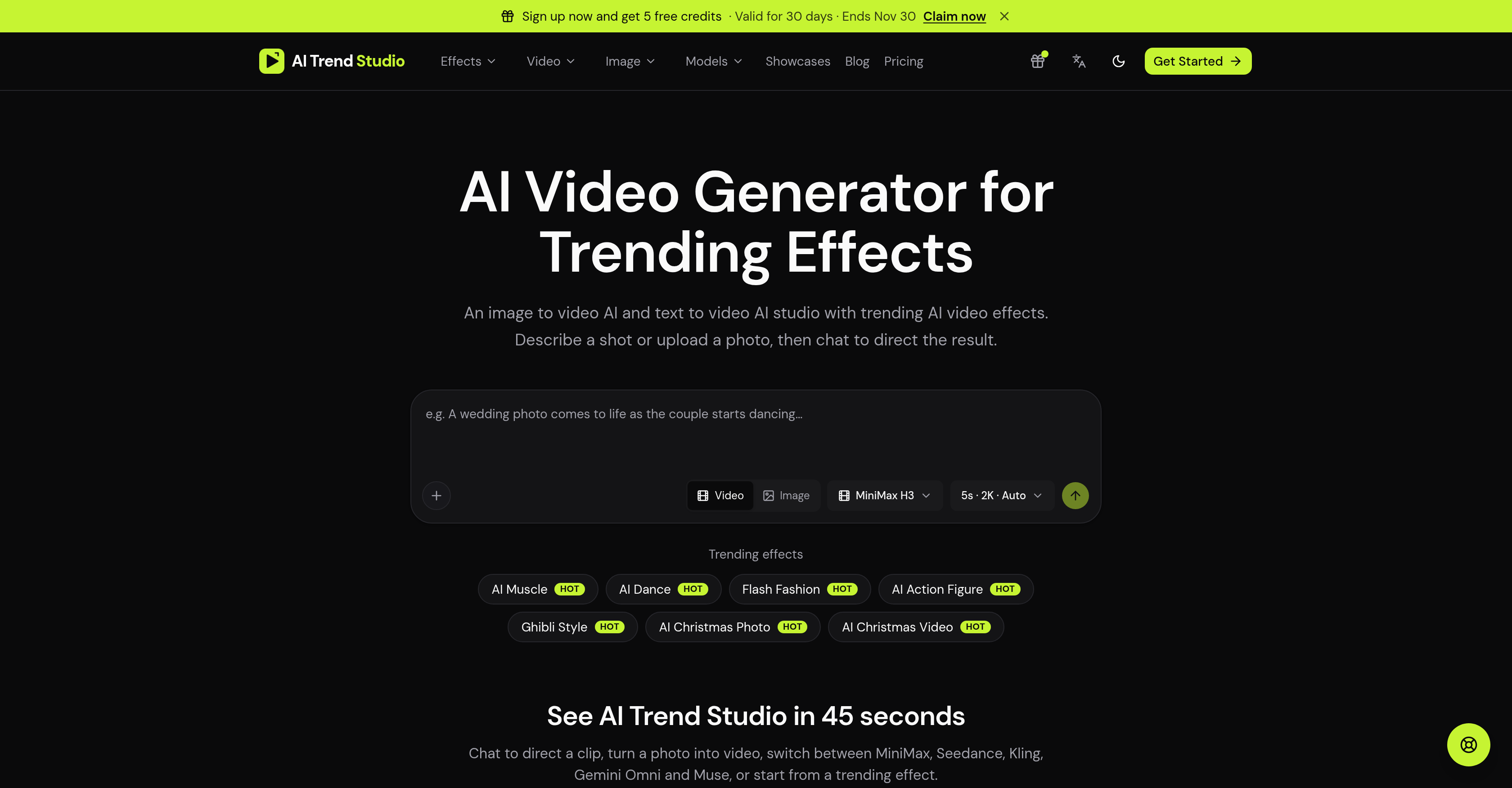
- Direct every scene to the exact take you want: describe the subject, action, camera movement and mood in chat, then reply with notes to generate adjusted text-to-video takes in the same conversation.
- Turn a still photo into a clip that keeps the subject recognizable: image-to-video uses your upload as the opening frame, and most models also accept a second image to set the closing frame.
- Post trending content while it is still trending: ready-made effects such as AI Dance, AI Muscle, Ghibli Style, AI Action Figure, Earth Zoom Out, AI Inflate and Polaroid start from your own photo or a short description.
- Get the clip length and resolution each project needs: choose MiniMax H3, Seedance 2.5, Kling V4, Gemini Omni or Muse, with clips up to 30 seconds and up to 2K resolution once you buy a plan or credit pack.
- Spend credits only on renders you approve: the composer shows the exact credit cost before you submit, and failed or stopped renders are refunded automatically.
- Handle stills and video in one studio: GPT Image and Nano Banana cover AI image generation and photo editing, along with anime filters, photo-to-sketch conversion, figurines and avatars.
- Use your outputs in client and brand work: plans and credit packs include a commercial license for clips and images, with no-watermark still-image downloads.
- Match spending to how often you create: buy credit packs pay-as-you-go or subscribe monthly or annually, with low-cost options such as Muse at 5 credits for a 10-second clip.
- Go from idea to a finished file in minutes: clips usually render within a few minutes and appear in chat for playback and direct download.
Pros & Cons
From the listing; not yet checked by our editors.
Pros
- Chat-based video direction
- Refine takes in the same chat
- Play completed clips in chat
- Download clips from chat
- Text-to-video and image-to-video
- Use photos as opening frames
- Set closing frames on most models
- Choose a model per request
- Switch among five video model families
- Set clip duration
- Set resolution
- Set aspect ratio
- See render cost before sending
- Cost reflects model and settings
- Stop renders and recover credits
- Failed renders are refunded
- Effect pages include prepared prompts
- Start effects from photos or descriptions
- Refine effect results through chat
- Browse ready-made video effects
- Create and edit still images
- Use GPT Image or Nano Banana
- Generate product and music videos
- Turn websites into launch videos
- Prompt for subject and action
- Prompt for camera movement and mood
- Clips up to 30 seconds
- HD video up to 2K
- Pay-as-you-go credit purchases
- Monthly and annual subscriptions
- Credit costs vary by model
- Paid plans unlock resolutions and lengths
- Commercial licensing with plans or credit packs
- Watermark-free still downloads with plans
- Photo-to-video preserves recognizable subjects
Cons
- Non-Muse clips pre-purchase: 5s max
- Pre-purchase video uses lowest resolution
- Pre-purchase stills carry watermarks
- Some models lack closing-frame input
- Model-specific clip duration limits
- Clips max out at 30 seconds
- Credit costs vary by settings
- Commercial licensing requires a purchase
- Still images cost 17 credits
Alternatives to AI Trend Studio
Tools that share the most tags with AI Trend Studio.
- Fotor AI Kiss
Create viral social media content instantly by transforming any portrait into engaging kissing videos for platforms like TikTok and Instagram
Freemium · from $3.33/month
$3.33/month
Not yet checked
- ASMR-AI.art
Launch your ASMR channel without expensive mics or a studio by generating professional videos from simple text prompts.
Paid · from $19.90
$19.90
Not yet checked
- AI Kissing Video Generator
Transform static portrait photos into fluid, romantic kissing animations using deep learning models trained specifically on romantic interactions
Free trial · from $9.90/month
$9.90/month
Not yet checked
- AI-ASMR.co
Launch viral ASMR content in minutes using pre-built templates for cutting fruits, whispering, and other proven formats without writing prompts
Free trial · from $7.92/month
$7.92/month
Not yet checked
- ASMR.so
Transform unique ideas into distinct ASMR videos by specifying sound descriptors and ambient requirements for truly personalized results
Paid · from $9.90
$9.90
Not yet checked
- AI Facefy | AI Kissing Video Generator
Transform static photos into a realistic romantic keepsake with advanced video animation technology
Freemium · from $7.99/month
$7.99/month
Not yet checked
Reviews
Rate this tool
Loading reviews...
Frequently asked questions
How do I make a video in AI Trend Studio from a text prompt?
Describe what should happen, including the subject, action, camera movement, and mood. Optionally attach a photo as the opening frame, choose a video model and settings or keep the defaults, then submit. AI Trend Studio prepares the prompt and renders the clip in the chat.
Can AI Trend Studio turn a photo into a video while keeping the subject recognizable?
Yes. Attach a photo and describe the motion; AI Trend Studio uses it as the opening frame and says the subject stays recognizable.
Can I upload a second photo to set the ending frame in AI Trend Studio?
Yes. Most models accept a second photo as the closing frame.
Which photo formats and file sizes does AI Trend Studio accept?
AI Trend Studio accepts JPG, PNG, and WebP photos up to 50 MB each.
Can AI Trend Studio use uploaded audio or video as a reference?
You can attach audio or video files, but the video models do not use them as references.
How do I refine a generated clip by chatting with AI Trend Studio?
Reply in the same chat with instructions for the next take. AI Trend Studio generates an adjusted result there, where you can review the clip.
Which video models can I choose in AI Trend Studio, and how do they differ?
Video options include MiniMax H3 and H3 Max; Seedance 2.5, 2.0, 2.0 Fast, and 2.0 Mini; Kling V4 and V4 Flash; Gemini Omni 1.2 Flash; and Muse. Their supported durations, resolutions, and credit costs vary. The site does not describe broader quality or style differences between them.
How do I choose the best AI Trend Studio model for a specific video?
IDK