

AI Video Detector
Catch both fake visuals and cloned voices in one pass: the deepfake detector examines visual frames and voice content together, so a realistic face or familiar voice is not taken at face value.
Listing not yet reviewed by our editors · How we check
Overview
- Catch both fake visuals and cloned voices in one pass: the deepfake detector examines visual frames and voice content together, so a realistic face or familiar voice is not taken at face value.
- Pinpoint exactly where a video looks synthetic: the report lists detailed findings for every analyzed frame, sampled at one frame per second by default, and subscribers adjust the sampling rate for finer or faster AI video analysis.
- Decide how much scrutiny a clip deserves: graded suspicion levels replace a blunt yes-or-no verdict, showing when to check the source, request the original file, or seek independent confirmation.
- Vet remote interviews, payment requests, and suspicious messages before acting: the screening report flags possible synthetic-media clues for hiring, identity, moderation, and financial reviews, focusing your human judgment where it counts.
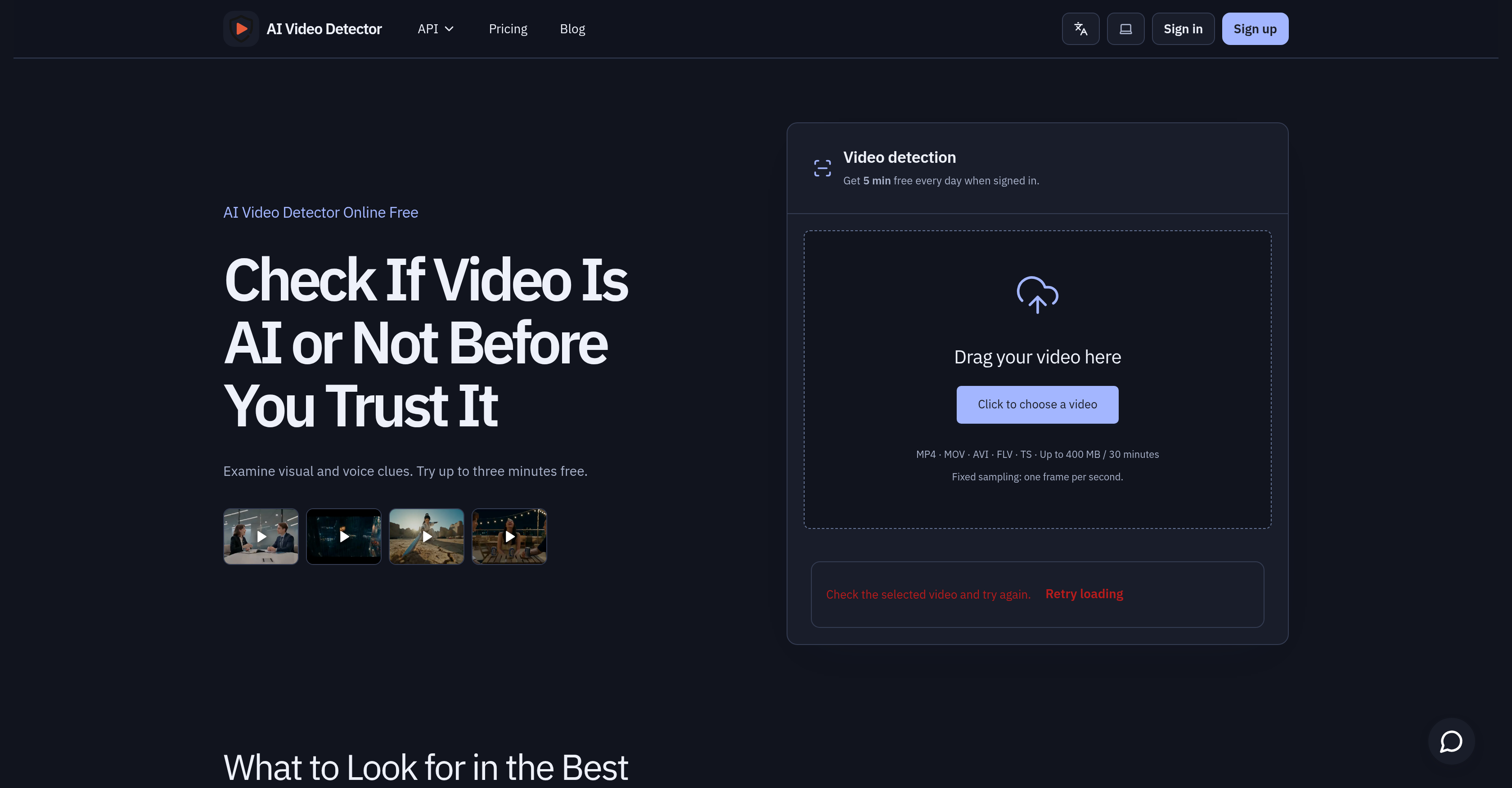
- Check footage without converting it first: upload MP4, MOV, AVI, FLV, or TS files up to 400 MB and 30 minutes long through drag-and-drop.
- Test the AI-generated video checker before paying anything: guests analyze one video up to three minutes with no login, signed-in users get five free minutes daily, and paid usage costs one credit per minute.
- Screen viral clips and evidence at volume: subscribers batch upload up to 12 videos at once, with concurrent processing scaled to their plan.
- Return to earlier verdicts without re-uploading: saved video history keeps past analyses, retained for the length of an active subscription or seven days on free use.
- Build deepfake detection into your team's own review pipeline: API access connects video authenticity screening to existing moderation and verification workflows.
Pros & Cons
From the listing; not yet checked by our editors.
Pros
- Combined visual-and-voice analysis
- Findings for each analyzed frame
- Multiple suspicion-level conclusions
- One-frame-per-second default sampling
- Subscriber-adjustable frame sampling
- MP4, MOV, AVI, FLV, TS support
- Uploads up to 400 MB
- Videos up to 30 minutes
- YouTube, TikTok, and Reels links
- Guest trial without signup
- Guest trial up to three minutes
- Five free minutes daily when signed in
- Ten credits upon registration
- Per-minute credit billing
- Usage rounded up per video
- Batch uploads up to 12 videos
- Cancel waiting tasks
- Saved video history
- Free history stores 50 videos
- Free history retained seven days
- Paid history stores 200 videos
- Paid history retained during subscription
- Plan-based concurrent processing
- Pro processes two videos concurrently
- Premium processes three videos concurrently
- Professional API support
- Browser-based video analysis
- No watermark
Cons
- One frame per second
- Sampling adjustable only for subscribers
- Maximum 400 MB per video
- Maximum 30 minutes per video
- Guest trial: one three-minute video
- Free plan retains videos seven days
- Free plan processes one video
- Subscriber batches capped at 12 videos
- Per-minute credits round upward
- Cannot establish video-claim truth
Alternatives to AI Video Detector
Tools that share the most tags with AI Video Detector.
- IsThisImage.AI
Verify the authenticity of any image instantly by uploading JPG, PNG, or WEBP files for a deep analysis of visual patterns and textures left by AI generators.
Free trial · from $3.99/month
$3.99/month
Not yet checked
- Clever AI Detector
Identify which exact sentences in a document read as AI-generated using sentence-level signal analysis, so you can target edits where they matter most instead of rewriting entire drafts.
Free
Not listed
Not yet checked
- isgen.ai
Identify AI-written content from GPT-5, ChatGPT, Claude, Deepseek, and Gemini with pinpoint accuracy using an ensemble of AI systems trained on millions of samples
Free trial · from $8/month
$8/month
Not yet checked
- AI or Not: Text Detector
Verify authorship of any essay, cover letter, email, or news article with a clear score, verdict, and annotations showing exactly where AI writing appears
Freemium · from $19.99
$19.99
Not yet checked
- AnyImageDetector
Verify whether an image is AI-generated or human-made in seconds with a probability score and confidence label, powered by statistical signal analysis.
Free trial · from $3.19/month
$3.19/month
Not yet checked
- Know Nota
Verify academic integrity by checking drafts for signs of AI authorship with Know Nota's AI detection tool
Freemium · from $6
$6
Not yet checked
Reviews
Rate this tool
Loading reviews...
Frequently asked questions
How do I upload a video to AI Video Detector and start an analysis?
Drag a video into the upload area or click to choose a file, then start detection. When processing finishes, review the conclusions and findings for the analyzed frames.
Which video formats does AI Video Detector accept?
AI Video Detector accepts MP4, MOV, AVI, FLV, and TS files.
What are AI Video Detector’s file-size and video-length limits?
Each video can be up to 400 MB and 30 minutes long.
Can I try AI Video Detector without signing up?
Yes. Guests can analyze one video up to three minutes long and view the results without logging in.
How many free minutes does AI Video Detector offer to signed-in users each day?
Signed-in users get five free minutes each day.
Does AI Video Detector analyze both video frames and speech?
Yes. AI Video Detector examines visual frames and voice content for signs of AI generation.
How often does AI Video Detector sample frames, and can I change the interval?
It samples one frame per second by default. Subscribers can adjust the sampling rate; the setting is unavailable to regular users.
What do the different suspicion levels in AI Video Detector’s report mean?
The report uses different suspicion levels to indicate how much attention a video may warrant. They are not definitive yes-or-no verdicts; findings should be considered alongside supporting evidence.