

AppGrowthKit
Turn raw screen captures into a finished App Store and Google Play listing in one session: the AI screenshot maker plans the layout, writes headline copy, and applies device frames, backgrounds, and spacing for you to approve.
Listing not yet reviewed by our editors · How we check
Overview
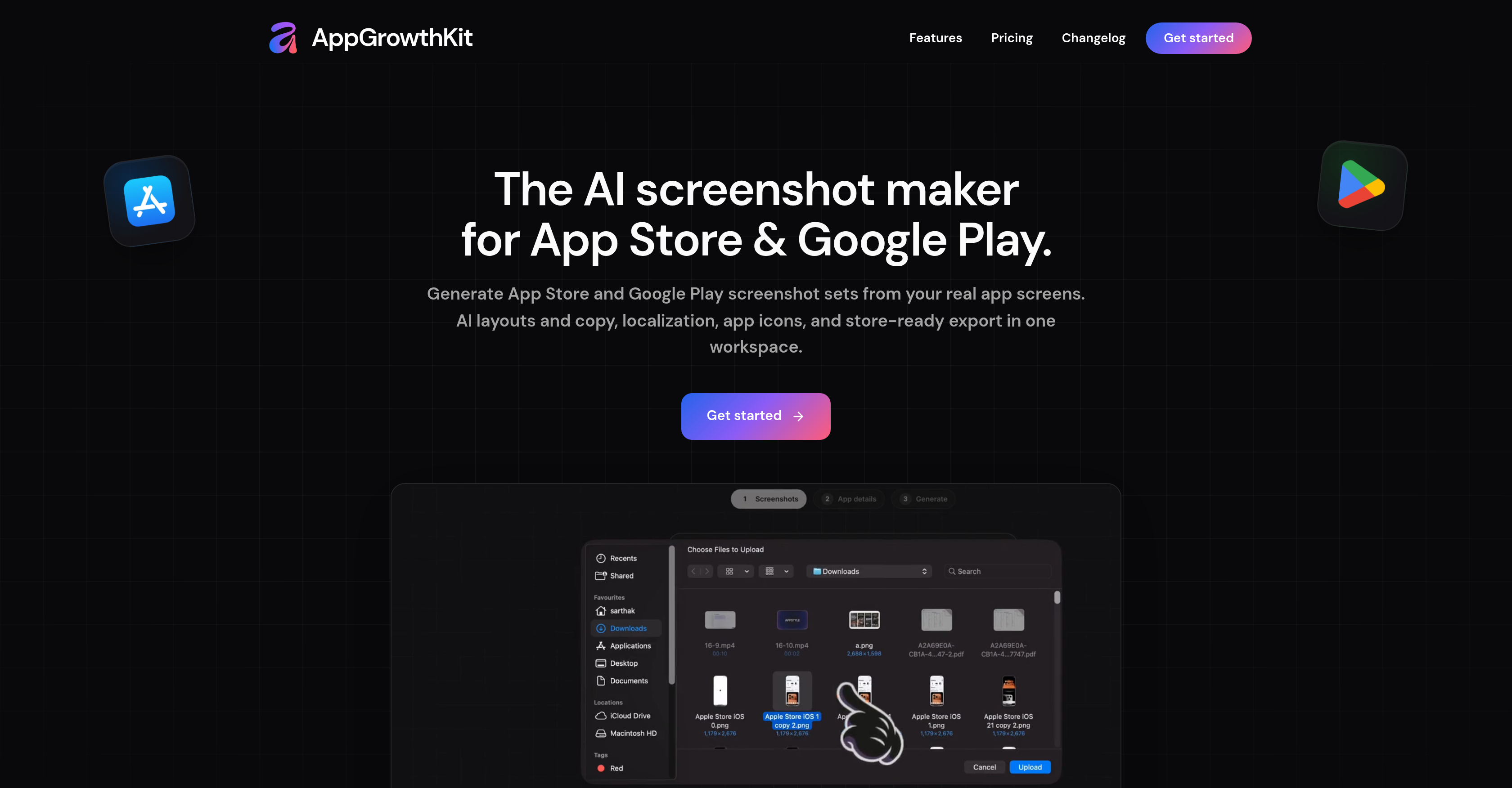
- Turn raw screen captures into a finished App Store and Google Play listing in one session: the AI screenshot maker plans the layout, writes headline copy, and applies device frames, backgrounds, and spacing for you to approve.
- Launch in 42 markets without rebuilding a single design: AI localization translates and adapts your screenshot copy per market while keeping layout, images, and editable layers intact.
- Land on a distinctive app icon without hiring a designer: describe the feeling, subject, and style, and the AI app icon generator returns several directions at once to compare against your screenshots.
- Skip every round of manual resizing and reformatting: assets export in the exact formats Apple App Store and Google Play require, ready to upload.
- Show your app on the hardware your users actually own: iPhone, iPad, and Android frame templates stay updated with the latest device releases.
- Ship store-ready visuals you've already verified: fine-tune fonts, colors, spacing, and sizing inside the editor and check every change in a live preview before export.
- Keep full creative control over AI drafts: layered screenshots, frames, and text stay editable on a single canvas, so indie developers and teams finalize App Store Optimization assets exactly as intended.
Pros & Cons
From the listing; not yet checked by our editors.
Pros
- Designed for indie developers
- Exports app stores ready
- Localizes screenshot copy
- Maintains design across localizations
- Live previews before final export
- Fonts, colors, spacing, sizing adjustments
- iPhone, iPad, Android frame templates
- Automatically updated device templates
- Exports in Apple & Google formats
- Automated layout generation
- Upload real app screens
- Store ready visual preparation
- Layer-based design editor
- No design experience necessary
- Correct export size for stores
- Flexible pricing options
- Unlimited projects & exports
- Apple-ready icon exports
- Custom fonts & gradients
- User friendly design editor
Cons
- No integrated ASO tracking
- Limited icon design options
- Only supports English master
- No console upload automation
- No video export options
- No free plan available
- Limited device frame colors
- Doesn't support non-mobile platforms
- No broad marketing design
Alternatives to AppGrowthKit
Tools that share the most tags with AppGrowthKit.
- App Mockup Generator AI
Launch your app with store-ready screenshots without hiring a designer, using AI that converts raw app screens into polished creatives in seconds
Free trial · from $10/month
$10/month
Not yet checked
- FaceShapeDetector
Get a precise, personalized face shape analysis that goes beyond generic labels with our unique Face Shape Blend™, revealing your exact proportions like 80% Oval + 20% Heart.
Freemium · from $6.99
$6.99
Not yet checked
- Transition
Follow a training plan that automatically adjusts to your daily schedule and recovery metrics, ensuring you stay on track even when life gets busy
Paid · from $19/month
$19/month
Not yet checked
- Mixboard
Turn scattered thoughts into mature, actionable concepts by visualizing and manipulating them on an interactive AI concepting board.
Not listed
Not listed
Not yet checked
- NVIDIA Earth-2
Make strategic decisions with confidence using precise, AI-driven weather predictions that mitigate operational risks across aviation, agriculture, and marine sectors.
Not listed
Not listed
Not yet checked
- Engain
Turn Reddit into a repeatable organic traffic channel instead of a gamble by finding and engaging in high-intent discussions that already rank on Google or where users are actively seeking solutions.
Freemium · from $79/month
$79/month
Not yet checked
Reviews
Rate this tool
Loading reviews...
Frequently asked questions
What is AppGrowthKit?
AppGrowthKit is a dedicated tool designed for boosting growth on the App Store and Google Play. Ideal for independent developers and teams, the tool's key functionality lies in its AI-driven screenshot maker, which allows users to upload app screen captures, superimpose device frames, headlines, and backgrounds, and output export-ready assets for their Apple App Store and Google Play listings. Aside from this, AppGrowthKit uses AI to draft copy and layouts, provides a AI-powered app icon generator, and allows for localization of screenshot copy across different markets. Users can adjust elements like fonts, colors, spacing, and sizing directly in the editor. It provides live previews of store-ready outputs and supports iPhone, iPad, and Android device frame templates, which are updated regularly. The exported output is formatted to meet both Apple and Google's specifications.
How does the AI screenshot maker feature work in AppGrowthKit?
In AppGrowthKit, the AI screenshot maker capability allows users to upload raw app screen captures and enrich them by adding device frames, headlines and backgrounds, all within a single workspace. The function uses AI to generate layouts and copy, and applies backgrounds, device frames, and spacings to the canvas. Users can adjust text, backgrounds, and device frames on a single canvas, organizing screenshots, frames, and text into layered designs. The final output can be previewed live, providing store-ready visuals.
How does AppGrowthKit use AI to draft layouts and copy?
AppGrowthKit leverages AI to create draft layouts and copy to complement uploaded app screenshots users. AI plans the layout, scripts store copy and applies backgrounds and spacing. Users can review the draft, make any necessary adjustments directly on the canvas, and export the final product when it meets their requirements.
What is the AI app icon generator feature in AppGrowthKit?
The AI app icon generator is a unique feature in AppGrowthKit that enables users to articulate the desired style, based on which the AI generates several icon options. Users can compare these options in real time and select the one that best complements their app screenshots. The generated icons can be downloaded when the user is satisfied with them.
How does the localization feature work in AppGrowthKit?
The Localization feature in AppGrowthKit is designed to automatically adapt the user's screenshot copy for different markets. When a market is selected, the AI translates and adjusts the editable screenshot copy accordingly. This ensures copies are accurately localized while preserving the layout, images, and editable layers across versions. Users can precisely fine-tune each localized version in on the canvas before final exporting.
How does the AI assist with app store optimization in AppGrowthKit?
AppGrowthKit utilizes AI to aid with App Store Optimization by drafting layouts and headlines for app screenshots. This allows developers to showcase their app features more effectively in the app listings, which can improve visibility and download rates. Additionally, the AI assists with localization, adapting the screenshot copy for different international markets, which can significantly improve accessibility and engagement across diverse user regions.
What device compatibility is offered by AppGrowthKit?
AppGrowthKit offers comprehensive device compatibility, including up-to-date iPhone, iPad, and Android frame templates. This allows for app screenshots to maintain a consistent and professional look across diverse device interfaces.
Which formats can AppGrowthKit export its output in?
AppGrowthKit allows users to export their output in the exact formats that the Apple App Store and Google Play Store require. This effectively eliminates the need for any manual reformatting or resizing.