

ApplyKick
Stop retyping the same details into ATS forms: automated job applications submit to matched roles for you on Workday, Greenhouse, Lever, and Ashby.
Listing not yet reviewed by our editors · How we check
Overview
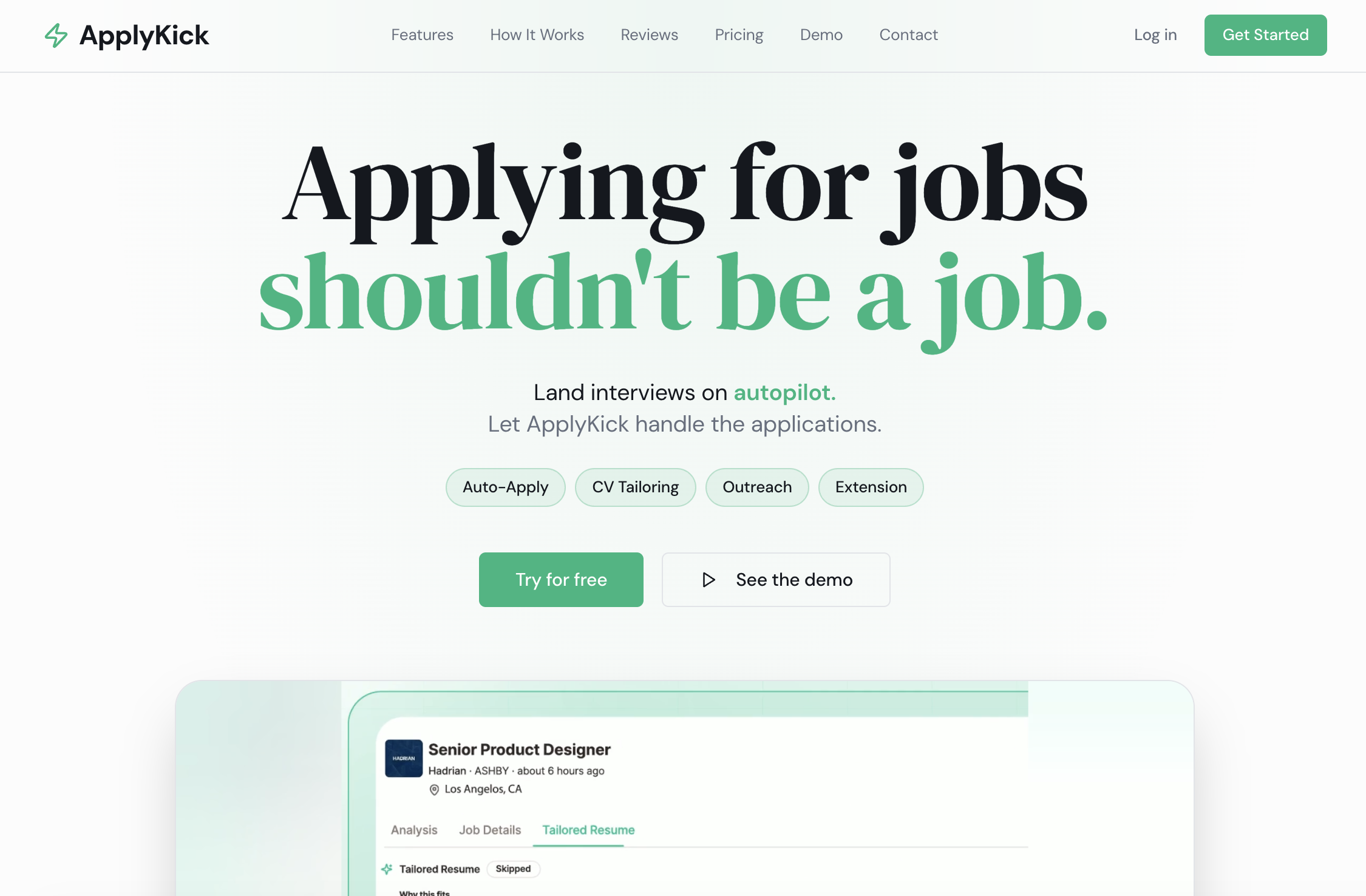
- Stop retyping the same details into ATS forms: automated job applications submit to matched roles for you on Workday, Greenhouse, Lever, and Ashby.
- Keep applying overnight and while you're away: cloud-based auto-apply runs with your computer switched off, so your job search continues without you at your desk.
- Apply only to jobs worth your time: AI job matching scores every posting against your resume, and filters for remote, hybrid, on-site, and gig roles remove listings that don't fit.
- Get past ATS screening with a resume that stays truthful: per-job CV tailoring sharpens the most relevant lines for each role while your employers, titles, and dates stay exactly as they are.
- Reach the person who makes the hiring decision: the outreach feature finds the hiring contact and drafts a message based on your resume, ready for you to send.
- Keep wasted and inaccurate submissions out of your record: closed postings are skipped automatically, and any application question that can't be answered honestly is flagged for you to complete.
- Set your own application pace: a daily cap of 1 to 100 applications controls how many jobs are submitted each day.
- Pursue more than one career path at once: up to three tagged resume templates per account, with the right version matched to each role automatically.
- See where every application stands: a real-time dashboard tracks statuses such as Applied, In Review, Interview Requested, and Rejected, with filters by date and company.
- Apply manually in one click when you find a role yourself: the Chrome extension fills and submits applications straight from the job page.
- Start quickly with your existing profile: one-click LinkedIn import brings in your work history and endorsements, and CSV resume upload is also supported.
- Protect your resume and personal data: AES-256 encrypted storage, TLS 1.3 in transit, GDPR and CCPA compliance, and two-factor authentication secure your account.
- Test it free before you pay: the free tier includes 20 auto-applies per month, and Pro unlocks unlimited job applications for $9.99/month.
Pros & Cons
From the listing; not yet checked by our editors.
Pros
- Real-time job board aggregation
- Dynamic resume customization per posting
- Auto-generated cover letters matching keywords
- Sleep-mode batch application execution
- Multi-platform email integration
- Adaptive job ranking algorithm
- Continuous market trend analysis
- ATS bypass detection avoidance
- One-click pipeline export
- OAuth LinkedIn single sign-on
- Browser extension instant apply
- Rate-limited API compliance
- GDPR-compliant data handling
- Offline job queueing
- Customizable application templates
- Smart follow-up scheduling
- Integrated interview prep suggestions
- KPI dashboard application success
- Multi-language resume support
- Automatic referral detection
- Passive candidate re-engagement
- Real-time email response parsing
- Bulk resume versioning
- Scheduler respects time zones
- Calendar sync for interviews
- Secure cloud storage encryption
- API access for third parties
- Zero-click push job alerts
- Auto-apply remote-only listings
- Gig economy job filtering
- Adaptive learning from outcomes
- Skill gap analysis reports
- Duplicate application prevention
- Custom blacklist for companies
- Voice command application trigger
- Cross-browser compatibility
- Mobile-friendly responsive UI
- Unlimited job applications per day
- Detailed audit trail logs
- Exportable CSV application data
Cons
- No API for integration
- Chrome-only browser support
- No export of application logs
Alternatives to ApplyKick
Tools that share the most tags with ApplyKick.
- LockedIn AI
Answer interview questions confidently with AI-generated responses tailored to your resume and job description
Paid · from $39.99/month
$39.99/month
Not yet checked
- Skillroads
Create ATS-optimized resumes that pass automated screening systems with AI-powered resume analysis and optimization
Not listed
Not listed
Not yet checked
- Linkjob
Receive instant AI-powered answers during live interviews with ultra-low latency response time of 0.23 seconds
Free trial · from $24.99/month
$24.99/month
Not yet checked
- AI Resume Scanner - AIApply
See exactly how to beat Applicant Tracking Systems with a Match Score that correlates to real shortlist rates, powered by algorithms that mirror actual ATS parsing rules
Free trial · from $12/month
$12/month
Not yet checked
- MeeBoss
Get instant responses from hiring managers instead of waiting weeks through direct messaging
Free
Not listed
Not yet checked
- SwiftResume
Craft a professional resume tailored to any industry without design skills using AI-powered content generation and formatting
Paid · from $25
$25
Not yet checked
Reviews
Rate this tool
Loading reviews...
Frequently asked questions
How does ApplyKick find job listings automatically?
ApplyKick runs proprietary web‑crawlers that continuously scan major job boards, company career pages, and niche gig platforms. The crawlers parse new listings in real time, filter them by your saved criteria, and feed the matches into the AI engine without manual input.
Can ApplyKick customize my resume for each application?
Yes. ApplyKick’s AI analyzes each job description, extracts required skills and keywords, and automatically rewrites your master resume to highlight the most relevant experience for that specific role.
Does ApplyKick generate cover letters, and can I edit them?
ApplyKick generates a complete cover letter for every application. The draft is presented in the dashboard where you can edit, approve, or replace it before the submission is sent.
How does the sleep‑mode feature work—will it apply while I’m offline?
Sleep‑mode activates a background worker that continues to search, match, and submit applications even when you are offline. The AI queues actions while you are away and executes them automatically once the system is back online.
What job boards does ApplyKick scrape for opportunities?
ApplyKick scrapes listings from LinkedIn Jobs, Indeed, Glassdoor, ZipRecruiter, Monster, CareerBuilder, AngelList, Remote.co, FlexJobs, and a curated set of industry‑specific boards.
Is there a way to set preferences for remote or gig‑economy jobs?
You can set explicit filters for remote, hybrid, on‑site, and gig‑economy positions. The preferences are stored in your profile and applied to every search and application cycle.
How does ApplyKick match me with jobs based on my skills?
The matching engine compares the extracted keywords, required competencies, and senior‑level cues from each posting against the skill vectors built from your resume, LinkedIn profile, and optional skill assessments.
Can I track the status of applications sent through ApplyKick?
All applications submitted through ApplyKick are logged in a real‑time dashboard. You can view status flags such as “Applied,” “In Review,” “Interview Requested,” or “Rejected,” and filter by date or company.