

AutoTube
Launch a faceless YouTube channel without filming yourself or recording audio: AI text-to-speech voiceovers turn your topic or script into a fully narrated video with visuals and captions.
Listing not yet reviewed by our editors · How we check
Overview
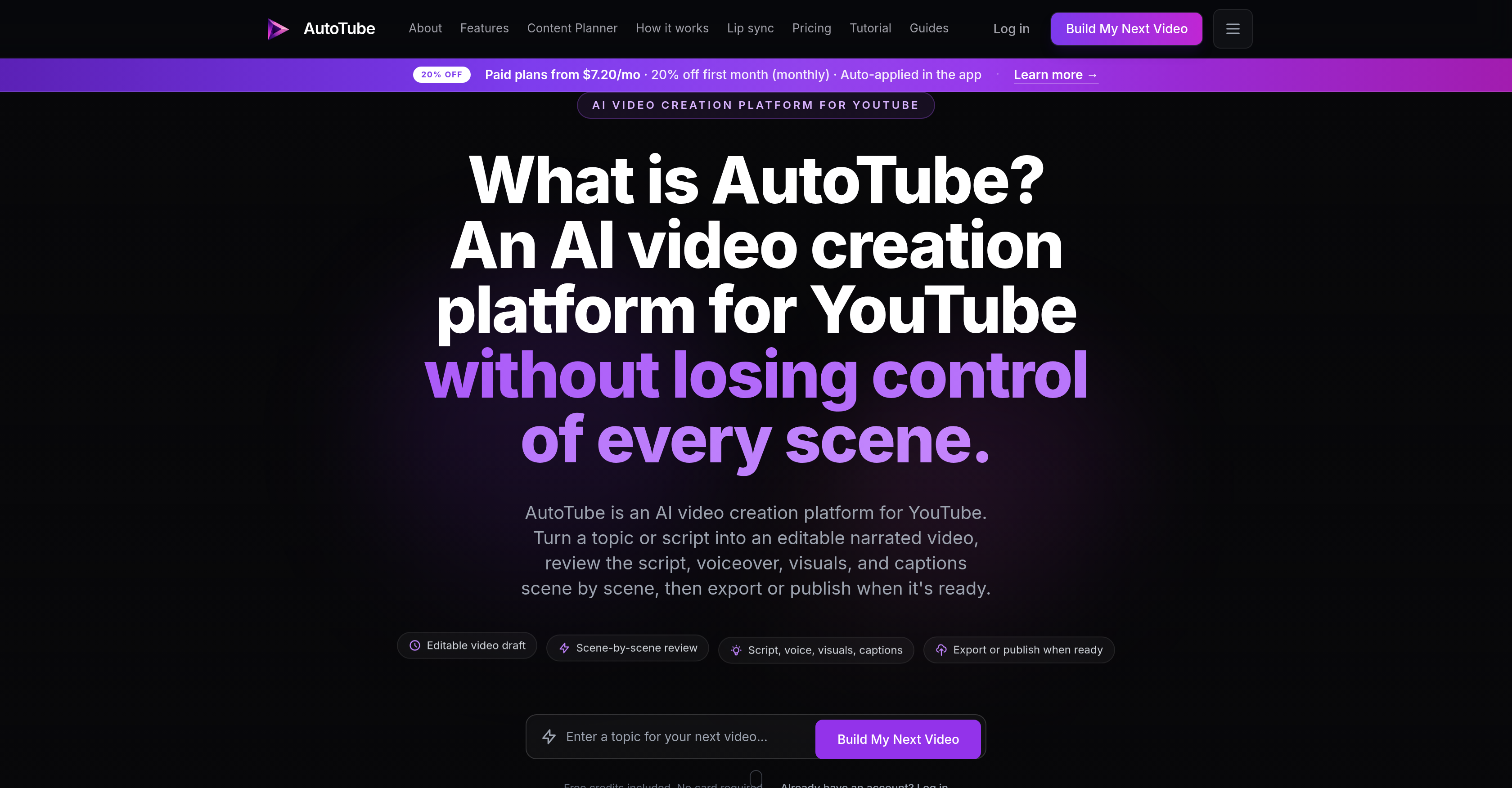
- Launch a faceless YouTube channel without filming yourself or recording audio: AI text-to-speech voiceovers turn your topic or script into a fully narrated video with visuals and captions.
- Ship videos that match your vision instead of settling for a one-shot render: studio mode scene review lets you edit scripts, swap visuals, preview audio, and approve each scene before export.
- Never stall on what to post next: the content planner maps out a month of niche-specific, timely video ideas pulled from web research on trending and evergreen topics.
- Keep a consistent upload schedule that grows your channel: scheduled video creation and publishing sends finished videos to YouTube on time without manual uploads.
- Run a portfolio of channels from one place: a single dashboard manages up to 10 YouTube channels, depending on plan, so each one keeps a steady publishing rhythm.
- Reach viewers beyond English-speaking markets: multilingual video generation supports Spanish, Portuguese, Hindi, Japanese, Korean, and Chinese alongside English.
- Put a presenter on screen without a camera or on-camera talent: the AI lip sync generator turns a portrait and voiceover into a talking-head clip with synced mouth movements.
- Give faceless videos mood and visual depth that hold attention: atmospheric overlays add glitch, dark smoke, fire, particle, and spark effects to your scenes.
Pros & Cons
From the listing; not yet checked by our editors.
Pros
- Convert topic to video
- Scene by scene editing
- Control over script
- Multilingual support
- Scheduled video creation
- Scheduled publishing
- Atmospheric overlays
- Content planner
- Managing several channels
- Produces talking-head clips
- Pre-publishing scene review
- Visual swapping capability
- Audio preview functions
- Multistage video process control
- Workflow designed for speed
- Supports faceless YouTube operation
- Supports niche-specific content
- Web research based topics
- Voiceover generation
- Caption generation
- Automated video production
- Quick realization from concept
- Quicker video realization
- Customizable visuals
- AutoTube Content Planner
- Scheduled video creation & publishing
- Per-scene control
- Regeneration on demand
- Research-backed ideas generation
- Timely topic discovery
- Manage channels from one place
- Steady publishing rhythm
- Script, voice, visuals, captions
- YouTube linked upload
- Caption writing for native speakers
- Shorts and long-form workflow
- Seeing final footage beforehand
- Atmospheric effects selection
- Lip-sync videos generation
- One dashboard for everything
- Narration draft generation
- Adjustable narrated formats
- Credits for regeneration
- Manage multiple channels together
- Title, description, tags upload
- Workflow review step before export
- Full control over mood selection
- Auto selection for cinematic effects
Cons
- Limited language support
- No image-based video flexibility
- Timeline approved only
- No-on demand video regeneration
- Limited avatar lip-sync length
- Seemingly complex workflow
- No mobile app
- No multiple channel support on free
Alternatives to AutoTube
Tools that share the most tags with AutoTube.
- ApexVix AI
Discover untapped, profitable niches before they become saturated using AI-powered niche analysis of search volumes and competition levels
Freemium · from $9.99/month
$9.99/month
Not yet checked
- SummYT - YouTube Summarized
Get instant summaries of any YouTube video or podcast within 15 seconds regardless of length through streaming technology
Free trial · from $7.99/month
$7.99/month
Not yet checked
- Glasp
Instantly understand any YouTube video's key points without watching the full length using AI-powered summaries
Freemium · from $10/month
$10/month
Not yet checked
- You-tldr
Extract essential information from lengthy videos in seconds using AI-powered summarization that processes any YouTube URL
Paid · from $9.99/month
$9.99/month
Not yet checked
- Thumbspot
Maximize your video's click-through rate with AI-generated thumbnails optimized for viewer attention from just your title or description
Paid · from $29/month
$29/month
Not yet checked
- Wize Up
Stay current with all your YouTube subscriptions without endless watching through personalized AI summaries delivered daily
Paid · from $1/month
$1/month
Not yet checked
Reviews
Rate this tool
Loading reviews...
Frequently asked questions
What is AutoTube?
AutoTube is an artificial intelligence-powered platform designed to simplify the video creation process for YouTube. It allows users to convert a script or topic into a narrated video that can be reviewed and edited scene by scene before exporting or publishing.
How does AutoTube use AI in creating videos for YouTube?
AutoTube leverages AI for several parts of the video creation process. The AI converts the provided topic or script into a narrated video, it helps in the generation of talking-head clips using a provided portrait and voiceover. Aside from this, the AI also aids in offering a content planner where users can plan a month of video ideas based on topics derived from web research.
What are the processes involved in creating a video with AutoTube?
The process of creating a video with AutoTube is streamlined and intuitive. Users start with a topic or script that is converted into a narrated video. They can then review and edit the script, visuals, and voiceover scene by scene. Once editing is completed, users have the option to export the video or publish it directly to their YouTube channel.
Can AutoTube be used to manage multiple Youtube channels at once?
Yes, AutoTube can manage multiple YouTube channels at once. Depending upon the plan, users can manage up to 10 YouTube channels simultaneously from a single AutoTube dashboard, making it easier to maintain a consistency and rhythm in publishing across multiple channels.
Does AutoTube support multiple languages?
AutoTube supports multiple languages including English, Spanish, Portuguese, Hindi, Japanese, Korean, and Chinese. This multi-lingual support expands the audience reach of the created videos by making content accessible to non-English speaking audiences.
How does AutoTube's scheduling feature work?
AutoTube facilitates scheduled video creation and publishing, subject to requisite conditions. It allows users to plan and schedule their video creation process in advance, enabling them to maintain a consistent publishing schedule on their YouTube channels and ensuring that their content reaches their audience at the right times.
What does the scene review feature in AutoTube do?
The scene review feature in AutoTube allows users to review and edit each scene of their video individually. This includes editing scripts, swapping visuals, previewing audio, and approving the final render on a per-scene basis. It provides users greater control over the look and feel of their video.
What is AutoTube's AI lip-sync generator?
AutoTube's AI lip-sync generator is a feature that helps in generating talking-head clips. Users can provide a portrait and voiceover, and the AI lip-sync generator will create a realistic talking-head clip, wherein the mouth movements are in sync with the provided voiceover.