

Berrycast Transcripts
Start capturing the moment an idea strikes: one-click screen recording through the Berrycast Chrome Extension removes setup steps, so anyone records a walkthrough with no technical background.
Listing not yet reviewed by our editors · How we check
Overview
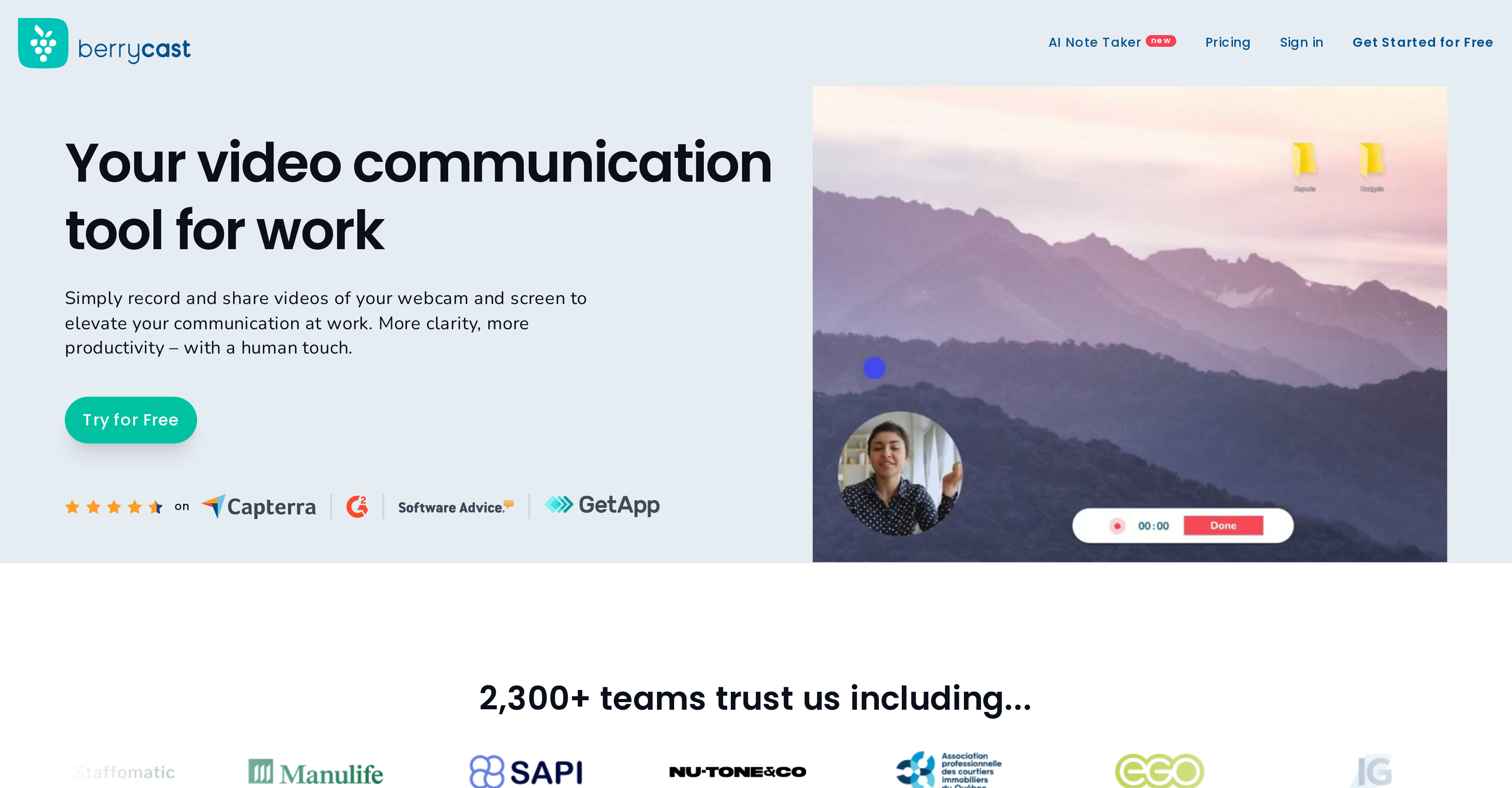
- Start capturing the moment an idea strikes: one-click screen recording through the Berrycast Chrome Extension removes setup steps, so anyone records a walkthrough with no technical background.
- Explain complex tasks without writing long instructions: microphone and webcam support adds voice-over and a face-to-camera presence to every screen capture.
- Direct viewers to exactly what matters: real-time annotations let you add notes and highlight key details on screen while you record.
- Deliver short, focused clips instead of long sessions: post-recording video trimming cuts long recordings into concise, relevant segments.
- Get your video to recipients seconds after you stop recording: a shareable link is generated automatically and is ready to embed or send.
- Share confidential walkthroughs safely: password-protected video links ensure only intended recipients view sensitive content.
- Cut back-and-forth emails and status meetings: asynchronous video messaging lets teammates watch and respond on their own schedule.
- Know who watched and how they engaged: view notifications and viewer interaction analytics show the reach of every shared recording.
- Keep recordings inside the tools your team already uses: integrations with Microsoft Teams, Gmail, Asana, Figma, and Didacte place videos directly in existing workflows.
- Make every video represent your company: custom branding in the Chrome Extension applies your identity to recordings you share with clients and prospects.
- Turn spoken explanations into readable text: transcription and speech-to-text convert recorded narration into transcripts.
- Add recording to your own product without building it from scratch: the Screen Recorder SDK embeds Berrycast's recording, editing, and sharing capabilities into your applications.
- Record and share without budget approval: Berrycast is a free screen recorder for sales demos, customer support, bug reports for software testing, employee onboarding, and classroom tutorials.
Pros & Cons
From the listing; not yet checked by our editors.
Pros
- One-click recording
- Microphone and webcam support
- Annotations during recording
- Timed comments
- Post-recording editing
- Video trimming
- Password protected videos
- Microsoft Teams integration
- Gmail integration
- Asana integration
- Figma integration
- Didacte integration
- Custom brand videos
- Embed videos
- Instant video sharing
- Analytics insights
- Downloadable videos
- Recordings request via link
- Chrome extension
- Screen Recorder SDK available
- Video Record SDK/API available
- Notification system
- Beginner friendly
- Advanced features available
- Works for business and education
- Great for onboarding
- Utility for software testing
- Great for UI/UX design
- Video transcription & translation
- Asynchronous communication support
Cons
- Requires JavaScript
- No mobile app
- No offline usage
- Lacks advanced editing
- Limited format export options
- No iOS support
- Dependent on Chrome extension
- Webcam support limitations
- No multiple-user support
- Limited integrations
Alternatives to Berrycast Transcripts
Tools that share the most tags with Berrycast Transcripts.
- Saveto AI | Instagram Transcript Generator
Capture every word from any Instagram Reel, Story, or IGTV with 99.9% accuracy by simply pasting the video URL
Free
Not listed
Not yet checked
- Saveto AI | TikTok Transcript Generator
Boost your content's search visibility by converting TikTok videos into searchable text that drives SEO traffic
Free
Not listed
Not yet checked
- OmniTranscript
Get an accurate, timestamped transcript from any public TikTok video in seconds without signing up or logging in — just paste the TikTok link and the speech engine converts spoken words to text.
Free
Not listed
Not yet checked
- HiTranscript
Turn any Instagram Reel into a searchable, organized transcript you can review, copy, and edit on the spot, using single or batch processing of public reel links or local file uploads
Free trial · from $9.99/unit
$9.99/unit
Not yet checked
- VideoTranscription.AI
Publish blog posts from video content in minutes by uploading a file or pasting a link for instant AI transcription
Free
Not listed
Not yet checked
- ScriptGecko
Turn any public Instagram Reel or video into clean, timestamped text by pasting a URL—no video uploads or Instagram account required, so you skip the friction and get straight to a searchable transcript.
Freemium · from $9.99/month
$9.99/month
Not yet checked
Reviews
Rate this tool
Loading reviews...
Frequently asked questions
What is Berrycast?
Berrycast is a simple, effective screen recording tool. It's designed to capture and share screen activity with a single click, and it supports microphone and webcam input. It not only accommodates basic needs of screen recording, but also offers tools like annotations and video trimming, making it a versatile solution for a variety of uses. It requires JavaScript to function properly.
What functionalities does Berrycast provide?
Berrycast provides a suite of functionalities. One-click recording, microphone and webcam support, and annotation capabilities are just some highlights. Post-recording, users can edit their videos, trimming them down as required. Security is also a priority, with the ability to password protect shared recordings. Integration with popular platforms like Microsoft Teams, Gmail, and Asana also increases Berrycast's utility.
Does Berrycast integrate with other platforms?
Yes, Berrycast can be integrated with a range of popular platforms such as Microsoft Teams, Gmail, Asana, Figma, and Didacte, encouraging enhanced productivity and smoother workflows.
How does Berrycast support microphone and webcam?
Berrycast supports both microphone and webcam inputs during recording. This means users can capture audio commentary alongside their screen activity, and if enabled, display their webcam feed as part of the recording.
Can I customize videos with Berrycast?
Absolutely. Berrycast comes with post-recording editing options where, among other things, you can annotate recordings and trim videos to create shorter, to-the-point clips from longer sessions.
What kind of sharing options does Berrycast provide?
With Berrycast, sharing options are made easy and efficient. Users can automatically generate sharable links to their videos, and password protect them for an added layer of security. The shared videos can then be easily embedded and viewed by recipients.
Can I record and share a video instantly with Berrycast?
Yes. Berrycast offers the convenience of recording a video and then instantly sharing it. Immediately after finishing a screen recording or a webcam video, Berrycast provides a link that users can share.
What is the role of the Berrycast Chrome Extension?
The Berrycast Chrome Extension provides an easy and efficient way to make and share recordings. With this extension, users are enabled to brand their videos, protect them with passwords, embed them in various platforms, and share them instantly.