

Blueprint
Go from a plain-language project idea to a buildable hardware plan without drafting documentation by hand: describe your device in a prompt and get a structured electronics project plan ready for physical implementation.
Listing not yet reviewed by our editors · How we check
Overview
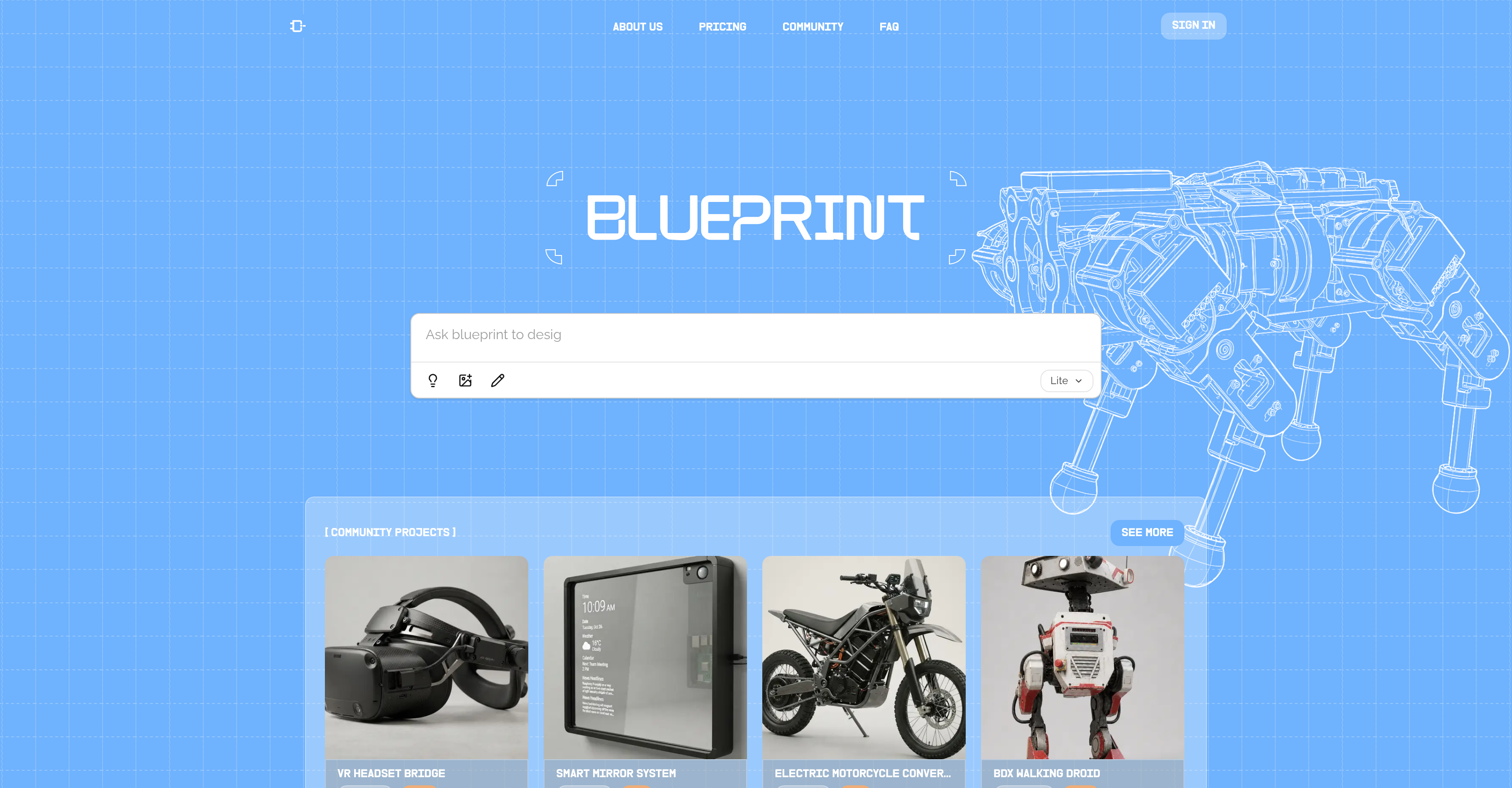
- Go from a plain-language project idea to a buildable hardware plan without drafting documentation by hand: describe your device in a prompt and get a structured electronics project plan ready for physical implementation.
- Know exactly how every component connects before you pick up a soldering iron: auto-generated wiring diagrams map pin-outs and interconnections drawn from common reference designs.
- Source parts and size up your build cost and scope in one pass: a generated bill of materials lists the components and supplies your hardware project requires.
- Build in the right order with fewer missteps at the workbench: assembly guides break hardware construction into sequential instructions you follow as you put the device together.
- Keep connections, parts, and build steps consistent with each other: a single prompt produces the wiring diagram, BOM, and assembly guide inside one coordinated project workflow, so nothing drifts out of sync.
- Start prototyping a DIY electronics project sooner as a maker, student, or hobbyist: Blueprint delivers an actionable starting point for component selection, design review, and assembly prep instead of an abstract concept description.
Pros & Cons
From the listing; not yet checked by our editors.
Pros
- Single prompt yields full documentation
- Unified wiring diagram and BOM
- Automatic assembly step sequencing
- Consistent cross-artifact design coherence
- Rapid prototype planning workflow
- Instant component sourcing list
- Structured project plan generation
- Integrated circuit schematic creation
- Handson construction guidance
- Reduces manual documentation effort
- Accelerates idea-tobuild transition
- Supports maker and hobbyist projects
- Facilitates educational electronics projects
- Streamlines early design iteration
- Eliminates separate BOM tools
- Visual connection mapping provided
- Readytoorder parts identification
- Stepbystep assembly instructions
- All artifacts in single project
- Promptdriven hardware ideation
- Accelerates hardware prototyping cycles
- Minimizes design handoff errors
- Consistent part referencing across files
- Automatic bill of materials generation
- Immediate wiring diagram visualization
- Integrated project workflow management
- Reduces component mismatch risk
- Provides clear build hierarchy
- Optimizes parts procurement workflow
- Supports rapid hardware iteration
- Facilitates STEM learning activities
- Generates actionable technical materials
- Creates cohesive build documentation
- Enables quick design validation (userreview)
- Improves project planning efficiency
- Offers concise assembly guide
- Combines schematic and wiring output
- Eliminates need for multiple tools
- Accelerates component selection process
- Provides organized construction roadmap
- Streamlines prototype documentation
- Simplifies hardware project handoff
- Generates complete build package
- Offers structured hardware design output
- Enhances project reproducibility
- Provides clear circuit connections
- Reduces time spent on drafting
- Supports DIY electronics projects
- Provides immediate parts list
Cons
- No circuit simulation validation
- Missing thermal behavior analysis
- No mechanical fit check
- Component availability not verified
- No compliance verification
- Generated docs not editable
- Export formats unspecified
- Collaborative editing unsupported
- Platform support unclear
- Safety checks omitted
Alternatives to Blueprint
Tools that share the most tags with Blueprint.
- Valispace
Convert rough component descriptions into formal requirements instantly using AI-powered brainstorming and refinement
Paid · from $108.82/month
$108.82/month
Not yet checked
Reviews
Rate this tool
Loading reviews...
Frequently asked questions
How does Blueprint generate wiring diagrams from my prompt?
Blueprint parses the natural‑language prompt with its AI model, extracts implied components and functional blocks, maps them to a standard component library, and then automatically generates a schematic‑style wiring diagram showing typical pin‑outs and interconnections based on common reference designs, producing a visual representation that matches the described functionality.
Can I edit the Bill of Materials Blueprint creates?
IDK
Does Blueprint let me export the assembly guide as a PDF?
IDK
What file formats does Blueprint support for exporting designs?
IDK
Can I import an existing schematic into Blueprint to refine it?
IDK
How accurate are Blueprint’s component recommendations?
IDK
Does Blueprint check for part availability or pricing?
IDK
Is there a way to simulate the circuit Blueprint designs before building?
IDK