

boat.dev
Branch an environment into parallel copies without rebuilding it, using disk-level forking that spins up new sandboxes from the exact same file system state.
Listing not yet reviewed by our editors · How we check
Overview
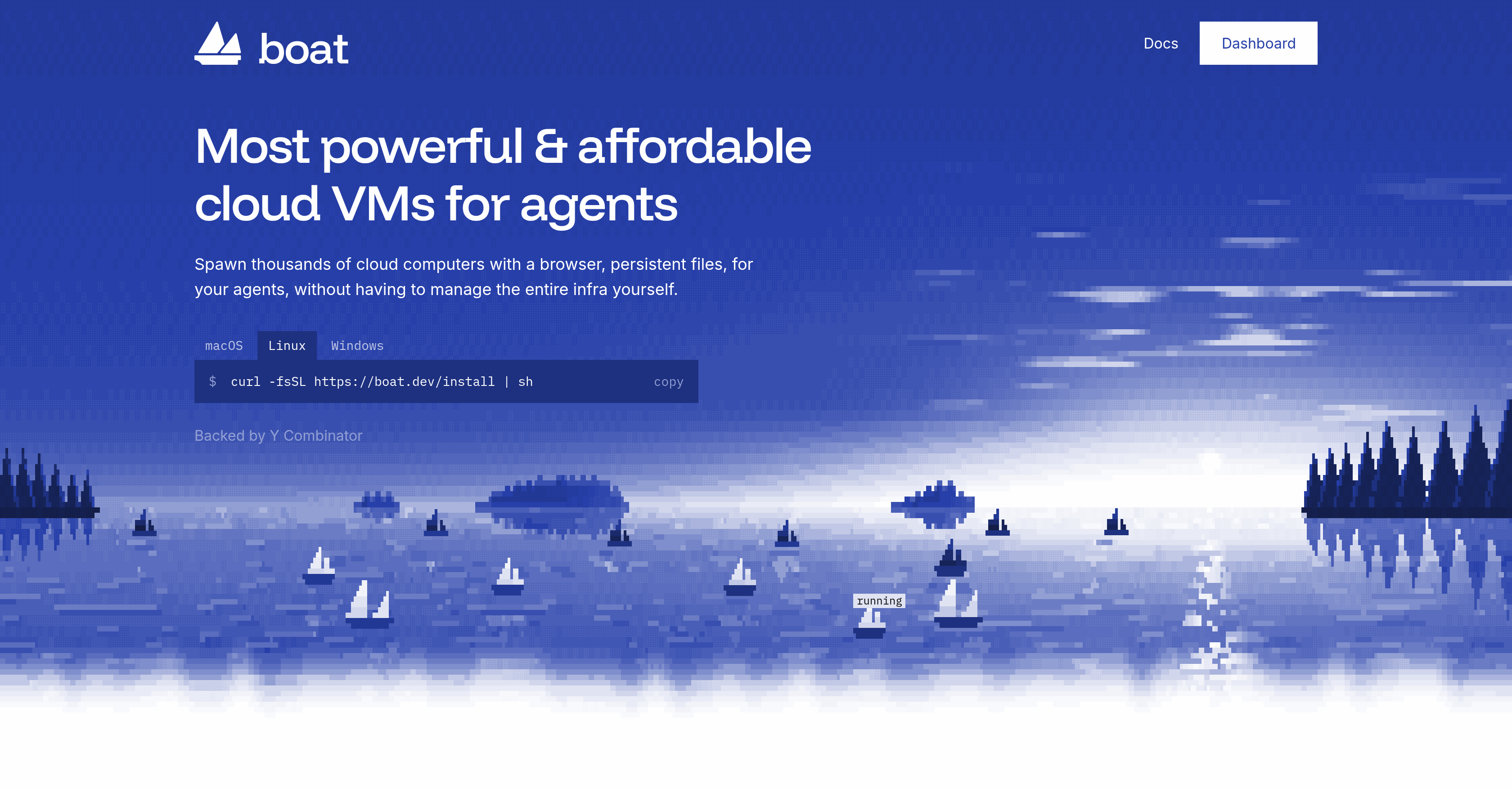
- Branch an environment into parallel copies without rebuilding it, using disk-level forking that spins up new sandboxes from the exact same file system state.
- Pick up where you left off, using persistent Ubuntu virtual machines that keep files, installed packages, and enabled systemd services intact across stop and resume.
- Pay nothing for idle cloud dev environments, using per-second billing that halts compute charges the moment a sandbox stops, plus TTL-based auto-stop and idle detection.
- Run Claude Code, Codex, and OpenCode as isolated AI agent sandboxes, with external prompt and observation controls to steer and monitor each coding agent session.
- Automate GUI and browser tasks that terminal-only sandboxes cannot handle, using a 60 fps remote Linux desktop with an integrated Chromium browser opened by a single command.
- Start coding in minutes, with Docker, VS Code, Chrome, Ghostty, GitHub CLI, Rust, Node.js, and Bun preinstalled, and full root-level freedom to add any language or agent harness.
- Scale to hundreds or thousands of concurrent sandboxes for parallel agent runs, with self-service fleets of 100 to 2,000 active machines and larger fleets by agreement.
- Wire sandbox infrastructure into any stack, using a cross-platform CLI with stable JSONL output, an HTTP API, Python and TypeScript SDKs, and webhooks for lifecycle events.
- Share a live web app or service instantly, using port forwarding that maps any sandbox port to a public HTTPS URL.
- Give teammates access without leaking credentials, using an account secrets vault that injects API keys only into approved sandboxes and no-env sandboxes for isolation.
- Keep workloads on EU infrastructure, with sandboxes running in Germany, Finland, and France.
Pros & Cons
From the listing; not yet checked by our editors.
Pros
- Disk-level snapshot forking
- Sub-second VM startup time
- Per-second billing granularity
- Zero cost when stopped
- Dedicated IPv4/IPv6 per VM
- Full Ubuntu OS environment
- Native Docker inside VM
- Systemd service support
- Built-in cron scheduler
- Integrated 60fps graphical desktop
- Preinstalled VS Code server
- Preinstalled Chrome browser
- Preinstalled GitHub CLI
- Preinstalled Rust, Node.js, Bun
- SSH and SCP access
- Port forwarding capabilities
- Persistent file system across sessions
- Fast snapshot cloning seconds
- Cross-platform CLI with JSONL output
- Stable HTTP API endpoints
- Python and TypeScript SDKs
- Webhook event notifications
- Secrets and API key management
- Team-based sandbox isolation
- Configurable TTL per sandbox
- Automatic auto-stop feature
- Fleet scaling to thousands
- EU-only data residency
- Snapshot versioning and naming
- Disk-level forking without rebuild
- Ability to run databases inside
- Supports systemd unit files
- Integrated browser for web apps
- Remote desktop streaming URL
- Command-line exec without SSH
- Inline agent prompting interface
- External harness observation hooks
- Multi-size VM options
- Billing per VM-second pool
- Free 7day trial included
- No persandbox minimum fee
- Easy CLI install script
- Markdown documentation with index
- Programmatic snapshot management API
- Seamless VM pause/resume
- Persistent network address after restart
- Fork any snapshot instantly
- Supports custom language installations
- Built-in SSH key handling
- Highperformance CPU scaling options
Cons
- EU-only data centers
- No GPU-enabled VMs
- Max 8CPU instance
- Snapshot storage incurs extra fees
- Default 1hour TTL
- Desktop streaming bandwidth limits
- No native Windows VMs
- Manual fleet scaling only
- CLI requires online connectivity
- No custom VPC networking
Alternatives to boat.dev
Tools that share the most tags with boat.dev.
- Cloud Hero AI
Eliminate cloud overspending with AI-powered audits that pinpoint idle resources and oversized instances in AWS, GCP, or Azure, enabling one-click fixes that only charge you when you save
Not listed
Not listed
Not yet checked
- Scaleway
Deploy AI models in production instantly without managing infrastructure, using Model-as-a-Service to consume models through a single API call
Not listed
Not listed
Not yet checked
- exe.dev
Pay only for the exact seconds your code runs, eliminating costs for idle time through per-second billing on Sandbox Disposable Virtual Machines.
Paid · from $20/month
$20/month
Not yet checked
- Stripe Projects
Launch your full application stack in seconds with a single command, provisioning hosting, databases, authentication, and AI services without opening a single dashboard
Not listed
Not listed
Not yet checked
- ZenoCloud
Run AI inference, fine-tuning, and model training without buying hardware, using monthly GPU capacity rentals sized for defined AI workloads.
Paid · from $19/month
$19/month
Not yet checked
- Microsoft Azure
Move legacy systems to the cloud without abandoning on-premises investments, using Azure Migrate for unified cloud migration and Azure Arc for hybrid and multicloud management.
Not listed
Not listed
Not yet checked
Reviews
Rate this tool
Loading reviews...
Frequently asked questions
What exactly is a Boat sandbox and how is it different from a regular VM?
A Boat sandbox is a fully provisioned Ubuntu virtual machine that includes SSH/SCP access, Docker, systemd, databases, cron, port forwarding, and a 60 fps graphical desktop with an integrated browser. Unlike a typical cloud VM, a sandbox offers instant snapshotting, disk‑level forking, per‑second billing that stops when the machine is paused, and pre‑installed development tools such as VS Code, Chrome, Rust, Node.js and Bun. Regular VMs usually lack fast clone, built‑in desktop, and the zero‑cost stopped state that Boat provides.
Can I SSH into a Boat sandbox on Windows, macOS, and Linux?
Yes. Boat exposes a standard SSH endpoint for each sandbox, so any SSH client on Windows, macOS, or Linux can connect using the provided IP address and credentials.
How does Boat's snapshot and fork feature work for cloning environments?
When you run boat stop, Boat creates a snapshot of the entire disk state. The snapshot can be resumed later (boat start) without additional compute charges. Forking copies the snapshot at the disk level, producing a new sandbox that starts from the exact same file system instantly, enabling rapid cloning of environments without rebuilding them.
Is Docker pre‑installed in every Boat sandbox and can I run my own containers?
Docker is installed in every sandbox out of the box. You can pull images, build containers, and run any number of user‑defined Docker containers inside the sandbox just as on a local machine.
What kind of desktop experience does Boat provide and can I open a browser inside it?
Boat provides a virtual desktop streamed at 60 fps that includes a full Ubuntu desktop environment and an integrated Chromium‑based browser. The desktop can be opened with the boat desktop command and accessed through a web URL.
How are CPU, memory, and disk sizes priced across Boat’s small, default, and large plans?
Three sizes are offered: - Small: 2 vCPU, 4 GB RAM, 12 GB disk, billed at 0.5× the default rate. - Default: 4 vCPU, 8 GB RAM, 50 GB disk, billed at 1× the default rate. - Large: 8 vCPU, 16 GB RAM, 125 GB disk, billed at 2× the default rate. The $20 monthly minimum converts to 2 000 000 VM‑seconds (~555 hours) of default‑size compute. Small sandboxes consume half that amount per hour, large consume double.
Does Boat charge me while a sandbox is stopped or paused?
No. Compute charges accrue only while a sandbox is running. When you stop or pause a sandbox, billing stops; only snapshot storage may incur a small fee.
How many compute hours do I get with the 7‑day free trial and what happens after they’re used?
The free trial grants 25 compute hours over 7 days. After the 25 hours are exhausted, the trial ends and any further usage requires a paid plan; you are then billed per second according to the selected sandbox size.