

Overview
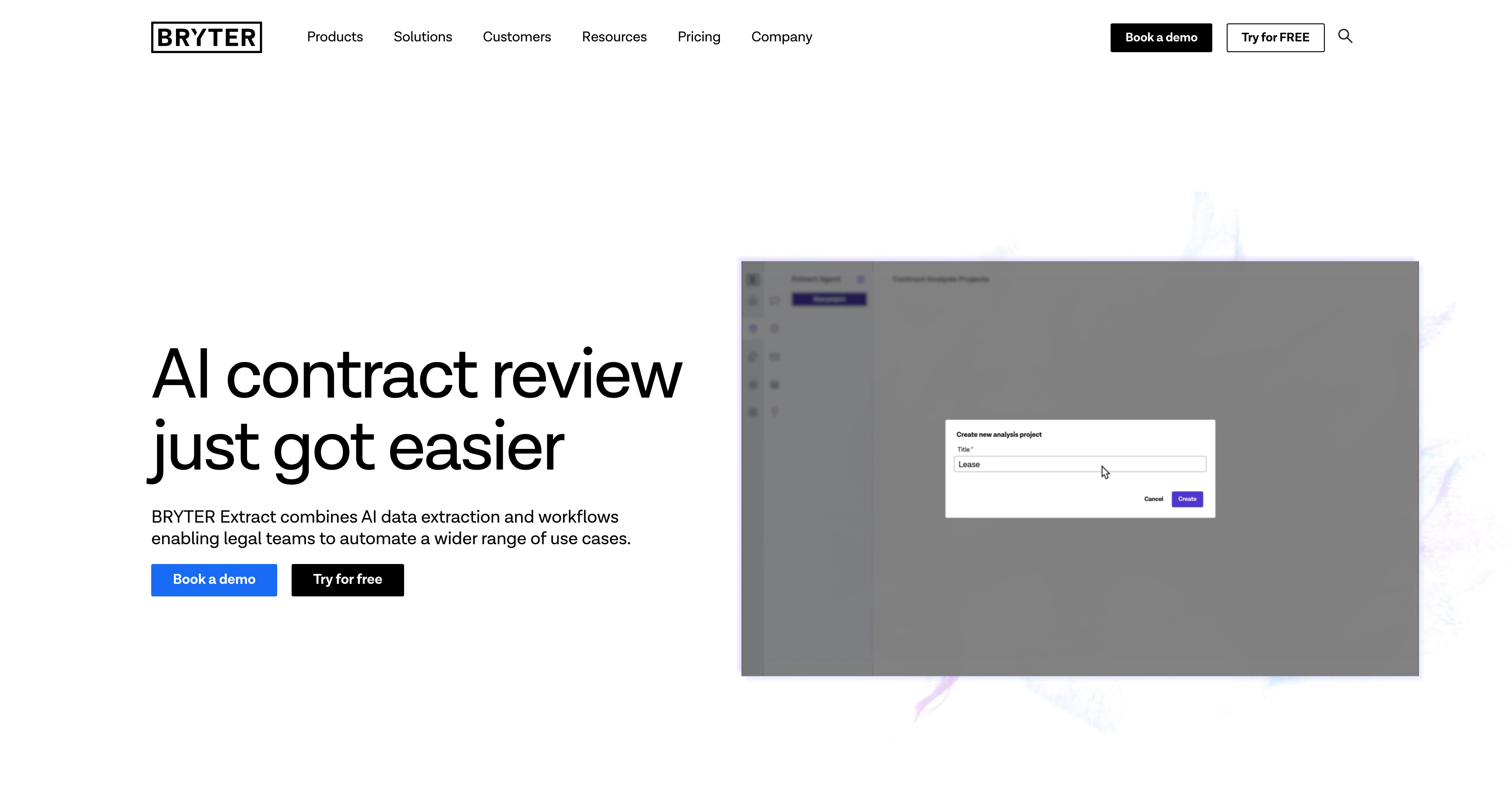
- Instantly extract specific contract terms and data points without manual review using pre-trained legal AI that works across all document types
- Automate legal workflows for calculating deadlines, generating reports, and managing approvals directly from extracted contract data
- Create new documents and contracts automatically through rule-based repapering workflows that use your extracted contract information
- Export structured contract data directly to Excel for analysis and reporting with clear links back to source document clauses
- Verify document accuracy and maintain compliance through integrated verification features that ensure reliable contract review outcomes
Pros & Cons
Pros
- Simplifies contract reviewing
- Combines data extraction and legal workflows
- Adjustable data models
- No training required
- Out-of-the-box functionality
- Applies to all document types
- Calculates dates and deadlines
- Generates reports
- Manages approval workflows
- Exports to Excel
- Document automation capabilities
- Rule-based workflows for repapering
- Pre-built extract agents
- Document generation and verification
- Streamline contract review
- Extensive use cases
- Links data to source clauses
- Offers extract in table view
- Addresses follow up questions
- Allows user-defined queries
- Automates myriad of tasks
- Triggers workflow from data
- Customizable data points
- Data integration in workflows
- Underlying clause reference for verification
- Accuracy and quality answers
- Data privacy prioritized
- Hosted on own cloud infrastructure
- SOC 2 Type II certified
- ISO27001 certified
- Massively time-saving
Cons
- No API mentioned
- Limited export options
- Pre-defined extract agents
- Primarily for post-signature contracts
- No mentioned integrations
- No out-of-box training
- No system compatibility info
- Limited to legal data
Reviews
Rate this tool
Loading reviews...
❓ Frequently Asked Questions
BRYTER Extract is an artificial intelligence tool that greatly simplifies contract review tasks within law firms and corporate organizations. It blends AI data extraction with automated legal workflows to provide an all-inclusive solution for a variety of use cases. It is predominantly centred towards post-signature contracts, allowing users to determine their queries with the terms and data points they are interested in extracting.
BRYTER Extract simplifies contract reviews by automating the process of extracting desired data and presenting it in a table format, which is directly linked to the relevant clauses in the source documents. It has a pre-trained legal AI that works across all document types and does not require any training. Therefore, it accelerates the contract reviewing process and reduces manual labour.
BRYTER Extract automates several tasks such as extracting desired data from contracts, calculating dates and deadlines, generating reports or other documents, and managing approval workflows. It also supports rule-based workflows for document automation and repapering.
Yes, BRYTER Extract is specifically designed to handle post-signature contracts. It allows users to define their queries with the terms and data points they wish to extract from these contracts.
BRYTER Extract uses its pre-trained legal AI to extract the desired data. Users can define their queries with specific terms and data points, and the AI will extract this data from the source documents. The extracted data is then presented in a table, with each data point linked to the relevant clause in the source document.
No, BRYTER Extract does not require any training to use. It's built with a proprietary, pre-trained legal AI that works out-of-the-box, ready to handle all document types.
Indeed, the data model in BRYTER Extract is highly adjustable. This feature ensures that the AI tool can cater to the unique extraction needs of different users, thus improving its efficiency and adaptability.
BRYTER Extract can trigger a range of workflows including those to calculate dates and deadlines, generate reports or other documents, manage approval workflows, and even run rule-based workflows for document automation, repapering and dealing with follow-up questions.
Absolutely. One of the functional features of BRYTER Extract is its ability to export data to Excel. This allows users to analyze and utilize the extracted data as per their requirements.
BRYTER Extract supports document automation through its rule-based workflows. It uses the data extracted from contract reviews to automate the generation of various documents, aiding in repetitive paper work or 'repapering', and managing subsequent inquiries.
In BRYTER Extract, 'repapering' refers to the process of using the extracted data in rule-based workflows to automate the generation of new documents or contracts. It can process the information and create new drafts, accelerating repetitive paperwork work.
BRYTER Extract comes with pre-built extract agents although the specific types of these extraction agents are not specified in the provided information.
The document generation feature in BRYTER Extract works using the data extracted from contracts. It leverages this data in rule-based workflows to automate the creation of new documents, accelerating the drafting process while maintaining accuracy.
Document verification in BRYTER Extract is part of its comprehensive solution to streamline contract review. The tool integrates verification to ensure that the data extracted, and documents generated are accurate and reliable.
Yes, BRYTER Extract can generate reports. This is part of the workflows it can trigger using the data extracted from contract reviews.
Yes, BRYTER Extract allows legal teams to manage approval workflows. This adds another level of automation in the contract reviewing process, making it much more efficient.
While it's not explicitly mentioned, given the level of automation offered by BRYTER Extract, it is highly likely that the tool can be integrated with other systems for seamless operations. However, the specific tools with which it can be integrated are not specified in the provided information.
To get started with BRYTER Extract, follow these steps: 1. Upload post-signature contracts and other documents. 2. Define your queries along with desired terms and data points. 3. The proprietary, pre-trained legal AI will get the requested data in a table, linked to the relevant clauses in source documents. 4. You can then export this data to Excel, or use it in rule-based workflows for document automation, repapering and addressing follow-up questions. 5. Also, you can use the data in workflows for approvals, calculations, document generation and verification.
BRYTER Extract is a time-saving solution because it automates intricate contract review tasks. It's proprietary, pre-trained legal AI does not require training and works across all document types, extracting necessary data swiftly. By calculating dates, deadlines, generating reports or other documents, managing approval workflows and using rule-based workflows for document automation and repapering, BRYTER Extract drastically cuts down the time spent on manual contract review.
BRYTER Extract is a reliable solution for the legal domain as it combines AI data extraction with automated legal workflows, tailored specifically to meet the needs of law firms and corporate organizations. With its pre-trained AI, adjustable data models, ability to handle all document types, and a plethora of functional features like report generation, approval workflows, document automation, and repapering, BRYTER Extract provides an efficient and all-inclusive legal solution.
Pricing
Pricing model
No Pricing
Related Videos
BRYTER’s Products Explained ✨
BRYTER•842 views•Nov 28, 2024













