

Car Wrap Design
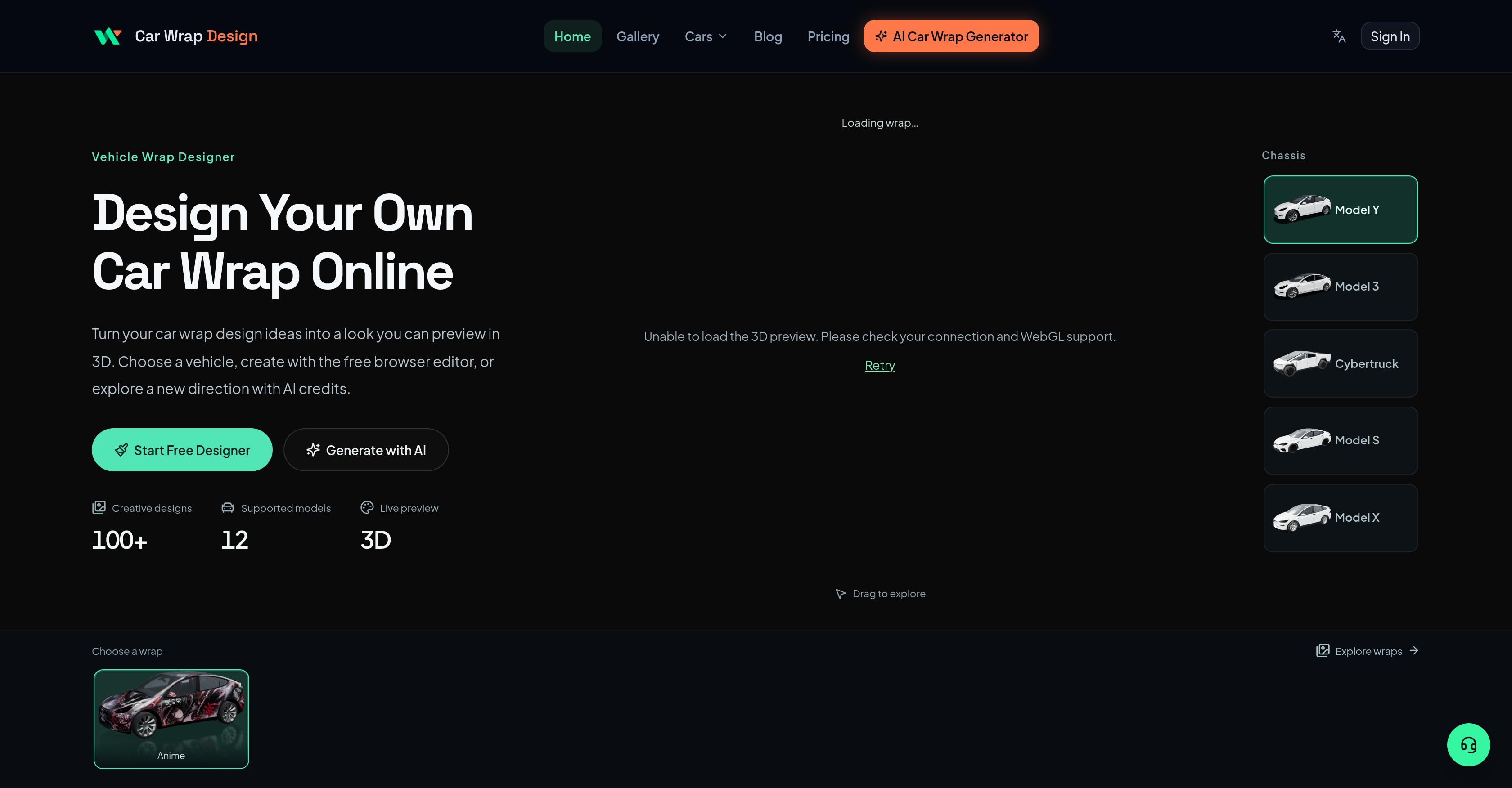
Start on a template that matches your exact Tesla body shape and panel layout by choosing the model, year, and trim, with Model 3, Model Y, Model S, Model X, and Cybertruck configurations supported.
Listing not yet reviewed by our editors · How we check
Overview
- Start on a template that matches your exact Tesla body shape and panel layout by choosing the model, year, and trim, with Model 3, Model Y, Model S, Model X, and Cybertruck configurations supported.
- Place logos, lettering, and graphics exactly where you want them using a layered wrap editor where every uploaded image, text, and shape stays independently movable, resizable, and reorderable.
- Catch problems before you pay for vinyl by rotating a 3D car wrap preview that shows graphics crossing doors, wheel arches, and panel edges, plus wording that becomes hard to read.
- Compare gloss, satin, matte, metallic, and pearlescent looks on your design side by side with built-in finish simulation for choosing a wrap direction.
- Turn a color palette, pattern, style, or mood into a full wrap concept with AI image generation, guided by an optional reference image and billed at one credit per generation.
- Design and preview your full wrap at no cost, since the flat editor and 3D viewer are free and credits apply only to AI generation.
- Find proven layout and color ideas faster by studying community gallery designs that include complete textures and mapped 3D previews, with each creator's terms checked before commercial reuse.
- Brief your wrap shop clearly by exporting a square PNG texture and capturing 3D viewer images, giving installers a concrete visual mockup to build the production file from.
- Keep design iterations organized by signing in to save projects and publish finished wraps to the gallery, then move from inspiration to editing, generation, and vehicle review without installing software.
Pros & Cons
From the listing; not yet checked by our editors.
Pros
- Vehicle-specific panel layout mapping
- Rotatable real-time 3D preview
- Separate editable layers for assets
- Five finish simulation options
- Direct PNG texture export
- No desktop installation needed
- Community gallery includes full textures
- Logo uploads as whole layers
- Detects panel edge crossing
- Supports multiple Tesla model years
- Future make expansion roadmap
- Project saving with account login
- Publish designs to community gallery
- Layer reposition, resize, reorder
- Flat editor supports colors, text
- Download viewer snapshots for shop
- Simulated metallic and pearlescent finishes
- Palette description for concept generation
- Reference image aided concept generation
- Transparent credit consumption per generation
- Instant finish type switching
- Interactive 3D chassis model
- Realistic light reflection on finishes
- Side-by-side finish comparison
- No external 3D software required
- Trim-specific vehicle catalog
- Texture maps directly onto body
- Manual and generated artwork integration
- Layer isolation prevents asset flattening
- Browser caching for faster loading
- Responsive UI for mobile browsers
- High-resolution PNG export
- Design iteration without re-uploading assets
- Quick template selection for models
- Automatic aspect ratio matching panels
- License terms shown per asset
- Seamless transition between edit and preview
- Capture 360-degree view images
- Shape drawing tools available
- Text overlay with font selection
- HEX color picker support
- Real-time smooth rotation performance
- URL shareable project links
Cons
- Tesla-only model library
- Only PNG texture export
- No vector or DXF output
- No precise fit measurements
- No custom vehicle templates
- No product-specific vinyl simulation
- No layer export functionality
- Browser performance depends on connection
Alternatives to Car Wrap Design
Tools that share the most tags with Car Wrap Design.
- Tesla Wrap Generator
Turn a rough idea or a favorite photo into a finished custom Tesla wrap design without design skills, using text descriptions or image uploads as the starting point.
Free trial · from $4.99/unit
$4.99/unit
Not yet checked
- Tesla Wrap Designer
Get a custom Tesla wrap built for your exact vehicle: a model-specific design canvas covers Model 3, Model Y, Model S, Model X and Cybertruck.
Paid · from $4.90/unit
$4.90/unit
Not yet checked
- FaceShapeDetector
Get a precise, personalized face shape analysis that goes beyond generic labels with our unique Face Shape Blend™, revealing your exact proportions like 80% Oval + 20% Heart.
Freemium · from $6.99
$6.99
Not yet checked
- Transition
Follow a training plan that automatically adjusts to your daily schedule and recovery metrics, ensuring you stay on track even when life gets busy
Paid · from $19/month
$19/month
Not yet checked
- Mixboard
Turn scattered thoughts into mature, actionable concepts by visualizing and manipulating them on an interactive AI concepting board.
Not listed
Not listed
Not yet checked
- NVIDIA Earth-2
Make strategic decisions with confidence using precise, AI-driven weather predictions that mitigate operational risks across aviation, agriculture, and marine sectors.
Not listed
Not listed
Not yet checked
Reviews
Rate this tool
Loading reviews...
Frequently asked questions
How do I select the exact Tesla model and trim in Car Wrap Design?
Select the vehicle selector, choose the Tesla model, then pick the specific year and trim; each combination loads the matching body shape and flat template.
Can I design a car wrap for free in Car Wrap Design without buying any credits?
Yes. The flat editor and 3D preview are free; only AI image generation requires credit purchase.
What does each credit cost when I generate an AI image in Car Wrap Design?
IDK
Can I edit the text or logo that’s inside an AI‑generated image in Car Wrap Design?
No. AI‑generated artwork is delivered as a single flattened image, so embedded text or logos cannot be edited separately.
How many finish types (gloss, matte, etc.) can I preview in Car Wrap Design?
Five finish types are available: gloss, satin, matte, metallic, and pearlescent.
Is the PNG I download from Car Wrap Design ready for printing or just a visual mockup?
The downloaded PNG is a visual mockup only; it is not a print‑ready installation template.
Are AI‑generated graphics in Car Wrap Design saved as separate layers or a single flattened image?
AI‑generated graphics are saved as a single flattened image, not as separate layers.
How do I move or resize a logo layer after I’ve placed it in Car Wrap Design?
Open the layer panel, select the logo layer, then drag to move it or use the corner handles to resize it; the layer remains independent of other elements.