

character.app
Turn a story idea into a finished episodic video series in one continuous workflow: the AI Director drafts the storyline, shapes the cast, and films each episode after you build your characters and world.
Listing not yet reviewed by our editors · How we check
Overview
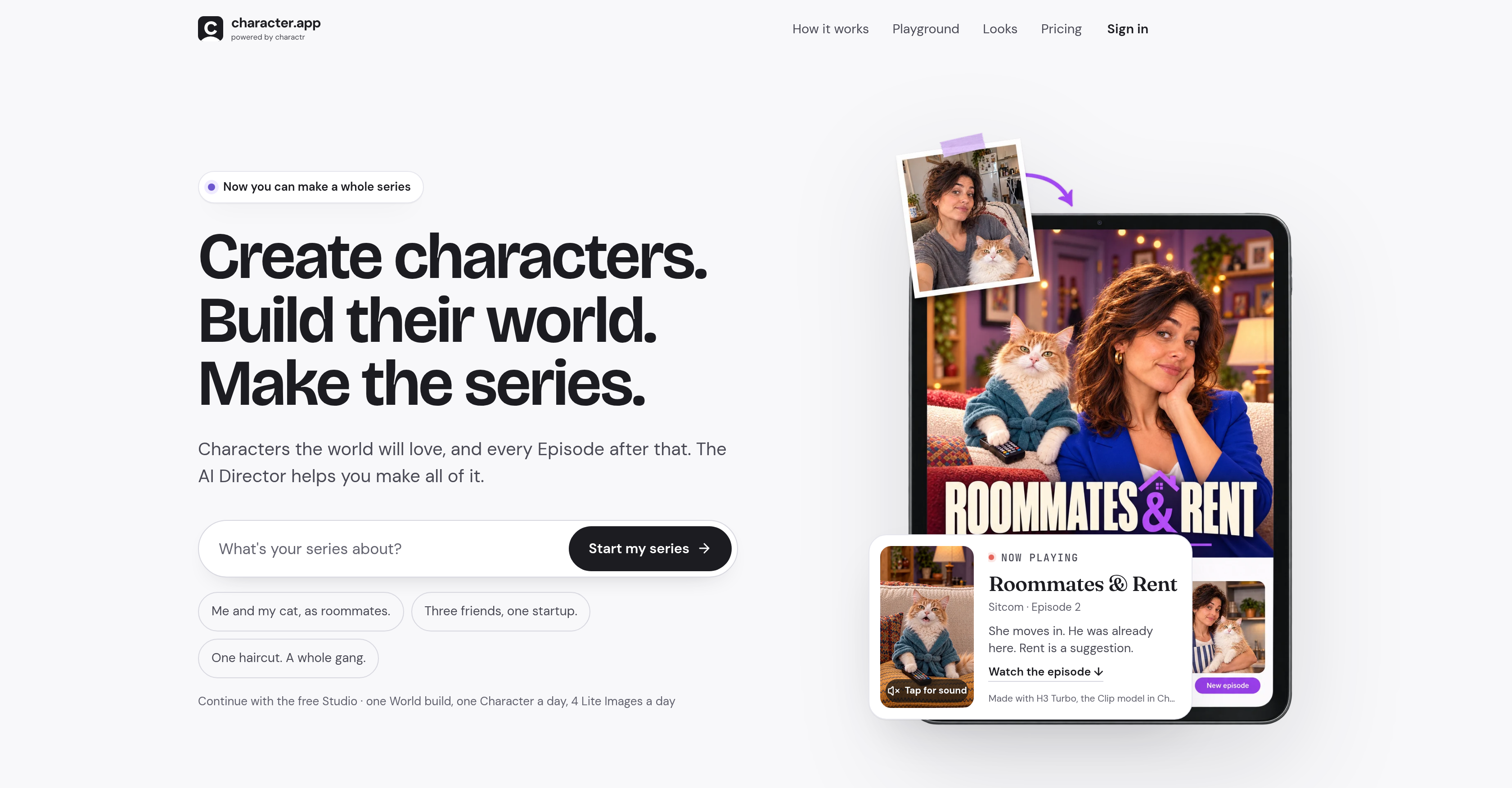
- Turn a story idea into a finished episodic video series in one continuous workflow: the AI Director drafts the storyline, shapes the cast, and films each episode after you build your characters and world.
- Keep final say over every scene: give the AI Director notes on plot, character behavior, and pacing, then sample and adjust scenes until they match your vision.
- Launch new shows without rebuilding your cast: reusable characters and costumes move between sitcoms, dramas, space adventures, and fantasy series, so genre blending and spin-offs start instantly.
- Keep your storytelling consistent from episode one: a defined world and character roster anchor every scene the AI Director generates, so your series universe holds together across episodes.
- Skip separate pre-production tools: storyboarding and scriptwriting flow straight into video creation, taking you from concept to script to footage in a single project.
- Produce promotional art and visual assets alongside your episodes: still image, graphics, and animated scene creation extend your series into thumbnails, posters, and visual storytelling beyond video.
Pros & Cons
From the listing; not yet checked by our editors.
Pros
- Assists in narrative building
- Aids in episodic content creation
- Tool for creating still images
- Characters reusable across genres
- Flexibility in storytelling
- Allows high-level creative control
- Adaptable scene sampling
- Facilitates different narrative types
- Assists in storyboard creation
- Assists in scriptwriting
- Enhances character design
- Features for animation and graphics
- Enables digital content production
- Promotes digital storytelling
- Simplifies media production
- Supports different film industries
- Facilitates visual arts
- Enhances multimedia creation
- Helps create costumes
- Can adjust scene till fit
- Supports varied visual content
- Enables structured visual narratives
- Turns ideas into video series
- Characters drawn once, kept
- Modify scene cards
- Delivers character-driven clips
- Characters reusable in any genre
- World's look adaptable
- Detailed scene notes capability
- Assistance to edit scene till perfection
- Clips and film plans
- Playground for quick images and clips
- Integrates with agent connections
- Accessible on web and iPhone
- Seamless device switch functionality
- Free Studio plan availability
- Unlimited retries in Playground
- Enables creation from sentences or photos
- Supports vertical drama creation
- Supports live action creation
- Possibility of multi-genre series
- Features voice integration for clips
- Periodic upgrade with plans and credits
Cons
- Requires constant user tweaking
- Not suitable for complex narratives
- Subscriptions model
- Limited character customization
- May reuse character design
- Limited genre support
- No multi-language support
- Irreversible storyline decisions
- No support for older operating systems
Alternatives to character.app
Tools that share the most tags with character.app.
- QingxiHub Drama
Capture audience attention immediately with hook variants designed to surface the strongest scroll-stopper for TikTok and Reels short drama content
Freemium · from $29/month
$29/month
Not yet checked
- Topview Drama Studio
Turn a single-line story idea or a full novel into a complete micro drama with script, storyboard, voiceover, subtitles, and AI-generated vertical drama videos from one text-based input.
Free trial · from $16/month
$16/month
Not yet checked
- Teleplay
Turn a single premise or uploaded script into a fully planned short drama season with Teleplay's AI short drama generator, which maps your series arc, episodes, scenes, hooks, and cliffhangers in one workspace
Paid · from $29/month
$29/month
Not yet checked
- Frameo.AI Micro Drama
Turn a short script into a finished, mobile-ready micro drama in under a minute with zero manual edits using AI script-to-video transformation
Paid · from $100/month
$100/month
Not yet checked
- DramaPilot
Generate a complete short drama from a single-line idea, moving from concept to finished narrative with AI script creation and episode production tools that output character profiles, outlines, dialogues, and narration.
Paid · from $1/unit
$1/unit
Not yet checked
- Redrama
Launch a complete short drama series without a crew, camera, or production budget. Type a logline, pick genre, style, episode count, and language, and AI scriptwriting, casting, filming, and editing deliver finished episodes.
Freemium · from $9.99/month
$9.99/month
Not yet checked
Reviews
Rate this tool
Loading reviews...
Frequently asked questions
How does Character App work?
Character App utilizes an AI Director to assist users in creating and planning video series. Users can start by building their characters and their universe. Once this is done, the AI Director assists in crafting narratives for episodic content and shaping scenes and storylines. Users have control over the narrative process and can adjust scenes to fit their vision.
What is the AI Director in Character App?
The AI Director in Character App is an intelligent tool designed to assist users in building narratives for episodic content. It helps shape scenes and storylines, including drafting the storyline and shaping the cast. Users can direct the AI Director by providing notes and specifications about how they envision their story.
How can I create characters with Character App?
Creating characters on Character App starts with a user-friendly tool designed to simplify the process. Users can begin by crafting their characters, complemented by their imaginative costumes. The characters can then be placed in different scenes to create diverse narratives.
Can I reuse characters for different video series in Character App?
Yes, one of the unique features of Character App is that it allows users to reuse characters across various genres and storylines. This feature enables a fluid and flexible approach to storytelling, allowing users to move characters from sitcoms to space adventures or fantasy narratives.
What is the process to shape a storyline in Character App?
In Character App, shaping a storyline involves utilizing the AI Director feature. The AI Director assists the user in building narratives for their content, it drafts the storyline, shapes the characters, and presides over the filming of the series. Users can provide notes, adjust the scenes and even direct the AI till the envisioned narrative is achieved.
How flexible is the storyline creation in Character App?
The storyline creation in Character App is highly flexible. Users can shape scenes and storylines with the assistance of the AI Director feature, adjusting the narrative as desired. Characters can be reused across various genres to create diverse narratives, allowing for a fluid and adaptive storytelling approach.
Can I make animations with Character App?
Yes, one of the features of Character App is that it supports the creation of animated scenes. In addition to video series, the platform also has features for creating still images, thereby extending the scope of visual storytelling.
Can I adjust scenes in Character App?
Yes, users can adjust scenes in Character App. Thanks to the AI Director feature, they are able to mould scenes to match their creative vision by giving notes. This high-level creative control means the users can sample and modify scenes until they are satisfied with the fit.