

Checkobot
Spot AI-generated and AI-edited images of any subject, from landscapes to products to people, because whole-image analysis detects the patterns AI image generators and editors leave behind regardless of what the photo shows.
Listing not yet reviewed by our editors · How we check
Overview
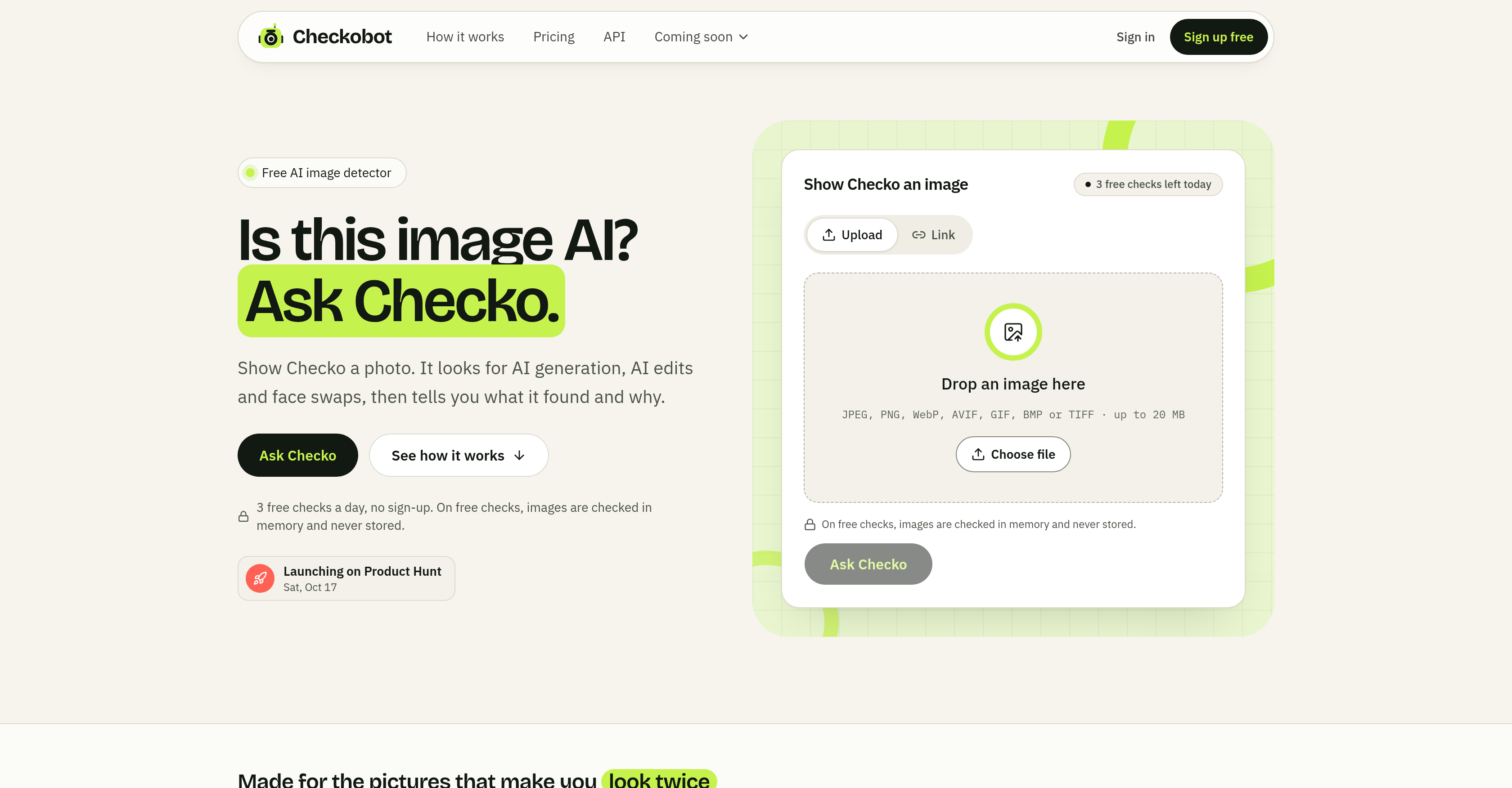
- Spot AI-generated and AI-edited images of any subject, from landscapes to products to people, because whole-image analysis detects the patterns AI image generators and editors leave behind regardless of what the photo shows.
- Stop face swaps and synthetic faces from passing identity verification during user onboarding, because face analysis examines clear faces for the seams manipulation leaves at the jaw, hairline and neck.
- Defend every authenticity call you make before publishing a fact-check, since each verdict names the detector that flagged the image and explains why in plain words.
- Verify a suspicious photo without leaving a trace, because free checks run in memory and the image is discarded immediately, and premium users can switch off private history storage.
- Get an answer the moment a questionable image arrives, with no account or signup required to run a check.
- Screen user uploads automatically and route flagged AI images to the right moderation team through API access built for platform workflows.
- Skip conversion steps and upload images as they are, with support for JPEG, PNG, WebP, AVIF, GIF, BMP and TIFF files up to 20 MB.
Pros & Cons
From the listing; not yet checked by our editors.
Pros
- Whole-image analysis
- Detailed face analysis
- Detects synthetic faces
- Detects face swaps
- Results clarify detection reasons
- Privacy focused
- Doesn't store free checks
- Premium plan private history
- Option to turn off storage
- Useful for fact-checking
- Helpful for user-upload moderation
- Assists with identity validation
- Deep learning integration
- Pattern recognition capabilities
- Intelligent image recognizer
- Photo fact-checking functionality
- Supports JPEG, PNG, WebP images
- Ideal for image manipulation detection
- Offers clear verdict statement
- Indicates which detector fired
- Doesnt call a photo 'real'
- Explains checker findings
- Modular verdict with reasoning
- Photo not stored post-check
- Useful for trust and safety teams
- Detects fully synthetic faces
- Works via Batch API
- Useful for any suspicious photo
- Useful for screening user uploads
- Catches too-perfect profile photos
- Keeps listings honest
- Checks claim photos for insurance
- API integration
- Handles many image formats
- Helpful for journalists
- Assists with onboarding processes
- Suits HR and hiring needs
- Can analyse up to 20 MB
- Reports come as shareable cards
- Processed images never stored
- Applicable in diverse industries
Cons
- Limited free checks daily
- No standalone mobile app
- Doesn't handle GIFs smoothly
- Doesn't work on non-clear faces
- Premium plan needed for storage
- No real-time analysis feature
- May lead to false positives
- Limited batch processing in API
Alternatives to Checkobot
Tools that share the most tags with Checkobot.
- IsThisImage.AI
Verify the authenticity of any image instantly by uploading JPG, PNG, or WEBP files for a deep analysis of visual patterns and textures left by AI generators.
Free trial · from $3.99/month
$3.99/month
Not yet checked
- Clever AI Detector
Identify which exact sentences in a document read as AI-generated using sentence-level signal analysis, so you can target edits where they matter most instead of rewriting entire drafts.
Free
Not listed
Not yet checked
- isgen.ai
Identify AI-written content from GPT-5, ChatGPT, Claude, Deepseek, and Gemini with pinpoint accuracy using an ensemble of AI systems trained on millions of samples
Free trial · from $8/month
$8/month
Not yet checked
- AI or Not: Text Detector
Verify authorship of any essay, cover letter, email, or news article with a clear score, verdict, and annotations showing exactly where AI writing appears
Freemium · from $19.99
$19.99
Not yet checked
- AnyImageDetector
Verify whether an image is AI-generated or human-made in seconds with a probability score and confidence label, powered by statistical signal analysis.
Free trial · from $3.19/month
$3.19/month
Not yet checked
- Know Nota
Verify academic integrity by checking drafts for signs of AI authorship with Know Nota's AI detection tool
Freemium · from $6
$6
Not yet checked
Reviews
Rate this tool
Loading reviews...
Frequently asked questions
What is Checkobot?
Checkobot is an AI tool designed to detect and analyze images for signs of manipulation or AI generation.
What are the key features of Checkobot?
Checkobot's key features include whole-image analysis and face analysis. These features allow the tool to identify patterns left behind by AI image generators and editors, and specifically look for signs of face swaps, AI edits, or synthetic faces in clear faces within an image.
How does Checkobot's whole-image analysis work?
The whole-image analysis functionality of Checkobot works by identifying patterns that are left behind by AI image generators and editors, regardless of the content of the image. This analysis involves studying every detail of an image, thus ensuring thorough detection of possible AI alterations.
How does Checkobot analyze faces for signs of AI manipulation?
Checkobot analyzes faces in images by running an in-depth investigation on clearly visible faces, looking specifically for signs of face swaps, AI edits, or synthetic faces. It seeks to identify seams that are often left by these manipulations around areas such as the jaw, hairline, and neck.
How does Checkobot handle user privacy?
Checkobot handles user privacy with great caution. It runs free checks in memory and discards the images to ensure privacy. For its premium plans, images are stored in a private user history, but the user has the ability to turn off this feature.
Can you choose not to have your images stored with Checkobot's premium plan?
Yes, users of Checkobot's premium plan can choose not to have their images stored. They have the option to turn off this feature and ensure optimal privacy.
What are some use cases for Checkobot?
Checkobot can be utilized in a variety of use cases including fact-checking for journalists, moderation of user uploads on platforms, identity validation processes in the onboarding of new users, and offering a second opinion to internet users who receive suspect images.
How can journalists utilize Checkobot for fact-checking?
Journalists can use Checkobot to verify the authenticity of images before they publish them. It can help determine whether an image has been modified or generated via AI, which is crucial in maintaining the credibility of their stories and avoiding the spread of misinformation.