

cleanup.audio
Get distraction-free recordings: AI background noise removal strips unwanted sound from your uploaded audio files automatically.
Listing not yet reviewed by our editors · How we check
Overview
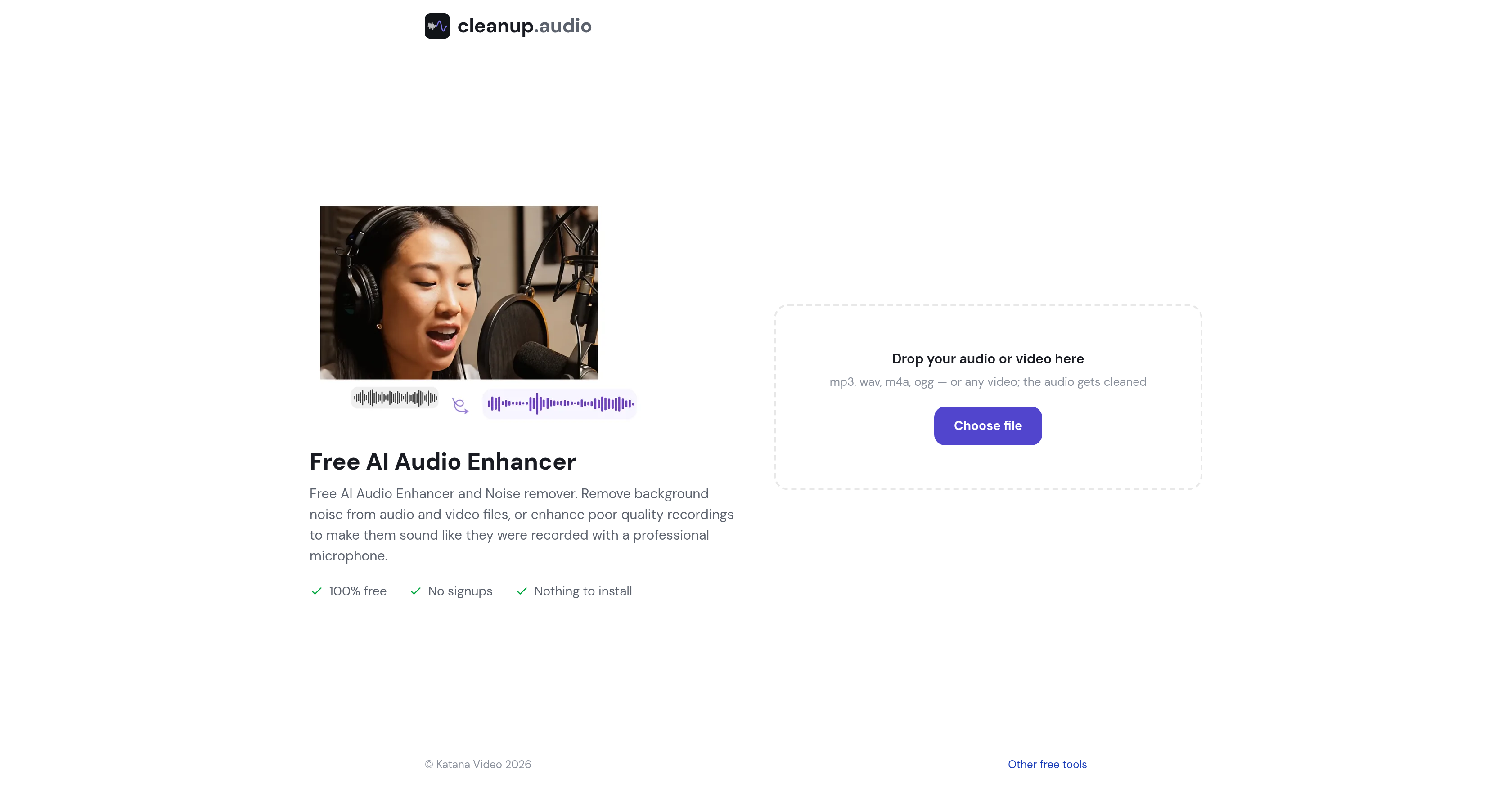
- Get distraction-free recordings: AI background noise removal strips unwanted sound from your uploaded audio files automatically.
- Rescue poor-quality recordings: AI audio enhancement makes the sound clearer, with the aim of matching audio recorded on a professional microphone.
- Fix the sound on your videos: upload a video file and the tool extracts its soundtrack and cleans the audio.
- Use files from almost any source: upload MP3, AAC, Opus, WAV, M4A, OGG and other popular audio formats, then export clean MP3 audio.
- Clean audio at zero cost: the noise remover is 100% free, with no ads and nothing to sign up for.
- Process long recordings and large batches: the tool has no usage limits and no file size limits.
- Start cleaning in seconds: drop a file onto the page or click Choose file to start, with nothing to install.
- Plan your time before processing starts: you see a processing time estimate as soon as you upload a file, and jobs typically run at 1x to 20x realtime depending on your computer and the AI model you choose.
- Check exactly how your audio is processed: the noise reduction and audio enhancement code is open source and public on GitHub.
Pros & Cons
From the listing; not yet checked by our editors.
Pros
- Cleans audio from video uploads
- Extracts video audio automatically
- Reduces background noise
- Enhances poor-quality recordings
- Targets professional-microphone-like sound
- Processes files in-browser
- No software installation required
- No account signup required
- Free without usage limits
- Free without ads
- Accepts MP3 audio
- Accepts WAV audio
- Accepts M4A audio
- Accepts OGG audio
- Supports drag-and-drop uploads
- Includes a file chooser
- Handles speech recordings
- Handles video soundtracks
- Focused on audio cleanup
Cons
- No audio editing controls
- No cleanup-setting controls
- Video processing only cleans audio
Reviews
Rate this tool
Loading reviews...
Frequently asked questions
How do I remove background noise with cleanup.audio?
Drop an audio file onto the page or select it with Choose file. cleanup.audio automatically removes background noise and enhances the recording.
Can cleanup.audio clean audio from a video file?
Yes. cleanup.audio accepts video uploads and extracts and cleans their audio.
Which audio formats can I upload to cleanup.audio?
MP3, WAV, M4A, and OGG.
Does cleanup.audio support MP4 video uploads?
IDK
How do I upload a file to cleanup.audio?
Drop the audio or video file onto the page, or use Choose file to select it.
Do I need to install anything to use cleanup.audio?
No. cleanup.audio runs in your browser and requires no installation.
Can I use cleanup.audio without creating an account?
Yes. No account signup is required.
Is cleanup.audio really free, with no ads or usage limits?
The site describes cleanup.audio as free, with no ads or usage limits.