

Cleanvoice AI Mouth Noise Remover
Stop hunting for mouth clicks one at a time: automatic mouth noise detection scans the whole recording and removes clicks across the file in minutes, with no per-recording de-click plugin tuning.
Listing not yet reviewed by our editors · How we check
Overview
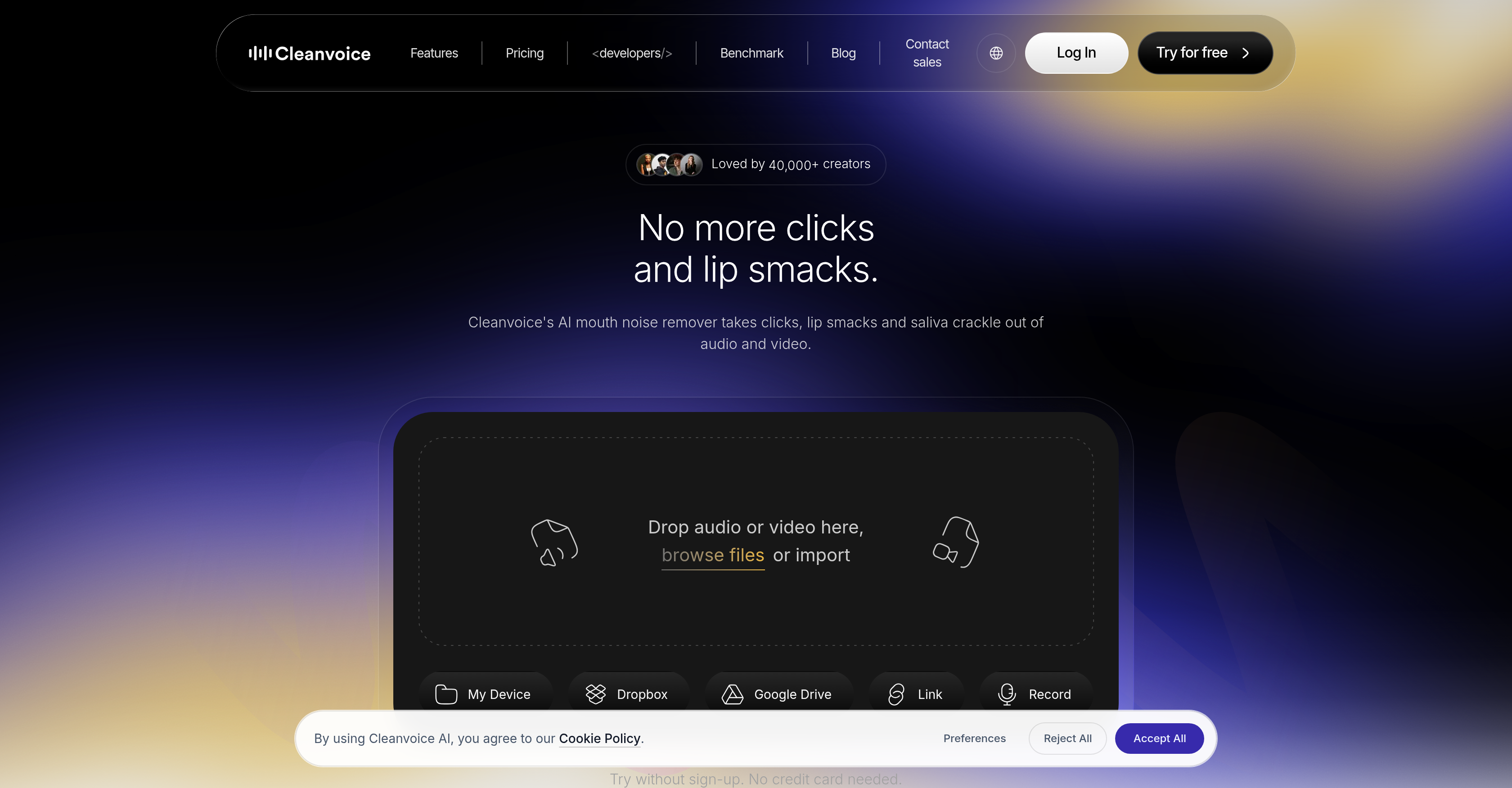
- Stop hunting for mouth clicks one at a time: automatic mouth noise detection scans the whole recording and removes clicks across the file in minutes, with no per-recording de-click plugin tuning.
- Publish distraction-free podcasts, audiobooks, and voiceovers: mouth click removal targets lip smacks, mouth clicks, saliva crackle, and the harsh part of breaths picked up by close, sensitive microphones.
- Keep every spoken word intact: clicks embedded inside words are left partly in place instead of being cut, so your speech never sounds chopped or damaged.
- Decide how much breathing stays in your voice track: mouth-sound removal softens only harsh breaths, while a separate breath-removal option clears audible breathing when you want it gone.
- Clean dialogue straight from your video projects: upload MP4, MOV, or WebM and the audio is processed, alongside support for WAV, MP3, M4A, FLAC, OGG, and AAC files.
- Fix multi-guest interviews without re-aligning tracks: multitrack processing removes mouth noises across every track and keeps all files synchronized.
- Clean full-length lectures, courses, and audiobook chapters in a single upload: account holders get files up to 3 GB each, 8 GB for multitrack uploads, and no length limit.
- Hear the results on your own recording before you commit: 30 free minutes of audio processing, with no sign-up or credit card required.
- Build mouth noise removal into your own editing pipeline: the audio-editing API's mouth_sounds flag removes clicks and lip smacks in the same pass as filler words and silences.
- Keep your recordings from sitting on servers indefinitely: original and edited files are permanently deleted after 7 days.
Pros & Cons
From the listing; not yet checked by our editors.
Pros
- Lip-smack removal
- Mouth-click removal
- Saliva-crackle removal
- Harsh-breath sound removal
- Processes all multitrack tracks
- Keeps multitrack files synchronized
- Processes audio from video
- Supports WAV, MP3, M4A
- Supports FLAC, OGG, AAC
- Supports MP4, MOV, WebM
- No recording-length limit
- Handles files up to 3 GB
- 8 GB multitrack upload limit
- API mouth-sound flag
- Combines mouth cleanup with filler removal
- Combines mouth cleanup with silence removal
- Separate audible-breath removal option
- No manual sound locating
- Automated upload-to-download workflow
- Results generally ready within minutes
- Try without creating an account
- No credit card required
- 30 free processing minutes
- Seven-day file retention
- Download or export cleaned files
Cons
- Embedded clicks may remain
- Chewing may go undetected
- Audible breaths need separate removal
- Video processing cleans audio only
- Files deleted after seven days
- Account uploads capped at 3 GB
- Multitrack uploads capped at 8 GB
- Processed audio needs listening review
Reviews
Rate this tool
Loading reviews...
Frequently asked questions
How do I remove mouth clicks with Cleanvoice AI Mouth Noise Remover?
Upload your audio file, turn on mouth-sound removal, and start processing. Cleanvoice AI analyzes the recording and prepares a cleaned file to download or export.
Which mouth sounds can Cleanvoice AI Mouth Noise Remover remove?
Cleanvoice AI targets lip smacks, mouth clicks, saliva crackle, and the harsh part of breaths.
Does Cleanvoice AI Mouth Noise Remover remove audible breathing?
Mouth-sound removal handles only the harsh part of breaths. To remove audible breathing, enable the separate breath-removal option.
Can Cleanvoice AI Mouth Noise Remover clean audio from a video?
Yes. Upload a video file, and Cleanvoice AI processes its audio to remove mouth sounds.
Which audio and video formats does Cleanvoice AI Mouth Noise Remover support?
It supports common formats including WAV, MP3, M4A, FLAC, OGG, AAC, MP4, MOV, and WebM.
Can Cleanvoice AI Mouth Noise Remover process multitrack recordings and keep tracks synchronized?
Yes. Cleanvoice AI removes mouth noises across multitrack recordings and keeps the files synchronized.
How long does Cleanvoice AI Mouth Noise Remover take to process a recording?
Processing generally finishes within minutes.
Can I try Cleanvoice AI Mouth Noise Remover without signing up or entering a credit card?
Yes. You can try Cleanvoice AI without signing up or providing a credit card.