

Clip-Short
Launch a faceless TikTok, Reels or YouTube Shorts channel without filming, writing or editing: type one sentence and get a finished vertical video with AI script, scene visuals or stock footage, voiceover, word-by-word captions and background music.
Listing not yet reviewed by our editors · How we check
Overview
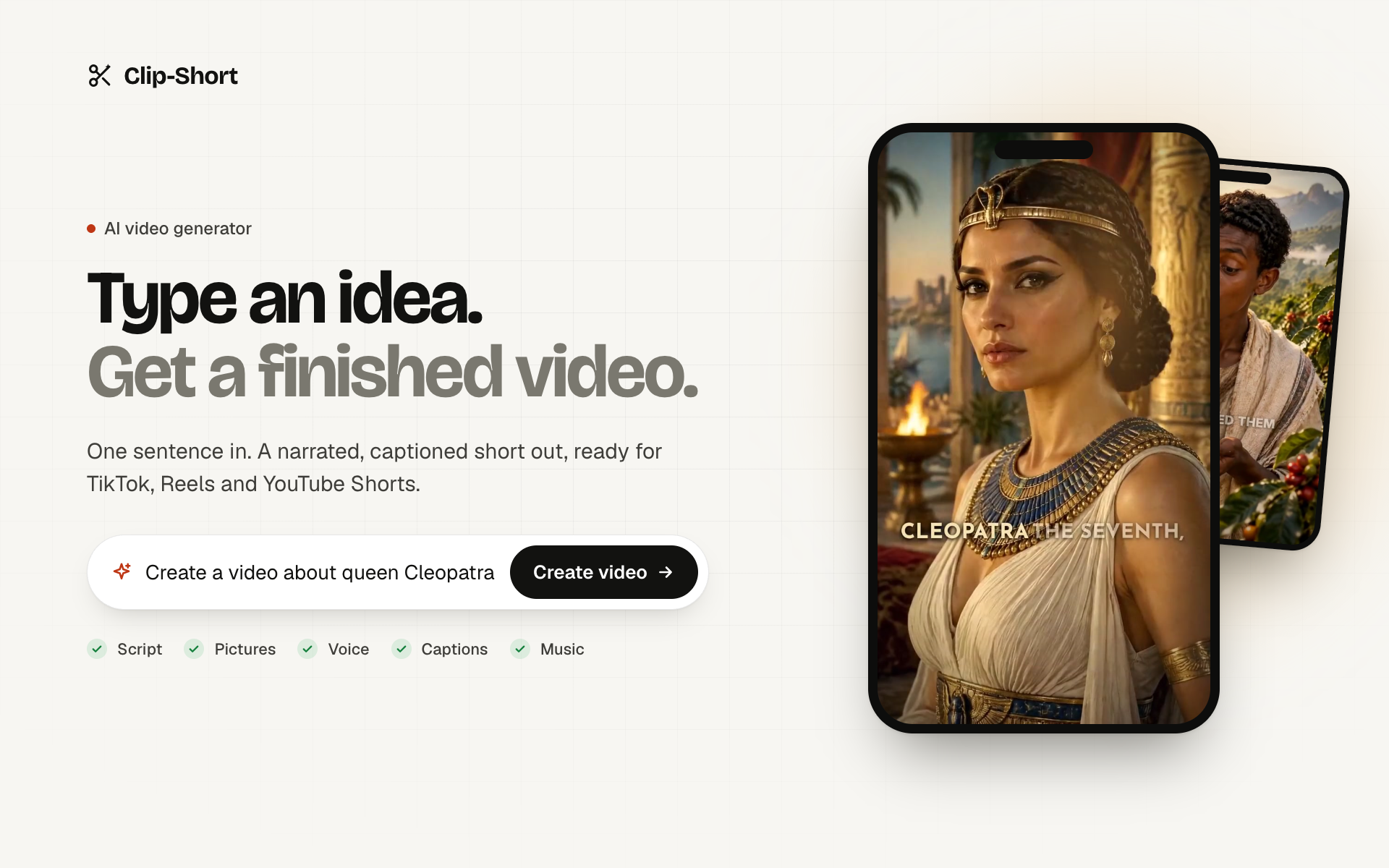
- Launch a faceless TikTok, Reels or YouTube Shorts channel without filming, writing or editing: type one sentence and get a finished vertical video with AI script, scene visuals or stock footage, voiceover, word-by-word captions and background music.
- Fix a weak hook or slow scene in seconds by describing the change in plain words to the built-in video agent, or take full control in the timeline editor.
- Reach Spanish, Portuguese, Arabic, Hindi, Turkish, French and German audiences from the same idea with AI narration in 30 languages and captions that match the voiceover.
- Give every short a recognizable, on-brand look with 25 visual styles, from cinematic and realistic to anime and 3D, applied consistently across every scene.
- Run recurring history, horror, facts or finance series that viewers follow episode after episode, with characters, look and voice kept identical and new episodes drafted on your schedule for review, plus videos up to 10 minutes on Pro.
- Repurpose podcasts, streams, interviews and YouTube videos into viral clips with AI clipping that finds the best moments, reframes around the speaker, adds captions and exports in 9:16, 1:1, 4:5 or 16:9.
- Keep your personal voice on faceless content by recording one sentence and letting your own voice narrate your AI videos on paid plans.
- Post to each platform without writing captions from scratch, using ready-made post text for every network and email reminders when it is time to publish.
- Test a new niche for the price of a coffee with one AI video for US$1.99, no subscription, local-currency pricing in Latin America, Turkey and the euro area, and 1 free hour of AI clipping each month with no card.
- Sell short-form video to clients with full commercial use rights and watermark-free exports on every paid video.
Pros & Cons
From the listing; not yet checked by our editors.
Pros
- Finished video from one sentence
- Edit any part by chat or in a full editor
- Narration in 30 languages
- 25 visual styles with one consistent look
- Word-by-word captions and music included
- Series with recurring characters
- Clips long videos, reframed around the speaker
- One video for US$1.99, no subscription
- Prices in local currency across Latin America and Europe
- No watermark on paid videos
Cons
- No free AI video: the free plan covers clipping only
- A one-video purchase is up to 3 minutes (Pro goes up to 10)
- No direct posting to TikTok or YouTube yet
Alternatives to Clip-Short
Tools that share the most tags with Clip-Short.
- Korpi AI
Create professional viral videos without any editing skills using an automated three-step process
Paid · from $7.75/month
$7.75/month
Not yet checked
- aicut
Generate daily video content without filming or showing your face using AI-powered text-to-video conversion
Paid · from $15.99/month
$15.99/month
Not yet checked
- AutoShorts.ai
Launch a faceless TikTok channel without filming or appearing on camera using AI-driven video creation from any topic
Free trial · from $19/month
$19/month
Not yet checked
- Noodle Tomato
Earn $5 to $12 per 1,000 views with long-form faceless YouTube videos, roughly 60 times more than Shorts, by generating content optimized for high watch time
Paid · from $149/month
$149/month
Not yet checked
- Videoinu
Launch professional videos without appearing on camera using AI that transforms your ideas into visual content
Freemium · from $9.99/month
$9.99/month
Not yet checked
- AutoReels
Maintain complete privacy while creating engaging content through faceless video production that never requires showing your face
Paid · from $19/month
$19/month
Not yet checked
Reviews
Rate this tool
Loading reviews...
Frequently asked questions
How does Clip-Short turn an idea into a video?
Clip-Short 🛠️ 1 tool wrote:Type one sentence. The AI writes the script, draws every scene in one consistent style or picks stock footage, records the narration, adds word-by-word captions and music, and edits it all into a vertical video ready for TikTok, Instagram Reels and YouTube Shorts. It takes a few minutes.
Can I change the video after it is made?
Clip-Short 🛠️ 1 tool wrote:Yes. Ask the built-in video agent for any change in your own words, such as a new hook, a shorter scene, another voice, a title card or different music, or open the full timeline editor and change it yourself.
Which languages can the narration be in?
Clip-Short 🛠️ 1 tool wrote:30 narration languages, including English, Spanish, Portuguese, Arabic, Hindi, Turkish, French and German. The captions are in the same language as the narration.
How long can a video be?
Clip-Short 🛠️ 1 tool wrote:A video bought on its own can be up to 3 minutes. On Pro, a video can be up to 10 minutes.
How much does Clip-Short cost?
Clip-Short 🛠️ 1 tool wrote:One AI video is US$1.99, paid once with no subscription, or 3 videos for US$5.99. Pro starts at US$19 a month for 10 AI videos and 5 hours of clipping. Prices are shown in local currency in Mexico, Brazil, Colombia, Chile, Peru, Turkey and the euro area.
Is there a free plan?
Clip-Short 🛠️ 1 tool wrote:Yes, for AI clipping: 1 hour a month, with no card needed. AI videos made from an idea are paid, starting at US$1.99 for one.
Do the videos have a watermark?
Clip-Short 🛠️ 1 tool wrote:Paid videos have no watermark. Exports on the free clipping plan carry a small Clip-Short mark.
Can I use the videos commercially?
Clip-Short 🛠️ 1 tool wrote:Yes. The videos you make are yours to post and to use for clients. Whether a platform such as YouTube or TikTok pays for a video is up to that platform.