

Cloudish
Go from zero to a live deployment in one request: an agent creates its own API key without signup forms, email verification, or a payment card, and every new key starts with free credit.
Listing not yet reviewed by our editors · How we check
Overview
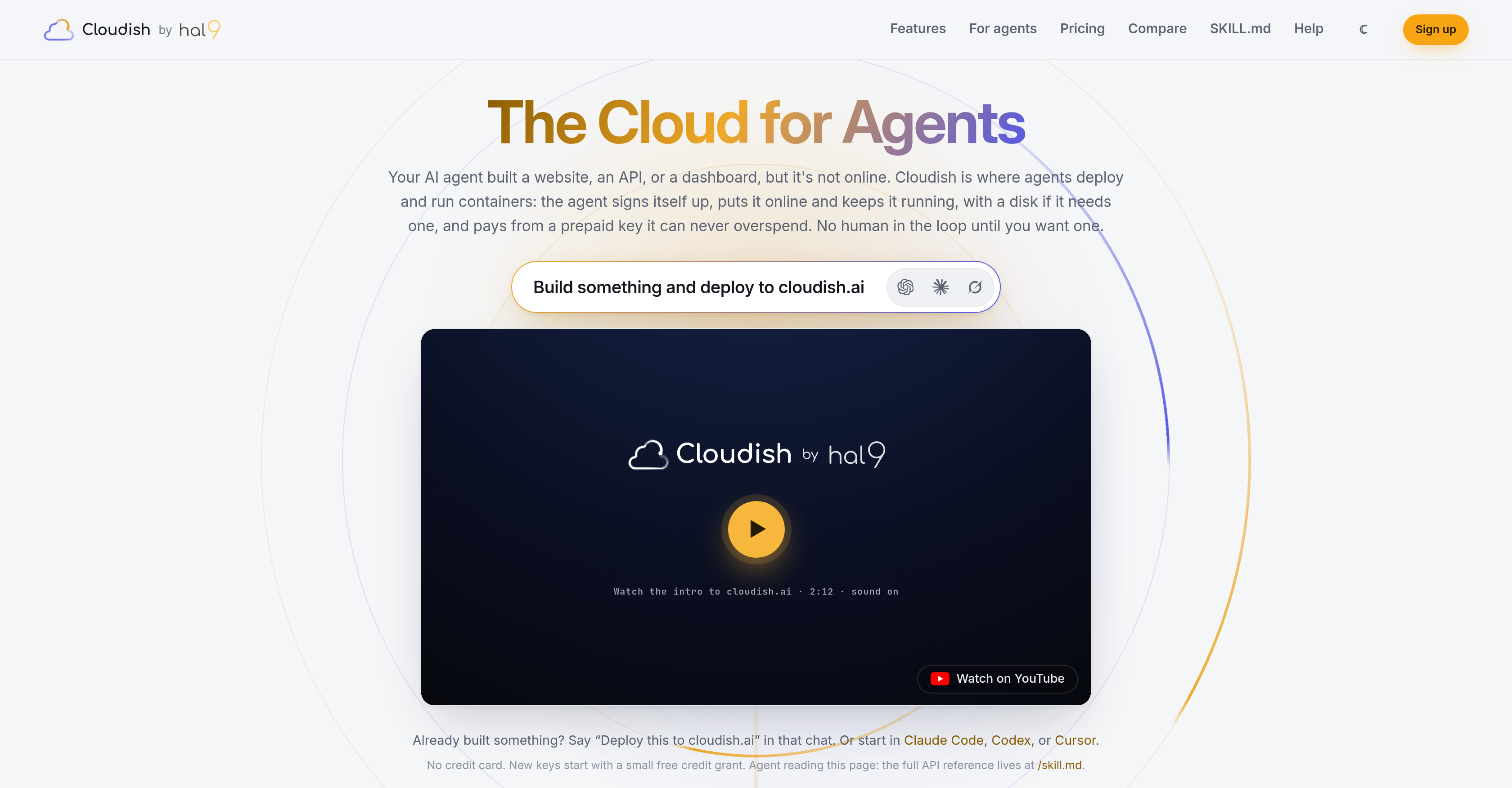
- Go from zero to a live deployment in one request: an agent creates its own API key without signup forms, email verification, or a payment card, and every new key starts with free credit.
- Ship straight from the coding agent you already use: ask Claude Code, Codex, Cursor, Claude, or ChatGPT (via plugin) to deploy, and get back a public HTTPS URL plus a claim link.
- Deploy containerized apps without installing Docker locally: Cloudish builds server-side from your Dockerfile or source folder, or runs an existing container image reference you submit.
- Run any language or framework you can containerize, from Express to FastAPI, with no framework presets limiting what you build.
- Keep long-running workloads alive with no function execution timeouts, so websites, APIs, bots, background workers, WebSocket services, and Model Context Protocol (MCP) servers stay online.
- Launch on a production-ready address immediately: every app gets its own subdomain with a managed TLS certificate, and custom domains go live with HTTPS after a single DNS record verification.
- Keep app data intact across restarts, redeployments, and idle sleep by attaching an optional persistent volume that is also retained when a key runs out of credits.
- Protect API keys and credentials with per-project environment secrets that are encrypted at rest, injected at runtime, and never returned by listing operations.
- Add user login to your hosted app without building authentication yourself, using the optional OpenID Connect provider backed by Auth0.
- Pay only for actual runtime with prepaid credits metered by the second (one credit equals one US dollar), and stop idle spend by letting apps sleep after 15 minutes without requests and wake on the next one.
- Put a hard ceiling on agent spending: each key is limited to its own balance, and parent keys fund child keys with capped credit transfers, so no runaway cloud bills.
- Automate deployment pipelines reliably by polling each project's deployment status to confirm whether it is building, running, or failed.
- Hand agent-built projects to a human owner in one click: claiming the deployment link opens a dashboard with project status, builds, logs, and credits, while the agent's API key keeps working unchanged.
Pros & Cons
From the listing; not yet checked by our editors.
Pros
- Unauthenticated agent key creation
- No signup or email verification
- No payment card required
- Server-side Dockerfile builds
- Deploy existing container images
- Single-call project creation and deployment
- Pollable build lifecycle status
- Public HTTPS subdomain per app
- Managed TLS certificates
- DNS-verified custom domains
- Automatic custom-domain certificate issuance
- Persistent per-project disk volumes
- Volumes survive redeployments
- Volumes retained after credit exhaustion
- Idle sleep with request wakeup
- Configurable always-on or sleeping apps
- No function execution timeouts
- Supports WebSocket services
- Long-running background workers
- MCP server hosting
- Encrypted per-project environment secrets
- Secrets injected only at runtime
- Secrets omitted from listings
- Built-in OpenID Connect provider
- Claimable dashboard after deployment
- Dashboard shows build logs
- Per-second prepaid metering
- Per-key hard spending limits
- Containers stop at zero balance
- Free starting key credit
- Credit transfers between keys
- Parent-funded agent subkeys
- Child-key balance caps
- Agent key survives project claim
- Self-documenting live API skill
- Direct HTTP API deployment
- Builds from source folders
- Build-failure diagnostic logs
- No local Docker daemon needed
- Credits land on existing key
Cons
- Containers stop when credits run out
- Deployments rejected at zero balance
- Dashboard requires claiming a deployment
- Persistent volumes are opt-in
- Custom domains require DNS verification
- Secrets are never returned by listings
- Apps may sleep when idle
Alternatives to Cloudish
Tools that share the most tags with Cloudish.
- Medjed AI
Launch powerful GPU clusters in minutes without vendor lock-in or hidden fees, using our cloud-based GPU infrastructure for immediate project start.
Paid · from $2.69/unit
$2.69/unit
Not yet checked
- FaceShapeDetector
Get a precise, personalized face shape analysis that goes beyond generic labels with our unique Face Shape Blend™, revealing your exact proportions like 80% Oval + 20% Heart.
Freemium · from $6.99
$6.99
Not yet checked
- Transition
Follow a training plan that automatically adjusts to your daily schedule and recovery metrics, ensuring you stay on track even when life gets busy
Paid · from $19/month
$19/month
Not yet checked
- Mixboard
Turn scattered thoughts into mature, actionable concepts by visualizing and manipulating them on an interactive AI concepting board.
Not listed
Not listed
Not yet checked
- NVIDIA Earth-2
Make strategic decisions with confidence using precise, AI-driven weather predictions that mitigate operational risks across aviation, agriculture, and marine sectors.
Not listed
Not listed
Not yet checked
- Engain
Turn Reddit into a repeatable organic traffic channel instead of a gamble by finding and engaging in high-intent discussions that already rank on Google or where users are actively seeking solutions.
Freemium · from $79/month
$79/month
Not yet checked
Reviews
Rate this tool
Loading reviews...
Frequently asked questions
How do I deploy a project to Cloudish from Claude Code or Codex?
In Claude Code or Codex, open the project and ask, “Deploy this to cloudish.ai.” The agent creates an API key, submits the source build context or image to Cloudish, and deploys it. It returns a live URL and a claim link.
Can Cloudish build my app from a source folder without Docker installed on my computer?
Yes. Cloudish builds server-side from a source folder or Dockerfile, so you do not need Docker installed locally.
Can I deploy an existing Docker image to Cloudish instead of uploading source code?
Yes. Submit an existing container image reference to Cloudish instead of source code.
Which languages and frameworks can I run on Cloudish?
Cloudish runs containerized apps, so you can use the language or framework packaged in your container. It has no framework preset; examples include Express and FastAPI.
Can Cloudish host long-running workers, WebSockets, and MCP servers?
Yes. Cloudish supports long-running workers, WebSocket services, and MCP servers without function execution timeouts.
Will my Cloudish app sleep when idle, and how long does it take to wake up?
Apps can stay active or sleep when idle. The stated default is to sleep after 15 minutes without requests; a later request wakes the app. The wake-up time is not specified.
How do I make data persist across Cloudish restarts and redeployments?
Enable an optional persistent volume for the project. Its data survives restarts, redeployments, and sleeping.
Are Cloudish environment secrets encrypted and hidden from API responses?
Yes. Cloudish encrypts per-project environment secrets at rest, injects them at runtime, and does not return them in listing operations.