

Overview
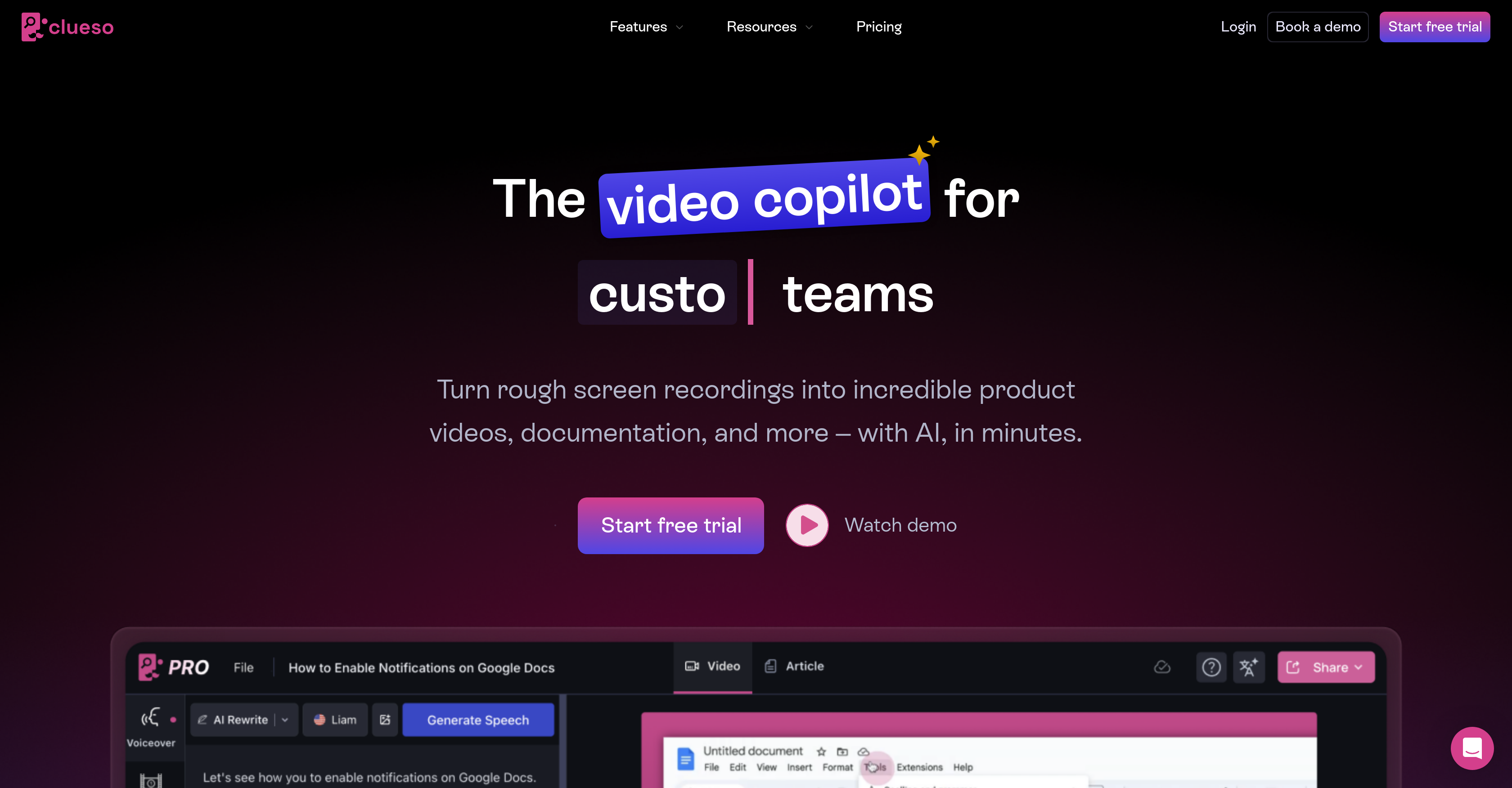
- Turn rough screen recordings into studio-quality product videos instantly with AI-powered video transformation
- Create comprehensive step-by-step guides and training modules from simple recordings for faster content production
- Translate videos and documents into 37+ languages with one-click translation for global team alignment
- Add professional AI voiceovers in multiple accents without recording equipment through text-to-speech conversion
- Remove filler words and tighten content seamlessly with text-like voice editing capabilities
- Convert static slides into engaging videos automatically using slide-to-video transformation
- Highlight key features with smart zoom effects and annotations for clearer instructional content
- Protect sensitive information by automatically blurring confidential data in videos
- Maintain brand consistency across all content with custom templates, logos, and backgrounds
- Build custom help centers with integrated videos and documentation for centralized knowledge management
Pros & Cons
Pros
- Transforms screen recordings to videos
- Creates comprehensive documentation quickly
- One click translations
- Custom help centers creation
- Adds professional voiceovers to videos
- Static slides to videos conversion
- Text-like editing of voice
- Removal of unnecessary filler words
- Supports 37+ languages for translation
- Zoom effects to highlight features
- Offers visual effects
- Blurs sensitive information
- Highlights important parts of videos
- Adds backgrounds and logos
- Branding with custom templates
- Useful for customer education
- Useful for product marketing
- Supports customer support
- Supports sales enablement
- Can onboard developers
- Streamlines internal processes
- Simplifies professional video creation
- Creates documentations effectively
- Supports several use cases
- Improves digital content distribution
- Voiceover feature
- Video editing
- eLearning support
- Language translation
- Automated workflow
- Supports multimedia
- Supports screen recording
- Guide creation
- Multilingual support
- Visual Effects
- Custom Templates
- Allows post-recording edits
- Creates documentation from screen-recordings
- Translates content into 37+ languages
- Super easy to use
- Blurs sensitive information in videos
- Responsive team on chat and Slack
- Exports to MP4
- Publishes videos to YouTube
- Generates view-only links
- Generates rich text, HTML, markdown docs
- Creates onboarding materials
- Updates product videos dynamically
Cons
- Limited voice editing options
- Unclear multilingual translation quality
- No live voiceover support
- Lack of advanced video effects
- No Non-linear editing
- Limited template customization
- Limited export formats
- Lacks real-time collaboration features
- No support for 3D animation
- No timeline-based editing
Reviews
Rate this tool
Loading reviews...
❓ Frequently Asked Questions
Clueso is an artificial intelligence-driven tool designed to assist teams in creating step-by-step guides, instructional videos, and training modules. It excels at transforming rough screen recordings into professional-quality product videos and detailed documentation within a short duration.
Clueso utilizes AI to convert screen recordings into high-quality videos and comprehensive documents. AI also powers its one-click translation feature, voice editing capability, and the transformation of text into professional voiceovers in various accents. Furthermore, AI automates the task of adding zoom effects, visual effects, and blurring sensitive information in videos.
Clueso's key features include one-click video and document translation, building of custom help centers, addition of professional voiceovers to videos, ability to convert static slides to videos, voice editing like text, and AI-based transformation of personal narration into professional voiceovers. It also boasts visual effects like annotations, blurring sensitive information, highlighting critical sections, and video branding with customized templates and logos.
Clueso uses artificial intelligence to transform screen recordings into product videos. It swiftly turns raw recordings into videos of studio quality, allowing for post-recording edits, adding visual effects including zoom, annotations, blurring sensitive information and highlighting key parts.
Yes, Clueso provides the feature to add professional voiceovers to videos. This function transforms personal narration into studio-quality AI voiceovers in a variety of accents, delivering a professional touch to the videos.
Clueso effectively assists in instructional design by creating enlightening step-by-step guides and videos. It allows for the production of high-quality instructional content that can be translated in over 37 languages, given professional voiceovers, and be equipped with custom visual elements like zoom effects and annotations.
Yes, with Clueso, static slides can be converted into videos. This function enhances content engagement by adding a dynamic visual element to otherwise static presentations.
Clueso can translate voice and captions into more than 37 languages. It does so with an one-click feature, which significantly enhances the efficiency and reach of content to different regions and linguistic groups.
Yes, Clueso offers smart zoom effects to highlight key features in videos. These zoom effects draw attention to essential parts of the video, making the content more engaging and understandable for the viewers.
Yes, Clueso allows the blurring of sensitive information in videos. This ensures privacy and confidentiality are maintained by hiding crucial data, thereby enhancing security in content sharing.
Yes, Clueso facilitates adding of logos and custom templates to the videos for branding. This feature allows teams to keep their videos in line with their branding guidelines, maintaining consistency and increasing brand recognition.
Absolutely, Clueso is designed for a range of uses including customer education. It can create engaging product videos and comprehensive guides, fostering better product understanding and customer engagement.
Yes, Clueso can be effectively utilized for product marketing. By creating high-quality videos, it helps in showcasing new features and capabilities of a product, making it an excellent tool for marketing campaigns.
In terms of customer support, Clueso can help by creating visual documentation that reduces support queries. It builds step-by-step guides and how-to videos that can be incorporated into a support knowledge base to assist customers.
Indeed, Clueso supports sales enablement by enabling the creation of polished demo videos. These videos can expedite the sales process by providing quick product updates and explanations of internal processes to the sales team.
Clueso offers comprehensive features for learning and development. It serves as a tool for creating training content and reusable onboarding materials that help bring new hires up to speed.
Yes, Clueso proves useful for developer onboarding by streamlining the addressing of complex tooling and implementation with digestible tutorials and guides. Therefore, it can effectively hasten the onboarding process for developers.
Clueso aids in streamlining internal processes by documenting team workflows with easy-to-follow articles and videos. This makes it easier for teams to understand and follow internal processes, thereby improving efficiency.
Clueso is indeed a comprehensive solution aimed at improving the creation and distribution of digital content. With capabilities like creating professional videos, step-by-step articles, help centers, and one-click translation, it simplifies content creation process across teams.
Clueso offers a variety of visual effects that can be added to videos. These include annotations, smart zoom effects for highlighting key features, blurring for concealing sensitive information, and the ability to highlight important sections. These effects contribute to creating engaging and informative videos.
Pricing
Pricing model
Free Trial
Paid options from
$120/month
Billing frequency
Monthly
Related Videos
Introducing Avatars in Clueso
Clueso•150 views•Oct 21, 2025















