
ContractMaker
Overview
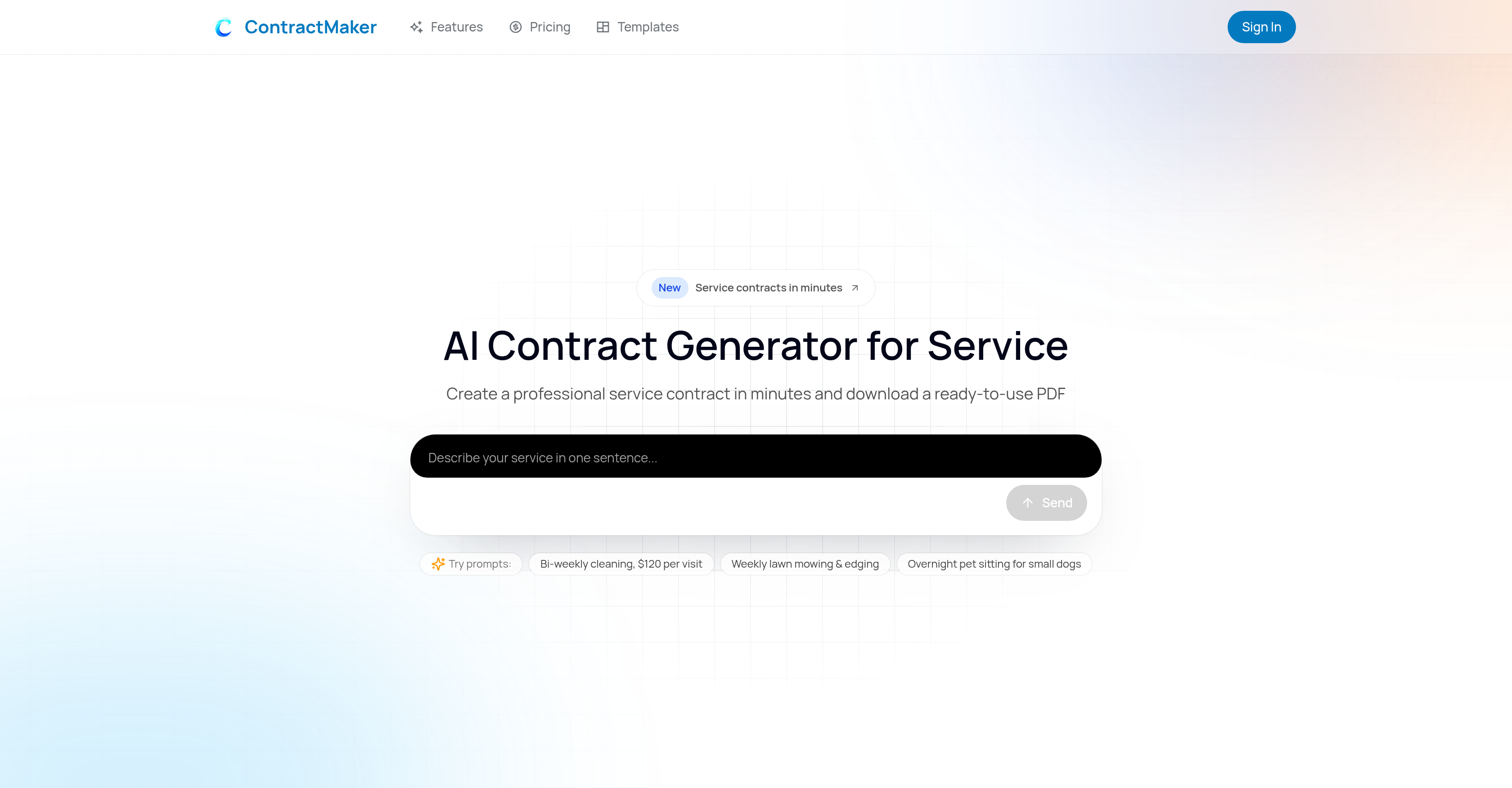
- Get a professional, ready-to-use PDF contract in minutes instead of hours by describing your service in plain language, which the AI uses to build your document.
- Ensure every clause is clear and you avoid misunderstandings with side-by-side plain English explanations for each legal term before you send it.
- Create a contract that matches your exact workflow, including scope, cancellations, and access rules, by inputting your specific service type, pricing, frequency, and special conditions.
- Present a branded, professional document to clients by adding your logo and company details before exporting or sending for signature.
- Accelerate client agreements and eliminate printing or scanning by sharing a secure link for electronic signing directly from the platform.
- Start with confidence using industry-compliant language structured from best practices, avoiding the risks of vague or outdated generic templates.
Pros & Cons
Pros
- Generates contracts in minutes
- Comprehensive service contract features
- Plain-English clause explanations
- Customizable to specific needs
- Wide range of services
- Tool branding option
- PDF export functionality
- E-signature sharing link
- User-friendly interface
- Detailed, clear contracts
- Compliance with industry standards
- Automated contract generation
- Not limited to legal advice
- Suitable for various user groups
- Capable of capturing scope, cancellations, access rules
- Consistent and industry-compliant contracts
- Downloadable ready-to-use contract
- Side-by-side clause and explanation
- Step-by-step contract creation
- Guidance for contract input
- Tailored to home & pet care
- Allows differentiation from generic templates
- Caters to multiple contract types
- Free contract generation and review
- Draft delivery under 5 minutes
- Reliable and structured contract outputs
- Service-specific contract adaptation
- Clear, practical business terms
- Data privacy assured
- Help in defining services, pricing, terms
- Designed for service businesses needs
- Hits the sweet spot between DIY templates and lawyer-level complexity
- More reliable than generic templates
- Pay only when you download
- Free to generate/review
- Simple explanations in everyday language
- Cited snippets for reliability
- Clear scope, pricing, and cancellation terms
- Improves close rate on new contracts
- Not a contract review tool, but contract creator
- Focuses on creating clear contracts from start
- Advisory services and deliverables
- Focused on user comprehension
- Proactive assistance in contract generation
- Covers standard home maintenance services
- Allows understanding before sending
- Empowers user with control over contract terms
- Faster than manual rewrite
- Structured prompts for guidance
Cons
- No legal advice
- Doesn't check specific laws
- Doesn't guarantee clause enforceability
- Doesn't review existing contracts
- Not ideal for large-scale use
- No integrations mentioned
- No multi-language support
- No offline use option
- Customisation requires manual input
Reviews
Rate this tool
Loading reviews...
❓ Frequently Asked Questions
ContractMaker covers a wide range of service contracts including cleaning, lawn care, pet sitting, maintenance, independent contractor agreements, freelance contracts, consulting contracts, and more.
Yes, ContractMaker allows you to create contracts for cleaning services. In fact, it has specific adaptations for different types of cleaning services such as residential cleaning, commercial cleaning, move-in/move-out cleaning, deep cleaning, and specialty add-ons.
ContractMaker uses AI to generate contracts by taking the user's input regarding the service, pricing, frequency, and special conditions. The AI then creates a contract that aligns with these parameters, ensuring personalization and accuracy.
To create a contract with ContractMaker, you describe your service, pricing, frequency, and any special conditions in your own words. The AI tool then uses these inputs to generate a contract that reflects your specific requirements and workflow.
Yes, ContractMaker does offer plain-English explanations alongside each clause in the contract. This helps users understand what each clause does before they send the contract to their clients.
Yes, ContractMaker empowers you to customize contracts to match your real workflow. It takes your service description, pricing details, frequency, and specific conditions into account when generating your contract.
Yes, a notable feature of ContractMaker is that it allows you to brand your contract document. This helps in maintaining a professional image while communicating with your clients.
Yes, ContractMaker enables you to export a contract template as a PDF. You can then share this exported PDF with your clients or other parties as needed.
Yes, ContractMaker does allow you to share a link for e-signature. This feature digitizes the contract signing process for increased efficiency and ease of use.
No, ContractMaker does not provide legal advice. It generates clear service contracts with detailed explanations for general informational purposes only.
The primary audience for ContractMaker includes freelancers, independent contractors, small business owners, agencies, consultants, and service providers who need a reliable, user-friendly contract creation tool.
Yes, ContractMaker is built specifically for the generation of service contracts and agreements.
Yes, independent contractors and freelancers can effectively utilize ContractMaker to create clear and understandable contracts for their services.
Yes, ContractMaker is an efficient contract creation tool for small business owners, agencies, consultants, and service providers. It helps create clear, user-friendly contracts in minutes.
ContractMaker stands out from other contract generation tools due to its AI-driven approach, the use of plain-English explanations alongside each contract clause, and its user-friendly nature. It is specifically designed to cater for service contracts, and it allows users to brand their document, export a contract template as a PDF, and share a link for e-signature. Also, it does not provide legal advice, keeping it straightforward and understandable.
ContractMaker ensures that the contracts generated match industry best practices by creating each clause from a structured brief that reflects these practices. It is a more reliable tool than generic templates because it avoids generating vague legal language or using outdated templates.
Yes, ContractMaker is a very user-friendly contract generation tool. Users simply describe their service, pricing, frequency, and special conditions, and ContractMaker's AI generates a contract that perfectly aligns with their specified workflow.
Yes, ContractMaker provides specific contracts for lawn care or pet sitting services amongst its wide range of service contracts. Every contract is customized based on the user's description of the service.
ContractMaker can increase workflow efficiency by generating accurate, clear, and understandable contracts in a matter of minutes. This enables faster agreement times with clients and a smoother contracting process.
Yes, ContractMaker enables you to generate a professional service contract in just a few minutes. All you need to do is describe your requirements and the AI takes care of the rest.
ContractMaker supports a wide array of service contracts including but not limited to cleaning, lawn care, pet sitting, home and pet care services, pool service, snow removal, handyman service, and other types of independent contractor, freelance, and consulting contracts.
Yes, ContractMaker can customize your service contract. It generates contracts based on the user's input about the service, pricing, frequency, and special conditions. The contract is tailored to match the real workflow of the user's business operations.
Yes, ContractMaker offers an option for e-signatures. The tool gives you the ability to share a link for electronic signing.
ContractMaker generates contracts based on user descriptions by employing AI technology. The user describes the type of service, pricing, frequency, and special conditions in their own words, and ContractMaker uses this input to build a contract that matches the user's business workflow.
The advantage of ContractMaker's plain-English explanations is that they provide clarity and better understanding of each clause in the contract. This ensures that the user comprehends the contract's terms and conditions properly before sending it for signature.
Yes, you can brand your documents with ContractMaker. The feature allows for the branding of the document, which enhances its professional appeal.
The target audience for ContractMaker primarily comprises freelancers, independent contractors, small business owners, service providers, agencies, and consultants.
Industries that can benefit from using ContractMaker include, but are not limited to, residential and commercial cleaning services, lawn care services, home care services, pet care services, consulting services, and freelance service providers.
No, ContractMaker does not offer legal advice. While it helps in generating comprehensible and reliable contracts, it specifically mentions that it does not provide legal advice nor does it guarantee enforceability of any clause in a specific jurisdiction.
Yes, ContractMaker is suitable for freelancers. It is designed to generate professional service contracts catering to the needs of various user groups, including freelancers.
Yes, the contracts generated by ContractMaker are industry compliant. The tool strives to produce contracts that are clear, consistent, and comply with industry standards.
You can create a professional service contract with ContractMaker in minutes. It is designed for fast contract creation.
Using ContractMaker, you can generate a wide range of service contracts such as cleaning contract, lawn care contract, pool service contract, pet sitting contract, snow removal contract, handyman contract, independent contractor agreement, freelance contract, and consulting contract.
Yes, you can review the contract before finalizing it in ContractMaker. You can create and review a customized draft contract for free.
Yes, ContractMaker is secure and maintains user confidentiality. It uses your answers exclusively for generating and improving your contract draft and does not sell your service details to third parties.
Yes, ContractMaker offers the option to export a service contract template as a PDF file. You can brand the document, export as a PDF and share for e-signatures.
The statement that ContractMaker does not guarantee enforceability of a clause in specific jurisdiction means that while the tool aids in creating contracts, it doesn't assure that every clause will hold up legally in every jurisdiction. Users are advised to consult a licensed attorney for advice specific to their situation.
ContractMaker handles specifics such as scope of work, cancellations, fragile items, and access rules through its user-guided approach. By taking into account the user's unique needs and business operations, it creates contracts that are relevant, precise and cater to the specific requirements of the service being provided.
You can create and review a customized draft contract in ContractMaker for free. The cost for downloading the full document as a PDF or Word file is mentioned clearly before payment is processed.
Yes, ContractMaker does provide a ready-to-use PDF contract. After the creation of the contract, the user can brand the document, export it as a PDF, and share a link for e-signature.
Pricing
Pricing model
Paid
Paid options from
$5
Billing frequency
One-time