

CoPilot Interview
Get a structured answer about two seconds after each interview question ends: live transcription captures the question and returns the answer on demand or automatically.
Listing not yet reviewed by our editors · How we check
Overview
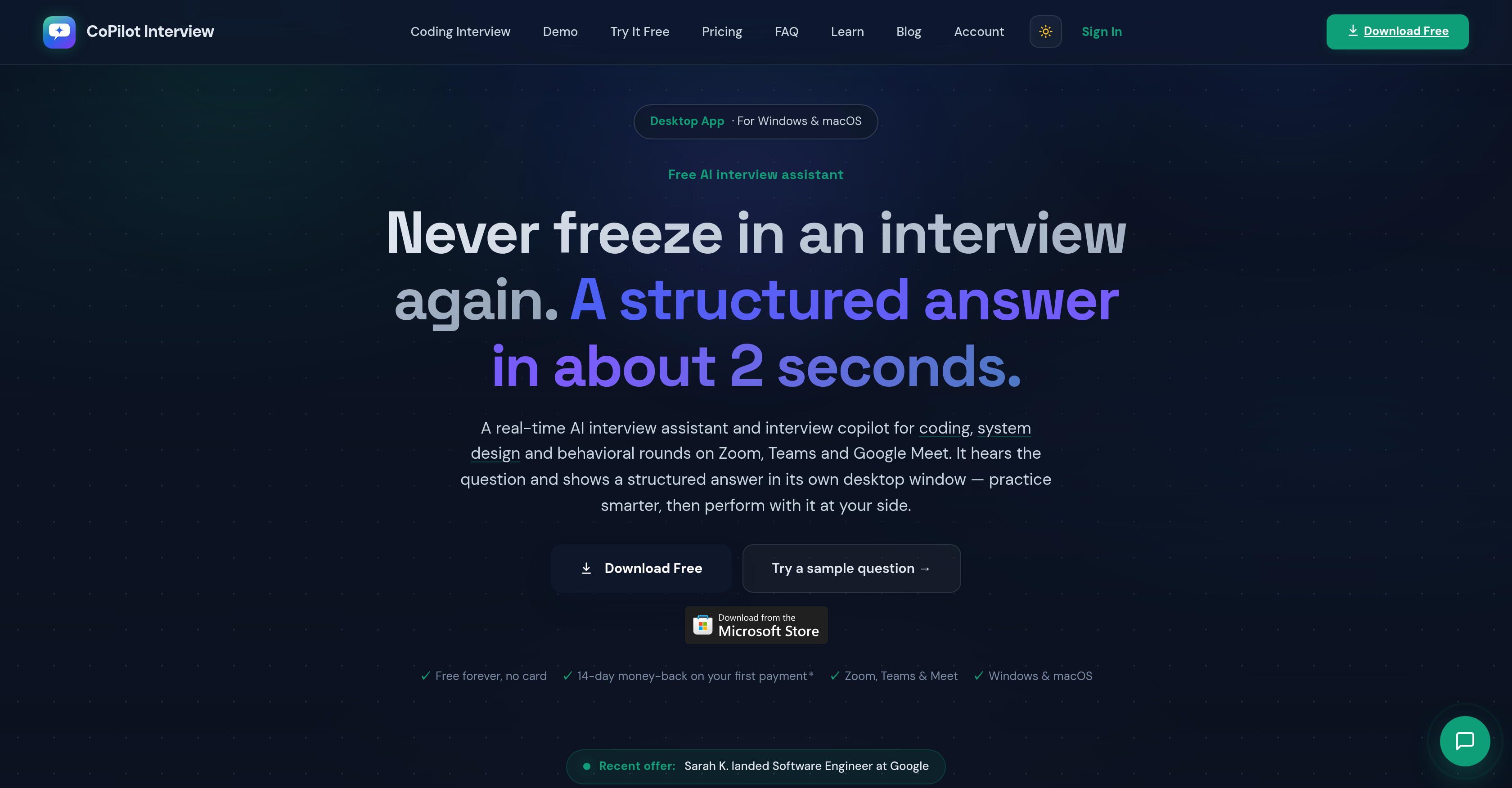
- Get a structured answer about two seconds after each interview question ends: live transcription captures the question and returns the answer on demand or automatically.
- Solve coding interview problems on HackerRank, CoderPad, and CodeSignal with complete code in your chosen language, plus complexity analysis, likely follow-up questions, and bug detection from shared screens or pasted screenshots.
- Start your next Zoom, Microsoft Teams, Google Meet, Webex, Amazon Chime, or HireVue interview without setup: no account, no meeting plugin, and no browser extension. Download, launch it next to your call, and go, including for asynchronous video interviews.
- Compare two answers before you speak with Dual AI Mode, which shows responses from two AI models side by side, and switch to ChatGPT, Gemini, or Claude mid-session on Pro and Pro+ plans.
- Keep interview data under your control: session files stay in your Documents folder, audio travels in short encrypted segments, nothing is kept on servers beyond the request, and Ghost Mode holds your notes in a private window outside the meeting.
- Rehearse with questions built for the job you want: Mock Interview reads your résumé and the job description, asks spoken behavioral, technical, system-design, and coding questions, then scores your answers with suggested improvements, example answers, and a full report.
- Send stronger applications faster with Resume Builder, which turns your résumé and a job posting URL into a tailored, ATS-optimized résumé and a ready-to-send referral message.
- Run consistent candidate evaluations with Interviewer Mode, which generates interview questions by category, scores responses, and produces a hire-or-no-hire report.
- Try every mode at no cost with 15 free minutes per day, including Mock Interview and Resume Builder, then scale up with plans from $24.99 per month or one-time hour packs from $9.99.
Pros & Cons
From the listing; not yet checked by our editors.
Pros
- Native Windows and macOS app
- Runs outside meeting apps
- No browser extension required
- No signup required
- Setup takes about 60 seconds
- Captures questions through live transcription
- Captions appear while questions are asked
- Answers can start automatically
- Answers can be triggered manually
- Structured responses arrive in about two seconds
- Responses can include code
- Responses can include complexity analysis
- Responses can suggest follow-up questions
- Dual-model responses shown simultaneously
- Access to nine listed models
- Code solver supports 50+ languages
- Ghost Mode keeps notes private
- Works alongside video and coding platforms
- Supports Zoom, Teams, and Meet
- Supports CoderPad, HackerRank, and CodeSignal
- Also supports Chime and HireVue
- Also supports Webex and Discord
- Supports asynchronous video interviews
- Four modes for different interview roles
- Candidate Mode covers coding and behavioral questions
- Mock interviews use résumé and job description
- Mock questions are read aloud
- Practice answers receive scores and feedback
- Practice includes example answers and reports
- Interviewer Mode generates categorized questions
- Candidate responses receive scored evaluations
- Interviewer reports include hire-or-no-hire recommendations
- Resume Builder uses job posting URLs
- Resume Builder creates ATS-optimized resumes
- Resume Builder generates referral messages
- Free tier includes all four modes
- Free tier includes 15 daily minutes
- One-time hour packs never expire
- Pay-as-you-go option needs no subscription
- Pro plans include multi-model access
- Focus Mode available
- Pin Screen available on Pro
- Screenshot-based coding problem analysis
- Free plan requires no card
Cons
- Windows and macOS desktop only
- Separate window, not browser extension
- Free sessions capped at 15 minutes
- Free daily use capped at 15 minutes
- Standard daily cap: 100 minutes
- Paid sessions capped at 60–70 minutes
- Refund: first payment only, under 30 min used
Alternatives to CoPilot Interview
Tools that share the most tags with CoPilot Interview.
- Linkjob
Receive instant AI-powered answers during live interviews with ultra-low latency response time of 0.23 seconds
Free trial · from $24.99/month
$24.99/month
Not yet checked
- Intvu
Experience realistic interview practice that mirrors actual job interviews through AI-powered simulations
Not listed
Not listed
Not yet checked
- PracTalk
Receive immediate, specific feedback on your answers to identify strengths and weaknesses instantly using AI analysis against industry best practices
Paid · from $3.99
$3.99
Not yet checked
- Interview Prep AI - MockXP
Answer interview questions tailored specifically to your target role, company, and location using AI that analyzes your resume and job description
Freemium · from $11.99/month
$11.99/month
Not yet checked
- AI Interview Buddy - AIApply
Receive tailored interview responses instantly by analyzing your specific resume and target job description
Paid · from $29.99/month
$29.99/month
Not yet checked
- Liftoff
Experience realistic interview scenarios with AI-powered mock interviews that simulate actual job interview conditions
Not listed
Not listed
Not yet checked
Reviews
Rate this tool
Loading reviews...
Frequently asked questions
What can CoPilot Interview do during a live job interview?
During a live interview, CoPilot Interview transcribes questions and displays structured answers in a separate desktop window. It can help with coding, behavioral, and technical questions; answers may include code, explanations, complexity analysis, and likely follow-ups. You can trigger answers manually or have them appear automatically.
Does CoPilot Interview work with Zoom, Microsoft Teams, and Google Meet?
Yes. CoPilot Interview runs alongside Zoom, Microsoft Teams, and Google Meet.
Can I use CoPilot Interview with HackerRank, CoderPad, or CodeSignal?
Yes. CoPilot Interview lists support for HackerRank, CoderPad, and CodeSignal, as well as other interview and coding platforms.
How do I set up CoPilot Interview on Windows or macOS?
Download CoPilot Interview for Windows or macOS, then launch it alongside your meeting or interview software. The site says setup requires no configuration; it lists Windows 10+ and macOS 12+ as supported.
Does CoPilot Interview require an account, browser extension, or meeting plugin?
No account or signup is required. CoPilot Interview is a desktop app, not a browser extension, and it does not require a meeting plugin.
How quickly does CoPilot Interview transcribe a question and suggest an answer?
It transcribes the question live and says a structured answer typically appears about two seconds after the question ends.
Can CoPilot Interview answer automatically, or do I have to press a button?
Either. You can press Answer manually or enable automatic answers after a question ends.
What does Ghost Mode do in CoPilot Interview, and who can see its notes?
Ghost Mode keeps your notes in a private desktop window that you control; they are not shown in the meeting window.