

Cubox
Save any article or snippet the moment you find it with one-click saving in Chrome. Capture full webpages or selected content by dragging, dropping, or right-clicking.
Listing not yet reviewed by our editors · How we check
Overview
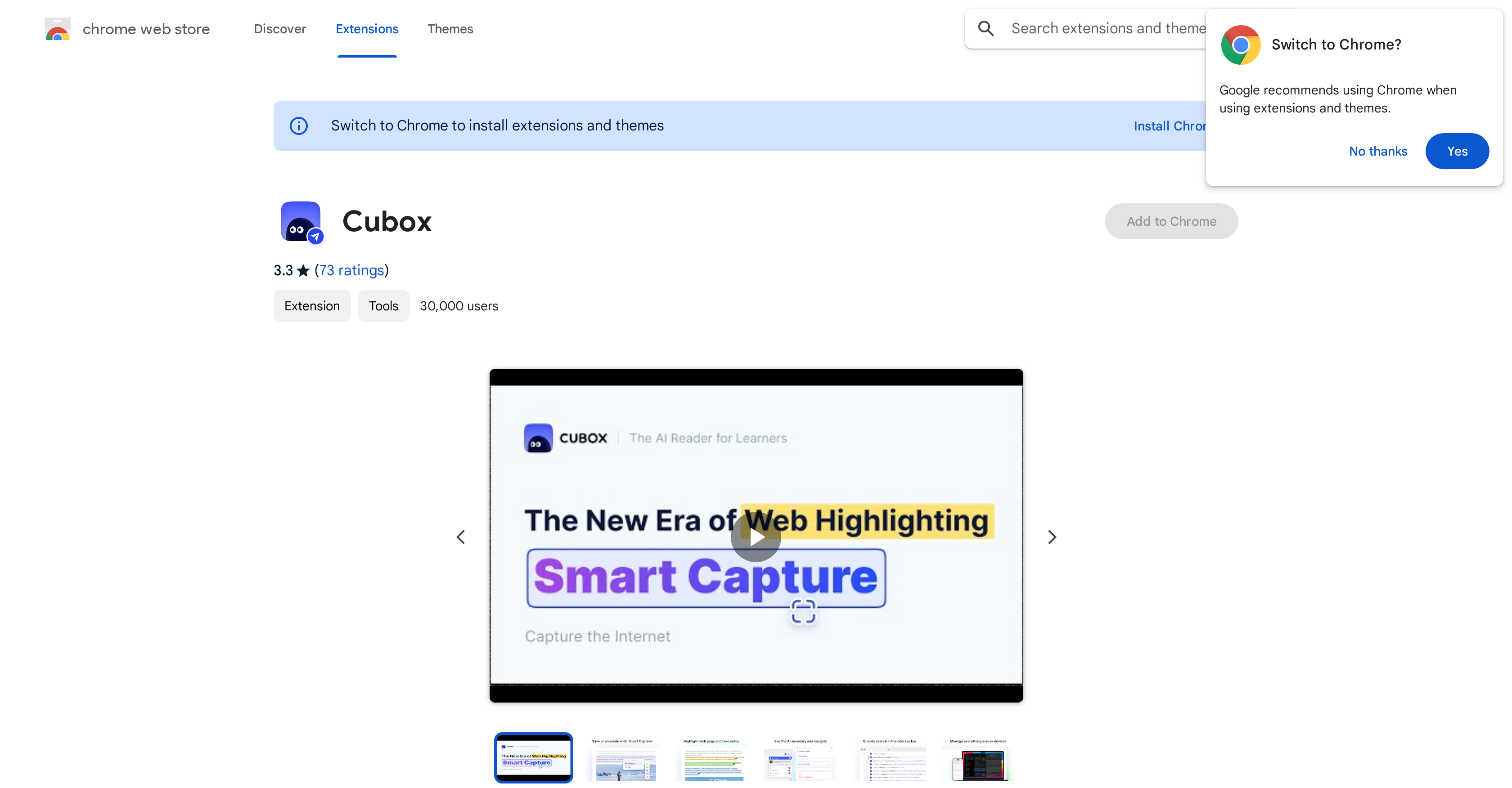
- Save any article or snippet the moment you find it with one-click saving in Chrome. Capture full webpages or selected content by dragging, dropping, or right-clicking.
- Gather research in a single pass instead of copying piece by piece. Smart capture lets you multi-select or click-and-drag to batch clip text, images, and links on any webpage.
- Grasp the core of long reads in seconds. AI Insight delivers article summaries and key questions, and Ghost Highlight automatically marks the sections that matter most.
- Turn passive reading into retained knowledge. Web highlights support your own notes and custom colors, so you can sort ideas by theme, priority, or project.
- Build a searchable read-later library without manual filing. Saved content arrives with suggested tags, website titles, descriptions, and cover images.
- Keep your bookmark collection lean and accurate. Automatic duplicate detection blocks repeat saves, and previously saved content refreshes to match its source.
- Pick up your reading anywhere. Collections sync automatically across all your devices and Cubox apps, so every clip, highlight, and note stays current.
Pros & Cons
From the listing; not yet checked by our editors.
Pros
- One-click saving
- Clipping and highlighting
- Note-taking feature
- Bulk selection capture
- Smart capture functionality
- Color change bookmarking
- Generates key questions
- Suggests tags and descriptions
- Automatic detection of identical saves
- Updates previously saved content
- Synchronized collections across devices
- Supports note addition in highlights
- Offers cover images
- Efficient webpage saving
- Can save web snippets
- Highlight with Ghost Highlight
- Drag and drop saving
- Offers website title and descriptions
- Single shortcut for saving
- Automatically suggest tags
- Automatically update saved content information
Cons
- Chrome only
- Collects HTTP requests
- Privacy concerns
- Bugs on PDF page
- Interferes with key mapping
- May need frequent updates
- Inefficient tag suggestions
- Limited language support
- Data not sold, unclear usage
- Dependent on internet connection
Alternatives to Cubox
Tools that share the most tags with Cubox.
- Cosmic
Draft blog posts, product pages, and marketing copy directly from Slack, WhatsApp, or Telegram without switching tools — powered by AI agents embedded in your team chats.
Freemium · from $49/month
$49/month
Not yet checked
- Ozigi
Publish content that sounds authentically like you, not a robot, by using Ozigi's unique AI engine designed to mimic your natural writing style and tone.
Freemium · from $15/month
$15/month
Not yet checked
- Directus
Ship custom applications faster by connecting any SQL database and instantly generating REST and GraphQL APIs
Freemium · from $129/month
$129/month
Not yet checked
- Hygraph
Publish content faster by generating titles, descriptions, and rich-text from your content model with AI Assist that requires editor approval for enterprise governance.
Freemium · from $299/month
$299/month
Not yet checked
- Sedestral
Get blog articles that follow your exact brief: SmartBlog's AI article generator writes each piece from your own instructions.
Freemium · from $42.60/month
$42.60/month
Not yet checked
- Luckynote
Get the recipe, the travel spot or the article's main point without rewatching or rereading: send any reel, video or article and the key details are pulled out and saved as notes.
Freemium · from $7.99/month
$7.99/month
Not yet checked
Reviews
Rate this tool
Loading reviews...
Frequently asked questions
What is Cubox used for?
Cubox is used to enhance online reading and learning. It offers a variety of functionalities such as one-click saving, clipping, highlighting, note-taking, and more. It presents users with a comprehensive content management system that includes a smart capture feature for bulk selection of text, images or links on a webpage. It's AI Insight feature provides a quick summarization of articles and key questions that facilitate rapid understanding of essential points.
How does Cubox's one-click saving feature work?
Cubox's one-click saving feature allows users to quickly save content directly from a web page. With a single click, users can save the full webpage or specific snippets by dragging, capturing, dropping, and right-clicking. The system also offers suggestions for tags, titles, descriptions, and cover images for the saved content, making organization simpler.
Can I change the color of highlights in Cubox?
Yes, Cubox allows users to change the color of the highlights. This feature extends the scope of bookmarking and organization capabilities within the application and leads to a richer user experience.
What is Cubox's smart capture feature?
Cubox's smart capture feature allows for bulk selection of text, images, or links on a webpage. Users can highlight or clip their desired content easily, making the process of gathering and saving information more efficient. Users can multi-select content or click and drag to batch select adjacent content.
What is AI Insight functionality in Cubox?
AI Insight is a functionality in Cubox that offers a summarization of articles and key questions. This AI-driven feature helps users grasp the key points of an article quickly. It also includes an automatic Ghost Highlight feature which marks important sections for quick reference.
Can I add notes to the highlights in Cubox?
Yes, Cubox's highlight feature supports adding notes. This allows for a more interactive and useful bookmarking experience, enabling users to not only highlight key content but also add their thoughts or additional information.
How does Cubox help in organizing saved content?
Cubox aids in organizing saved content by offering a range of utility features such as suggesting relevant tags, website titles, descriptions, and cover images for saved materials. This assists users in keeping their clipped materials structured and easy to navigate.
Does Cubox update information for previously saved content?
Yes, Cubox has the capability to update information for previously saved content. This ensures that the stored content within the system remains up to date with its source material on the web.