

CV Ajuste
Know exactly where you stand for each role: paste a job ad or its link from LinkedIn, Indeed, Welcome to the Jungle or any other site, and CV Ajuste lists the employer's required skills, experience and software and shows what your CV already covers.
Listing not yet reviewed by our editors · How we check
Overview
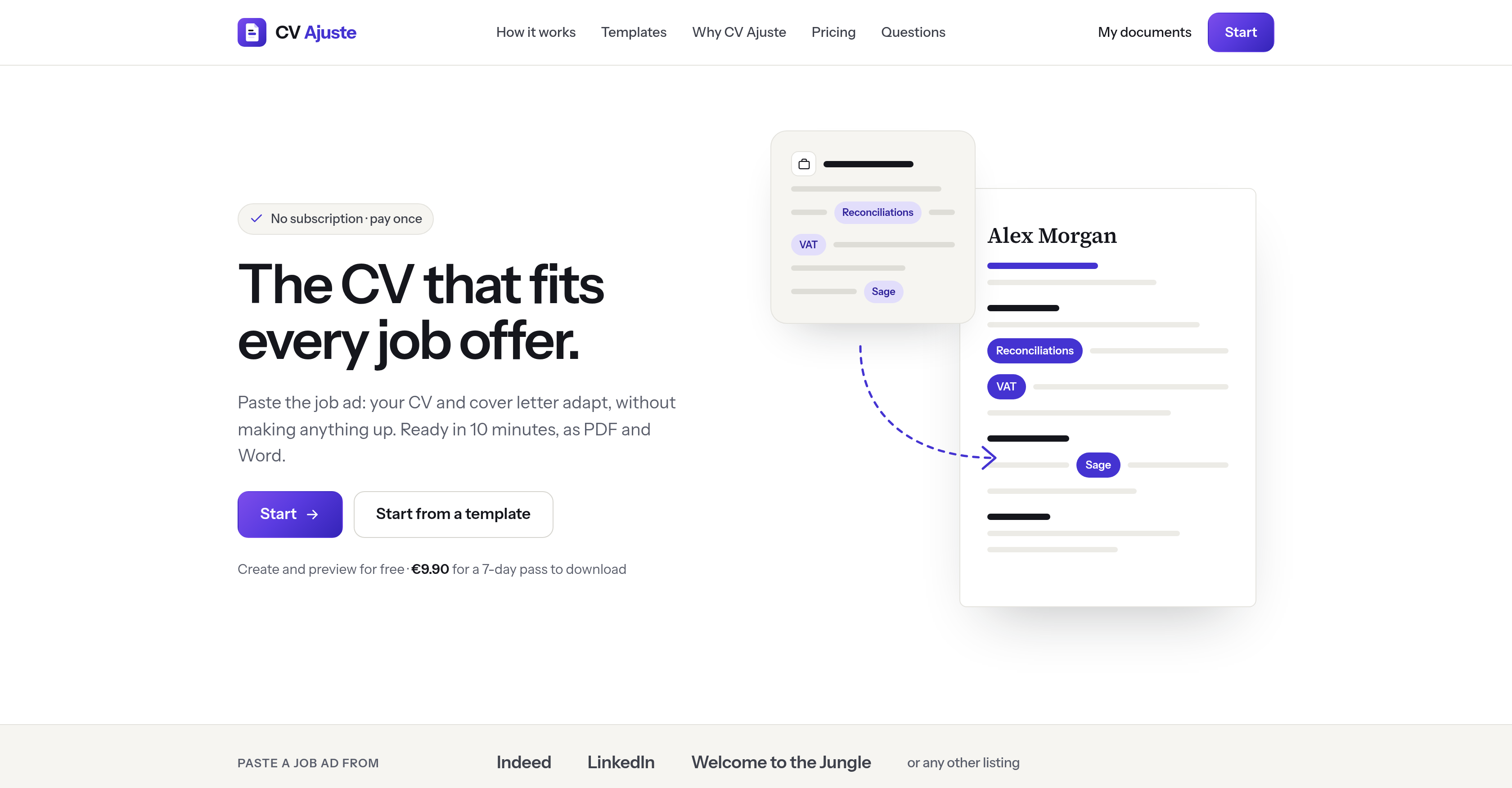
- Know exactly where you stand for each role: paste a job ad or its link from LinkedIn, Indeed, Welcome to the Jungle or any other site, and CV Ajuste lists the employer's required skills, experience and software and shows what your CV already covers.
- Apply with a CV you can defend in any interview: for every gap, short targeted questions draw out your real experience, and nothing enters your tailored CV until you confirm it.
- Send a cover letter that sounds like you, not a template: every sentence is checked against your CV and generic stock phrases are removed automatically.
- Go from job ad to finished application in about ten minutes: a one-page tailored CV and matching cover letter are ready to download from a single paste.
- Get past applicant tracking systems: the plain one-column CV template uses real selectable text and standard heading order so ATS software reads your CV correctly.
- Stand out when design matters: visual CV templates add colour bands, sidebars, a choice of colour schemes and an optional photo.
- Start in minutes from what you already have: import your existing CV as PDF or Word, or build a general CV from a template and adapt it to a specific job ad later.
- Match local hiring expectations: CVs and cover letters are written natively for the UK, with British spelling and letter conventions, as well as for France and Spain.
- See your full result before spending anything: the complete CV and cover letter preview is free, and a one-time 7-day (£9.90 / €9.90) or 30-day (£14.90 / €14.90) pass unlocks unlimited downloads with no renewal and a 14-day refund.
- Keep full control of the final files: export to PDF, edit freely in Word (.docx) or send a private shareable link.
- Protect your personal details: your data is used only to generate your documents, is never sold, and is wiped with one click.
- Tailor applications wherever you are: the fully responsive interface works on smartphones and tablets as well as desktops.
- Check your chances before applying, without signing up: free tools include a CV and job ad checker, a resignation letter generator, cover letter examples and skills by job.
Pros & Cons
From the listing; not yet checked by our editors.
Pros
- Job ad text parsing
- Requirement matching
- Gap identification prompts
- No fabricated content
- One-click CV adaptation
- Real selectable text output
- ATSfriendly headings
- Multiple visual layout options
- Custom colour and photo
- Full preview free
- Export PDF and Word
- Private shareable link
- Mobilefirst interface
- Fixedduration pass pricing
- Unlimited docs per pass
- Onepage CV generation
- Stock phrase filtering
- Factbased cover letters
- Templates for generic CV
- Instant tenminute turnaround
- Supports any job source
- Oneclick job ad import
- Data deletion with one click
- No data resale policy
- Transparent upfront pricing
- Refund within 14 days
- No subscription renewal
- Multilanguage UI
- Editable Word output
- Real-time requirement analysis
- Interactive question flow
- Standardized heading order
- Private link expiration control
- Colour palette customization
- Photo inclusion toggle
- Plain onecolumn ATS mode
- Visual timeline template
- Inline PDF preview
- Secure HTTPS connection
- Browserbased, no install
- Accessible on tablets
- Export without watermarks
- Email support integration
- GDPRcompliant data handling
- Automated skill extraction
- Consistent formatting across exports
- Quick resume versioning
- No hidden fees
- Usercontrolled pass duration
- Batch creation possible
Cons
- Webonly, no offline mode
- Requires constant internet connection
- Only supports onepage CVs
- Limited template customization options
- No bulk export or batch processing
- No direct ATS integration
- Passes cannot be renewed midterm
- Cannot edit documents after download
- No API for automation
- Interface limited to English only
Alternatives to CV Ajuste
Tools that share the most tags with CV Ajuste.
- AI Resume Scanner - AIApply
See exactly how to beat Applicant Tracking Systems with a Match Score that correlates to real shortlist rates, powered by algorithms that mirror actual ATS parsing rules
Free trial · from $12/month
$12/month
Not yet checked
- Resume Studio
Land more interviews with resumes specifically tailored to each job's requirements through AI analysis of job post text
Freemium · from $5/unit
$5/unit
Not yet checked
- Eloovor - AI Career Coach
Create ATS-optimized resumes that pass automated screening systems with AI resume builder
Not listed
Not listed
Not yet checked
- ResumeRanker
Transform your generic resume into a job-specific application that stands out using AI-powered resume optimization
Not listed
Not listed
Not yet checked
- Resum8
Land more interviews by ensuring your CV passes automated screening, powered by AI that runs your resume through an ATS evaluation loop to maximize its score
Free trial · from $9.99/month
$9.99/month
Not yet checked
- Resumedit
Pass ATS filters and get more interviews by using AI to embed relevant keywords, optimize formatting, and structure your resume for Applicant Tracking Systems.
Freemium · from $29/month
$29/month
Not yet checked
Reviews
Rate this tool
Loading reviews...
Frequently asked questions
How does CV Ajuste match my CV to a specific job ad?
CV Ajuste parses the pasted job ad, extracts the employer's required skills, experience and software mentions, then compares those items against the candidate's existing CV data. It highlights matches and automatically flags gaps, prompting the user with specific questions to fill missing information before generating the final documents.
Will CV Ajuste ever invent experience or skills that I don’t have?
No. CV Ajuste never fabricates experience or skills; every line in the output is sourced from the candidate's supplied history or answers to its gap‑clarification questions.
Can I paste job listings from any site, like LinkedIn, Indeed or others, into CV Ajuste?
Yes. The tool accepts raw text from any job listing. It explicitly supports copy‑pasting from LinkedIn, Indeed, Welcome to the Jungle, and any other source you can copy the ad text from.
How long does it usually take for CV Ajuste to produce a tailored CV and cover letter?
Approximately ten minutes from the moment the job ad is pasted to the moment a finished one‑page CV and cover letter are ready for download.
Does CV Ajuste work on my phone or only on a desktop?
It is built to work on smartphones as well as desktops and tablets; the interface is fully responsive.
What file formats can I download from CV Ajuste – PDF, Word, or something else?
Documents can be exported as PDF files, Word (.docx) files, and a private shareable link is also provided.
Can I preview the entire CV and cover letter for free before I pay?
Yes. The full CV and cover letter preview is available at no cost; payment is only required to download the files.
What’s the difference between the visual and plain one‑column templates in CV Ajuste?
Visual templates include design elements such as colour bands, sidebars, and optional photos, while the plain one‑column template uses a single column of standard text and headings optimized for ATS readability.