

doremi
Release complete songs with no instrumental or production experience: the AI song generator turns a written prompt or your own lyrics into a full track with vocals and an instrumental arrangement in pop, rock, K-pop, lo-fi, EDM, jazz, country, and more.
Listing not yet reviewed by our editors · How we check
Overview
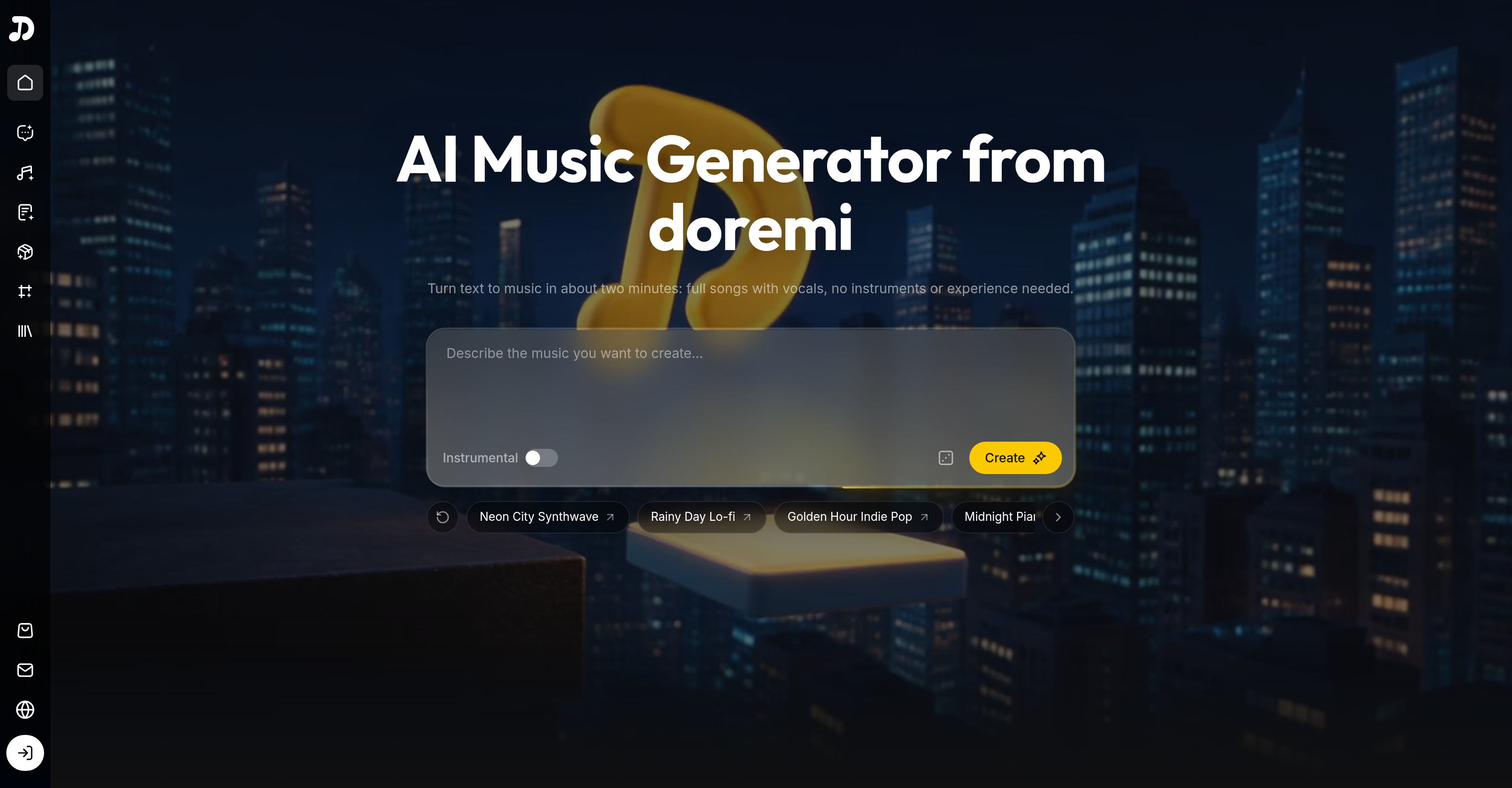
- Release complete songs with no instrumental or production experience: the AI song generator turns a written prompt or your own lyrics into a full track with vocals and an instrumental arrangement in pop, rock, K-pop, lo-fi, EDM, jazz, country, and more.
- Get the right sound for each project by running one concept through Suno, Mureka, and ElevenLabs from a single interface, then comparing results: Suno for structured vocal songs, Mureka for detailed control over arrangement, instrumentation layers, and genre blends, and ElevenLabs for cinematic scores, ambience, game audio, and background music with duration control.
- Lengthen a track to fit a video or set without audible loops, because the AI music extender analyzes the existing melody, vocal phrasing, and energy and adds matching bars.
- Fix one weak part instead of regenerating a whole song: the editor changes genre, tempo, or mood after generation, and Music Replace swaps any selected section for new AI-generated audio.
- Turn one track into new releases with the AI cover tool, which re-synthesizes a song in a different voice or style, and the music mashup tool, which blends two generated songs into one.
- Write songs in the language your audience speaks, using an AI lyrics generator that drafts verses, hooks, choruses, and structure tags from a story or idea.
- Pull clean vocals, drums, bass, and instruments out of any recording for sampling, rehearsal, or remixing, using an AI stem splitter with built-in de-echo and de-reverb processing.
- Upload tracks that sound right on streaming platforms without a mastering engineer, as AI mastering normalizes loudness to streaming-ready levels and polishes the final mix.
- Use finished music on YouTube, streaming services, and client work through royalty-free downloads, including remixes of community library songs; check the current license terms for exact commercial permissions.
- Find a starting point fast by browsing a community library of AI-generated songs sorted by genre and emotion, from chill and K-pop to rock.
- Run the entire workflow, from prompt and lyrics through stem separation, rearrangement, mastering, and export, in one studio, and test it first with a free trial.
Pros & Cons
From the listing; not yet checked by our editors.
Pros
- Side-by-side multi-model generation
- Real-time model comparison UI
- Seamless track extension preserving melody
- Automatic vocal style transfer
- One-click genre swapping
- Tempo and key adaptive editing
- Integrated mashup builder
- Section replacement with generated audio
- Vocal isolation and de-reverb
- Studio-grade stem separation
- Multilingual lyric generation with tags
- User-provided lyric import
- Precise duration control for instrumentals
- Cinematic and game-audio presets
- Fine-grained style and mood control
- Structured hook generation
- Adaptive loops for game audio
- Practice track generation mode
- Sample extraction for rehearsal
- Story-to-music conversion workflow
- Cross-genre mashup capability
- Model-specific strength selection
- Integrated licensing guidance panel
- Web-only studio, no install
- Community library for inspiration
- Free trial with full features
- Royalty-free commercial export
- Multi-track export stems included
- Real-time audio preview
- Automatic beat matching in remixes
- Mood-based arrangement adjustment
- Dynamic energy preservation in extensions
- Voice pitch shifting for covers
- Ambient background music generation
- Low-latency generation feedback
- Batch generation across models
- Customizable instrument layers
- Integrated lyric structure tagging
- Seamless switch between models
- High-resolution audio output
- Export to common DAW formats
- Adaptive key modulation
- Integrated de-echo processing
- Multi-language support beyond English
- Instant track download
- Interactive stem solo/mute controls
- Automated copyright-safe metadata tagging
Cons
- Webonly, no desktop client
- No offline generation support
- Limited export formats (MP3/WAV)
- Model switch resets edits
- Stem separation quality varies
- No MIDI output option
- License terms vague for commercial
- No batch processing capability
- Audio length capped at 5min
- High latency on complex extensions
Alternatives to doremi
Tools that share the most tags with doremi.
- RipX
Isolate and remove vocals or instruments from any track with AI-powered stem separation for clean sample extraction
Free trial · from $126/month
$126/month
Not yet checked
- Phonk Maker
Protect your content from copyright strikes with fully royalty-free Phonk tracks that grant complete commercial ownership rights
Freemium · from $9/month
$9/month
Not yet checked
- AIRapGen.com
Transform ideas into complete rap songs instantly with AI-powered lyric and beat generation
Freemium · from $7.4/month
$7.4/month
Not yet checked
- LALAL
Get crystal-clear vocal extraction with fewer artifacts using the proprietary Phoenix algorithm for studio-quality results
Paid · from $20
$20
Not yet checked
- AISinging
Transform lyrics into complete songs in under 60 seconds with AI melody generation that requires zero musical training
Freemium
Not listed
Not yet checked
- Suno
Transform any idea into a finished song instantly by typing lyrics, describing an idea, or sharing a photo or video
Freemium · from $10/month
$10/month
Not yet checked
Reviews
Rate this tool
Loading reviews...
Frequently asked questions
What genres can I generate with doremi?
doremi can generate music in pop, rock, chill, K‑pop, indie‑pop, synthwave, lo‑fi, EDM, country, jazz, ambient, cinematic, game audio, background music and other mainstream genres.
How do I choose between Suno, Mureka, and ElevenLabs in doremi?
Choose Suno for structured vocal songs in mainstream pop/rock/EDM/hip‑hop/country, Mureka for fine‑grained control over style, mood, arrangement and genre blends (instrumentals, cinematic, jazz, ambient), and ElevenLabs for studio‑quality instrumentals with precise duration control, cinematic scores, ambience and game/background music.
Can I upload my own lyrics instead of using the lyrics generator on doremi?
Yes, you can paste your own lyrics instead of using the lyrics generator.
Does doremi let me change the tempo of a song after it’s generated?
Yes, the editor lets you adjust tempo after generation.
How does the music extender keep the melody and vocals when lengthening a track?
The music extender uses an AI continuation model that analyses the existing melody, vocal phrasing and energy, then generates additional bars that match those elements, avoiding loops.
Is it possible to create a cover in a different voice using doremi’s AI?
Yes, the cover tool can re‑synthesize any track in a different voice or style.
Can I combine two generated songs into a mashup on doremi?
Yes, you can blend two generated tracks into a mashup using the music mashup tool.
What does the AI mastering feature actually do to my track?
The AI mastering tool normalizes loudness to streaming‑ready levels and applies final polish to the mix.