

DubMochi
Reach viewers who don't speak your language during gaming streams, VTuber broadcasts, and live tutorials: real-time speech transcription turns your microphone audio into live captions and translates them into any of 16 languages, including English, Japanese, Chinese, Korean, and Spanish.
Listing not yet reviewed by our editors · How we check
Overview
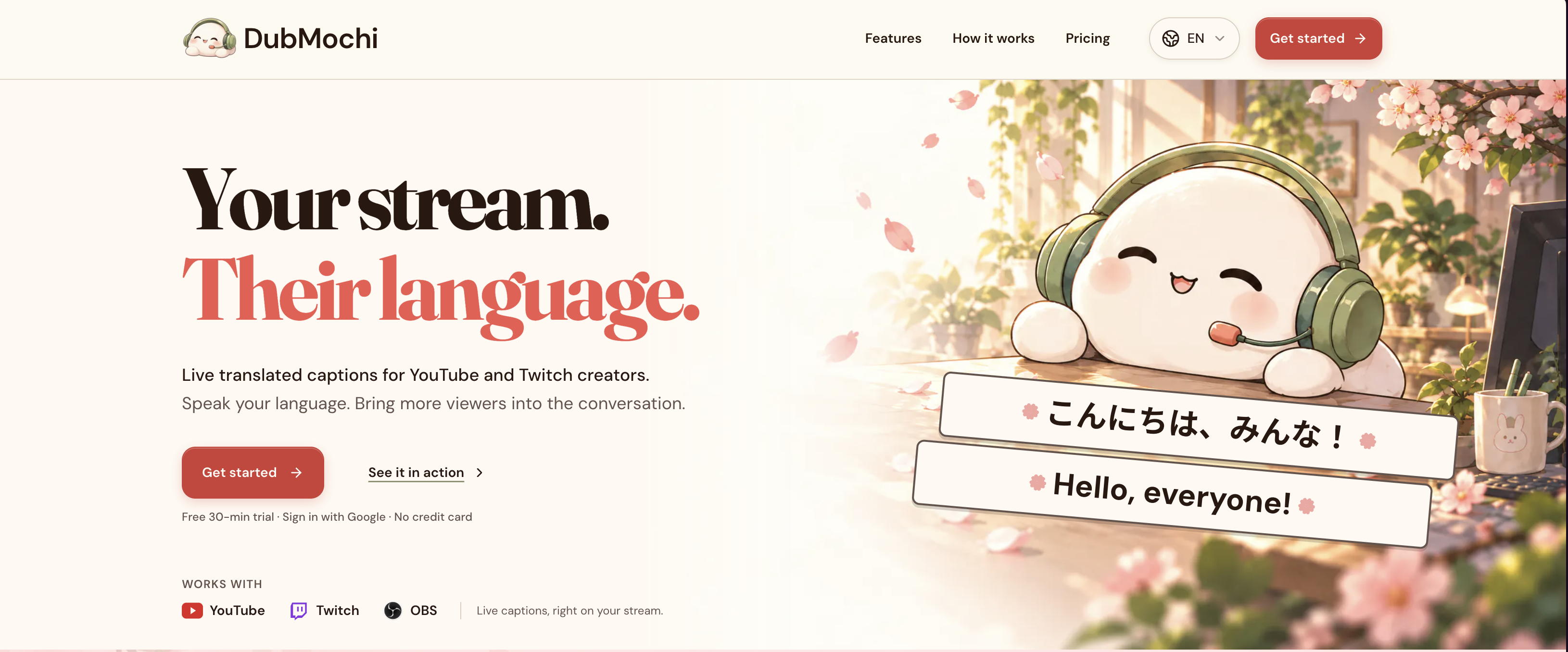
- Reach viewers who don't speak your language during gaming streams, VTuber broadcasts, and live tutorials: real-time speech transcription turns your microphone audio into live captions and translates them into any of 16 languages, including English, Japanese, Chinese, Korean, and Spanish.
- Keep international viewers watching your stream instead of opening another tab: translated captions appear directly on your YouTube or Twitch broadcast through an OBS caption overlay, with no separate translation page or viewer account required.
- Keep your own words and tone on screen for every viewer: bilingual captions show your original speech and its translation together, so native and multilingual audiences follow the same conversation in real time.
- Match captions to your stream layout and branding: customize caption fonts, colors, and placement, and choose from Dark, Light, and Sakura overlay styles.
- Go live with translated subtitles in three steps: pick your microphone or audio input, set your spoken and translation language pair, and add the caption overlay to OBS from a creator workspace you open by signing in with Google.
- Check how captions look before your next broadcast: an interactive caption preview, a demo page, and a free 30-minute trial with no credit card let you confirm the fit for your live streams before you commit.
Pros & Cons
From the listing; not yet checked by our editors.
Pros
- 16 selectable languages
- YouTube and Twitch compatibility
- OBS caption overlay workflow
- Selectable microphone or audio input
- Separate source and target languages
- Bilingual original-and-translation captions
- Captions remain on-stream
- No separate viewer translation page
- Font, color, and position controls
- Dark, light, and Sakura styles
- Interactive caption preview
- Dedicated demo page
- Preview captions before streaming
- Japanese-to-English caption example
- Chinese-to-English caption example
- Korean-to-English caption example
- English-to-Spanish caption example
- Three-step setup workflow
- Google sign-in creator workspace
- Free 30-minute trial
- No credit card required
Cons
- OBS-based caption workflow
- YouTube and Twitch focus
- Live captions, not video translation
- Captures a selected audio input
- 16 listed language options
- Google sign-in required
- Caption export unspecified
- Audio formats unspecified
- Latency details unspecified
- Translation accuracy unspecified
Alternatives to DubMochi
Tools that share the most tags with DubMochi.
- Questro | AI Interpreter
Reach every attendee in their native language with real-time translated captions that follow the speaker's words live, powered by browser-based speech recognition and instant translation.
Freemium · from $15/month
$15/month
Not yet checked
- Line 21
Publish error-free live captions without slowing your captioners down — the AI Proofreader detects and corrects mistakes in real time while human captioners keep typing.
Paid · from $0.04/unit
$0.04/unit
Not yet checked
- FaceShapeDetector
Get a precise, personalized face shape analysis that goes beyond generic labels with our unique Face Shape Blend™, revealing your exact proportions like 80% Oval + 20% Heart.
Freemium · from $6.99
$6.99
Not yet checked
- Transition
Follow a training plan that automatically adjusts to your daily schedule and recovery metrics, ensuring you stay on track even when life gets busy
Paid · from $19/month
$19/month
Not yet checked
- Mixboard
Turn scattered thoughts into mature, actionable concepts by visualizing and manipulating them on an interactive AI concepting board.
Not listed
Not listed
Not yet checked
- NVIDIA Earth-2
Make strategic decisions with confidence using precise, AI-driven weather predictions that mitigate operational risks across aviation, agriculture, and marine sectors.
Not listed
Not listed
Not yet checked
Reviews
Rate this tool
Loading reviews...
Frequently asked questions
How do I set up DubMochi captions in OBS?
Select your audio input, choose the spoken language and translation language, then add the captions to OBS.
Does DubMochi work with both YouTube and Twitch streams?
Yes. DubMochi supports YouTube and Twitch streams through OBS.
Can I use DubMochi with streaming software other than OBS?
IDK
Which languages can DubMochi translate during a live stream?
DubMochi offers 16 languages. Examples include Japanese, Chinese, Korean, English, and Spanish; the site does not list all 16.
Can DubMochi show the original speech and translation together?
Yes. Bilingual captions show the original words and their translation together.
How do I choose the microphone or audio input DubMochi listens to?
Choose the microphone or other audio input in DubMochi’s setup.
How much delay should I expect from DubMochi’s live captions?
IDK
How accurate are DubMochi’s speech recognition and translations?
IDK