

Estim8 Pro
Quote jobs on site without a full plan set: photograph partial drawings, then speak or type the remaining scope to get an itemized construction estimate for remodels, field quotes, and driveway work.
Listing not yet reviewed by our editors · How we check
Overview
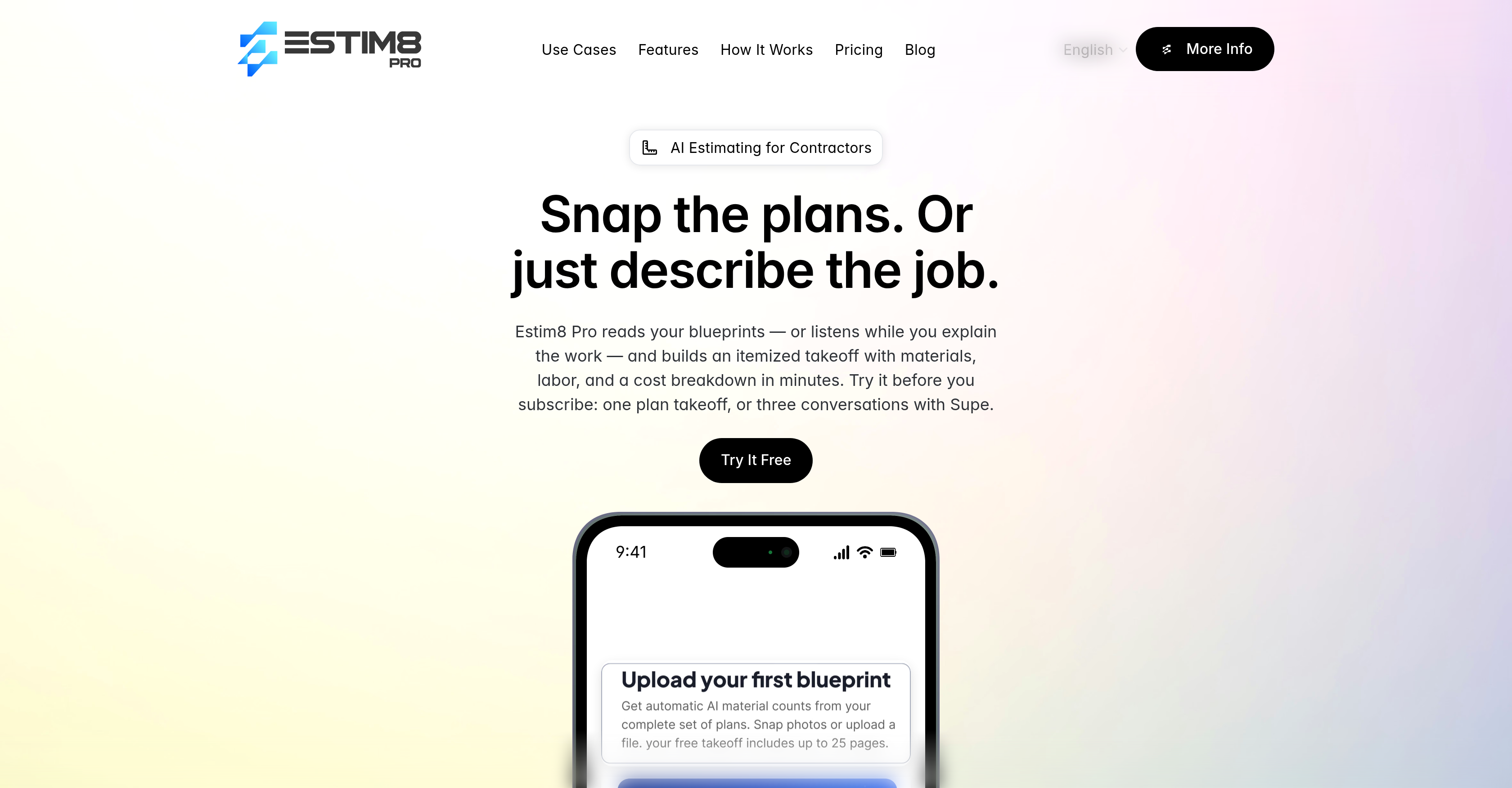
- Quote jobs on site without a full plan set: photograph partial drawings, then speak or type the remaining scope to get an itemized construction estimate for remodels, field quotes, and driveway work.
- Cut hours of manual takeoff on custom homes: upload blueprint PDFs and the plan workflow maps the sheet index, reads schedules and dimensions, and counts every required item for an accurate material takeoff.
- Stop absorbing the cost of forgotten small parts: trade assemblies automatically include framing nails and screws, drywall joint compound, and other easily omitted components.
- Bid at prices that match your local market: regional material and labor rates apply to your project location instead of a single national average.
- Change margins in seconds without rebuilding the bid: default 20% overhead and profit and 10% contingency stay editable at any point in the estimate.
- Revise scope by conversation: tell Supe, the conversational estimator, to change quantities, swap materials, or explain a line item, and the takeoff updates in real time.
- Send bids you have verified: missing dimensions, ambiguous schedule entries, and unusual quantities are flagged in a review screen before you export or submit.
- Collect a deposit the moment the owner says yes: proposals are signed on the owner's phone through a secure link, which triggers an automatic deposit charge processed through Stripe.
- Keep cash flowing through the whole job: accepted estimates convert to invoices, and progress draws generate from the same line items as work is marked complete, with payments and outstanding balances tracked in the job ledger.
- Estimate and communicate in your crew's or client's language: switch instantly between English, Spanish, Portuguese, French, German, Italian, Japanese, Korean, Chinese, Arabic, and Russian.
- Keep clean records for your own books: export any estimate as a PDF or as an Excel/CSV spreadsheet.
- Test it on a real bid before you pay: the free trial includes one plan takeoff of up to 25 pages and three Supe estimating sessions, with no credit card required.
Pros & Cons
From the listing; not yet checked by our editors.
Pros
- Plan index mapping automation
- Full PDF and photo uploads
- Partial drawing handling
- Voice description input
- Conversational estimator interface
- Multi-language UI switching
- Supports eleven languages
- Regional pricing database integration
- Local labor cost calculation
- Adjustable overhead profit defaults
- Contingency margin tweaks without rebuild
- Automatic fastener inclusion
- Component autoaddition to assemblies
- Flagged items review workflow
- Tradespecific assembly engines
- Dimension detection from images
- Schedule reading automation
- Image quality verification step
- Esignature on mobile devices
- Invoice generation from estimate
- Progress draw tracking
- Deposit billing at signature
- Trial mode for takeoffs
- Trial mode for conversations
- Onthego mobile estimating
- Realtime estimate adjustments
- Custom home full plan processing
- Remodel estimation with limited data
- Field quote via voice only
- Localized cost overrides per region
- Integration with payment processors
- Automatic sheet schedule mapping
- OCR extraction from PDFs
- Imagebased plan parsing engine
- Trade assembly building wizard
- Fasteners autobundle with framing
- Drywall mud autobundle
- Overhead profit defaults preset
- Contingency defaults preset
- Language switching without restart
- Contractor control preservation features
- Risk mitigation via builtin contingency
- Bid management workflow
- Proposal generation within app
- Usereditable cost tables
- Dynamic pricing updates
- Flagging of ambiguous items
- Seamless estimate to invoice
Cons
- Indexing fails on irregular sheets
- OCR struggles on low-res scans
- Voice input misinterprets strong accents
- Regional pricing database updates lag
- Limited integration with accounting platforms
- No offline processing capability
- Custom assemblies restricted to templates
- Trial caps at three chats
- Exports only to PDF
- Mobile app missing advanced settings
Alternatives to Estim8 Pro
Tools that share the most tags with Estim8 Pro.
- Togal
Complete construction takeoffs in minutes instead of hours with automated detection and measurement of architectural features
Free trial · from $299/month
$299/month
Not yet checked
- Estimatic AI - Winning Estimates For Contractors
Create accurate estimates in minutes instead of hours using AI that automates material takeoffs and pricing calculations
Freemium · from $29/month
$29/month
Not yet checked
- OpenSpace
Automatically document entire construction sites with comprehensive visual records by simply walking the site with a camera attached
Contact for pricing
Not listed
Not yet checked
- Document Crunch
Identify critical contract risks in seconds instead of hours using CrunchAI technology that pinpoints vital provisions
Not listed
Not listed
Not yet checked
- AIclearing
Eliminate costly rework and litigation risk through early discrepancy detection across 100% of your construction site with drone-captured data and machine learning
Not listed
Not listed
Not yet checked
- Procore AI
Eliminate costly rework and miscommunication by connecting every person and process on a single, integrated platform for seamless project execution.
Not listed
Not listed
Not yet checked
Reviews
Rate this tool
Loading reviews...
Frequently asked questions
How do I upload a PDF plan set into Estim8 Pro?
Open the Estim8 Pro app, tap the upload button, select your blueprint PDF, and the system will automatically map the sheet index, read schedules and dimensions, and generate the takeoff.
Can I just snap a photo of a drawing and still get an accurate takeoff?
Yes. You can photograph a drawing, upload the image, and Estim8 Pro will run image‑quality checks, perform OCR and plan parsing, and produce a takeoff.
Does Estim8 Pro understand voice descriptions of a job?
Yes. Estim8 Pro accepts spoken job descriptions through its voice‑input feature and converts them into a priced estimate.
What exactly does Supe do and how do I talk to it?
Supe is the AI conversational estimator. You interact with Supe by typing or speaking plain‑language descriptions of the job, asking for line‑item details, changing quantities, swapping materials, or requesting explanations. Supe updates the takeoff in real time.
Can I change material quantities or swap items after Supe builds the estimate?
Yes. After Supe builds the estimate you can ask it to increase or decrease any material quantity or replace an item with an alternative, and the estimate updates instantly.
How does the regional pricing work – does it auto‑detect my location?
Estim8 Pro uses a localized cost database tied to the contractor’s selected region. When you set your project location the system automatically applies regional material and labor rates instead of a national average.
Are the default 20% overhead & profit and 10% contingency adjustable?
The default settings are 20 % overhead & profit and 10 % contingency, but both percentages can be edited at any time without regenerating the whole estimate.
What kinds of fasteners or small components does Estim8 Pro include automatically?
Fasteners and minor components that are normally omitted are included automatically, such as framing nails/screws, drywall joint compound, and similar trade‑specific accessories.