

GasStationDance
Join the gas station dance trend without filming or learning choreography: upload three photos, one each for the opening dancer, the selfie performer, and the car-side dancer, and the AI dance video generator animates them into a full dance sequence.
Listing not yet reviewed by our editors · How we check
Overview
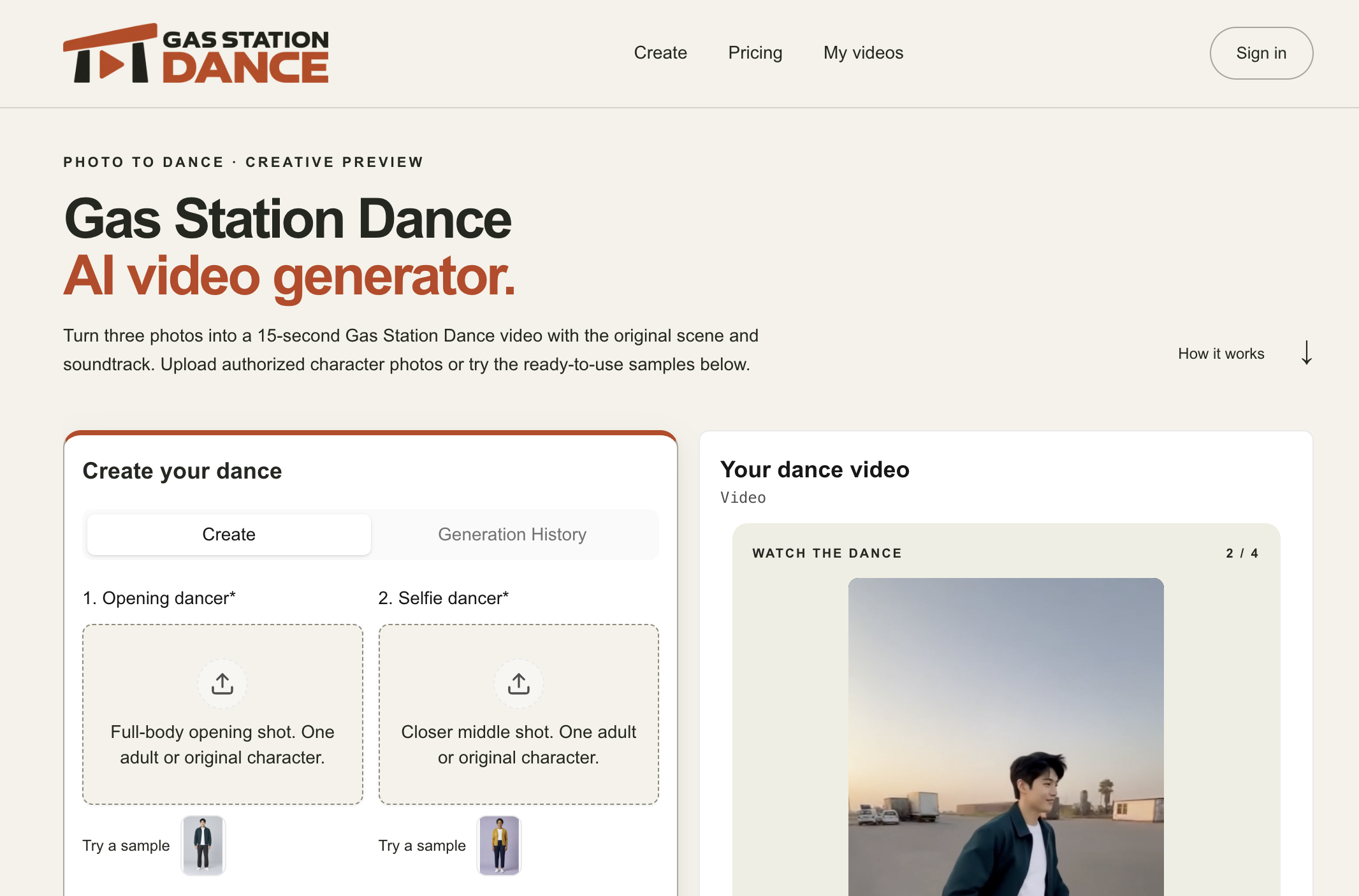
- Join the gas station dance trend without filming or learning choreography: upload three photos, one each for the opening dancer, the selfie performer, and the car-side dancer, and the AI dance video generator animates them into a full dance sequence.
- Get the scene's makeover moments without video editing skills: the AI photo-to-video animation adds face changes, clothing transformations, transitions, and timing shifts to your still images.
- Recreate the original trend without hunting for audio or syncing beats: every video keeps the original gas station scene and dance soundtrack from the reference template.
- Post straight to your feed without resizing or exporting: each creation renders as a 15-second vertical MP4 built for short-form social media video.
- Preview the effect before spending credits: built-in sample characters plus setting, camera, and movement guides show you what the dance animation looks like before you upload your own photos.
- Get sharper results on the first try: photo guidelines specify clear, well-lit adult portraits or original fictional characters, with separate shots per role and no obscured faces, tiny subjects, or heavy filters.
- Catch glitches before your audience does: watch the full video in-app and check the opening, transitions, and ending before you download it.
- Budget your content with a fixed price: every 15-second dance video costs a flat 2,100 credits.
- Share with confidence: a rights and consent confirmation step before generation ensures everyone pictured has approved the animation and its intended audience.
Pros & Cons
From the listing; not yet checked by our editors.
Pros
- Transforms photos into animation
- Generates 15-second MP4 videos
- In-built rights and consent management
- Adds dynamic transitions
- Automated editing
- User-friendly interface
- In-line with original scene
- Offers trial with sample characters
- Watch and download feature
- Online sharing capabilities
- Customizable output
- Detailed guides on usage
- Selfie to car-side transitions
- Dynamic soundtrack integration
- Three distinct role assignment
- Visual effects for enhancement
- Offers personalized content
- Considers copyright considerations
- Accessible media production
- Integration of original soundtrack
Cons
- Requires three distinct photos
- Only generates 15-second videos
- Output results vary
- Reviewing required before sharing
- Requires explicit photo rights
- Fixed dance and soundtrack
- Entertainment purposes only
- Restricted to gas station setting
- No group photo support
- Costs involved per video
Reviews
Rate this tool
Loading reviews...
Frequently asked questions
What is the Gas Station Dance AI Video Generator?
The Gas Station Dance AI Video Generator is a technological tool that converts three specific photos into a short, animated dance video. The video, set at a gas station, follows an original scene and soundtrack provided by the Tool.
How does the Gas Station Dance AI Video Generator work?
The Generator demands three images representing the opening dancer, the selfie performer, and the car-side dancer. These images are transformed by the Generator into an animated sequence that stages a dance performance at a gas station. This process produces a 15-second vertical MP4 video that can be previewed and downloaded by the user.
What role do photos play in the Gas Station Dance AI Video Generator?
The photos play a pivotal role in the Generator. They represent distinct characters in the dance sequence: the opening dancer, the selfie performer, and the car-side dancer. They're transformed by the Tool into a short animated dance video.
What types of photos are recommended for use with the Gas Station Dance AI Video Generator?
Clear, well-lit portraits of adults with visible facial features, or original fictional characters controlled by the user are recommended for use with the Generator. Obscured faces, tiny subjects, and heavy filters should be avoided. Each photo should ideally be a separate portrait for each role that the Generator requests.
How long is the video created by the Gas Station Dance AI Video Generator?
A video created by the Gas Station Dance AI Video Generator is 15 seconds long.
Can I preview the video before downloading it?
Certainly, once the Generator has produced the dance video, users have the option to watch and preview it before proceeding to download.
What is the quality of the video output by the Gas Station Dance AI Video Generator?
While the quality of the video output might vary due to certain factors, the Generator is designed to create a high-quality 15-second vertical MP4 video. It’s essential to note that output is not guaranteed to be identical for every photo input.
Does the Gas Station Dance AI Video Generator add a soundtrack to the video?
Yes, the Generator does add a soundtrack to the video. It retains the original dance soundtrack used in its reference template.