
Examize: AI Quiz Maker
Overview
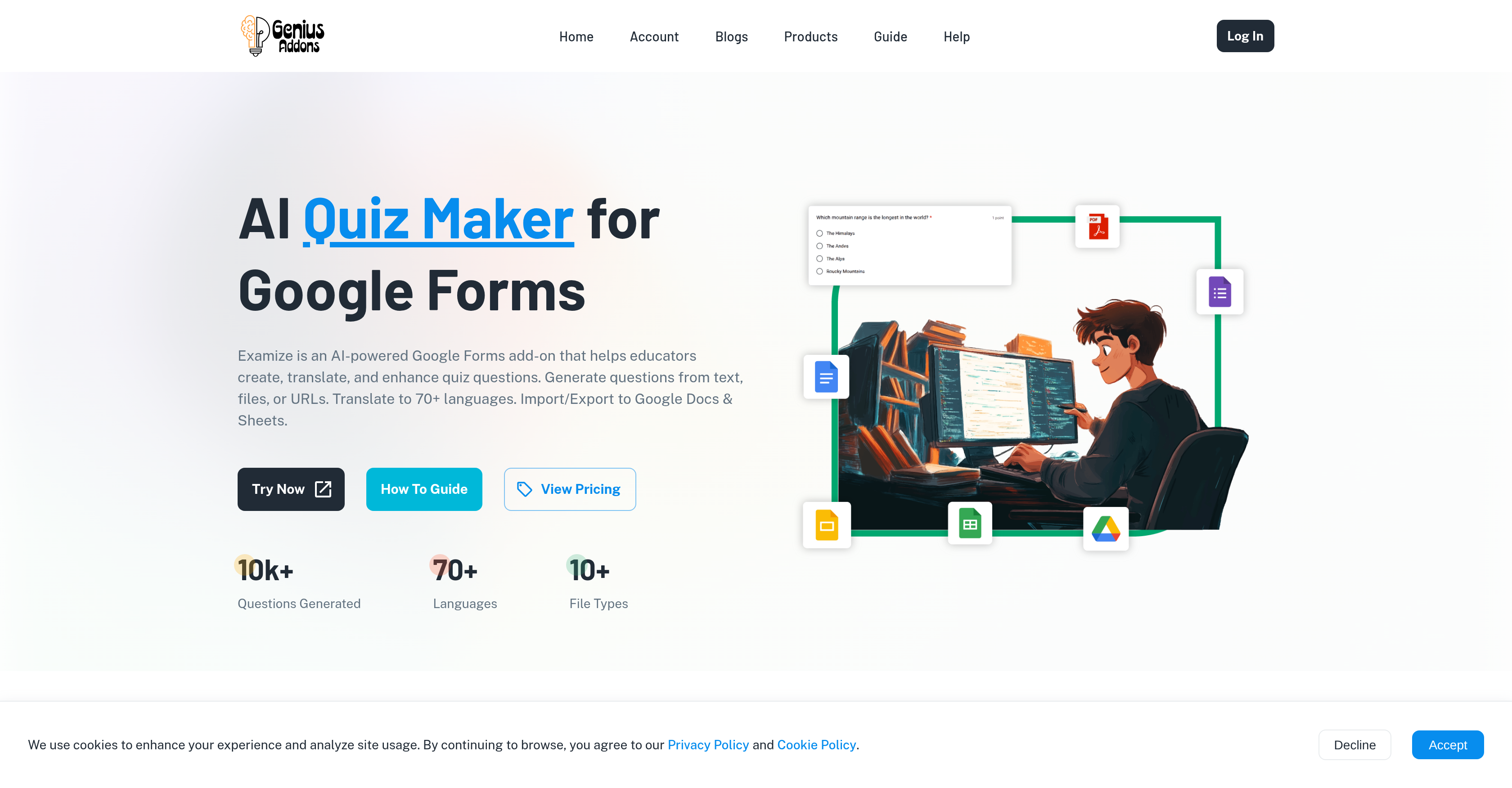
- Generate complete quizzes with answers and feedback in minutes from any text, file, or URL, eliminating manual question writing.
- Instantly translate entire forms, including questions and feedback, into over 70 languages to reach ESL students and international audiences.
- Diversify assessments by converting question types (e.g., multiple choice to short answer) while AI preserves the original context and meaning.
- Build reusable question banks by easily importing and exporting questions between forms, streamlining assessment creation.
- Create printable study guides and answer keys by exporting quizzes directly to Google Docs and Sheets for offline use.
Pros & Cons
Pros
- Generates quiz from text
- Generates quiz from files
- Generates quiz from URLs
- Multi-format content extraction
- Supports Google Docs files
- Supports PDFs
- Supports Word files
- Different question types
- Quiz translation into 70+ languages
- Question rewriting feature
- Question conversion capabilities
- Maintains context
- Import/Export quiz questions
- Google Workspace integration
- Automated quiz creation
- Customizable quiz creation
- Answer Key Generation
- Content Adaptability
- Preparation of printable materials
- Creation of question banks
- Plans for individuals, teams, organizations
- Suits diverse user needs
- Automatic answer and feedback generation
- User-defined settings
- URL content extraction
- Optimized for educators/trainers
- Available via Google Workspace Marketplace
- Supports grade level specification
- Configurable question quantity
- Question type preference setting
- Supports multiple generation methods
- Quiz version differentiation
- Detailed content translation
- Instant content translation
- Content rewriting for clarity
- Automated content conversion
- Exportable to Google Docs
- Creation of answer key spreadsheets
- Question import for comprehensive banks
- Export to professional formats
- Supports roles and permissions
- Unlimited question generation
- Advanced version remix features
- Team management capabilities
- Customizable for organizations
- Secure payment methods
- Trusted by professionals globally
Cons
- Limited to Google ecosystem
- No offline usage
- No onsite deployment options
- Limited formatting options
- Incompatibility with non-standard file formats
- Poor integration with non-Google software
- No multi user collaboration
- Relies on internet connectivity
- Limited advanced question types
- No mobile app support
Reviews
Rate this tool
Loading reviews...
❓ Frequently Asked Questions
Examize AI Quiz Maker is an AI-powered Google Forms add-on designed to assist educators and trainers in creating, translating, and enhancing quiz questions. It offers features such as question generation from text, files, or URLs, customizable quiz creations, and translation capability into more than 70 languages. Users can also easily import and export quiz questions and maintain context while adapting content to new question formats.
Examize generates quiz questions using either text, uploaded files, or URLs. Users can create content from scratch, upload files for content extraction, or provide a URL from which Examize extracts the relevant content to generate questions.
Examize supports a wide range of document types including but not limited to Google Docs, PDFs, and Word files.
Examize can generate multiple types of questions, including multiple choice, short answer, and true/false questions.
Examize can translate quizzes into more than 70 languages, making it highly suitable for ESL students and international audiences.
Additional features offered by Examize for quiz creation include question rewriting and conversion capabilities to enhance clarity and complexity. Also, it offers effective import and export capabilities of quiz questions, preparation for study guides, printable materials, and the creation of comprehensive question banks.
Examize maintains context while adapting content to new question formats. It uses its AI-powered tools to rewrite and convert questions, always preserving the original context even when transforming one question type to another, such as from a multiple-choice to a short-answer format.
Yes, users can import and export quiz questions using Examize. This offers the flexibility of easy movement between forms, preparing study guides, creating printable materials, and building comprehensive question banks.
Examize is suited for a wide range of users including individuals, teams, and organizations with diverse needs. Especially, it is highly beneficial for educators and trainers.
Yes, Examize is compatible with Google Docs. It supports a variety of document types including Google Docs.
Examize uses AI technology in various aspects of quiz creation. It not only generates questions from text, files, or URLs using AI but also employs it in translating quizzes into other languages, rewriting and converting questions while preserving their context, and adapting content to new question formats.
Examize uses its AI-powered tools to translate quizzes into 70+ languages while intelligently retaining the original content's context. It also maintains context when questions are rewritten or when content is adapted to new question formats.
Yes, Examize can generate quiz questions from a URL provided by the user.
Yes, quizzes created in Examize can be customized according to user's needs. Users can choose the question types they desire - multiple choice, short answer, true/false, and more.
The process of creating quizzes using Examize involves three steps: Selecting a generation method (creating from scratch, uploading a file, or providing a URL), configuring settings like number of questions, grade level, question types, and language preferences, and finally clicking on 'generate' to create the quiz questions with answers and feedback.
Yes, you can create and print study guides using Examize. Its export feature allows you to export to Google Docs which is perfect for creating study guides and printed materials.
Examize offers import and export features, allowing you to easily build comprehensive question banks. You can move questions between forms and import questions from existing forms to build your question bank.
Yes, Examize offers different subscription plans. These plans cater to individuals, teams, and organizations with various features. The pricing structure ranges from a Pro plan for individuals at $5.99 per month to an Enterprise plan with custom pricing for organizations requiring advanced controls and support.
Examize boosts content creation for ESL students and international audiences by leveraging its AI capabilities to translate quizzes into over 70 languages. This feature allows educators to effectively cater to ESL students and international audiences without worrying about language barriers.
Yes, Examize can transform a multiple choice question to a short answer type. Through its question rewriting and conversion capabilities, it enables one type of question to be efficiently converted to another, while preserving the context.
Examize AI Quiz Maker for Google Forms is an AI-powered add-on designed to assist educators and trainers in creating, translating, and enhancing quiz questions. It has the capability to generate questions using text, files, or URLs. Users can generate quizzes from scratch, upload files for content extraction, or provide a URL for content extraction. The system supports a diverse range of document types.
The target audience for the Examize AI Quiz Maker primarily includes educators and trainers. However, it can also be beneficial for teams and organizations with diverse needs pertaining to quiz generation and translation.
Examize creates quizzes by allowing users to either generate questions from scratch, upload files for content extraction, or provide a URL where the tool can extract relevant content. This refined input is then processed by Examize's artificial intelligence to create quiz questions based on the user's specified settings such as question quantity, type, and language preference.
Yes, Examize does support the translation of quizzes into other languages. In fact, it offers multilingual support, with the capacity to translate quizzes into over 70 languages. This makes it a valuable tool for catering to ESL students and audiences from various international backgrounds.
Examize supports an extensive range of document types including Google Docs, PDFs, and Word files. This versatile document support enables users to extract quiz content from various document formats.
Yes, Examize offers extensive customization options for quiz creation. Users can choose between different question types including multiple choice, short answer, and true or false questions. Furthermore, users can configure settings such as the number of questions or specific language preferences.
Examize caters to a diverse range of needs by providing capabilities such as question generation from various sources, translation of quizzes into over 70 languages, options to import and export quiz questions, and features for rewriting and converting questions. Its versatile toolset makes it ideal for individuals, teams, and organizations with varying needs related to quiz creation and translation.
Examize maintains context while adapting content to new question formats by deploying its AI capabilities. This AI-powered adaptation of content ensures that the original context is preserved while the content is translated to the new question format.
The process of quiz generation on Examize involves three simple steps. First, users choose their preferred generation method. The options include generating questions from scratch, uploading a file, or providing a URL. Then, they configure settings such as the number of questions, grade level, question type, and language preference. Finally, clicking 'generate' prompts the AI to create the quiz questions along with answers and feedback.
Yes, with Examize, users can effortlessly import and export quiz questions. This feature facilitates easy movement between forms and allows for the creation of comprehensive question banks. Users can also export quizzes to Google Docs, making the preparation of study guides or printable materials seamless.
Examize facilitates quiz translation into multiple languages through its multilingual support feature. Users have the option to translate their full form into over 70 languages, making it an ideal tool for ESL students and international audiences. The translation features function intelligently, translating form titles, questions, answer choices, and feedback messages.
Examize is integrated into the Google Workspace through the Google Workspace Marketplace. This integration means that users can access and add the tool directly to their Google Workspace, making it a convenient and accessible addition to their suite of productivity tools.
Examize assists in rewriting and converting quiz questions through its remix and convert feature. Users can rewrite questions for clarity or convert between question types. This aids in diversifying assessments and adding complexity. The AI ensures that the context is preserved while the content is adapted to the new question formats.
The main features of the Examize AI Quiz Maker include an AI-powered quiz maker for Google Forms, question generation from text, files, or URLs, form translation into over 70 languages, import and export capabilities, preservation of context during question rewriting and conversion, customizable quiz creation, compatibility with various document types, and integration with Google Workspace.
Examize can be incredibly useful in the context of language teaching or ESL students due to its multilingual support feature. This feature allows users to translate full forms, including titles, questions, answer choices, and feedback messages, into over 70 languages. This can help to create different versions of quizzes for students with different language proficiency levels.
Examize can diversify assessment types by allowing users to convert between different question types. Users have the option to transform multiple choice to short answer questions or any type to another. Such diversification and increased complexity can aid in creating a more effective assessment.
Examize provides Google Workspace integration to simplify and enhance users' workflow. By integrating directly with Google Workspace, Examize facilitates seamless navigation and usage of the platform within the familiar environment of Google's productivity suite. Users can easily import and export data to and from Google Docs and Sheets.
Yes, it is possible to use Examize to prepare printable study guides. Examize's ability to export quizzes to Google Docs makes it easy to prepare study guides and other printable materials. Users can also create spreadsheets with answer keys, facilitating efficient study and review processes.
Yes, Examize can generate quizzes automatically from uploaded content. Users can upload files in various formats like Google Docs, PDFs, or Word files or provide a URL for content extraction. The AI then uses this content to generate quiz questions based on the user-configured settings.
Examize offers four pricing plans. The 'Pro' plan is available at $5.99 per month and includes up to 100 questions per month. The 'Pro Plus' plan is available at $9.99 per month and offers unlimited questions along with advanced features. The 'Team' plan is also available at $9.99 per month per user and includes all 'Pro Plus' features along with options for managing team members. Finally, the 'Enterprise' plan offers custom pricing for advanced controls and support.
Pricing
Pricing model
Free Trial
Paid options from
$5.99/month
Billing frequency
Monthly