Overview
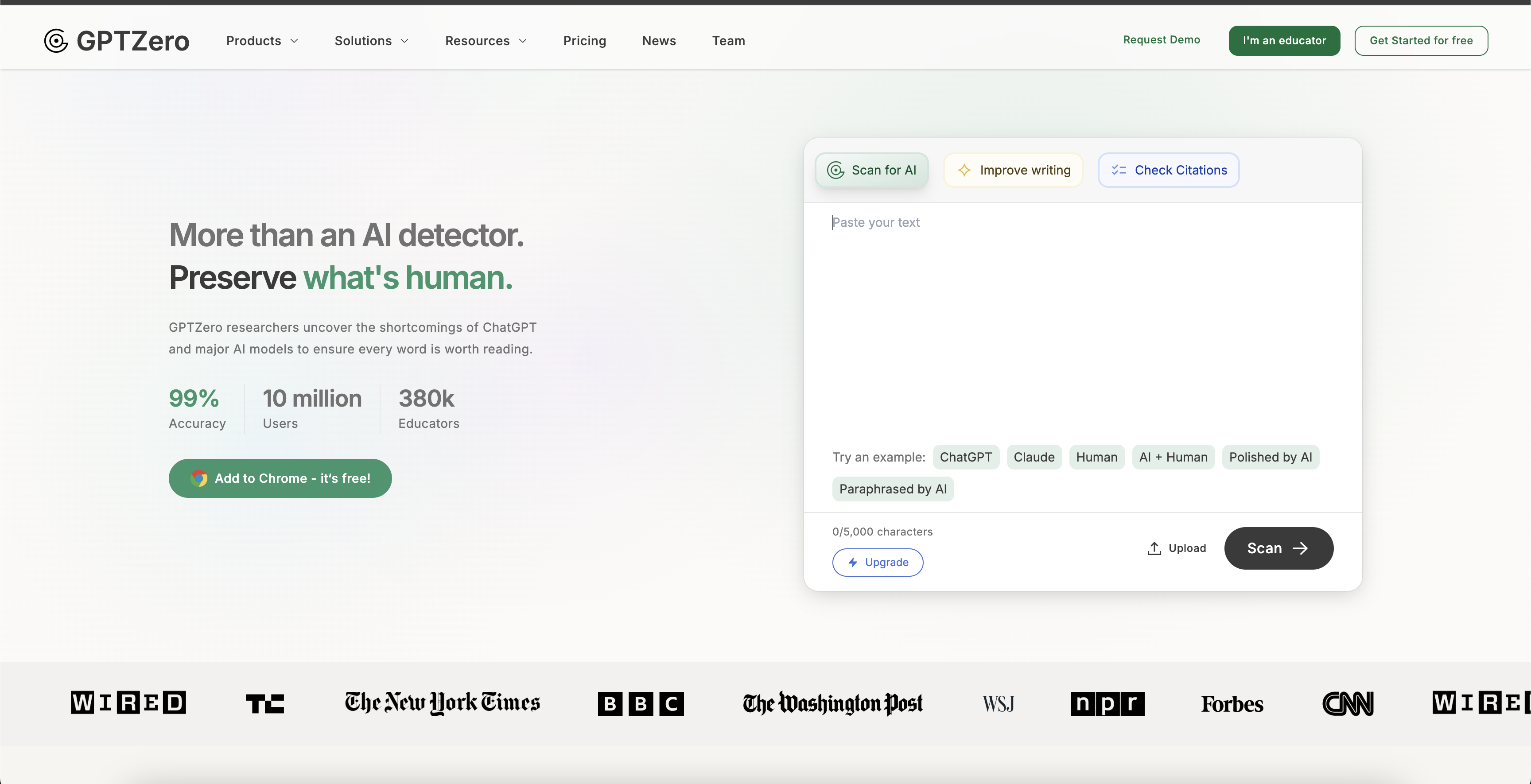
- Instantly identify AI-generated content across entire classrooms with batch file uploads that process multiple documents simultaneously
- Pinpoint exact sentences written by AI with highlighted text analysis that shows specific problematic passages
- Get a comprehensive understanding of document authenticity with holistic plagiarism scores that measure AI content percentage
- Integrate AI detection directly into your existing platforms through customizable API endpoints with dedicated engineering support
- Scale detection capabilities across your entire organization with enterprise-ready API built for institutional workflows
- Maintain academic integrity with detection technology trusted by leading universities including NYU and Purdue
- Process various document formats seamlessly with support for PDF, DOCX, and TXT files without conversion needed
Pros & Cons
Pros
- Over a million users
- Holistic plagiarism score
- Batch file uploads
- API availability
- Integration support
- Constant updates and improvements
- Recognized by major news outlets
- Used by global education institutions
- Integration with K16 Solutions and Canvas
- Customizable API endpoints
- Supports pdf, docx, txt formats
- Terms of service clarity
- Featured API users
- Educational institution partnerships
Cons
- Not optimized for individual users
- Limited file type support
- No mobile app available
- Potential overload on batch uploads
- Dependent on user interpretation
- No on-premise solution
- No offered offline functionality
- No multi-language support indicated
- Over-reliance on partnerships for improvements
Reviews
Rate this tool
Loading reviews...
❓ Frequently Asked Questions
GPTZero is an artificial intelligence (AI) detection tool used to identify AI-generated texts. It is designed primarily for educators and helps in detecting cases of plagiarism in academic institutions. The tool has more than a million users and has been highlighted in popular media outlets such as CNN, BBC, and The New York Times.
GPTZero detects AI-generated content by providing a plagiarism score. This score offers a comprehensive analysis of the amount of AI-generated content within a document. The tool employs advanced algorithms to identify text that has likely been composed by an AI, delivering accurate results to help users distinguish AI-produced text.
The plagiarism score feature in GPTZero provides a comprehensive score that illustrates how much of a document has been authored by AI. It allows users to understand the extent to which AI might have contributed to a given text or document.
GPTZero highlights AI-generated sentences individually within a document. This function enables clients to easily identify the sections of text that are suspected to be generated by AI, aiding in the understanding of the extent to which AI has been utilised.
Yes, GPTZero supports batch uploads of files for detection. This feature allows users to upload multiple files at once, facilitating a smoother experience for educators who wish to assess an entire classroom's content simultaneously.
You can integrate GPTZero into your system using the AI's API. This API is designed to be user-friendly and allows for seamless integration into your existing systems. You can find the API's documentation on GPTZero's website.
GPTZero provides integration support for its API. This includes assistance from the company's engineers to customize endpoints according to your specific needs.
Various organizations and education institutions worldwide, including NYU and Purdue, have been using GPTZero for AI detection.
GPTZero is continuously improved for educators through partnerships with organizations such as K16 Solutions and Canvas. These collaborations fuel ongoing updates and enhancements to ensure the tool remains reliable and effective for educators everywhere.
GPTZero has partnered with various organizations to improve its services for educators. Some of these partners include UNESCO, Canvas, and K16 Solutions.
The supported file types that you can upload for AI detection on GPTZero include PDF, DOCX, and TXT files.
The terms of service for GPTZero can be found on its website under the 'Terms of Use' section. These terms govern the use of the service and include information about acceptable use, privacy, and other relevant regulations.
GPTZero collaborates with several education partners to improve its service. Some noteworthy partners include UNESCO, Canvas, and K16 Solutions.
GPTZero offers several premium features. However, the exact specifics of these premium features are not directly provided on their website.
To join the GPTZero community, you need to follow the 'Join our Community' link on their website. This will redirect you to a Facebook group where you can connect with other GPTZero users.
Scaling up with GPTZero's API means using the API on a broader scale within your organization. The API is built for ease of use, enabling organizations to integrate the GPTZero tool into their larger systems or platforms.
Assistance for GPTZero API setup and integration is provided by their engineers. You can contact them at [email protected] for help customizing endpoints to better suit your needs.
You can get access to GPTZero's API by following the 'Get API Access' link on their website. This link leads to a form which, when filled and submitted, initiates the API access process.
Some featured API users of GPTZero include NUS, NYU, Port Angeles, Salem Community College, Kritik, ISB, Galvanize, Coursify, Peerceptiv, Proptee and Purdue.
For API related queries, you can contact the GPTZero team at [email protected].
Pricing
Pricing model
Freemium
Paid options from
$10/month
Billing frequency
Monthly
Related Videos
What is GPTZero? | Demo Video 2025
GPTZero•795 views•Feb 18, 2025