

Grotto Slice - Automated Email Slicer
Overview
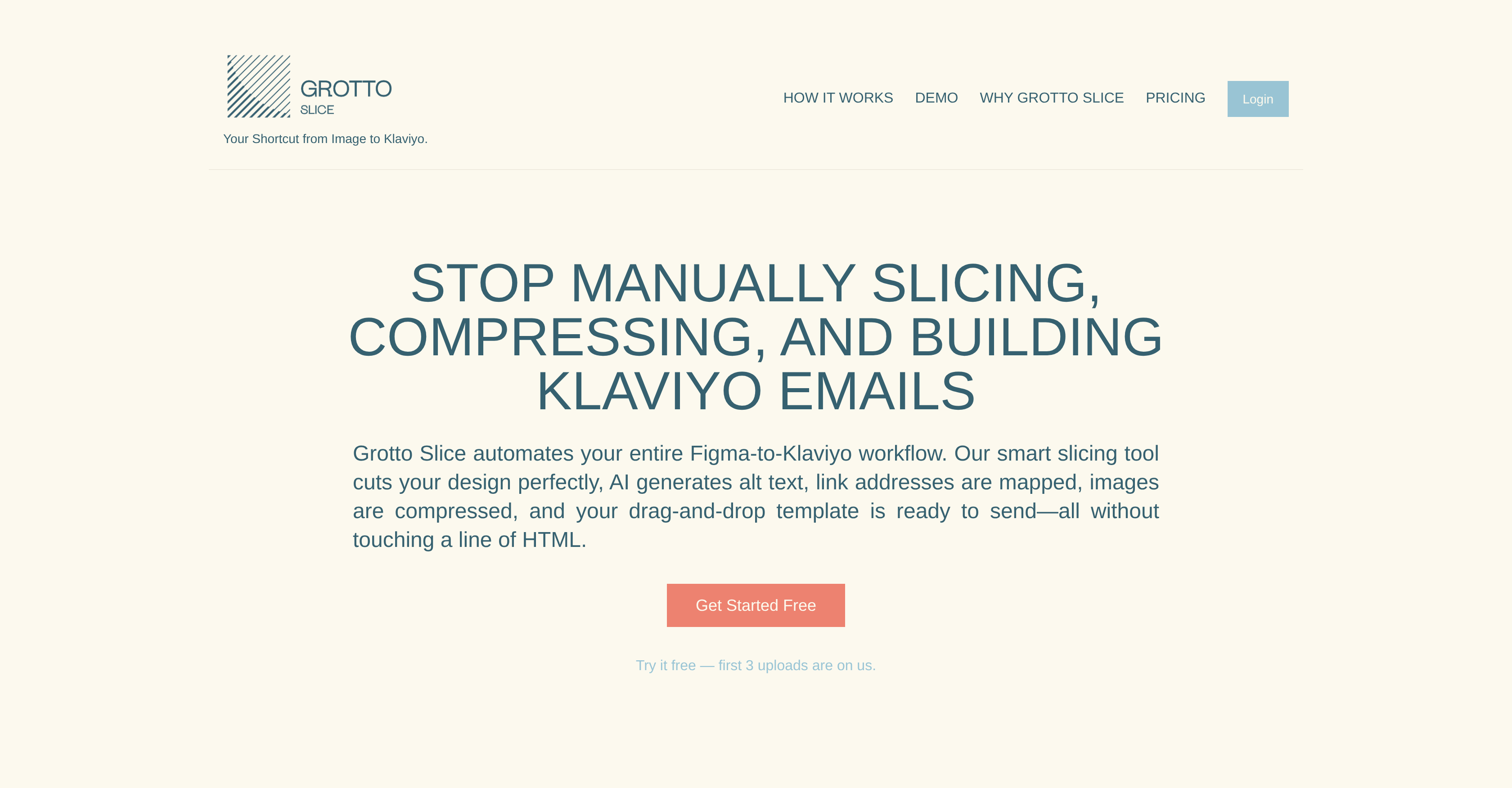
- Launch email campaigns 8x faster by converting static designs into Klaviyo templates in just 3 minutes instead of 25
- Ensure email accessibility compliance automatically with AI-generated alt text for all images
- Eliminate manual coding work through smart slicing technology that creates drag-and-drop ready templates
- Optimize email performance with automatic image compression for faster load times
- Scale effortlessly across multiple brands with seamless Klaviyo integration and flexible subscription plans
Pros & Cons
Pros
- Email slicing feature
- Aids creative writing
- Generates writing prompts
- Ideal for writers
- Supports creativity enhancement
- Helps in story crafting
- Generates creative ideas
- Useful for authors
- Promotes literary innovation
- Functions as writing assistant
Cons
- Limited to Image-Based Workflows
- Klaviyo-Only Integration
- No Native Design Tool Editing
- Monthly Upload Limits
- Dependent on External Tools
Reviews
Rate this tool
Loading reviews...
❓ Frequently Asked Questions
Grotto Slice automates the process of converting full-image email designs into ready-to-send Klaviyo templates.
No, Grotto Slice handles slicing, compression, link mapping, and template building—no coding required.
You can upload email designs exported from Figma, Photoshop, or any tool that provides a full image file.
Yes, Grotto Slice is built specifically for Klaviyo and integrates directly with your account.
Yes, the first 3 email uploads are free, allowing you to test the full workflow before subscribing.
Grotto Slice is a powerful automation tool that streamlines the Figma-to-Klaviyo email workflow, converting static designs into fully optimized email templates in minutes. It is designed for marketers, designers, and email agencies.
Grotto Slice uses artificial intelligence technology to precisely cut an uploaded email design into optimized sections. AI also generates accessibility-compliant alt texts.
The main features of Grotto Slice include smart slicing technology, faster image load times through compression, the automatic generation of accessibility-compliant alt text, automatic mapping of link addresses, and transforming designs into drag-and-drop Klaviyo email templates.
Yes, Grotto Slice compresses images for quicker load times.
Yes, Grotto Slice uses AI to generate accessibility-compliant alt text.
Grotto Slice streamlines the Figma-to-Klaviyo workflow by enabling the user to simply upload a full-image email design created in tools like Figma or Photoshop. It then handles the transformation of the design into a Klaviyo email template.
No, HTML coding is not required to use Grotto Slice. It transfroms design into a drag-and-drop Klaviyo email template.
It takes 3 minutes to convert an email design into a Klaviyo template using Grotto Slice.
Yes, Grotto Slice supports multiple brands.
Yes, Grotto Slice integrates seamlessly with your Klaviyo account.
Yes, Grotto Slice is efficient whether you are managing two brands or twenty. It is designed to scale with your business.
Yes, there are flexible subscription plans offered by Grotto Slice.
Yes, Grotto Slice offers a free trial that includes 3 uploads.
The benefits of using Grotto Slice for your email marketing workflow include time-saving, scale with business growth, elimination of manual tasks, quick design to template transformations and focus on creativity, campaign performance, and growth.
Yes, Grotto Slice handles the entire process from design upload to Klaviyo template creation.
Grotto Slice helps with productivity by streamlining the entire Figma-to-Klaviyo email workflow, automating tasks, reducing the manual process of an average 25-minutes task to just 3 minutes, and allowing more time for creativity, strategy, and growth.
Yes, you can upload an image made in Photoshop to Grotto Slice.
Yes, Grotto Slice is compatible with Figma designs.
The maximum number of uploads included in the free trial of Grotto Slice is three.
Grotto Slice simplifies the Figma-to-Klaviyo email workflow by allowing users to upload a full-image email design. The platform then precisely slices the email into optimized sections, compresses the images for quicker load times, and leverages AI to generate accessibility-compliant alt text. All link addresses are automatically mapped, and the design is transformed into a Klaviyo email template that users can drag and drop into place.
Smart slicing technology in Grotto Slice works by exactly chopping up your email into optimized sections. Through this process, the email content is organized more efficiently and ready for final assembly.
To convert a design into an email template with Grotto Slice, you first upload a full-image email design. Then, Grotto Slice employs its intelligent slicing technology to optimize and segment the design. Finally, with a single click, your design is transformed into a drag-and-drop Klaviyo email template.
Grotto Slice optimizes images for faster load times by compressing them. This compression decreases the file size of the images without significantly compromising their quality, leading to faster loading times in the final email template.
The AI in Grotto Slice performs various functions such as generating accessibility-compliant alt text for images and assisting in the precise slicing of email designs.
Grotto Slice is beneficial for email professionals as it automates and simplifies the process of turning designs into email templates. It reduces a task that would normally take 25 minutes to just 3 minutes, allowing professionals to focus more on creativity, campaign performance, and growth.
Yes, Grotto Slice can support multiple brands. It is designed to scale according to the needs of your business, whether you're managing two brands or twenty.
Yes, Grotto Slice integrates seamlessly with your Klaviyo account, creating an efficient workflow from design to launch.
With Grotto Slice, you can save significant amounts of time as it reduces a 25-minute manual task to just 3 minutes. It helps you spend less time slicing and more time strategizing.
AI-assisted precision in Grotto Slice refers to the use of artificial intelligence in accurately slicing your email designs into optimized sections. This ensures the most efficient use and placement of different components within the design.
While the exact details aren't mentioned on their website, Grotto Slice does offer flexible subscription plans designed to suit various user needs.
Yes, Grotto Slice does provide a free trial. The trial package includes three uploads for you to test the service.
Yes, Grotto Slice can generate accessibility-compliant alt text. This is done through its AI capabilities and forms part of ensuring your email designs are accessible to all users.
No, HTML coding is not required when using Grotto Slice. The tool transforms your design into a drag-and-drop Klaviyo email template, significantly reducing the need for coding.
Yes, link addresses can be mapped automatically with Grotto Slice. This means there's no need to manually specify where each link leads. The system automatically determines and assigns it for you.
Grotto Slice assists with email optimization by precisely slicing emails into optimized sections, compressing images to accelerate load times, and generating accessibility-compliant alt text. It transforms designs into fully optimized email templates in a few minutes.
Yes, Grotto Slice is scalable to support growing businesses. It has been built to handle the needs of your business, whether you're managing two brands or twenty.
Drag-and-drop email templates in Grotto Slice function by transforming your uploaded design into an optimally sliced email template. This template can then be effortlessly arranged and adjusted with the drag-and-drop functionality.
Yes, Grotto Slice can handle email designs created in both Figma and Photoshop. Simply upload the full-image email design created in these tools, and Grotto Slice will execute the rest of the process.
Pricing
Pricing model
Free Trial
Paid options from
$48/month
Billing frequency
Monthly


