

HandlePilot
Know what earns reach in your niche before you post: niche trend analysis follows relevant creators, surfaces posts that break beyond their existing audience, and benchmarks your Instagram posts against niche performance.
Listing not yet reviewed by our editors · How we check
Overview
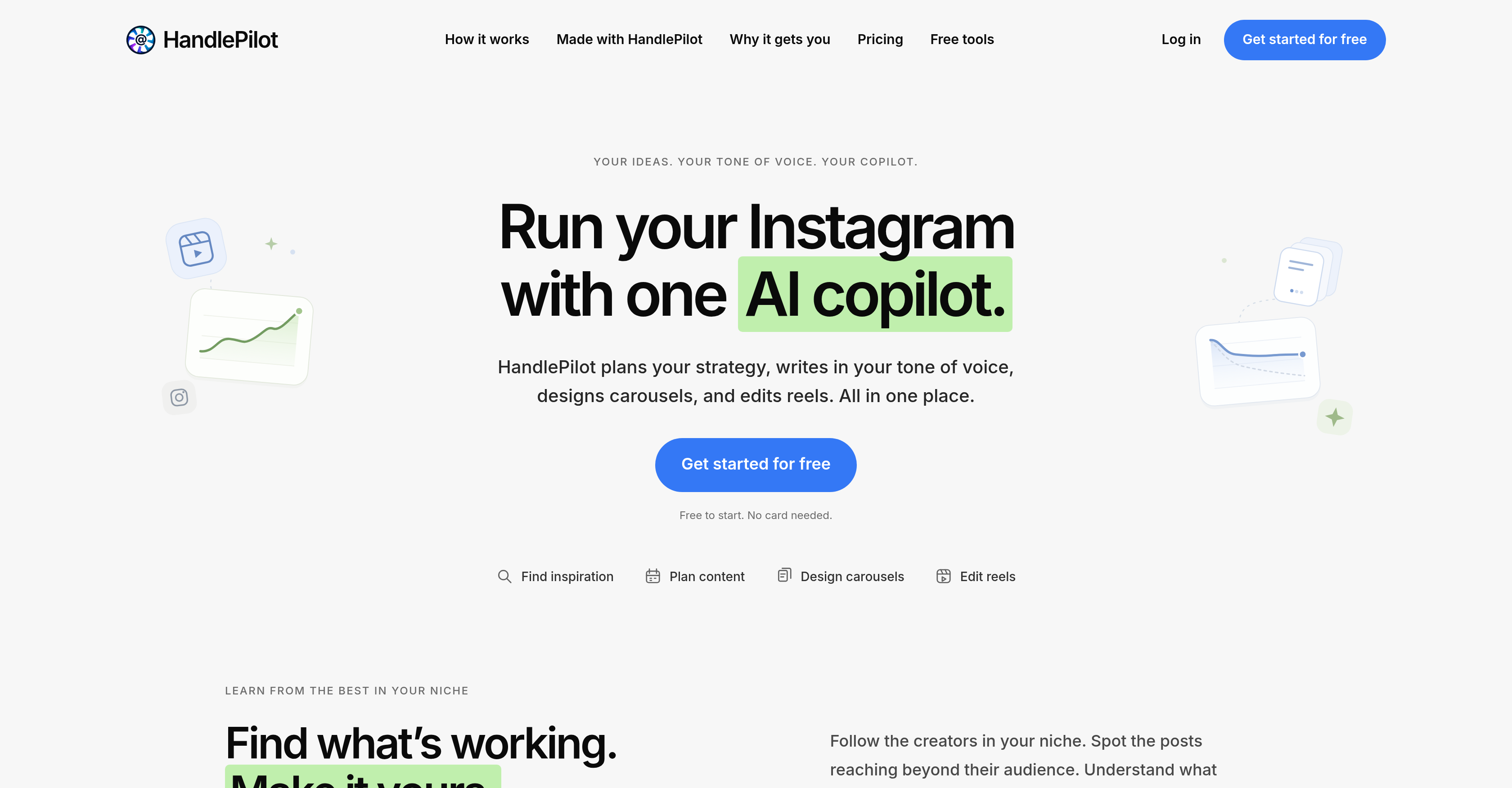
- Know what earns reach in your niche before you post: niche trend analysis follows relevant creators, surfaces posts that break beyond their existing audience, and benchmarks your Instagram posts against niche performance.
- Publish captions and scripts your audience recognizes as yours: a text-based voice model learns your vocabulary, rhythm, perspective, and storytelling patterns from your existing reels and captions, sharpens with every edit you make, and never replaces your real voice with synthetic audio.
- Start every week with a content plan: the planning engine combines your top-performing posts with high-reach niche content to generate structured Instagram content ideas, organized on a board and editorial calendar with workflow stages that show each post's next step to publication.
- Ship on-brand carousels without designing from scratch: the carousel maker picks an angle, drafts the narrative, and designs slides in your tone and branding, with fully editable slides and reusable design templates for future posts.
- Turn raw talking-head footage into finished reels: AI video editing adds animated visuals synced to your spoken words, and builds new reels from clips already stored in your media library.
- Find the exact shot you remember in seconds: visual asset search indexes your photos, raw footage, and finished work so you locate clips by describing what appears in them and drop them straight into a new carousel or reel.
- Get more posts out of content you already made: import your existing photo and video library to repurpose past material into fresh Instagram carousels and reels instead of rebuilding each post.
- Run multiple Instagram accounts from one place: Pro supports up to 20 workspaces with unlimited carousels and 20,000 AI tool calls per month, Studio scales to 120 workspaces, and the free plan includes 5 editable carousels per month.
- Replace your scattered creator tool stack: Instagram strategy, copywriting, carousel design, reel editing, and asset management run in a single workspace, so research flows directly into production.
Pros & Cons
From the listing; not yet checked by our editors.
Pros
- Unified Instagram research-to-publish pipeline
- Voice modeling from own captions
- Niche trend detection across creators
- Audience expansion post identification
- Hybrid plan merges personal posts
- Board with draggable workflow stages
- Editable reusable carousel slide templates
- Automated angle suggestion for carousels
- Animated visual sync to speech
- Talkinghead footage autoedited into reels
- Asset search via object detection
- Library indexed by visual content
- Crosscontent repurposing engine
- Creatorfirst output, no generic templates
- Briefdriven carousel generation
- Branding applied per slide
- Integrated content calendar with scheduling
- Performance benchmarking against niche peers
- Hashtag suggestions based on trends
- Reusable design styles (60+)
- Realtime workflow stage tracking
- Oneclick import of personal media
- Search by moment description
- Script drafting in user voice
- Voiceconsistent caption generation
- Integrated Instagram publishing interface
- Free forever plan, no card
- Multiplaybook access in Pro tier
- Asset library autotagging
- Smart clip selection from library
- Automated reel animation overlay
- Dynamic carousel layout adaptation
- Plan autoupdates with trends
- Visual branding alignment across assets
- Storyboarding assistance with suggestions
- Contextaware media recommendation
- Integrated influencer research engine
- Idea-to-publish seamless transition
- Workflow stage visual indicators
- Content reuse tracking metrics
- Automatic caption length optimization
- Customizable workflow templates
- Collaborative board for multiple creators
- Exportable content plan CSV
- Photo analysis for composition
- Integrated hashtag performance analytics
Cons
- Instagramonly output format
- Free tier caps assets
- No direct API access
- Video rendering queue delays
- Asset search limited to tags
- Limited thirdparty app integrations
- Editable slides not vectorbased
- No multiuser collaboration
- Voice modeling requires many reels
- Calendar lacks autopost publishing
Alternatives to HandlePilot
Tools that share the most tags with HandlePilot.
- Jester AI - Caption Writer
Create engaging Instagram captions in seconds by picking any photo from your library and getting four unique AI-generated options
Freemium · from $0.99
$0.99
Not yet checked
- Sidewalk Social
Eliminate hours of manual content creation with AI that automatically generates engaging Instagram posts tailored to your local business
Freemium · from $12/month
$12/month
Not yet checked
- Comment Generator
Save time crafting comments with AI-generated responses that analyze post captions and hashtags
Free trial · from $4.99/month
$4.99/month
Not yet checked
- ViralBuddy.app
Transform ordinary photos into viral-ready posts with a complete strategy generated from AI analysis of visual appeal and emotional triggers
Freemium · from $9/month
$9/month
Not yet checked
- Caption-spark
Instantly generate unique captions that make your posts stand out, using AI algorithms tailored to your post's context
Free
Not listed
Not yet checked
- Mai Social
Establish a unique visual brand identity on Instagram with AI-driven grid layouts that reflect your personal or brand aesthetics
Paid · from $20/month
$20/month
Not yet checked
Reviews
Rate this tool
Loading reviews...
Frequently asked questions
How does HandlePilot learn my personal tone of voice from my reels and captions?
HandlePilot scans your existing reels and caption texts, extracting vocabulary, rhythm, perspective, and recurring storytelling patterns; it builds a voice model from that data and applies it when drafting new scripts and carousel copy.
Can HandlePilot suggest carousel ideas based on the top posts in my niche?
Yes; the planning engine merges your highest‑performing posts with notable niche content to generate carousel ideas that align with proven angles and formats.
Is the carousel slide design fully editable after HandlePilot creates it?
The slides are fully editable after generation, and the designs can be saved and reused for future posts.
Can I upload my own footage and have HandlePilot add animated visuals automatically?
You can upload talking‑head footage and the system will automatically add animated visuals synchronized to the spoken words, delivering a finished reel.
How does the media asset search work – can I find a specific clip by describing what's in it?
HandlePilot indexes the visual content of every uploaded photo, raw clip, and finished asset, enabling keyword‑based searches that let you locate a specific clip by describing its visual elements.
Does HandlePilot let me schedule posts directly to Instagram or just export them?
HandlePilot lets you organize ideas, assign publish dates and export finished assets; it does not include automatic posting to Instagram, only manual upload or Instagram trial reel support.
What’s the difference between the free, Pro, and Studio plans in terms of carousel limits?
Free plan provides 5 editable carousels per month; Pro plan offers unlimited carousel creation in any style; Studio plan also offers unlimited carousels with the same unlimited access.
Can I use HandlePilot for multiple Instagram accounts under one workspace?
A single workspace on the free tier supports one Instagram account; Pro expands to up to 20 workspaces and Studio to up to 120, allowing multiple accounts under higher tiers.