

Immersive Translate
Understand foreign-language websites without losing the original meaning: bilingual cross-referenced webpage translation places each translated passage next to its source text, in real time.
Listing not yet reviewed by our editors · How we check
Overview
- Understand foreign-language websites without losing the original meaning: bilingual cross-referenced webpage translation places each translated passage next to its source text, in real time.
- Look up an unfamiliar phrase without leaving the page: mouse hover translation translates any text the moment your cursor rests on it.
- Read foreign research papers and reports in your own language: PDF translation converts full documents into side-by-side bilingual versions.
- Read and keep foreign-language books in two languages: bilingual e-book creation turns EPUB files into parallel-text editions for reading and language learning.
- Watch foreign films and videos with subtitles you understand: subtitle file translation converts captions into your target language.
- Get the best output for each kind of text: switch between DeepL, Google, OpenAI, Youdao, Baidu, Volcano, Caiyun Xiaoyi, Xiao Niu, and other translation engines whenever results fall short.
- Read content from Asian and European markets with one translator: language support covers Chinese, English, Japanese, Korean, French, German, Russian, Spanish, Portuguese, Vietnamese, Indonesian, Italian, Dutch, and Thai.
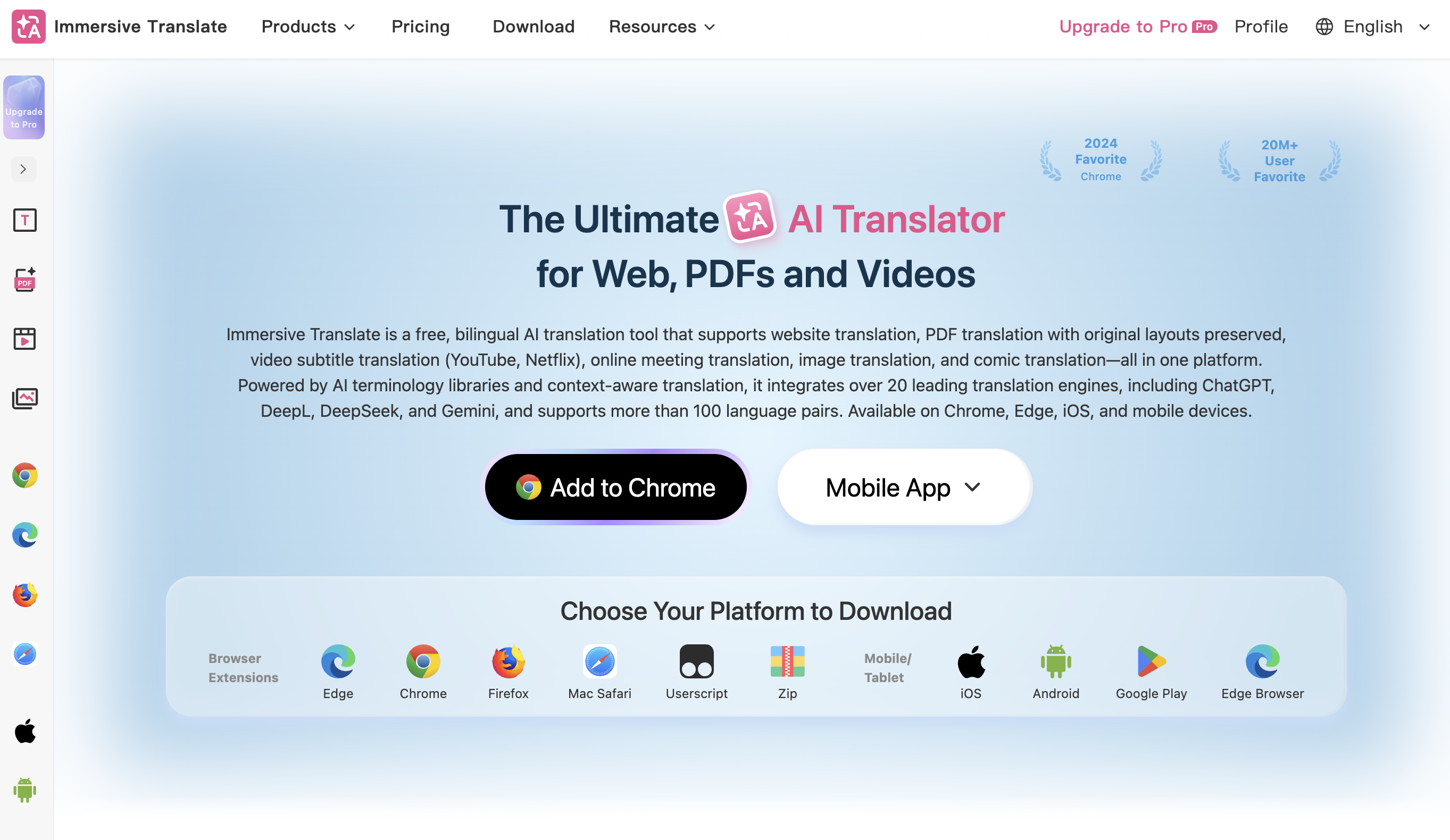
- Keep the same translation setup on desktop and phone: the browser extension runs on Chrome, Edge, Firefox, Safari, Tampermonkey, Android, and iOS.
- Translate web pages and documents at no cost: Immersive Translate is free to use.
Pros & Cons
From the listing; not yet checked by our editors.
Pros
- Supports many languages
- Offers cross-referenced translations
- Supports multiple translation services
- PDF translation
- EPUB translation
- Subtitle file translation
- Webpage translation
- Supports multiple devices
- Edge extension
- Chrome extension
- Firefox extension
- Safari extension
- Tampermonkey extension
- Android extension
- iOS extension
- Bilingual e-book creation
- Mouse hover translation
- Cross-platform compatibility
- Bilingual content sharing
- Segment-by-segment translation
- Customizable translation styles
Cons
- No offline functionality
- No human translation option
- Limited device compatibility
- No support for less common languages
- Dependent on third-party translations
- No voice translation
- No image translation
- No handwriting recognition
- No API for integration with other services
- Possible privacy issues
Alternatives to Immersive Translate
Tools that share the most tags with Immersive Translate.
- TransLinguist
Host fully multilingual webinars and conferences with real-time translation that engages global audiences directly in their preferred languages
Not listed
Not listed
Not yet checked
- Lara Translate
Translate technical documents with absolute precision using Faithful mode that maintains original structure and meaning
Freemium · from $9/month
$9/month
Not yet checked
- AI-Translate
Achieve human-quality translation accuracy verified by professional translators in blind tests through advanced neural networks that capture nuanced meaning
Not listed
Not listed
Not yet checked
- Reverso
Translate entire documents while keeping original formatting intact with support for Word, PDF, PowerPoint and Excel files
Freemium · from $7.41/month
$7.41/month
Not yet checked
- Lingvanex
Translate text, speech, and images instantly across 109 languages with neural machine translation
Not listed
Not listed
Not yet checked
- CoeFont Interpreter
Make instant decisions in global meetings with real-time multilingual interpretation that captures every word accurately
Freemium · from $20/month
$20/month
Not yet checked
Reviews
Rate this tool
Loading reviews...
Frequently asked questions
What languages does Immersive Translate support?
Immersive Translate supports a wide range of languages including, but not limited to, Chinese, English, Japanese, Korean, French, German, Russian, Spanish, Portuguese, Vietnamese, Indonesian, Italian, Dutch, and Thai.
Can Immersive Translate be used across different devices?
Yes, Immersive Translate can be used across multiple devices including PCs and mobile devices.
How does Immersive Translate facilitate the translation of different document formats?
Immersive Translate supports the translation of various document formats including PDFs and EPUB e-books. It also offers the translation of subtitle files.
What translation interfaces are supported by Immersive Translate?
Immersive Translate supports multiple translation interfaces including DeepL, Google, Open AI, Youdao, Caiyu XiaoYi, Baidu, Volcano, and Xiao Niu among others.
Can I use Immersive Translate on different browsers?
Yes, Immersive Translate supports different browsers including Edge, Chrome, Firefox, and Safari.
Does Immersive Translate offer a browser extension?
Yes, Immersive Translate offers a browser extension for Chrome, Firefox, Safari, Tampermonkey, and as an Android or iOS browser extension.
Can I create bilingual e-books using Immersive Translate?
Yes, Immersive Translate offers functionalities for creating bilingual e-books.
Does Immersive Translate provide subtitle translation services?
Yes, Immersive Translate provides subtitle translation services.