
Overview
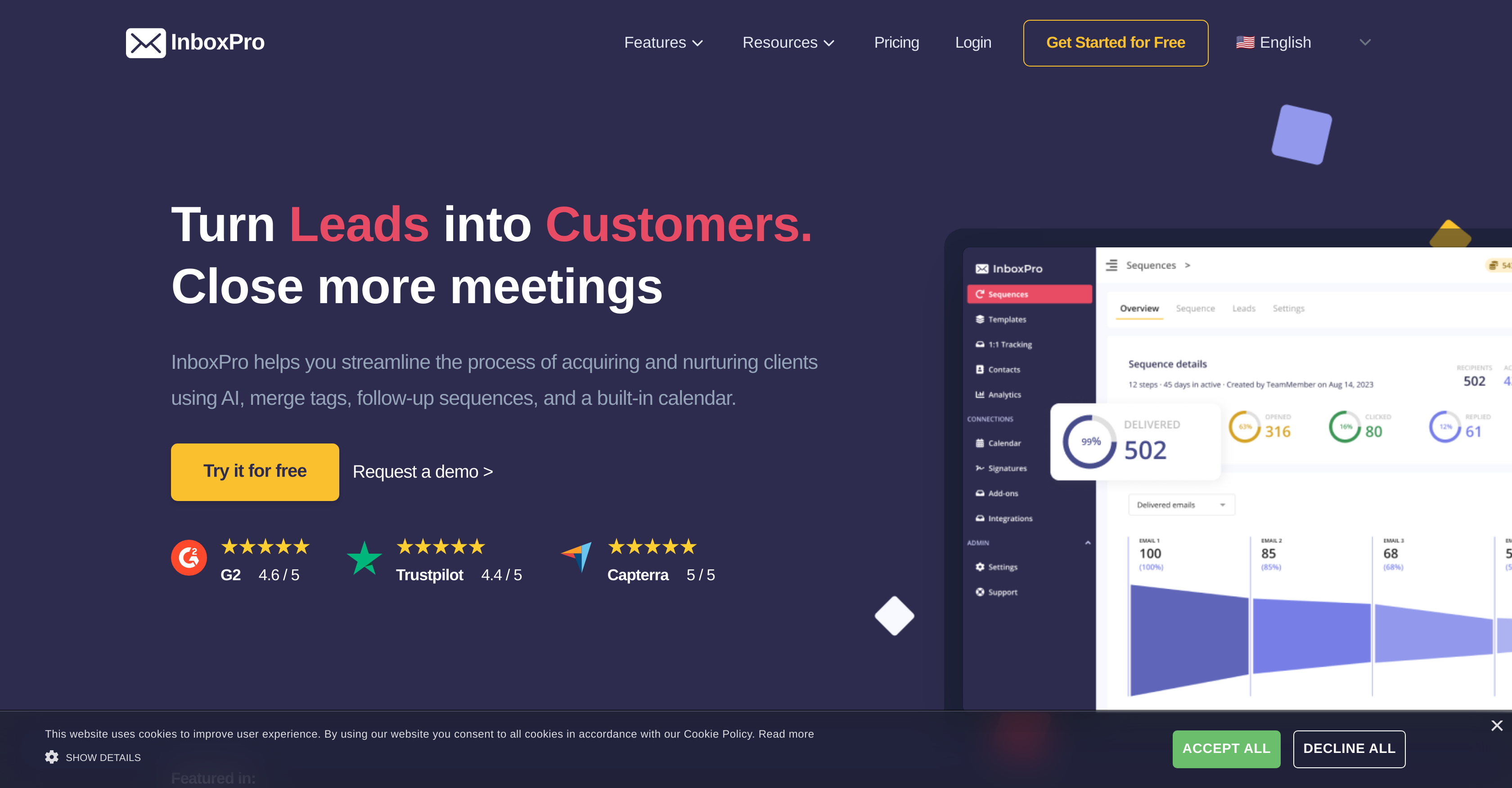
- Write professional emails instantly with AI that composes and summarizes messages based on your subject and tone
- Automate client follow-ups with customizable sequences that maintain consistent communication without manual effort
- Know exactly when clients engage with your emails through real-time tracking of opens and link clicks
- Eliminate scheduling back-and-forth by sharing your availability link integrated with Google Calendar
- Maintain brand consistency while saving time with customizable email templates and professional signatures
- Verify email addresses before sending to prevent bounced messages and maintain sender reputation
- Personalize mass communications at scale using merge tags for client names and company details
- Make data-driven decisions with performance insights showing top-performing emails and optimal sending times
Pros & Cons
Cons
- Gmail integration only
- No support for other mail platforms
- Email Checker unclear on utility
- Limited customizability for email templates
- No options for custom email analytics
- Limited security certifications
- No mention of multi-user support
- No mobile apps
- Dependent on Google Calendar
Reviews
Rate this tool
Loading reviews...
❓ Frequently Asked Questions
InboxPro is a suite of tools designed to enhance productivity in Gmail. It is an AI-powered tool aimed to streamline the process of acquiring and nurturing clients, offering features like an AI Email Assistant, Calendar Schedule, auto-followups, and email analytics.
InboxPro boosts productivity in Gmail by automating various tasks such as composing professional emails, summarizing emails, scheduling, tracking email activity, creating templates and auto-followups, and providing email analytics. Seamless Gmail integration allows for an effortless user experience.
An AI-powered email assistant is a component of InboxPro that generates and summarizes emails with just one click. Based on the subject, keywords, and tone of voice, this AI assistant does the heavy lifting of composing emails.
The AI Email Assistant aids by rapidly composing professional emails. It uses your input of subject, keywords, and tone of voice to generate an appropriate email. This reduces the time spent crafting emails manually, thus, improving productivity.
InboxPro's Calendar Schedule feature allows users to share their availability using a link. It's a convenient utility for users to let others schedule meetings with them. The tool is also integrated with Google Calendar, enabling seamless scheduling of appointments.
Email tracking in InboxPro allows you to monitor who opens your emails and clicks your email links. You receive notifications when the emails you send are opened or the links are clicked, giving you insights into how recipients interact with your emails.
InboxPro provides customizable email templates to its users. These templates help maintain a professional and branded look for your emails and can be saved for reuse, saving time on repeated content. Users can also leverage professional signature templates.
Auto-followups in InboxPro are sequences that you can set up to automate follow-up emails. These are particularly helpful in maintaining consistent communication and creating onboarding sequences.
InboxPro provides comprehensive email analytics to visualize your email activity. These include statistics for emails sent and received, top-performance emails, busy hours, and other data-driven insights that guide you in making informed decisions.
InboxPro's AI powers facilitate client acquisition and nurturing by streamlining email-based interactions. Its AI Email Assistant can effectively compose and summarize emails - optimizing communication. Automated follow-ups ensure consistent and timely engagement, while Gmail integration permits an easy data transfer.
Email Verification in InboxPro is facilitated by the Email Checker feature, which allows users to verify an email address's existence. This helps in preventing communication errors and bouncing emails.
Contact management in InboxPro allows users to effortlessly transfer their email contacts to the tool or add new ones manually. It's designed for the seamless organization and accessibility of contacts, making email communication management easy.
Yes, InboxPro has integration with Gmail. This integration enables easy transfer of your email contacts to InboxPro, making the process of setting up the tool convenient and efficient.
Email personalization in InboxPro works using the merge tags feature. By including a client's name or company details in the merge tags, users can tailor their communication to individual clients, giving a more personalized touch to the emails.
InboxPro follows industry-standard security certifications like RGPD, HIPAA, and ISO to ensure users' data security, compliance, and privacy. These certifications reflect its commitment to safeguarding user information, contributing to a secure environment for managing emails.
Yes, InboxPro is free to use after a 7-day trial. Upon completing the trial period, users can continue to use the suite without any charge.
InboxPro's merge tags feature allows for the personalization of communication by adding details such as a client's name or company specifics into emails. Merge tags can be used in both the subject and body of the email.
Yes, with InboxPro, you can schedule appointments through Google Calendar. Its Calendar Schedule feature is integrated with Google Calendar, so you can easily set your availability and let clients choose a suitable time for meetings.
InboxPro aids in creating and saving email templates via a dedicated functionality. Users can compose professional, branded emails using these templates, making repetitive emails faster and easier. Saved templates can then be easily accessed and reused.
InboxPro's email performance reports offer in-depth insights into Gmail account activity. It visualizes emails sent and received, top performance emails, busy hours, and other important metrics. These data-driven insights assist in informed decision-making and optimizing future email strategies.
Pricing
Pricing model
Freemium
Paid options from
$10/month
Billing frequency
Monthly
Related Videos
Automate Your Cold Outreach In Gmail with InboxPro
AppSumo•2.7K views•Sep 19, 2022