Overview
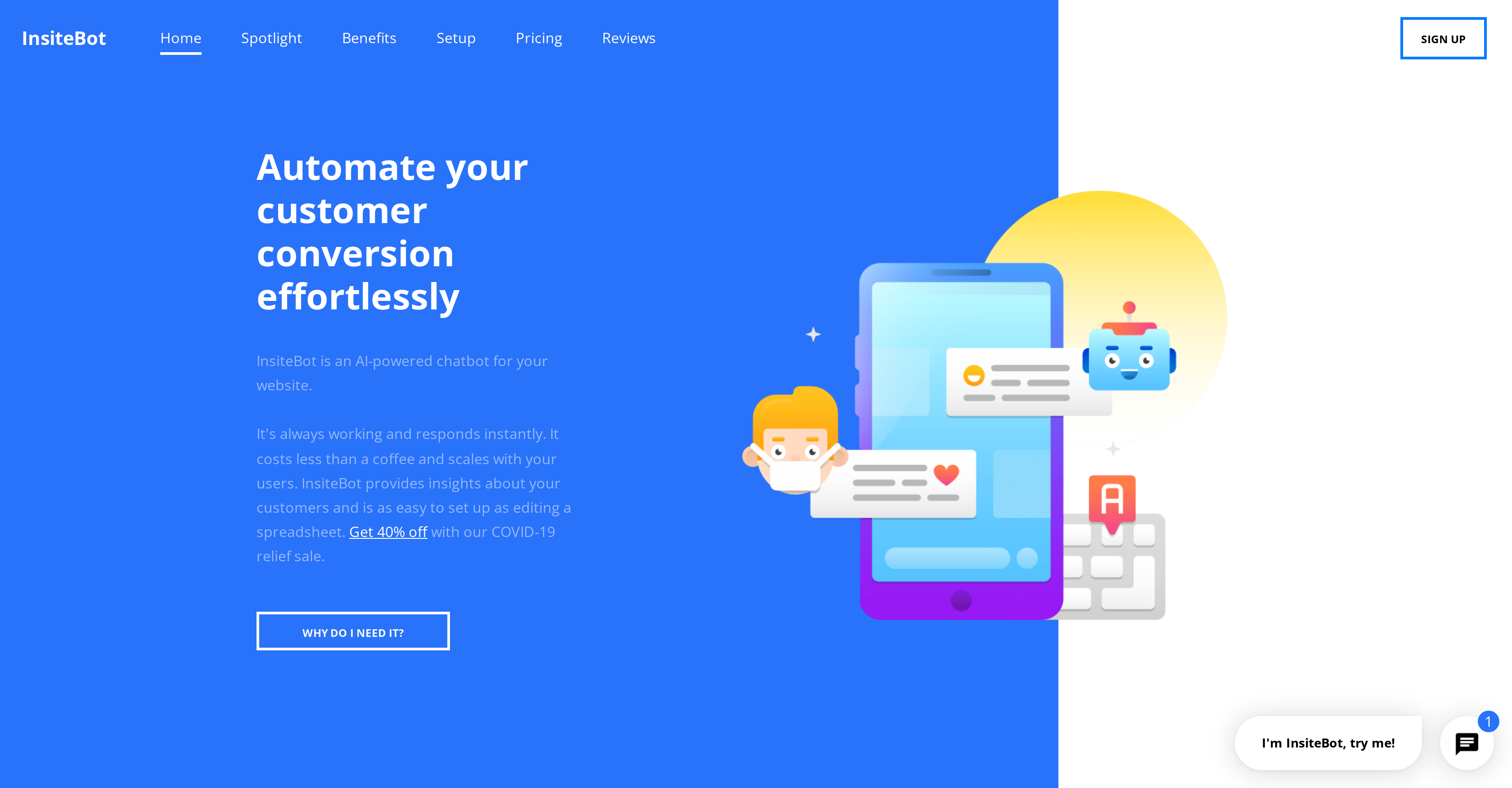
- Convert more website visitors into customers with instant, 24/7 responses that guide them through their entire journey
- Gather real-time insights about customer needs and questions through built-in analytics that track engagement patterns
- Serve global audiences by training your chatbot to understand and respond in any language you specify
- Install in minutes with simple code snippet pasting or one-click WordPress plugin installation—no technical skills needed
- Train your chatbot as easily as editing a spreadsheet by inputting your specific business queries and responses
- Expand functionality beyond basic chat by adding custom HTML, CSS, or JavaScript for buttons, videos, and voice messages
- Maintain consistent brand voice and personality through customizable interfaces, names, and visual themes
- Automate workflows by connecting to tools like Zapier, IFTTT, and Google Sheets for seamless task management
- Ensure smooth performance across all devices with fast-loading technology that works on mobile, tablet, and desktop
Pros & Cons
Pros
- Enhances customer engagement
- Instant interactions
- Analytical data collection
- Supports all languages
- Fast loading
- Compatible with all devices
- Easy setup
- Simple training process
- Expandable with HTML, CSS, JavaScript
- Brand personality reflection
- Integrates with productivity tools
- Autonomous operation
- Automates customer conversion
- Increases customer satisfaction
- Insightful business analytics
- One click WordPress plugin
- Scalability and flexibility
- Remote customer service
- Increases sales
- Integration with Zapier, IFTTT, Google Sheets
- Boosts leads
- Instant customer replies
- Localized training capability
- Allows real-time customer analytics
- Elevates queries to support team
- Can integrate with branding
- Conversion through conversational marketing
- No coding knowledge required
- Can name and customize the bot
- Built using latest web tech
- Interactive UI design
- Offers free live demo
- Affordable monthly plans
- Unlimited messages and users
- Real-time insights and analytics
- Editable training phrases and examples
- Offers technical support
- Editable bot theme for branding
- Custom in-chat icon
- Custom software solutions on enterprise plan
- On-demand bot training for enterprise
Cons
- Limited customization options
- Limited integration options
- Expensive for SMBs
- No proactive communication
- Potential privacy concerns
- Requires technical skills for enhancement
- Limited real-time support
- No mobile app
- No API access
- Bottleneck for complex queries
Reviews
Rate this tool
Loading reviews...
❓ Frequently Asked Questions
InsiteBot is an AI-powered chatbot designed to boost the online customer engagement process. It guides customers throughout their journey on the website, promoting conversion and customer satisfaction. Beyond being a chatbot, InsiteBot collects essential data on customer engagement, providing valuable insights for enhancing and personalizing customer service.
InsiteBot improves customer engagement by providing instant and consistent interactions. It guides customers throughout their website journey, readily answering queries in the brand's voice, and helps in converting customers and promoting satisfaction. It works 24/7, ensuring that the customers' questions are being addressed in real time, regardless of the time zone or the customer volume.
InsiteBot actively collects analytical data about customer engagement with the website. It gathers real-time analytics about what the customers want and what questions they're asking, providing essential insights for enhancing and personalizing customer service.
Yes, InsiteBot can be trained to understand and provide answers in any language. This expands its accessibility features, allowing it to cater to a globally diverse audience and remove language barriers in customer interactions.
InsiteBot utilizes the latest web technologies that ensure a swift loading process. It is built to load quickly and work on all customer devices. This technology ensures a seamless and efficient user experience across all types of devices and platforms.
Setting up InsiteBot is quite straightforward. It involves installing a code snippet or a one-click WordPress plugin installation on your website. It doesn’t require specialized technical knowledge, which makes the process smooth and fast.
Training InsiteBot for your business model is as easy as editing a spreadsheet. You input various queries and their corresponding responses, which allows InsiteBot to learn and adapt to the specific needs, jargon, and context of your business.
InsiteBot allows code customizations by enabling you to add HTML, CSS, or JavaScript code to the bot. This increases its functionality, allowing for the incorporation of in-chat action buttons, voice messages, embedded YouTube videos and more, thereby enhancing its scalability and flexibility.
Yes, InsiteBot can be tailored to reflect your brand's voice and personality. You can customize its interface using a theme editor, give your bot a name, face, and personality, further enhancing its integration with your branding.
Absolutely, InsiteBot is designed to integrate seamlessly with productivity tools, such as Zapier, IFTTT, and Google Sheets plugins. This allows for the automation of tasks and the ease of managing workflows.
InsiteBot assists in automating customer conversion by engaging customers instantly and consistently throughout their journey on the website. It's adept at interpreting user inquiries in the brand's voice and providing relevant responses, thereby boosting leads and facilitating the conversion process.
Yes, beyond functioning as a conventional chatbot, InsiteBot collects analytical data about customer interactions on the website. This data grant crucial insights into the needs of customers, which can then be used to improve and personalize customer service.
Yes, InsiteBot allows the inclusion of your own HTML, CSS, or JavaScript code to expand its capabilities. This means you can even include in-chat action buttons, voice messages, embedded YouTube videos, and more within InsiteBot's chat center to enhance its functionality.
Yes, InsiteBot is developed using the latest web technologies, ensuring compatibility with all devices. This means whether your customers are on a smartphone, tablet, or desktop computer, they can effortlessly interact with InsiteBot.
The setup process of InsiteBot is easy and requires no coding knowledge. It can be installed by simply pasting one line of HTML code into your website, or if you're using WordPress, you can simply install the WordPress plugin. After installation, you train InsiteBot, which is as simple as editing a spreadsheet, and then customize InsiteBot to integrate with your branding.
InsiteBot can be seamlessly integrated with productivity tools such as Zapier, IFTTT, and Google Sheets plugins. This allows you to automate tasks and manage workflows in a simplified manner, boosting efficiency and productivity in your operations.
InsiteBot operates autonomously, leveraging artificial intelligence to interpret user questions and provide relevant answers instantly and consistently 24/7. This allows business owners to focus on their primary operations while InsiteBot handles customer interactions.
Yes, you can use InsiteBot with the WordPress plugin. This plugin can be installed with just one click, making it extremely easy for WordPress users to incorporate InsiteBot into their websites.
You can enhance InsiteBot's capabilities by adding HTML, CSS, or JavaScript code. This means you can introduce in-chat action buttons, voice messages, embedded YouTube videos, and more. Thus, it adds more depth to the chatbot's utility and widens its use case spectrum.
Yes, you can customize InsiteBot to mirror your brand voice and personality. This is achieved through its training process where you infuse your company culture and brand voice into the bot. Additionally, you can use the theme editor to integrate InsiteBot with your branding, including giving it a name and face.
Pricing
Pricing model
Freemium
Paid options from
$3/month
Billing frequency
Monthly