
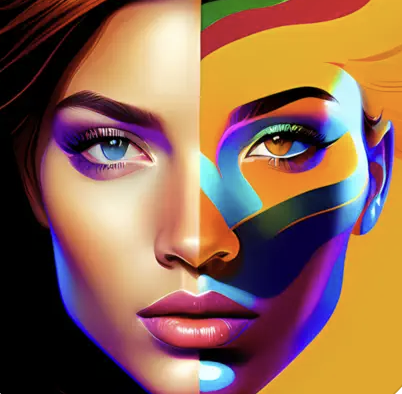
Instant Portrait
Get a portrait painting of yourself without hiring an artist or picking up a brush: the AI portrait generator turns your uploaded selfie into a painting in your likeness.
Listing not yet reviewed by our editors · How we check
Overview
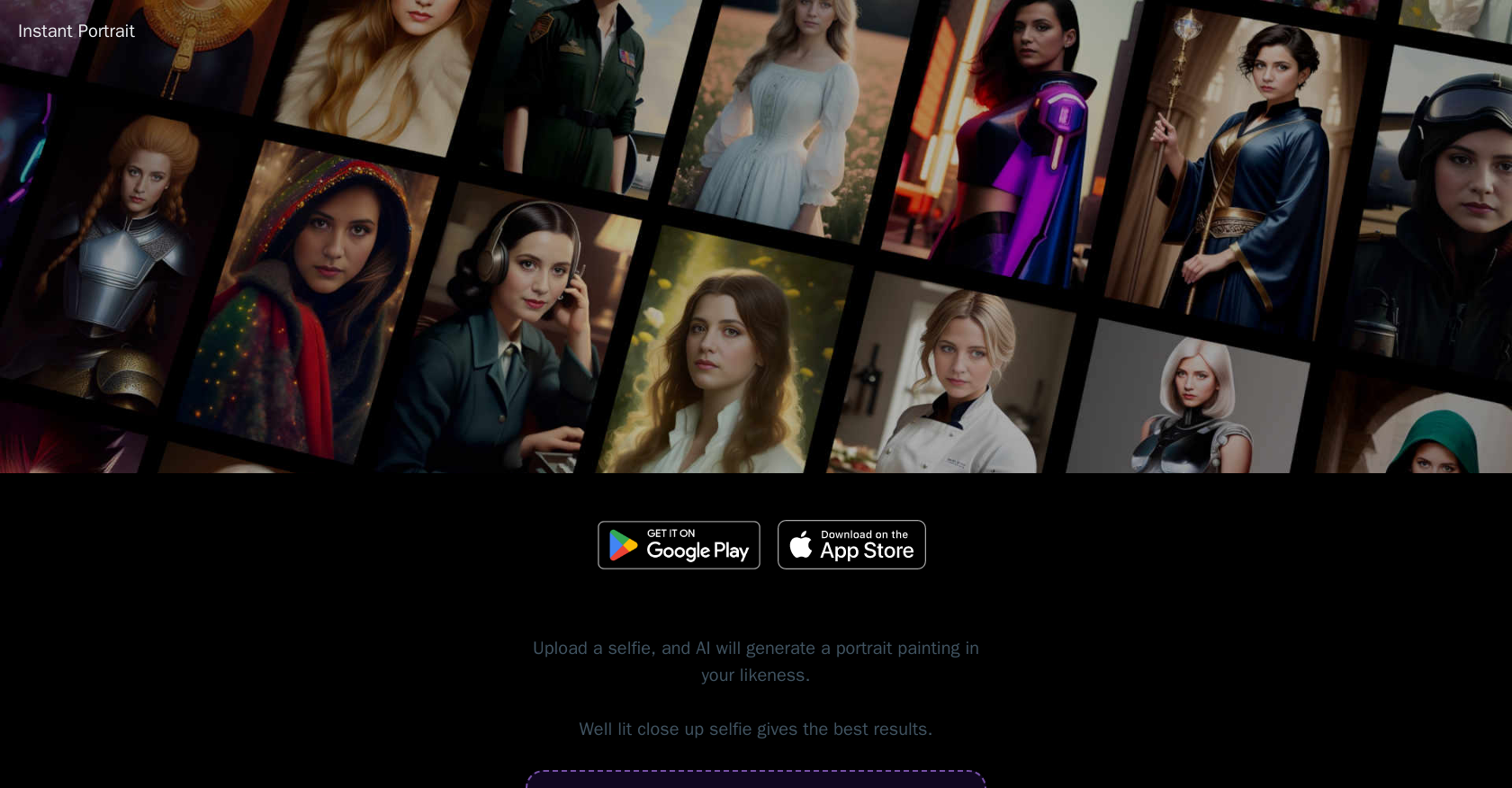
- Get a portrait painting of yourself without hiring an artist or picking up a brush: the AI portrait generator turns your uploaded selfie into a painting in your likeness.
- Go from selfie to painted portrait anywhere: download the app from Google Play or the App Store and use a selfie straight from your phone.
- Match the painting to your personal style: choose your preferred theme before your selfie is converted into a portrait.
- Keep your profile pictures and keepsakes fresh: new portrait themes are added every week.
- Create AI portrait art without paying anything: the app is free to use.
- Start turning photos into paintings right away and share less personal data: no sign-in or signup is required, and a dedicated privacy page explains how your information is handled.
- Get a sharper, truer likeness on the first try: follow the built-in guidance to upload a well-lit, close-up selfie.
- Resolve any issue with your portrait directly with the team: a dedicated contact page connects you to the people behind the app.
Pros & Cons
From the listing; not yet checked by our editors.
Pros
- Available on multiple platforms
- Theme selection available
- New themes added weekly
- No sign-in required
- Free to use
- Contact page access
- Privacy page
- Generates portrait from selfie
- Instructions for best results
- Continuous updates
- User-friendly interface
- Drag & drop selfies
- Encourages well-lit photos
- Highly customizable
- Focused on privacy
- Instant results
- Accessible worldwide
- Links to app downloads
- Accepts multiple image formats
Cons
- Requires well-lit close up selfies
- Limited to portrait avatars
- Results dependent on theme
- No sign-in could limit personalization
- New themes only weekly
- No clear customization options
- No API for integration
- No multi-platform (web/desktop) availability
- Only outputs in portrait form
- No editing features post-creation
Alternatives to Instant Portrait
Tools that share the most tags with Instant Portrait.
- daisy | LinkedInPro
Create professional headshots from everyday photos without expensive studio sessions using AI-powered photo transformation
Freemium · from $2.50
$2.50
Not yet checked
- PhotoGuruAI
Get professional headshots without studio costs using AI technology that transforms basic selfies
Paid · from $9/month
$9/month
Not yet checked
- Snapheadshots
Replace expensive photoshoots with studio-quality headshots generated from simple selfies, eliminating photography costs and scheduling hassles
Paid · from $29
$29
Not yet checked
- AIEasyShot
Get professional headshots for LinkedIn and business profiles without scheduling photoshoots or leaving home, using simple selfie uploads
Paid · from $29
$29
Not yet checked
- Whatthediff
Make a powerful first impression with profile pictures that truly represent you across all platforms
Freemium
Not listed
Not yet checked
- Photic
Create personalized digital identities that truly represent you with customizable facial features, hairstyles, and accessories
Freemium · from $29.99/year
$29.99/year
Not yet checked
Reviews
Rate this tool
Loading reviews...
Frequently asked questions
What is Instant Portrait?
Instant Portrait is an AI-driven app that creates portrait paintings of users based on their uploaded selfies.
How can I download Instant Portrait?
Instant Portrait can be downloaded from Google Play or the App Store via the respective links on their website.
Is Instant Portrait available on Google Play?
Yes, Instant Portrait is available for download on Google Play.
Can I find Instant Portrait on the App Store?
Yes, Instant Portrait can be found and downloaded from the App Store.
How do I use Instant Portrait?
To use Instant Portrait, you simply upload a close-up selfie, and the AI generates a portrait painting in your likeness. You also have the ability to choose your preferred theme.
What kind of photo should I upload for the best results on Instant Portrait?
For the best results with Instant Portrait, you should upload a well-lit, close-up selfie.
What are the themes in Instant Portrait?
Users of Instant Portrait can choose from various themes for their portraits. The exact themes are not mentioned.
How often are new themes added to Instant Portrait?
New themes are added to Instant Portrait on a weekly basis.