
Overview
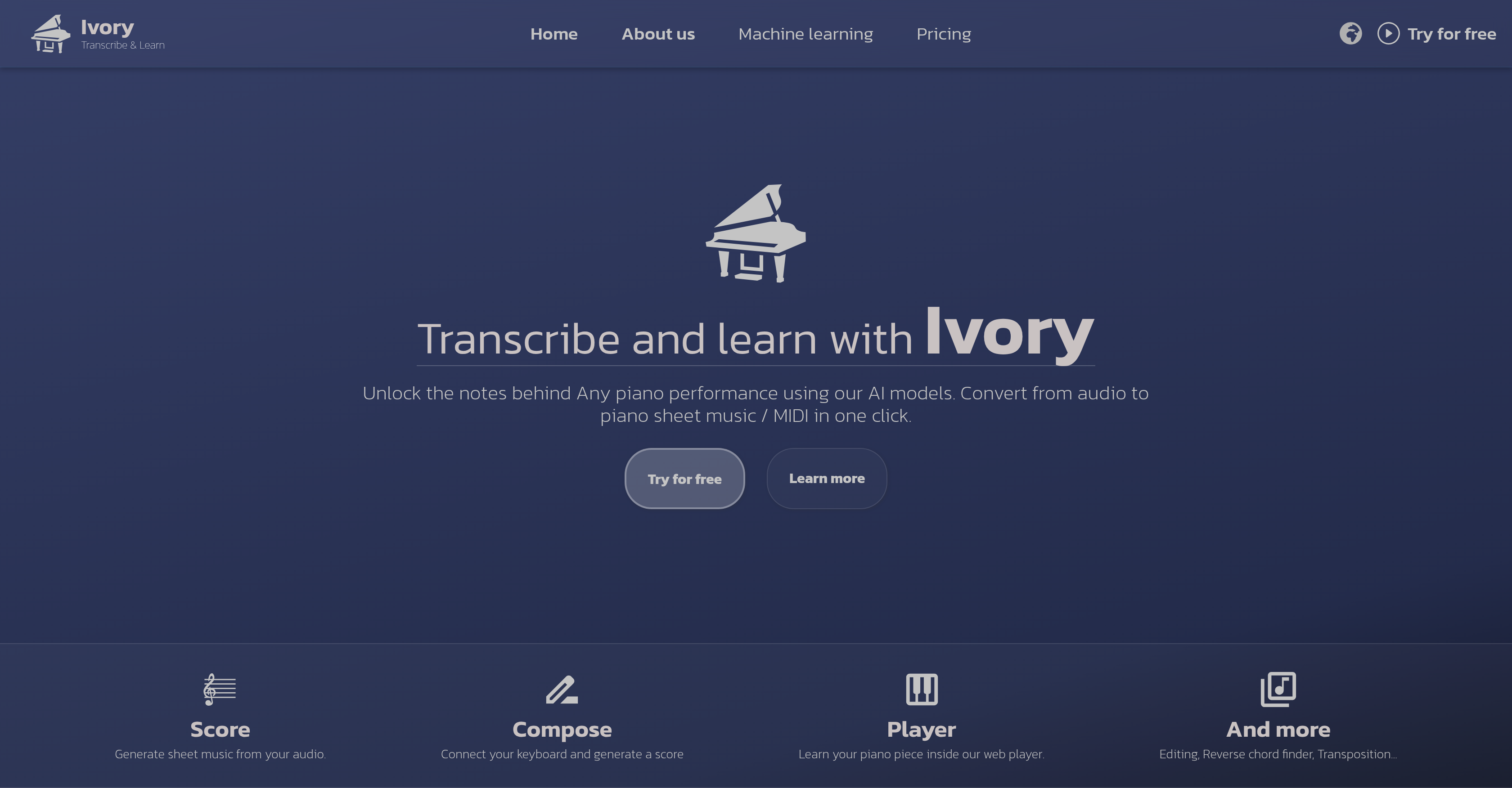
- Transform any piano performance into professional sheet music instantly using AI transcription from recordings, YouTube links, or MIDI keyboard input
- Master difficult passages efficiently with tempo control and section looping features in the interactive web player
- Correct transcription errors quickly with built-in editing tools that ensure your sheet music matches your performance exactly
- Understand chord progressions and hand placement with color-coded left/right hand notation and chord detection display
- Export your compositions in multiple formats including PDF, MIDI, and MusicXML for use with other music software
- Practice effectively with visual piano key feedback and adjustable note sizes that adapt to your learning preferences
Pros & Cons
Pros
- Converts audio to sheet music
- Generates MIDI from performances
- Upload, record or share YouTube link capabilities
- One-click transcription
- Offers editing features post-transcription
- Exports in MIDI, PDF, MusicXML
- MIDI keyboard connection
- Tempo control feature
- Loop difficult sections
- Chord detection
- Note size adjustment
- Note editing abilities
- Color-coded left and right hand parts
- Add and rate function for favorite pieces
- Learnability enhancement
- Can transcribe up to 100 pieces/month
- Error correction on transcriptions
- Harmony isolation capability
- Cross-platform accessibility
- Optimized experience on tablets/laptops
- Web player for learning/performing
- Visualize piano keys
- Web interface editing option
- Multiple export formats
- Free usage with basic functionalities
- Advanced features in paid packages
- Increased transcription volume for paid users
- Transcription from YouTube links
- Hand separation for clarity
- Transcription for piano solos
- Learning features in free version
- Web application for edits
- User-friendly interface
- Transpose music easily
- Customize falling note size
- Visual adjustment in player
- Free version available
- Subscription for advanced features
- Frequent updates and improvement
- Email and discord support
- Mobile and desktop device compatibility
- Intuitive web player design
- Direct recording in web app
- Visual piano key in player
- Score generation model
- Music practice tool
Cons
- Limited to piano transcriptions
- Requires good internet connection
- Limited to 100 transcriptions/month
- Limited functionality on mobile
- Potential errors in transcriptions
- Best user experience on tablet/laptop
- Dependent on original audio quality
- No offline use
- Harmony isolation not perfect
- Limited free version capabilities
Reviews
Rate this tool
Loading reviews...
❓ Frequently Asked Questions
Ivory is an AI-based tool that transforms piano performances into sheet music. It can transcribe piano recordings into both sheet music and MIDI format, presenting the opportunity for further editing and learning, with highlights on individual piano chords, tempo control and color-coded distinctions between hands for clarity.
Ivory utilizes AI models that listen to piano audio, isolate harmony, detect chords and then transcribe this into sheet music. Users simply need to record, upload their piano performance or simply share a YouTube link and the AI tool will complete the transcription.
Yes, Ivory does convert audio from YouTube links. Users can share their chosen YouTube link with the AI tool and it will undertake converting this into either sheet music or MIDI format.
Absolutely, Ivory accepts a MIDI keyboard connection. This functionality enables the user to generate their own sheet music through the tool.
Ivory allows users to export their sheet music in MIDI, PDF and MusicXML formats. This range of options should accommodate the majority of user requirements.
The maximum number of pieces that a user can transcribe in a month using Ivory is 100. This feature is a benefit to both casual and serious users.
Yes, users can definitely edit transcriptions produced by Ivory. If there are any errors in the initial transcription, the user can correct them within the tool.
Ivory can be used on both mobile and desktop devices, but for full functionality and the best user experience, the usage of a tablet or laptop is recommended.
Ivory provides a series of learning features. These include: tempo control, the ability to repeat challenging sections, chord detection, the option to adjust note sizes, note editing abilities, and a feature to add and rate favorite piano pieces for enhanced learning.
Yes, Ivory includes a tempo control feature which users can use to slow down the learning pieces to their preferred speed.
Indeed, with Ivory, users are allowed to repeat specific sections of a piece as many times as they need. This helps in mastering particularly challenging parts.
Ivory has a dedicated chord detection feature, which uses advanced AI models to identify and show the chords for user's pieces in the player. This can aid users in understanding and mastering the harmonic structure of their pieces.
Yes, users can add and rate their favorite piano pieces in Ivory. This enhances learnability and keeps your favorite pieces at close reach.
Yes, hand separation is a key feature in the sheet music generated by Ivory. Left and right-hand parts are separately color-coded for visual clarity during learning.
While Ivory is specifically designed to work best with piano solo recordings, its advanced AI models isolate harmony and detect chords for efficient transcription.
Yes, users have the option of recording their piano performance directly inside the Ivory web app for transcription. This offers a convenient way to instantly create and transcribe piano music.
Ivory is designed to provide the best possible transcription for piano solo recordings, but it acknowledges that errors may occur. However, users have the option to correct any existing mistakes afterwards in the application.
Ivory does offer free usage but with limitations. The free version only allows for the transcription of the beginning of pieces from YouTube and playback of existing pieces on the platform is limited to the start of tracks.
Ivory offers two different subscription options, namely monthly and yearly. Both these subscription types allow users to transcribe up to 100 pieces per month and provide access to all the features of Ivory without any restrictions.
For quick and tailored user support, joining Ivory's Discord server is the recommended method. Users can also reach out to the Ivory team via email.
Ivory has the capability to convert piano performances into sheet music or MIDI format. It can process audio from various sources, including recorded performances, uploaded audio files, or music shared via YouTube links. The conversion process is instantaneous, occurring with just a single click.
Ivory utilizes advanced AI models and machine learning techniques to generate sheet music. It isolates the harmony from a piano performance, detects the chords, and then transcribes the detected audio into sheet music or MIDI format.
Yes, YouTube links can be uploaded in Ivory for transcription. Users can share a YouTube link and Ivory will process the audio from the video, converting it into sheet music or MIDI format.
Ivory provides a unique set of editing features to enhance the usability of its transcriptions. Users can make quick edits to the transcriptions, adjust note sizes, repeat challenging sections, control the tempo, and visualize piano keys for practice. Transcriptions can also be exported in various formats for further use.
Yes, users can connect a MIDI keyboard to Ivory to assist in generating sheet music. This feature allows users to easily generate a score while playing.
In Ivory's sheet music, the parts for the left and right hands are color-coded which improves clarity. This color-coding helps users to easily identify and differentiate between the notes to be played by each hand, which is particularly beneficial for novice players and learners.
Yes, users of Ivory can add and rate their favorite piano pieces. The addition and rating feature enhances usability by allowing users to save and revisit their preferred pieces, providing a customized learning experience.
Ivory's advanced AI models are capable of transcribing up to 100 pieces per month. This makes it highly suitable for frequent users and music professionals
While the transcription process by Ivory is primarily automated, the platform does allow users to manually edit the transcriptions. This feature allows users to correct any possible errors and to further personalize their transcriptions.
Ivory is accessible on both mobile and desktop devices. However, for best user experience and full functionality, it is recommended to use Ivory on a tablet or laptop.
Ivory provides users with various export options for their transcriptions. The transcriptions can be exported in MIDI, PDF, and MusicXML formats.
Performers can use Ivory to control the tempo, loop challenging sections, and visualize piano keys during practice. The web player included in Ivory also allows users to customize the falling note size for their convenience, making it a valuable tool for practice.
Ivory's paid subscriptions offer more advanced options than the basic free version. These options include access to all features of the app without any limitations, and an increased transcription volume of up to 100 recordings per month.
In the free version of Ivory, users have limitations on transcriptions. Only the beginning of the pieces can be transcribed for free and only from YouTube.
Ivory's AI models handle chord detection by listening to the piano performance and recognizing the chords that are being played. The detected chords are then displayed in the player for the user's reference and learning.
Ivory's web player feature is designed with learners or performers in mind. With it, learners can control the tempo, repeat challenging sections for better mastery, see piano keys visualized, and customize falling note sizes for their comfort.
Yes, Ivory provides a feature that allows users to make quick edits to the transcriptions via the web application. This enhances the accuracy of the transcriptions and allows users to correct any existing errors.
Ivory's AI models isolate harmony in piano performances by separating the harmonic components from the rest of the musical texture. This precision enables the creation of a more accurate transcription.
While Ivory is available on mobile devices and tablets, the best user experience and full functionality are reportedly delivered on a tablet or laptop. A larger screen size enhances visibility and ease of use, making these devices more user-friendly for accessing Ivory.
Yes, Ivory has a feature that allows users to control the tempo during music practice. The tempo control allows learners to slow down learning pieces, thereby facilitating easier mastery of challenging sections.
Pricing
Pricing model
Freemium
Paid options from
$9.99/month
Billing frequency
Monthly
Refund policy
No Refunds
Related Videos
Ivory-App AI Audio Transcribe to Midi and Score for Desktop/ iPad: Tutorial / Demo / Walkthrough
SoundForMore Tutorials•850 views•Sep 6, 2025