

Judicio
Build courtroom-ready case strategies with verified authorities and rebuttals, using AI that rates grounds by strength and identifies opposing arguments.
Listing not yet reviewed by our editors · How we check
Overview
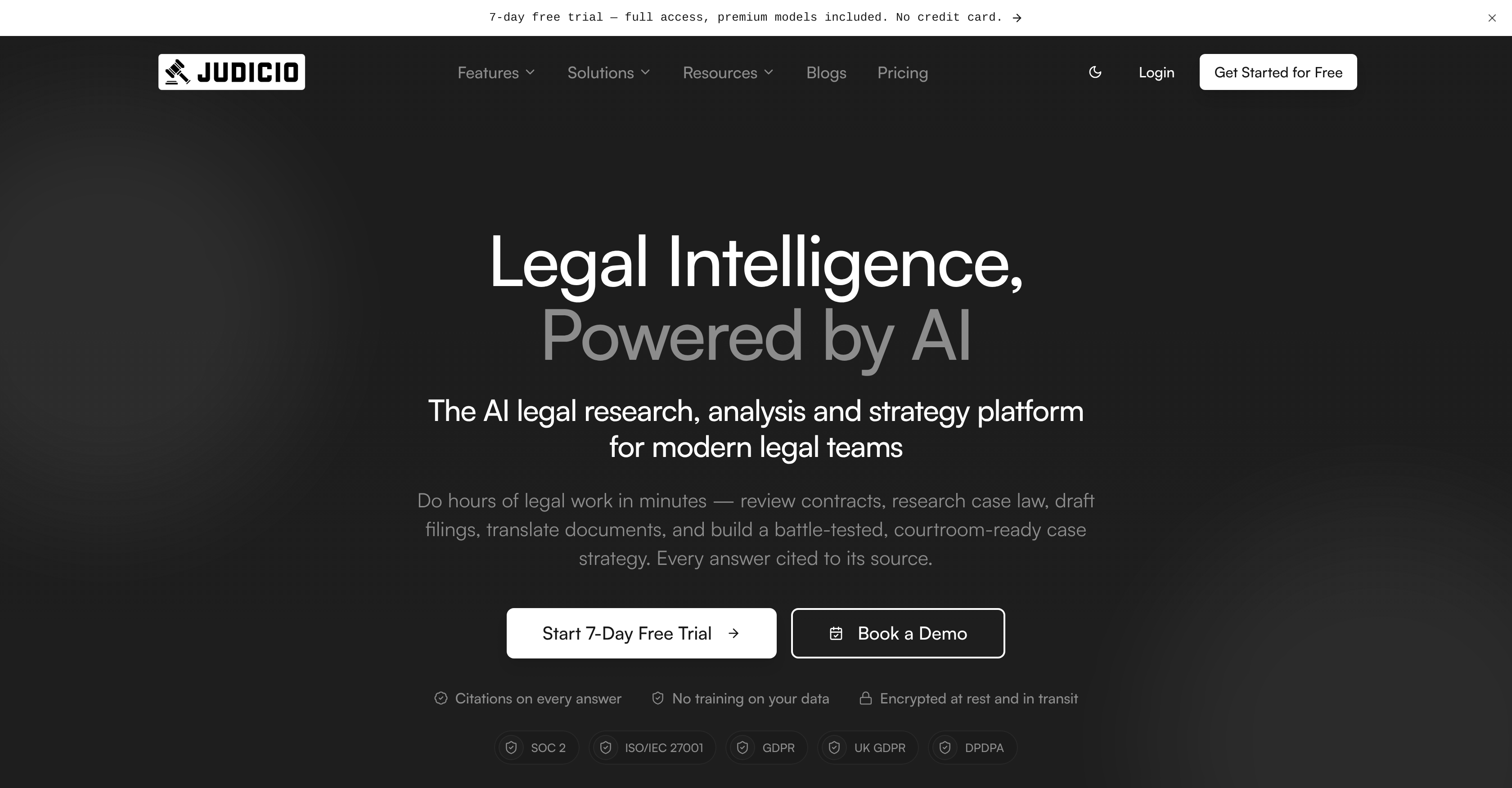
- Build courtroom-ready case strategies with verified authorities and rebuttals, using AI that rates grounds by strength and identifies opposing arguments.
- Identify every contract risk proactively, as AI scans for liability points and flags each issue with a direct citation to the exact page and passage.
- Research authoritative answers across 100+ jurisdictions in seconds, with every finding traced to its source for evidence-based legal research.
- Draft authoritative legal documents from pre-built templates, eliminating drafting errors and ensuring compliance with court standards.
- Construct litigation timelines automatically from uploaded files, organizing all dates and deadlines into a chronological case chronology.
- Query multiple documents at once through a Review Matrix, receiving answers in a grid with each response cited to its source document.
- Translate entire legal documents into 50+ languages while preserving original formatting, enabling seamless cross-border transactions.
- Collaborate with team members at different roles, sharing exported results and tracking every action through a complete activity trail.
- Understand any legal document instantly through plain-English summaries, extracting parties, dates, amounts, and defined terms without manual review.
- Ensure data security and compliance with encrypted transactions and adherence to GDPR, UK GDPR, DPDPA, and SOC 2 ISO/IEC 27001 standards.
Pros & Cons
From the listing; not yet checked by our editors.
Pros
- Streamlines legal tasks
- Reviews contracts
- Researches case law
- Multi-jurisdiction research
- Builds case strategies
- Quick data extraction
- Creates litigation timelines
- Drafts legal documents
- Identifies key details
- Plain-English summaries
- Verification features
- Cites page and passage
- Supports different roles
- Activity trail
- Risk identification
- Multi-document querying
- Translates legal documents
- Data encryption
- GDPR compliance
- UK GDPR Compliance
- DPDPA Compliance
- SOC 2 ISO/IEC 27001 Compliance
- Cybersecurity
- Export and share results
- Template-based drafting
- Free trial available
- Supports 100+ jurisdictions
- Deciphers content automatically
- Supports 50+ languages
- 500+ templates available
- Translates while preserving formatting
- Tracked changes in drafting
- Preserves layout during translation
- Ready to redline contracts
- Accept or reject changes
- No credit card trial
- Interface with Google Drive, OneDrive
- Integrates with SharePoint, iManage
- Scanned papers become searchable
- Legal document translation
- Allows sharing among team
- Collaborative features
- Allows setting severity-scored risks
- Individual roles and activities concept
- Builds authoritative litigatory agendas
- Matter management feature
- Inbuilt legal document editor
- Legal analysis with defined focus areas
- Extraction of structured data from documents
- Enables drafting from templates or precedents
- All data transactions encrypted
Cons
- No offline access
- Limited file format support
- Share features complexity
- Non-customizable interface
- Trial limited to 7 days
- Translation accuracy across languages
- Requires Document Upload
- No continuous learning feature
Alternatives to Judicio
Tools that share the most tags with Judicio.
- Legora
Draft legally sound documents faster by using past cases as precedents to generate and refine contextually accurate content
Not listed
Not listed
Not yet checked
- Clio Work AI
Deliver legally grounded research and strategies faster by connecting your active casework to a global library of over one billion legal documents for precise, cited results.
Not listed
Not listed
Not yet checked
- Kawung
Verify every legal conclusion before you rely on it: each statement in an answer links to the exact article number and standard behind it, so your Indonesian legal research rests on traceable citations.
Free
Not listed
Not yet checked
- Genie AI
Draft legally sound documents in minutes instead of hours using 4,700+ regularly updated legal templates covering technology to manufacturing sectors
Freemium · from $59/month
$59/month
Not yet checked
- Veriff - Identity Verification and KYC
Stop fraud instantly with AI-powered verification that analyzes thousands of behavioral and technical variables in real-time
Free trial · from $0.80/unit
$0.80/unit
Not yet checked
- PACT | Free Compliance Audit
Instantly identify ADA accessibility violations that could lead to lawsuits through automated AI scanning of your website structure and content
Free
Not listed
Not yet checked
Reviews
Rate this tool
Loading reviews...
Frequently asked questions
What is Judicio designed for?
Judicio is specifically designed for legal research, analysis, and strategic decision-making. It's an AI-based platform aimed to benefit various aspects of legal operations. Its primary function is to make legal tasks and processes more efficient and streamlined.
Which legal tasks and processes can Judicio streamline?
Judicio can streamline a variety of legal tasks and processes. It allows users to review contracts, research case law across multiple jurisdictions, build courtroom-ready case strategies, draft legal documents, and construct litigation timelines. Additionally, Judicio can extract data from documents swiftly and provides a Review Matrix feature for multi-document querying.
What types of key details can Judicio identify?
When users upload documents, Judicio is capable of reading and interpreting the content, identifying key details such as parties involved, dates, deadlines, amounts, defined terms, and types of clauses.
How does Judicio's verification feature work?
Judicio's verification feature works by citing the exact page and passage each finding, answer, and date originated from. It provides users with evidence-based, reliable results by accurately tracing the source of the information.
Can Judicio help in constructing litigation timelines?
Absolutely. Judicio is equipped with a 'Timeline Builder' for creating chronologies of dates and deadlines. This feature is particularly beneficial when constructing litigation timelines as it can systematically organize all pertinent dates and deadlines from multiple files.
How does Judicio assist in drafting legal documents?
With its 'Drafting' feature, Judicio aids in creating authoritative legal documents from templates. Judicio simplifies the drafting process by offering pre-made templates that can be utilized to construct well-formed legal documents.
What are the Document Review features of Judicio?
The Document Review features of Judicio help in the identification of risks within contracts. It offers a systematic approach for reviewing contracts and highlights potential areas of concern. Its AI-assisted tools flag the areas of risk, providing details on each flagged issue, including a citation to its source.
Can Judicio translate legal documents?
Yes, Judicio has a 'Translation' feature that translates whole legal documents across various languages while preserving the original formatting. This capability is particularly useful for cross-border transactions or legal matters involving multiple language jurisdictions.