

Keymate.AI
Overview
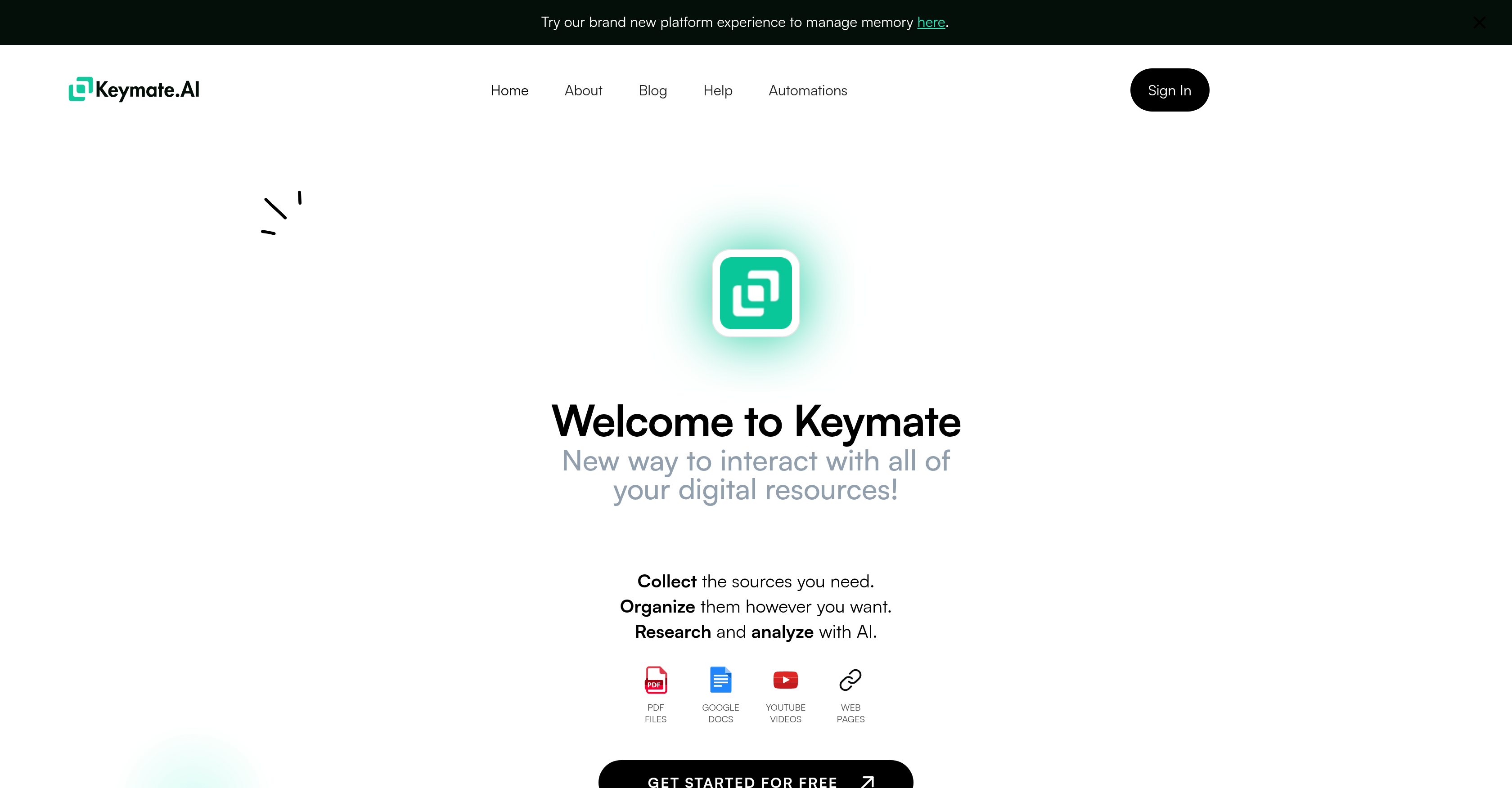
- Build a centralized knowledge base from scattered PDFs, Google Docs, webpages and YouTube videos using personalized collections for each project
- Add context to your research materials by attaching permanent annotations and notes directly to each source for future reference
- Get instant answers from your documents by chatting with any single source or entire collection through ChatGPT integration
- Find specific information across your entire library or within individual documents in seconds using the powerful search function
- Maintain complete privacy with your files secured in a dedicated personal memory space that belongs exclusively to you
- Stay focused on deep work with a single-source interface that prevents distractions while researching specific materials
- Connect Keymate.AI with other tools and workflows through API integration for seamless cross-platform functionality
Pros & Cons
Pros
- Digital resource management
- Integrated with ChatGPT
- Personalized library creation
- Allows annotation of sources
- Distinct collections for projects
- Robust search function
- Prioritizes data privacy
- Personal memory space
- Supports various formats
- Single source interface
- API for product integration
- Allows organization of sources
- Supports PDF files, webpages, and videos
- Interactive chat with source or collection
- Secures files in unique memory space
- Task automation integration
- Preferred by 180k+ users worldwide
- Supports emails addition to collections
- Separate personalized memory for users
- Query entire library or single source
- Topic-based collection creation
- Focus on current source during queries
- Supports URLs, Google Docs, YouTube videos
- Collect, manage, search, use sources in steps
- Ability to add personal notes
- Can work on separate projects
- Supports multiple source formats
- API for personal product empowerment
- Secure infrastructure, SOC-II, HIPAA Compliant
Cons
- Limited to ChatGPT integration
- No multi-source interaction
- Possibly high learning curve
- No free-tier mentioned
- No email collection mentioned
- No task automation
- Depends on third-party services
- No offline mode mentioned
- Requires personal memory space
- Unclear data security details
Reviews
Rate this tool
Loading reviews...
❓ Frequently Asked Questions
Keymate.AI is an artificial intelligence-powered tool designed to assist in managing digital resources. It works in tandem with ChatGPT, allowing the collection and organization of various types of sources like PDFs, Google Docs, websites, and YouTube videos into a personalized library. Keymate.AI also enables users to attach annotations to these sources for future reference.
Keymate.AI streamlines digital resource management by enabling users to collectively organize various formats like PDF files, Google Docs, webpages, and YouTube videos into a personal library. Users can add notes or annotations to these sources to aid future reference. The platform encourages the creation of discrete collections for different projects, subjects, or work fields ensuring easy retrieval and management of resources.
ChatGPT works with Keymate.AI by providing an interface for interactive discussions with a single source or an entire collection. This seamless integration enhances user interaction with the stored resources, making it feel like you are chatting with your knowledge base, thus making data retrieval more interactive and efficient.
Within Keymate.AI, digital resources can be organized by collecting various source types such as PDF files, Google Docs, webpages, and YouTube videos and arranging them in a personalized library. Users have the flexibility to create unique collections for different projects, topics, or fields of work, maximizing efficiency of resource management.
Users can add a variety of sources to their Keymate.AI library. Supported source types include PDF files, Google Docs, webpages, and YouTube videos. The platform is designed to accommodate different formats, making it a versatile tool for digital resource management.
Yes, one of the core features of Keymate.AI is the ability for users to annotate notes to the sources. These annotations can serve as reminders or additional information that can be useful for future reference, adding a layer of personalization to the resource management.
Keymate.AI features a powerful search function that allows users to query their entire library or individual sources to find specific information. Whether you need information from the entire library or just one source, the search functionality in Keymate.AI makes it easy to find just the data you're looking for, efficiently and quickly.
Keymate.AI prioritizes user data privacy by ensuring that files are secured in a unique personal memory space for each user. This strategy keeps the user's data secure and private, establishing trust and integrity between the platform and its users.
Keymate.AI supports multiple formats of information sources including PDFs, Google Docs, and YouTube videos. This broad format support allows users to incorporate resources in different forms into their personal library, ensuring comprehensive and efficient data management.
The single source interface in Keymate.AI is set up to keep the user's focus on one source while working, which helps to increase productivity and reduce distractions. When a user queries their sources via Keymate.AI, answers are drawn specifically from the source they are presently focused on.
API Integration in Keymate.AI offers the ability to incorporate the Keymate.AI functionality with other products, creating a seamless user experience across different platforms and applications. It expands the usage and accessibility of the tool, making it versatile in adapting to various requirements.
Absolutely, Keymate.AI enables users to create a personalized library by collecting and organizing a range of source types including PDFs, Google Docs, web pages, and YouTube videos. This personalized library can be further classified into distinct collections based on the user's projects, topics, or fields of work.
The personal memory space in Keymate.AI provides each user with a unique personal space where their files can be securely stored. This concept aims to protect data privacy by keeping user files safe and private, ensuring that the work files belong to the user exclusively.
Keymate.AI can assist with a variety of projects based on its advanced digital resource management capabilities. Whether it's a research project, an organizational task, or any field of work that involves a wide range of digital resources, users can utilize Keymate.AI's functions such as collecting sources, annotating notes, creating distinct collection of resources, and querying data to support their projects.
Users can interact with their sources using ChatGPT in Keymate.AI by chatting with a single source or an entire collection. This makes the interaction more personalized and enables users to communicate with their library resources, almost as if they were in a discussion with another person, enhancing the overall user experience.
Keymate.AI assists with research and analysis by offering a robust AI-powered platform where users can collect, organize, and annotate their sources. The integrated ChatGPT feature provides a unique way to interact with the sources, making it easier to fetch the required data. The powerful search functionality further aids research by allowing users to find specific information quickly.
Keymate.AI can certainly be used as a study tool. It provides an efficient and easy way to collect, manage, and search study materials in various formats like PDF files, Google Docs, and YouTube videos. The ability to add annotations and notes to sources, coupled with the interactive chat feature via ChatGPT, makes it an ideal tool for managing and engaging with study resources.
For education purposes, Keymate.AI can be an ideal platform. It offers tools for organizing course materials, planning study topics, and enabling interactive learning through the ChatGPT integration. Educators and students can build personalised libraries with important resources, add annotations for quicker revision, and use the search functionality to pinpoint specific information.
Yes, Keymate.AI supports Google Docs, PDFs, and YouTube Videos. These are among the various source types that users can add to their Keymate.AI library, further enhancing its utility as a comprehensive digital resource management tool.
The process of organizing collections in Keymate.AI involves four primary steps. Firstly, collect your sources including but not limited to, PDFs, links, Google Docs, and YouTube Videos. Secondly, add personal annotations to these sources to make them more significant for future use. Thirdly, organize these resources into collections, which could be built to power separate projects, topics, or fields of work. Finally, interact with your library via the ChatGPT feature.
Pricing
Pricing model
Freemium
Paid options from
$16/month
Billing frequency
Monthly
Related Videos
Store & Load Prompts on ChatGPT with Keymate Memory
Keymate AI•207 views•Feb 23, 2024


