

KituSDR
Turn evening and weekend website traffic into qualified leads: the AI sales development chat widget engages visitors outside staffed hours, so inquiries no longer wait until morning.
Listing not yet reviewed by our editors · How we check
Overview
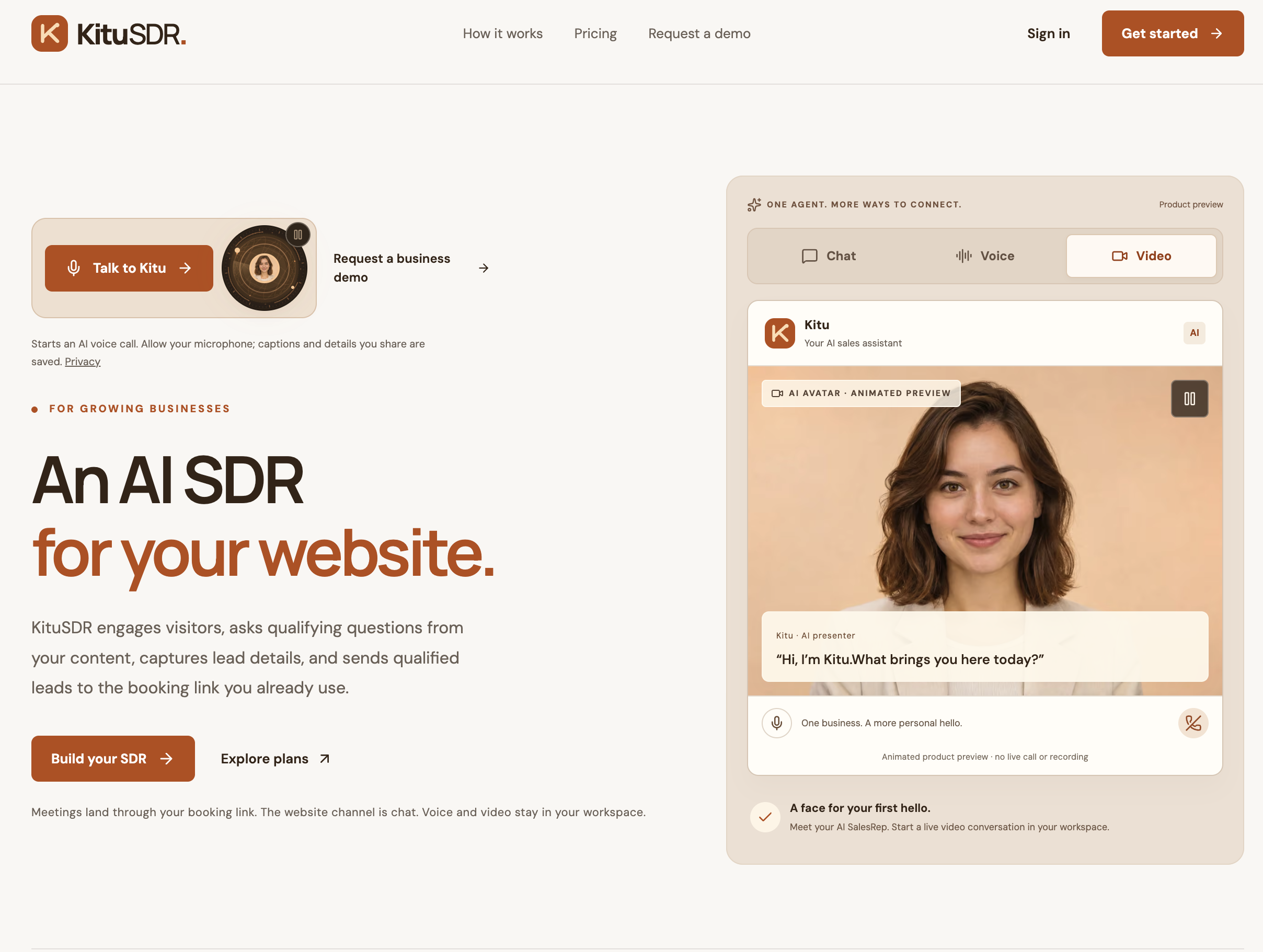
- Turn evening and weekend website traffic into qualified leads: the AI sales development chat widget engages visitors outside staffed hours, so inquiries no longer wait until morning.
- Give prospects answers you stand behind: responses come only from website pages and PDF, Word, or text files you review and approve, and the chat states plainly when an answer isn't in that content.
- Qualify leads against your own sales criteria: write the qualification goal in your own words and choose the fields to collect, including contact details, company, role, need, budget, and timeline.
- Collect more complete lead information than a static contact form: the chat asks for each selected detail one question at a time, as part of a natural conversation.
- Run the same lead qualification process in every conversation: configured questions are asked identically each time, removing the variation that comes with different live chat staff.
- Follow up with full context: every conversation and the details visitors actually provide land in a lead inbox you review and export to your existing sales workflow.
- Spot prospects who want a human: requests to speak with a person are flagged in the lead inbox, so your team knows who to prioritize.
- Move qualified prospects straight to a meeting without granting calendar access: ready-to-meet visitors are sent to your existing HTTPS booking page, including Calendly or Cal.com links, where they choose their own time.
- Launch website lead capture on your current site: register your domain and add the widget snippet, with no rebuild required, for professional services, agencies, software businesses, clinics, practices, local service companies, and independent specialists.
Pros & Cons
From the listing; not yet checked by our editors.
Pros
- Registered-domain website chat widget
- Visitors ask questions directly
- Imports public website pages
- Accepts PDF, Word, and text
- Reviewable knowledge sources before launch
- Answers use approved business content
- Admits when content lacks answers
- Operator-defined qualification goals
- Operator-selected lead fields
- Collects need, budget, and timeline
- One-question-at-a-time qualification
- Captures company and role details
- Stores conversations with supplied details
- Lead inbox with conversation records
- Exportable lead records
- Flags human requests in inbox
- Routes prospects to booking pages
- Works with existing schedulers
- Booking links accept HTTPS pages
- Visitors select times externally
- No calendar access required
- No in-product appointment confirmation
- Handles inquiries after staffed hours
- Consistent qualification questions
- Configurable booking destination
- Configurable welcome message
- Chat-only public website channel
- Separate workspace voice and video
- Prepare workspace before going live
- Domain registration for widget deployment
- Widget snippet for site installation
Cons
- Website widget is chat-only
- Voice/video excluded from widget
- Answers limited to approved content
- One-question-at-a-time qualification
- External booking link required
- No calendar access
- No booking confirmation
- No automatic staff alerts
- No free trial
- Paid subscription required before launch
Alternatives to KituSDR
Tools that share the most tags with KituSDR.
- Cambir: Voice AI + Chat for High-Value Leads
Capture 85% more qualified leads by replacing slow voicemail and forms with instant AI voice conversations that sound completely human
Paid
Not listed
Not yet checked
- Leads Find
Eliminate manual prospecting with up to 500 targeted leads per search delivered directly to your inbox through automated lead generation
Free trial · from $97/month
$97/month
Not yet checked
- Astra by Wati
Convert anonymous website visitors into qualified sales leads automatically with 24/7 AI agent that engages every visitor
Freemium · from $79/month
$79/month
Not yet checked
- ProximValue
Find and contact high-intent prospects before competitors using a real-time B2B radar that scans the web for live leads, not outdated databases.
Freemium · from $15
$15
Not yet checked
- TradeWind AI
Discover qualified global buyers automatically by scanning customs data and 100+ local sources with AI-powered market intelligence
Free trial · from $49/month
$49/month
Not yet checked
- Devi
Capture unlimited free leads from authentic conversations across Facebook groups, LinkedIn, Twitter and Reddit with continuous 24/7 monitoring
Free trial · from $24.60/month
$24.60/month
Not yet checked
Reviews
Rate this tool
Loading reviews...
Frequently asked questions
How does KituSDR qualify visitors on my website?
KituSDR chats with website visitors, answers from content you approve, and asks the qualification questions you configure to determine whether they’re a fit.
Can KituSDR answer questions using my website pages and uploaded documents?
Yes. It can use public pages from your website and uploaded PDF, Word, and text files that you review and approve.
What happens when KituSDR can’t find an answer in my approved content?
It says it does not know when the answer is not covered by the approved content.
Can I choose which details KituSDR asks leads to provide?
Yes. You choose which details to request, such as contact information, company, role, need, budget, or timeline.
Does KituSDR ask qualification questions one at a time?
Yes. It asks for the selected details one question at a time.
Where can I review and export the leads KituSDR collects?
Conversations and details visitors provide are stored in the lead inbox, where you can review and export them.
Will KituSDR alert my team when a visitor asks to speak with a person?
No. Requests to speak with a person are flagged in the lead inbox, but KituSDR does not automatically alert staff or promise a response time.
Can KituSDR book meetings directly on my calendar?
No. KituSDR sends visitors to your booking page, where they choose a time. It does not access your calendar, create calendar events, or confirm bookings.