

LaunchProof
Launch without embarrassing bugs: pre-launch website testing catches broken links, errors, and slow pages before real visitors ever see them.
Listing not yet reviewed by our editors · How we check
Overview
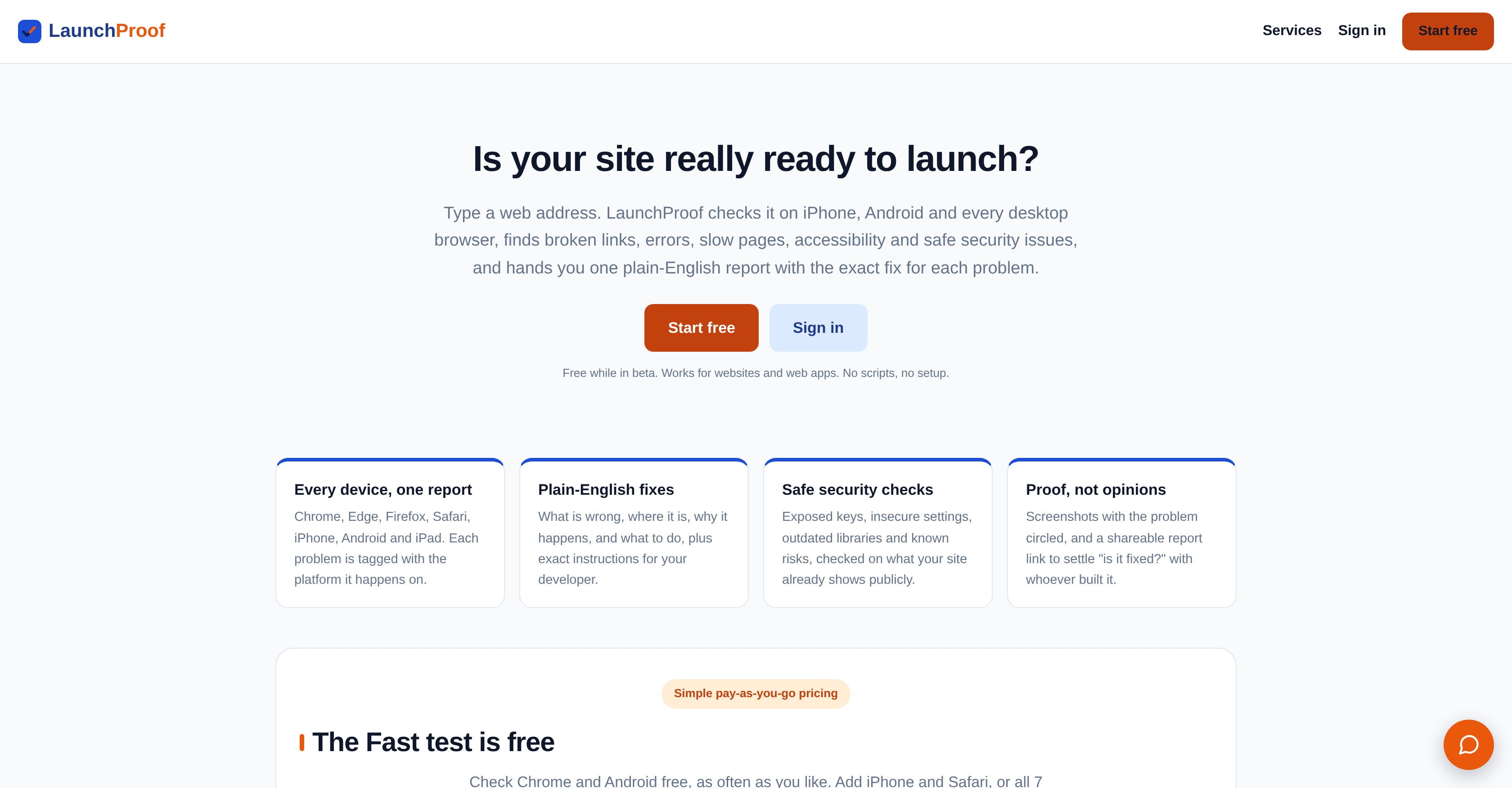
- Launch without embarrassing bugs: pre-launch website testing catches broken links, errors, and slow pages before real visitors ever see them.
- Ship a site that works for every visitor: cross-browser and mobile testing covers Chrome, Edge, Firefox, Safari, iPhone, Android, and iPad, with every issue tagged by the platform it occurs on.
- Close security gaps before attackers find them: a website security scan of everything publicly visible flags exposed keys, insecure settings, outdated libraries, and known cybersecurity risks.
- Fix problems without technical guesswork: plain-English reports spell out the exact fix for each issue, so non-developers understand what needs to change.
- Cut back-and-forth with your developers: annotated screenshots mark each problem in context, so your team locates and resolves bugs on the first pass.
- Reach users of every ability: accessibility testing pinpoints obstacles and pairs each one with a specific remedy.
- Pay only for the coverage you need: pay-as-you-go pricing scales with test depth, platform coverage, and site size, with free testing on Chrome and Android.
- Hand off the repairs entirely: done-for-you fix services implement the recommended changes and provide ongoing security management after launch.
Pros & Cons
From the listing; not yet checked by our editors.
Pros
- Comprehensive testing
- cross-platform compatibility
- Identifies website problems
- Provides reports
- Plain-English fixes
- Screenshots of issues
- Checks visible cybersecurity aspects
- Flexible pricing
- Additional repair services
- Exposed keys detection
- Insecure settings detection
- Mobile-friendly
- No setup requirements
- Browser-specific problem tagging
- Easy team communication
- Ongoing security management
- Tagging of platforms
- Issue-specific reports
- Offers pre-launch testing
- Tests web applications
- Identifies outdated libraries
- Identifies broken links
- Detects slow pages
- Detects accessibility issues
- Detects security vulnerabilities
- Highlighted problem areas
- In-depth browser testing
- Checks for performance issues
- Pay-as-you-go model
- Website improvement services
- Targets publicly visible aspects
- Website management services
- Pay scale based on depth
- Coverage of testing flexible
Cons
- No setup documentation
- Lacks automated testing
- Limited device types
- No real-time reporting
- Doesn't support all browsers
- No free-tier after beta
- No integration with development tools
- Lacks continuous monitoring
- No localization testing
- Pay-as-you-go might be costly
Alternatives to LaunchProof
Tools that share the most tags with LaunchProof.
- CueTest
Ship reliable software faster by running end-to-end browser tests from plain-language user journeys, eliminating test scripts and selector maintenance entirely
Freemium · from $89/month
$89/month
Not yet checked
- Reflect Webchat
Get instant answers from any webpage or article without switching tabs using AI-powered chat interface
Not listed
Not listed
Not yet checked
- Intellimize
Convert more website traffic by automatically tailoring the experience to each visitor's behavior with 1:1 AI personalization
Freemium · from $14/month
$14/month
Not yet checked
- Mediaweb
Launch a professional portfolio in minutes without technical skills using AI that builds from your vision description
Paid · from $10/month
$10/month
Not yet checked
- Aidaptive
Increase conversion rates automatically with AI-powered product recommendations that predict what each customer wants to buy
Not listed
Not listed
Not yet checked
- Handywriter
Publish error-free content confidently with automatic grammar and spelling correction that fixes mistakes as you write
Paid · from $9.99/month
$9.99/month
Not yet checked
Reviews
Rate this tool
Loading reviews...
Frequently asked questions
What is LaunchProof?
LaunchProof is a comprehensive testing service for websites and web applications designed to preemptively identify and suggest fixes for potential problems such as broken links, errors, slow pages, and accessibility or security issues prior to the website's launch.
What does LaunchProof test for in a website?
LaunchProof tests for a wide range of potential website issues, including broken links, errors, slow pages, accessibility obstacles, insecure settings and a broad host of security issues. It can also check for exposed keys and outdated software libraries which are known cybersecurity risks.
What platforms does LaunchProof test on?
LaunchProof can test on a variety of platforms, including major web browsers such as Chrome, Edge, Firefox, and Safari, as well as mobile devices, specifically iPhone, Android, and iPad.
How does LaunchProof handle broken links and errors?
LaunchProof identifies broken links and errors on a website and suggests exact fixes for each detected issue. It provides an easy-to-understand, plain-English report of all identified problems, making it simpler for developers or teams to implement the recommended fixes.
What kind of security issues does LaunchProof check for?
LaunchProof checks for multiple security issues such as exposed keys, insecure settings, outdated libraries, and other publicly visible cybersecurity risks on the webpage. It uses safe and effective measures to maintain website security during the evaluation.
What's included in the LaunchProof report?
The LaunchProof report is a detailed document that addresses each identified problem with suggestions for exact fixes in plain-English. The report also includes a screenshot of the issue clearly marked and tagged with the platform it occurs on, facilitating smooth communication with the developer or team.
How does LaunchProof aid in developer communication?
LaunchProof aids in developer communication by providing detailed reports with screenshots of issues presented in context, clearly marked, and tagged with the platforms they occur on. This approach makes identifying and rectifying issues easier for developers or teams.
What is LaunchProof's pricing model?
LaunchProof operates on a simple, pay-as-you-go pricing model. The cost depends on the depth and coverage of the tests required and the size of the site being tested. They offer free testing for Chrome and Android platforms, while more in-depth testing across more platforms comes at a fee.