

Letros
Turn tomorrow's lesson plan into a ready-to-use activity in seconds: snap a textbook page, screenshot, PDF or Word file and get an interactive exercise with answers already filled in.
Listing not yet reviewed by our editors · How we check
Overview
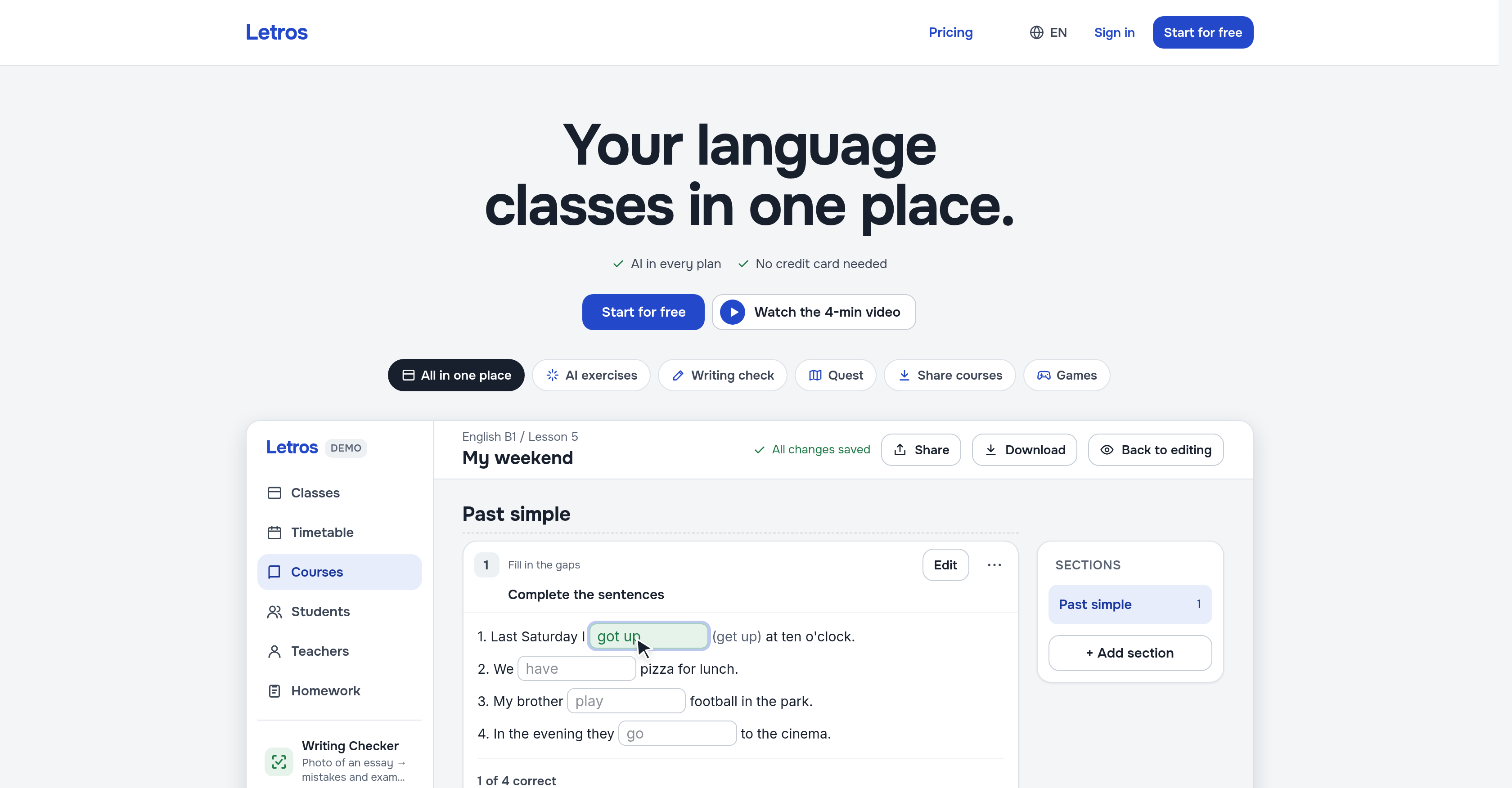
- Turn tomorrow's lesson plan into a ready-to-use activity in seconds: snap a textbook page, screenshot, PDF or Word file and get an interactive exercise with answers already filled in.
- Build language exercises without source material: describe the activity you need and the AI exercise generator creates it, then edit it before assigning.
- Keep every age group engaged with gap fills, matching, word order, flashcards, spoken answers, arcade-style games, and Quest, a cooperative map game where the whole class advances together.
- Spot who is struggling before the lesson ends by watching each student's answers appear as they type during live lessons.
- Review homework in minutes instead of hours with automatic answer checking, up to three attempts per answer for students, and voice comments for personal feedback.
- Prepare students for Cambridge exams with a writing checker that scores English essays from A2 Key to C2 Proficiency on Content, Communicative Achievement, Organisation and Language, with line-by-line corrections, plus DELE, DELF, Goethe, CAPLE and CELI assessments and handwritten essay checking.
- Plan your next lesson around real gaps using one class view that shows every student's progress and recurring mistakes.
- Run your whole teaching business from one place instead of juggling slides, chats, Google Classroom and spreadsheets, with classes, courses and a weekly timetable built in.
- Get younger learners started instantly with teacher-created student logins that require no email address.
- Teach offline or on paper by printing any exercise as a PDF worksheet or downloading full courses as a ZIP with images and audio included.
- Switch without rebuilding your materials through free migration of existing courses from PowerPoint, PDF or another platform.
- Share your best courses with colleagues through a private one-teacher link or a public link for anyone.
- Start teaching at no cost with free access for up to 4 students, then scale to private-teacher or school plans from $12 per month.
Pros & Cons
From the listing; not yet checked by our editors.
Pros
- Photo or PDF of a textbook page becomes an exercise
- Answers filled in automatically, teacher can edit
- 18 exercise types
- See what each student types in a live lesson
- Most answers checked automatically
- One class view with progress and mistakes
- Every plan includes every feature
- Students never pay
Cons
- Free plan is limited to 4 students
- No built-in video calls (use Zoom or Meet)
- No mobile app, works in the browser
Alternatives to Letros
Tools that share the most tags with Letros.
- WordUp App
Learn vocabulary that matters most to your life and career with personalized examples from your favorite topics and industry terms
Freemium · from $20/month
$20/month
Not yet checked
- LingoLooper
Speak a new language without fear through judgment-free conversations with AI avatars that never ridicule mistakes
Freemium · from $8.99
$8.99
Not yet checked
- Talkit
Master authentic spoken expressions through AI-powered conversations in realistic 3D environments
Freemium · from $11.90/month
$11.90/month
Not yet checked
- SmallTalk2Me
Receive instant feedback on pronunciation and grammar errors through recorded speech analysis to correct mistakes immediately
Freemium · from $10/month
$10/month
Not yet checked
- AI English Practise
Master English at your own pace with AI-driven lessons that adapt to your exact proficiency level, from beginner to advanced
Freemium · from $1.50
$1.50
Not yet checked
- Avatalks
Practice real conversations anytime through interactive dialogues with 3D AI avatars that respond in real-time
Freemium · from $19.99/month
$19.99/month
Not yet checked
Reviews
Rate this tool
Loading reviews...
Frequently asked questions
How do I set up classes, students, and a timetable in Letros?
Letros lets teachers organize classes, students, courses, and timetables. Private teachers create student logins, and the timetable shows lessons for the week. The website does not give step-by-step setup instructions.
Can my students use Letros without creating email addresses?
Yes. Private teachers create student logins, so students can sign in without an email address.
How does Letros turn a photo, PDF, or Word file into interactive exercises?
Upload a photo, screenshot, PDF, or Word file. Letros’s AI selects an exercise type, fills in answers, and saves the exercise.
Can I edit the exercises Letros generates before assigning them?
Yes. You can edit generated exercises after they are created.
What types of exercises can I create with Letros?
Letros supports gap fills, word choice, drag and drop, matching, true-or-false, quizzes, sorting, word order, vocabulary, teacher-reviewed writing, articles or texts, pictures and words, flashcards, mystery boxes, and arcade-style games such as targets, Brawl, and Tactics. It also supports spoken answers.
Can Letros create exercises from a description instead of an uploaded file?
Yes. You can describe the activity you need instead of uploading a file.
Can I assign Letros exercises as homework or print them as PDF worksheets?
Yes. You can assign generated work to a class or print it as a PDF worksheet.
How does Letros show students’ answers and progress during a live lesson?
During live lessons, teachers can see each student’s answers as they type. Letros automatically checks answers, and the class view shows student progress and mistakes.