

LiveLingo
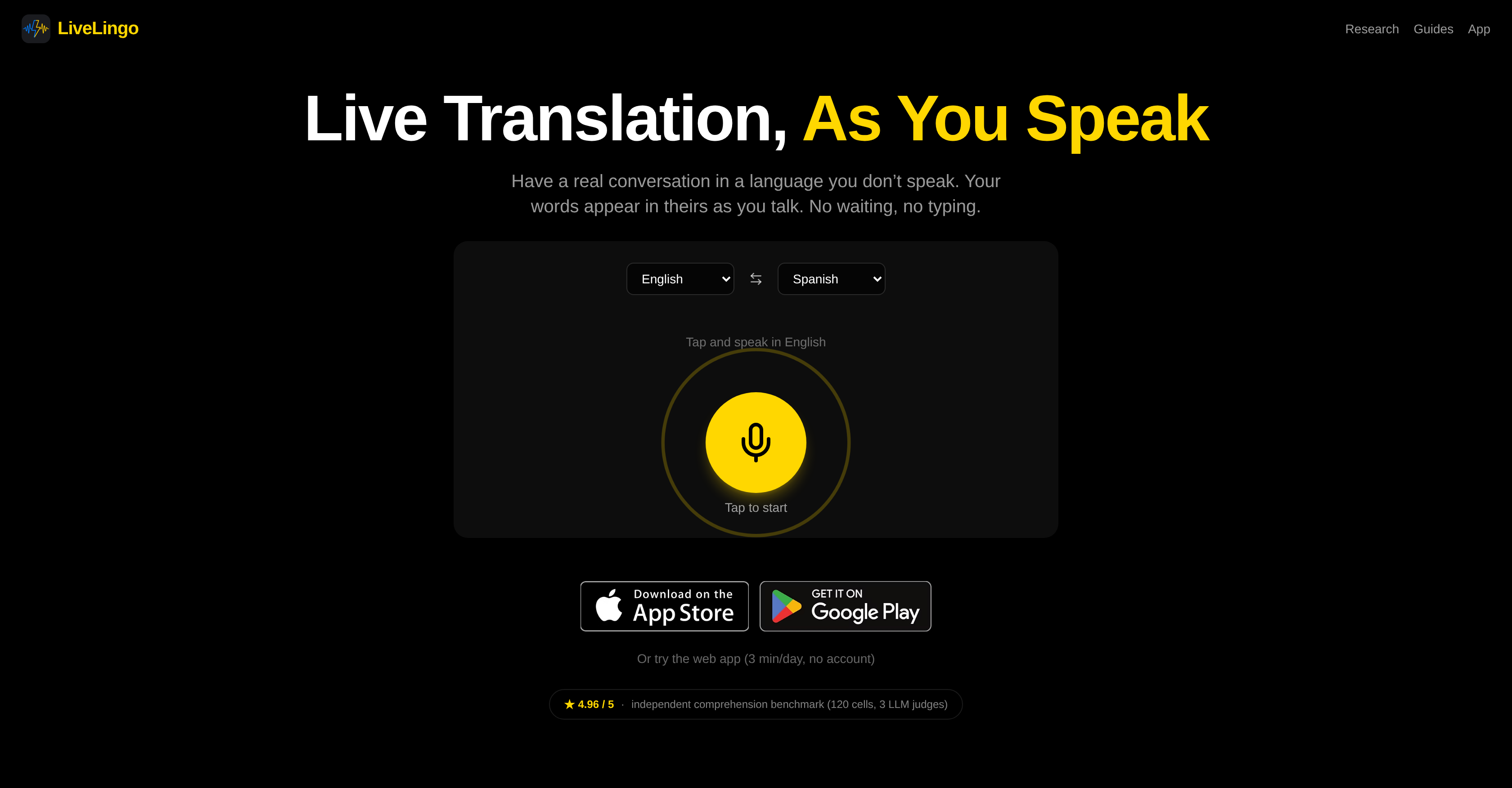
Hold natural, uninterrupted conversations in another language — streaming speech translation delivers text and spoken output while you talk, with a 1.5-second median latency instead of tap-speak-wait turns.
Listing not yet reviewed by our editors · How we check
Overview
- Hold natural, uninterrupted conversations in another language — streaming speech translation delivers text and spoken output while you talk, with a 1.5-second median latency instead of tap-speak-wait turns.
- Follow every sentence without confusion — translated text is committed instantly with zero token revisions, so live captions never rewrite themselves mid-conversation.
- Call any mobile or landline number in another language — Pro phone call translation connects you to recipients who answer a normal call with no app install, using a distinct interpreter voice rather than a clone of yours.
- Walk away from every call knowing what was agreed — an AI-generated call memo summarizes key points, decisions, and action items after each translated phone call.
- Keep a readable record for medical appointments, landlord talks, and school meetings — conversation transcripts save on your device and export as PDF files.
- Switch languages mid-sentence without touching settings — automatic code-switching detection keeps bilingual speech translating accurately.
- Get translations you can act on — names, numbers, and technical terms pass through unchanged instead of being reduced to generic words.
- Translate in restaurants, streets, and group settings — a noise-optimized speech engine with multi-speaker tracking handles interruptions and background sound.
- Communicate across 35 languages in any direction — any supported source language translates to any target, including Mandarin, Cantonese, Arabic, Hindi, Vietnamese, Ukrainian, Urdu, Persian, and Tagalog-speaking Filipino.
- Translate while traveling without a signal — on iOS, major languages such as English, Spanish, French, German, Chinese, Japanese, and Korean run fully on-device offline.
- Add live translation to Zoom, Microsoft Teams, or Google Meet video calls without plugins or admin approval — LiveLingo runs in a separate browser tab beside your meeting.
- Caption foreign-language videos, webinars, and meetings — the LiveLingo Chrome extension overlays live translated captions on any browser tab's audio.
- Keep sensitive conversations private — audio is processed in memory and discarded after each session, and free sessions are never stored on servers.
- Start translating in seconds with no signup — the free browser version gives 3 minutes of real-time voice translation per day, with Pro at $19.99/month for 300 minutes, call translation, memos, and saved history.
Pros & Cons
From the listing; not yet checked by our editors.
Pros
- Streaming translation during speech
- Zero token revisions displayed
- Median 1.5second latency
- Handsfree, no button press
- Calls translated, no recipient app
- Distinct interpreter voice, no cloning
- Automatic postcall summary memo
- PDF export of local transcripts
- Ondevice translation for select languages
- 35 bidirectional language support
- Browser integration, no plugin required
- Works alongside Zoom, Teams, Meet
- Free web tier, no account
- Official Chrome extension available
- Persistent local transcript storage
- Any language to any language
- Realtime videocall translation
- Stable transcript, no erasures
- Benchmarked lower latency than Google
- Handles codeswitching gracefully
- Global landline and mobile dialing
- No installation for call recipients
- Continuous flow, no turntaking
- Exportable PDF includes timestamps
- Builtin voice activity detection
- Generated call memo summarizer
- Apple ondevice models support
- Pro plan includes 300 minutes
- Pro includes extended phone minutes
- International dialing from within app
- Distinct voice preserves speaker clarity
- No transcript revisions after display
- Supports offline mode for subset
- Multisession saved for later review
- Realtime speech-to-speech conversion
- Low bandwidth streaming optimization
- Supports mobile and desktop browsers
- Quick 3minute daily free usage
- No account needed for web
- Pro+ adds extra call minutes
Cons
- No inbound call translation
- Fixed synthetic interpreter voice
- No posttranslation editing
- Partial offline language support only
- Limited to 35 languages
- 3minute free daily cap
- No API or SDK access
- Manual sidebyside video setup
- Transcripts export only as PDF
- No multiparty conference support
Alternatives to LiveLingo
Tools that share the most tags with LiveLingo.
- TransLinguist
Host fully multilingual webinars and conferences with real-time translation that engages global audiences directly in their preferred languages
Not listed
Not listed
Not yet checked
- CoeFont Interpreter
Make instant decisions in global meetings with real-time multilingual interpretation that captures every word accurately
Freemium · from $20/month
$20/month
Not yet checked
- Talo
Conduct global meetings without language barriers using real-time AI translation that works seamlessly within Zoom, Microsoft Teams, and Google Meet
Free trial · from $33/month
$33/month
Not yet checked
- Wordly AI Translation
Engage global audiences instantly with live, two-way translation for 50+ languages during any event
Not listed
Not listed
Not yet checked
- YOUS
Conduct multilingual video meetings without interpreters through real-time AI translation during calls
Freemium · from $14.99/month
$14.99/month
Not yet checked
- Talk To Locals
Have natural conversations without typing or showing screens using real-time voice-to-voice translation
Free trial · from $9
$9
Not yet checked
Reviews
Rate this tool
Loading reviews...
Frequently asked questions
How does LiveLingo's real-time translation differ from Google Translate's conversation mode?
LiveLingo streams translations while you speak, committing each token instantly with zero revisions, and delivers a median 1.5 s transcript latency. Google Translate’s conversation mode requires you to tap, speak, wait for the turn to finish, then wait for the translation, resulting in a median ~27 s latency and frequent token revisions.
Can I use LiveLingo to translate phone calls on the free tier?
No. Phone‑call translation is a Pro‑only feature; the free tier only provides 3 minutes of on‑device speech translation per day.
What languages can LiveLingo translate between?
LiveLingo supports 35 languages, including English, Spanish, Mandarin, Cantonese, Arabic, Hindi, Japanese, Korean, French, German, Portuguese, Russian, Italian, Thai, Vietnamese, Turkish, Polish, Dutch, Hebrew, Indonesian, Malay, Filipino, Ukrainian, Urdu, Bengali, Persian, and other major European and Nordic languages. Any supported source can translate to any other supported target.
How accurate is LiveLingo when I code-switch between two languages in one sentence?
Code‑switching is handled automatically; LiveLingo detects language changes within a sentence and continues translating without requiring the user to switch settings, delivering high accuracy comparable to monolingual input.
Does LiveLingo work offline or do I need an internet connection?
Partly offline on iOS: a subset of the 35 languages runs completely on‑device using Apple’s models. All other languages, phone‑call translation, and memo generation require an internet connection.
How long does the translation latency feel when I’m speaking?
Users experience about a 1.5‑second median latency after the speaker stops talking, which falls within the 2‑3 second range of professional simultaneous interpreters.
Can I export a conversation transcript from LiveLingo as a PDF?
Yes. Every conversation transcript is saved locally on the device and can be exported as a PDF file.
Is there a limit on how many minutes I can translate per day for free?
The free tier limits you to 3 minutes of translation per day on the web app.