

Luo
Launch custom internal software in minutes instead of waiting on developers: describe your process in plain language and Luo builds the pages, tables, dashboards, data structures, and automations for a CRM, applicant tracking system, or support queue without code.
Listing not yet reviewed by our editors · How we check
Overview
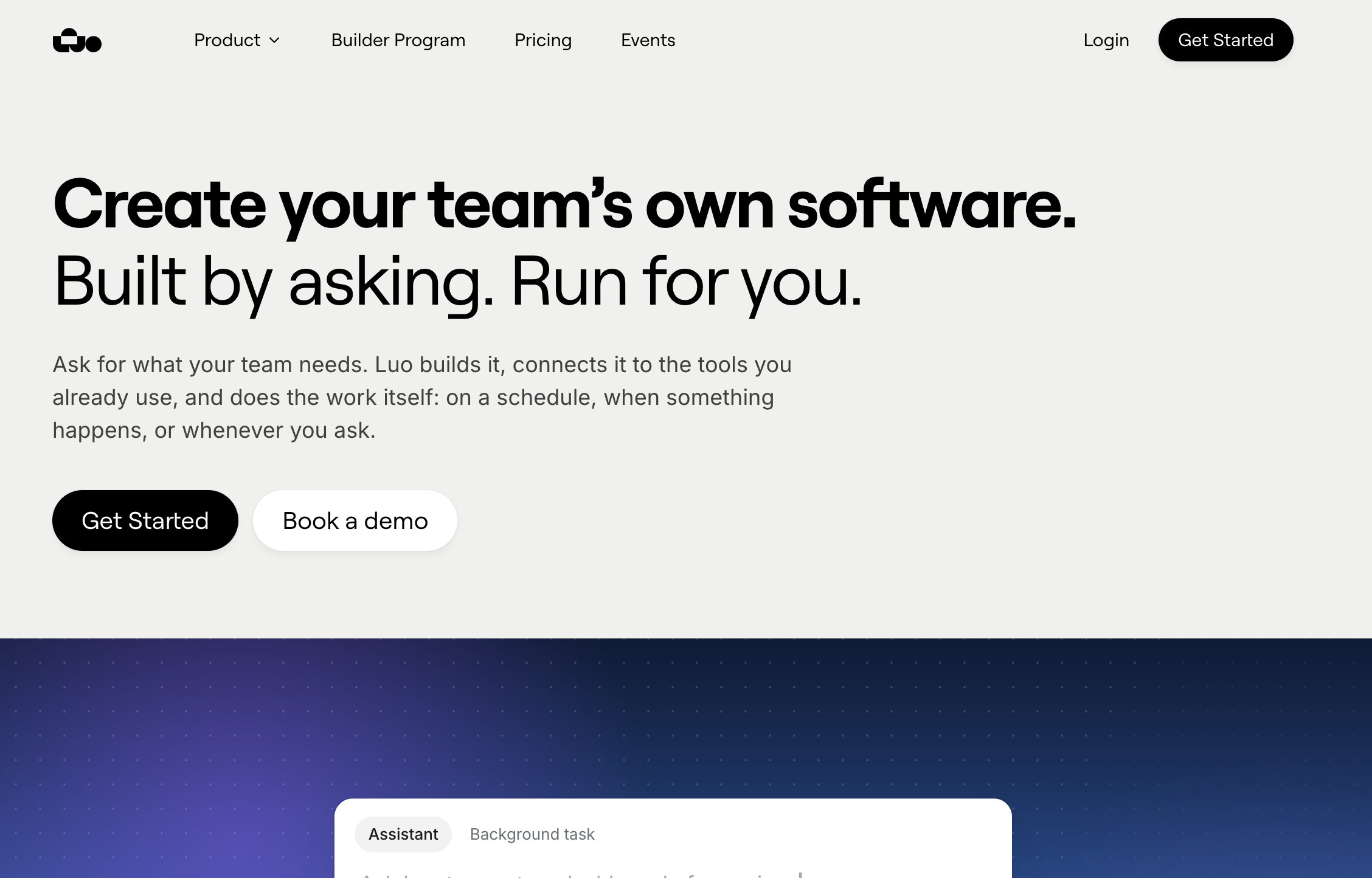
- Launch custom internal software in minutes instead of waiting on developers: describe your process in plain language and Luo builds the pages, tables, dashboards, data structures, and automations for a CRM, applicant tracking system, or support queue without code.
- Keep work moving without manual handoffs: event-based triggers start workflows automatically when a new Salesforce or HubSpot lead arrives, an email lands, a file updates, or a Google Sheets row changes.
- Get recurring reports to the right people on time: scheduled tasks run reusable multistep workflows on a fixed cadence, such as every Monday at 9 AM, and deliver results to your workspace, email inbox, or Slack.
- Trust every answer your team acts on: a private company knowledge base built from your documents, links, and connected tools refreshes when sources change and cites the exact source behind each response.
- Unify scattered business data in one place: integrations with Slack, Gmail, HubSpot, Salesforce, Google Sheets, Notion, Asana, Airtable, Google Drive, Calendar, Shopify, and Microsoft Teams feed a single workflow, and you authorize or disconnect each connection individually.
- Never miss a contract cancellation deadline again: contract renewal tracking extracts renewal terms from uploaded vendor contracts, calculates deadlines, and flags upcoming renewals on a dashboard with automated reminders.
- Submit RFP responses faster with a full audit trail: the proposal workflow extracts buyer questions, drafts answers from your knowledge base, preserves review steps, and exports a downloadable PDF.
- Cut hiring and HR admin time: applicant tracking reads resumes from incoming emails and fills candidate fields automatically, while employee onboarding and HR record solutions add structured reminders and review steps.
- Produce on-brand ecommerce visuals at scale: Shopify product image variations apply your style presets to a single upload and store each result with its source and guidance.
- Control who sees and runs what: workspace permissions let admins assign view, edit, and run rights, with customer data kept separate and connections encrypted.
- Start from a proven setup instead of a blank page: ready-made solutions for sales, marketing, operations, support, hiring, and people teams deploy as-is or as a tailored first version of your process.
- Turn your workflow expertise into a distributable product: the Builder Program lets you create no-code AI tools and publish them to the Builder Hub for others to use.
- Validate your use case before committing budget: a free starting plan gets your team running, with paid plans adding AI usage, scheduled tasks, and team workspaces as you scale.
Pros & Cons
From the listing; not yet checked by our editors.
Pros
- Plain-language app building
- No-code workspace generation
- Dynamic dashboards auto-created
- Multi-tool native integrations
- Granular per-connection authorization
- Instant connection revocation
- Chat-initiated task execution
- Reusable multi-step workflows
- Scheduled recurring automation
- Event-triggered task runs
- Result routing to Slack
- Result routing to email
- Result routing to workspace
- Self-updating private knowledge base
- Source citation for answers
- Workspace permission granularity
- Encrypted data connections
- Isolated customer data storage
- Ready-made industry templates
- Builder program for custom tools
- Publish tools to public hub
- Free starter tier
- Auto PDF with review
- Contract renewal term extraction
- Product image variation presets
- Outbound call automation via CSV
- Support inbox triage automation
- HRIS lifecycle management
- Calendar integration for interview scheduling
- Slack reminders for approvals
- Gmail integration for notifications
- HubSpot lead trigger automation
- Salesforce data sync capability
- Airtable table creation
- Notion content indexing
- Microsoft Teams message actions
- Shopify order workflow integration
- Dynamic data structure generation
- Automatic knowledge base refresh
- Cited source transparency
- Multi-user collaboration environment
- Cross-tool data linking
- Low-code workflow designer
- Instant PDF export from workflows
- Customizable automation presets
- Trigger chaining across services
- Integrated task audit trail
- Scalable team workspace
Cons
- No on-premises deployment
- Data residency fixed to EU
- Separate login per integration
- Workflow debugging lacks visual UI
- No built-in version control
- Custom code injection prohibited
- Free tier low task quota
- Permissions coarse for tables
Alternatives to Luo
Tools that share the most tags with Luo.
- BotDojo
Launch enterprise AI solutions weeks faster using 200+ pre-built templates for customer support and data analysis
Contact for pricing
Not listed
Not yet checked
- Victoria AI
Execute complex multi-app workflows instantly through simple chat commands without switching between applications
Free trial · from $30/month
$30/month
Not yet checked
- Scanflow
Eliminate manual data entry with single-scan capture of alphanumeric text combinations using advanced text scanning
Not listed
Not listed
Not yet checked
- Unframe AI
Deploy custom AI solutions tailored to your exact business problems in days, not months, using modular building blocks configured by Blueprints
Not listed
Not listed
Not yet checked
- n8nChat
Create complete n8n workflows in seconds by describing your automation goal in plain English instead of manually configuring nodes
Freemium · from $5/month
$5/month
Not yet checked
- Octoparse AI
Create production-ready automations instantly without technical skills using the visual drag-and-drop interface
Freemium · from $29/month
$29/month
Not yet checked
Reviews
Rate this tool
Loading reviews...
Frequently asked questions
How do I create a new workspace in Luo without writing code?
On their website, Luo lets you start a new workspace by describing what you need in plain language; the platform then automatically builds pages, tables, dashboards and automations without any code.
Can Luo pull data from Slack and Gmail at the same time?
Yes. Luo can connect to both Slack and Gmail simultaneously; you authorize each integration and Luo can pull data from both services in a single workflow.
How does Luo’s AI generate a CRM from a plain‑language description?
Luo’s AI interprets the natural‑language description, creates the underlying data structures (tables, fields) and UI components (pages, dashboards), then links them to the integrated tools (e.g., HubSpot, Salesforce) to form a functional CRM—all without any manual coding.
What triggers can start a Luo workflow automatically?
Automatic triggers include any event in a connected tool such as a new lead in HubSpot or Salesforce, a new email, a file update, or a calendar event. Tasks can also start on schedule or when a condition in a data table changes.
Is it possible to schedule a Luo task to run every Monday at 9 AM?
Yes. Luo supports recurring scheduled tasks; you can set a task to run every Monday at 09:00 and deliver results to the workspace, email, or Slack.
How does Luo keep my company’s knowledge base up‑to‑date?
Luo continuously scans linked documents, links and connected tools; when source material changes, the private knowledge base is refreshed automatically, ensuring answers are based on the latest information.
Does Luo show which source document it used for each answer?
Every answer generated by Luo includes citations that list the exact source document or tool it drew from, allowing users to verify the origin of each piece of information.
Can I disconnect a connected app like HubSpot after I’ve linked it?
You can disconnect any authorized connection at any time, including HubSpot, via the workspace’s integration settings.