

MixMasterAI
Turn robotic-sounding Suno and Udio tracks into release-ready songs — the AI music humanizer works on output from any AI music generator.
Listing not yet reviewed by our editors · How we check
Overview
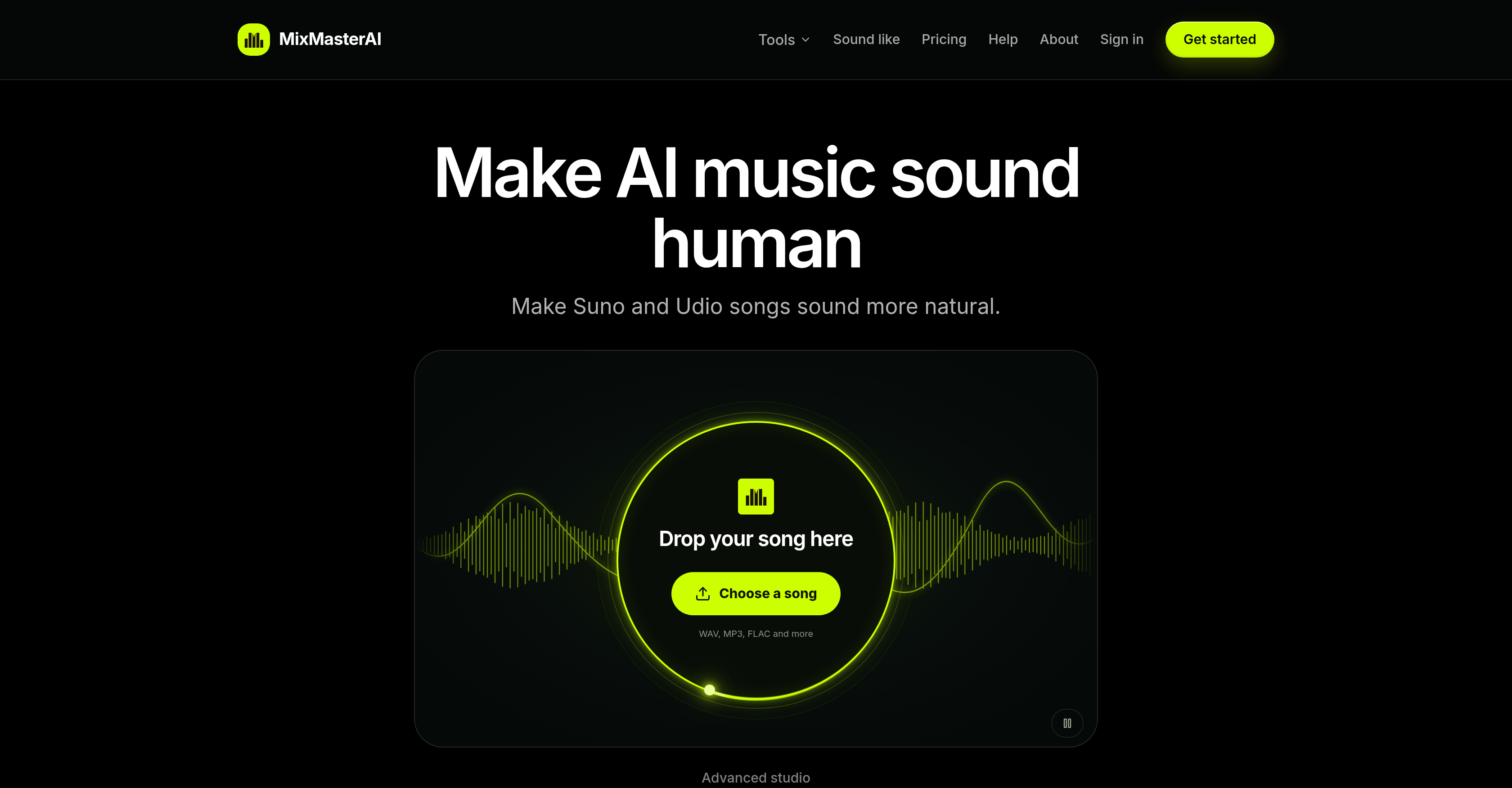
- Turn robotic-sounding Suno and Udio tracks into release-ready songs — the AI music humanizer works on output from any AI music generator.
- Get vocals that sit naturally in the mix instead of piercing through — stem separation splits each song into vocals, drums, bass, and music, then cleans every part individually.
- Remove the telltale AI music artifacts listeners notice first — targeted sonic fixes soften harsh vocals, calm metallic highs, sharpen smeared drums, and tame clipped peaks.
- Hear clean silence between lyrics instead of hiss — grain and noise reduction lowers background hiss in quiet passages and between vocal phrases.
- Replace flat, lifeless AI audio with a full, vibrant tone — warmth, clarity, and analog color are added to every humanized track.
- Match the finished sound to your genre in one click — choose Signature, Warm, Clear Vocals, Bright, Punchy, or Smooth, each set to Subtle, Balanced, or Strong intensity.
- Dial in exact mix and mastering decisions when presets aren't enough — the advanced studio version delivers 16 controls and 12 presets for fine-tuning.
- Judge real quality gains, not loudness tricks — A/B playback compares the original and humanized song at matched volume.
- Keep your melody, timing, and arrangement exactly as written — enhancement improves produced sound only and never alters pitch, vibrato, or the original composition.
- Process full-length, high-quality masters without converting first — upload WAV, FLAC, MP3, or M4A files up to 100 MB and get results in one to three minutes.
Pros & Cons
From the listing; not yet checked by our editors.
Pros
- Enhances sound quality
- Applies sonic fixes
- Softens harsh vocals
- Reduces metallic highs
- Sharpens smeared drums
- Cuts grain and noise
- Tames clipped peaks
- Adds warmth and clarity
- Creates vibrant tone
- Multi-level strength options
- Advanced studio version
- 16 controls and 12 presets
- Supports various audio formats
- Max file size 100 MB
- Separate cleaning of music parts
- Offers Signature, Warm, Clear Vocals, Bright, Punchy, and Smooth sounds
- Does not alter original composition
- Quick process (usually 1-3 minutes)
- Fair comparison between original and processed audio
Cons
- No inverse operations
- No audio reconstruction
- Doesn't change pitch
- Doesn't remove reverb
- Limited to sound enhancement
- Doesn't alter original composition
- 100 MB maximum file size
Reviews
Rate this tool
Loading reviews...
Frequently asked questions
What is MixMasterAI and what is its main use?
MixMasterAI is an AI-powered tool designed to enhance the sound quality of AI-generated music by making it sound more natural and human-like.
How does MixMasterAI make AI songs sound more natural?
MixMasterAI achieves a more natural sound by applying a plethora of sonic fixes to the AI-produced music track. These processes include softening harsh vocals, reducing metallic highs, sharpening smeared drums, cutting grain and noise, taming clipped peaks, and adding warmth, clarity and an analog color to create a more vibrant tone.
What are the types of sonic fixes MixMasterAI can apply to a music track?
The specific sonic fixes that MixMasterAI can apply include softening harsh vocals, calming metallic highs, sharpening smeared drums, reducing grain and noise, taming clipped peaks, and adding warmth, clarity, and an analog color to the music.
What sound options does MixMasterAI offer?
MixMasterAI offers a variety of sound options such as Signature, Warm, Clear Vocals, Bright, Punchy, and Smooth.
Can you explain the three levels of strength offered by MixMasterAI?
The three levels of strength offered by MixMasterAI are described as Subtle, Balanced, or Strong. These allow users to adjust the effect of the sound options to their preference.
What is the advanced studio version of MixMasterAI?
The advanced studio version of MixMasterAI provides users with greater control over their audio. It includes 16 controls and 12 presets for fine-tuning.
What audio file formats does MixMasterAI support?
MixMasterAI supports various audio file formats such as WAV, FLAC, MP3, and M4A.
What is the maximum file size that can be uploaded to MixMasterAI?
The maximum file size that can be uploaded to MixMasterAI is 100 MB.