

MusicGenerater
Hear your lyrics as a finished, fully sung song in about a minute: paste your lyrics or describe a song, and the AI song generator writes the music, sings your words, and delivers two complete versions to choose from.
Listing not yet reviewed by our editors · How we check
Overview
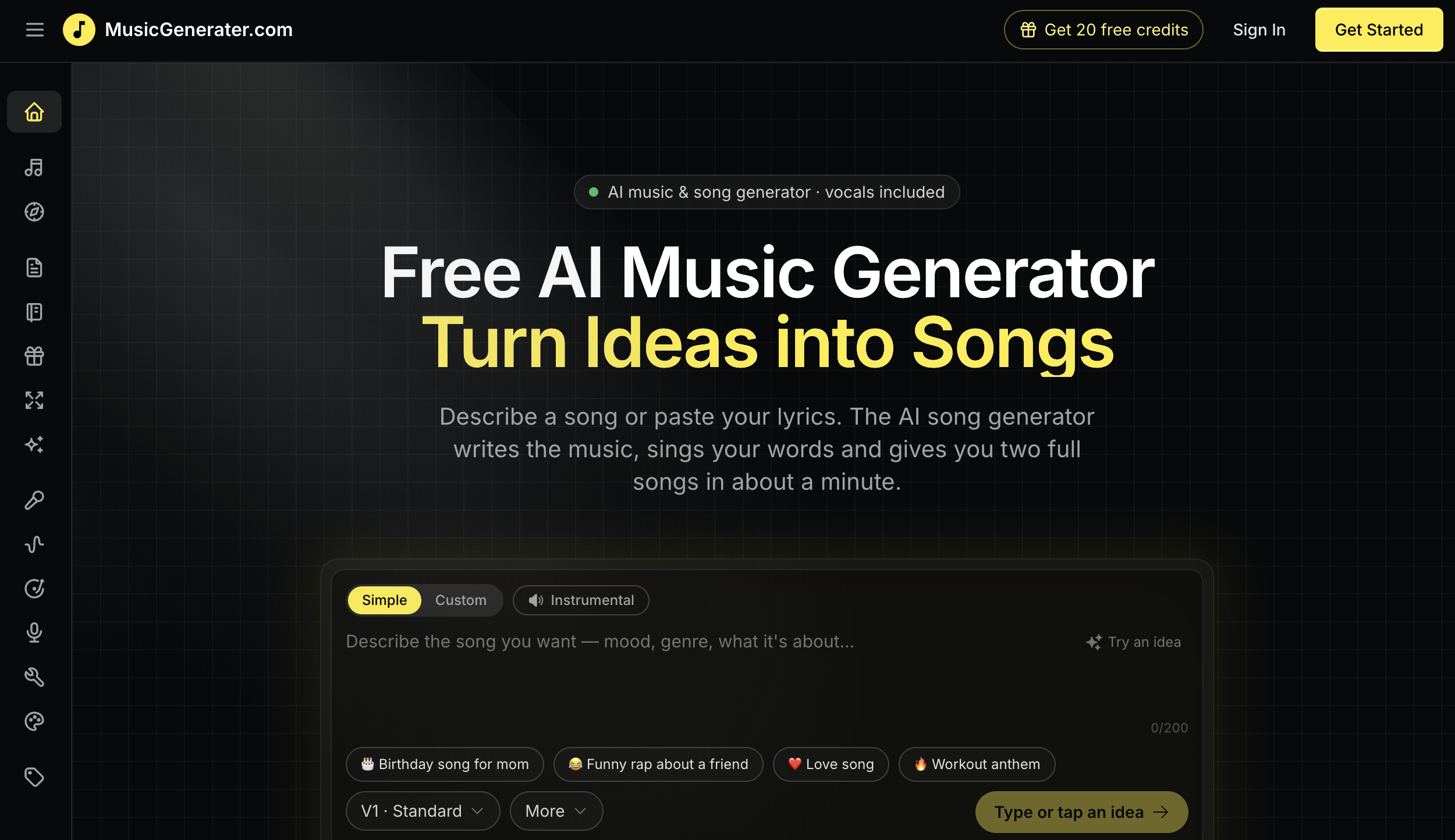
- Hear your lyrics as a finished, fully sung song in about a minute: paste your lyrics or describe a song, and the AI song generator writes the music, sings your words, and delivers two complete versions to choose from.
- Choose your song's direction before booking studio time: songwriters and producers hear their lyrics sung in multiple styles, and the song cover tool keeps the melody while recasting it as jazz, rock, lo-fi, or orchestral.
- Get tracks that sound true to the genre: dedicated lo-fi, hip-hop, country, and electronic/EDM music generators capture each style's defining characteristics.
- Remix, rearrange, or build karaoke tracks from existing songs: the vocal remover isolates clean instrumentals, and the stem splitter separates vocals, drums, bass, and other parts for individual editing.
- Keep refining notes, instruments, and tempo in any DAW: the audio to MIDI converter turns recordings into editable MIDI data.
- Match any song to your project's pace: the BPM changer adjusts tempo without quality loss.
- Release new songs sung in your own voice: the singing voice generator learns from a short recorded sample.
- Monetize your music without extra licensing fees: paid plans include commercial use rights, MP3 and WAV downloads, private song creation, advanced models, and a song extender.
- Score videos and ad campaigns without hunting for stock tracks: generate custom background music matched to your content's tone, or enter a brand name or product description to get two jingle options.
- Give a one-of-a-kind musical gift: create personalized songs for birthdays, anniversaries, or someone special, built from stories, moods, or even the weather.
Pros & Cons
From the listing; not yet checked by our editors.
Pros
- Generates two full songs
- Quick production (1 minute)
- Incorporates vocal remover
- Includes stem splitter
- Song cover creator function
- Singing voice generator
- Audio to MIDI converter
- BPM changer
- Generates various music styles
- Custom song creation
- Occasion specific music generation
- Music from various inputs
- Includes commercial use
- Background music creator
- Jingle creation tool
- Lyrics sung before booking
- Versatile music industry tool
- Songwriting aid
- Text message to song
- Custom tool for creators
- Promotes varied user inputs
- Singing with user's voice
- MP3/WAV download on paid
- Adding vocals or instrumental
- MIDI export, cover art, lyric video
- All music tools in one
- Lyrics to Song function
- Text to Song function
- Offers instrumental for karaoke
- Generates song continuation
- Change the style of song
- Produces structured lyrics
- Songs for advertising and marketing
- Demo creation for songwriters
- Personalized track creation
- Different price plans available
- Pay when you need files
- Free account, no card charge
- Option to make song longer
- Hear a song in different style
- Ability to remove vocals
- Separate lyrics from arrangement
- Music for various video contents
- Creates music from prompts
- Generates music from stories
- Creates anxiety soothing music
- Routine check-in rewards
- Unused credits rolls over
Cons
- Limited music style generators
- No offline capability
- No real-time collaboration feature
- Requires periodic subscription for premium features
- Possible lack of originality in generated music
- No integration with music platforms
- Not suitable for professional compositions
Alternatives to MusicGenerater
Tools that share the most tags with MusicGenerater.
- RipX
Isolate and remove vocals or instruments from any track with AI-powered stem separation for clean sample extraction
Free trial · from $126/month
$126/month
Not yet checked
- Phonk Maker
Protect your content from copyright strikes with fully royalty-free Phonk tracks that grant complete commercial ownership rights
Freemium · from $9/month
$9/month
Not yet checked
- AIRapGen.com
Transform ideas into complete rap songs instantly with AI-powered lyric and beat generation
Freemium · from $7.4/month
$7.4/month
Not yet checked
- LALAL
Get crystal-clear vocal extraction with fewer artifacts using the proprietary Phoenix algorithm for studio-quality results
Paid · from $20
$20
Not yet checked
- AISinging
Transform lyrics into complete songs in under 60 seconds with AI melody generation that requires zero musical training
Freemium
Not listed
Not yet checked
- Suno
Transform any idea into a finished song instantly by typing lyrics, describing an idea, or sharing a photo or video
Freemium · from $10/month
$10/month
Not yet checked
Reviews
Rate this tool
Loading reviews...
Frequently asked questions
How does MusicGenerater generate music?
MusicGenerater's sophisticated AI analyses user input such as song descriptions or lyrics and conceptualizes it into melodic, rhythmic, and harmonic structures. In less than a minute, this AI generates music, sings words, and produces two full songs. It is capable to efficiently work on different elements of music making, like songwriting, music production, vocals generation, and audio editing, all in a matter of minutes.
Can I use MusicGenerater to produce songs in various music styles?
Yes, MusicGenerater provides specific genre generators for multiple music styles such as lo-fi, hip-hop, country, and electronic/EDM. These tools understand the unique elements and characteristics of these styles and produce music that accurately represents them.
How exactly does the vocal remover tool in MusicGenerater work?
The Vocal Remover tool in MusicGenerater employs advanced AI algorithms to isolate and remove the vocal frequencies from a song while preserving the quality of the remaining instrumental part. This is particularly useful for creating karaoke tracks or for artists who want to reinterpret the song with their own vocals.
What does the stem splitter tool on MusicGenerater do?
MusicGenerater's Stem Splitter tool uses AI to divide a song into its key components or 'stems'. This essentially means that it can separate a song into different tracks like vocals, drums, bass and other elements which gives users the freedom to manipulate each element individually.
How does the Song Cover creation tool on MusicGenerater function?
The Song Cover Creation tool on MusicGenerater allows users to manipulate existing songs by keeping the melody, but changing the style. It means users can recreate a song they made in different genres like jazz, rock, lo-fi, or orchestral.
How can I use the audio to MIDI converter in MusicGenerater?
The Audio to MIDI Converter tool in MusicGenerater translates audio information into MIDI format. This conversion allows users to manipulate the song further by accessing and editing individual notes, changing instruments, or altering tempo in any Digital Audio Workstation.
What kind of songs can I create for special occasions using MusicGenerater?
MusicGenerater is designed for customizability, allowing user to create songs for various occasions. Whether it's a specific celebration such as a birthday or anniversary, or creating a personalized track for someone special, MusicGenerater gathers the relevant input and crafts the song according to the specified occasion.
Is the music created using MusicGenerater allowed for commercial use?
Commercial use of the music generated on MusicGenerater is permitted on paid plans. Subscribers to these plans can use the songs in various commercial applications without any additional fees.