

Navattic Agents
Let buyers try your real product before the first sales call: AI demo agents walk prospects through a realistic clone of your product instead of screenshots or recorded video, and AI Copilot builds the interactive product demos for them.
Listing not yet reviewed by our editors · How we check
Overview
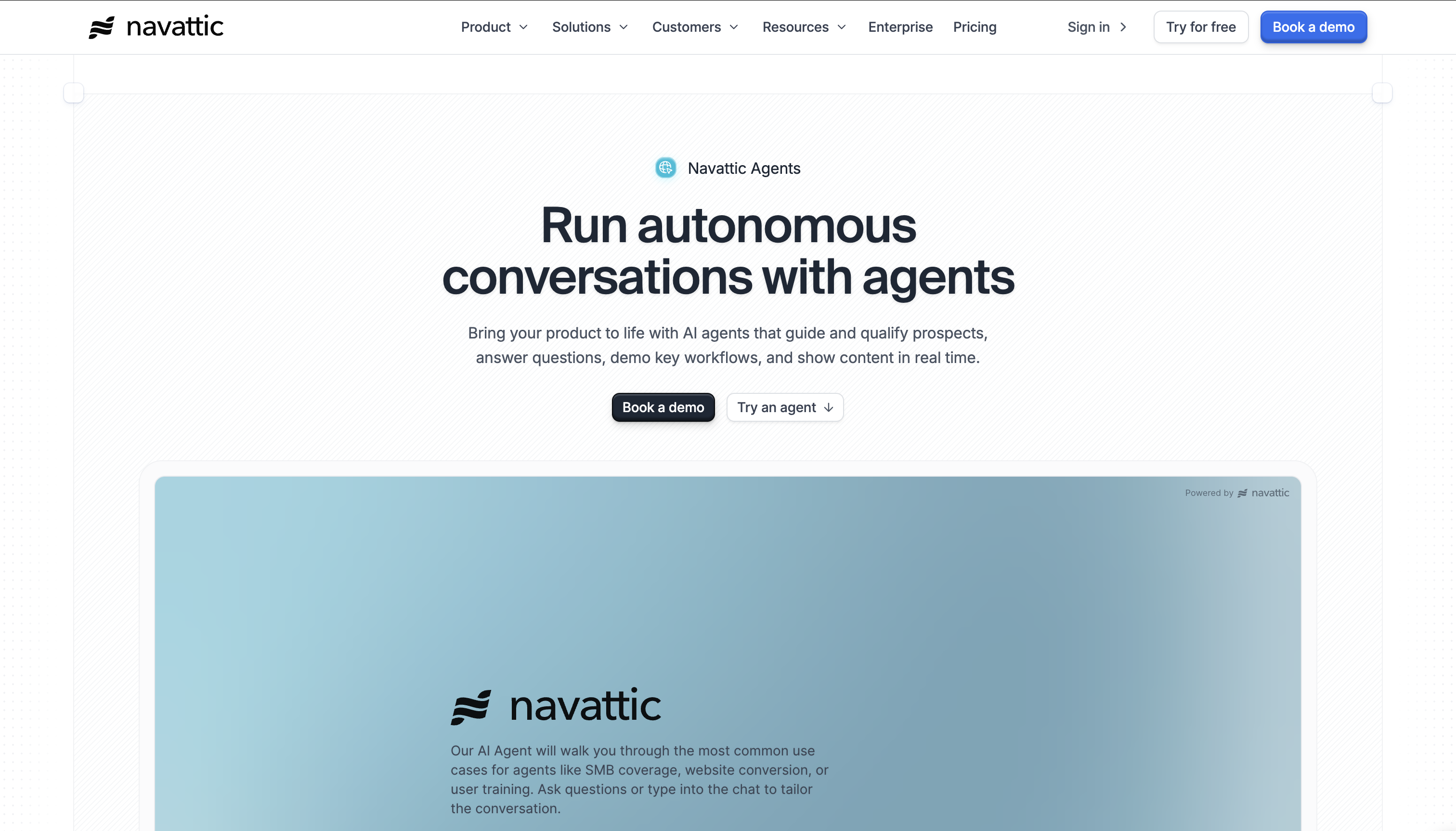
- Let buyers try your real product before the first sales call: AI demo agents walk prospects through a realistic clone of your product instead of screenshots or recorded video, and AI Copilot builds the interactive product demos for them.
- Give every audience a demo that fits its industry, role, or use case by editing the demo data to change the story each agent tells.
- Keep answers accurate and on brand by training agents on your existing docs, FAQs, and product knowledge as company context.
- Handle pricing questions and proof requests during the conversation: agents share case studies, pricing pages, and one-pagers when a prospect asks, and present slides and PowerPoint decks alongside live product screens.
- Send each visitor to the right next step automatically by routing to a sales booking link, a free signup, or a custom message based on signal fit and conversation length.
- Follow up with your highest-intent buyers first using session transcripts, outcomes, and sentiment, with qualification answers saved to properties and intent signals such as timeline, budget, competitors, and priorities.
- Save sales time for high-fit deals by letting SMB and inbound leads get qualified and demoed around the clock through a voice or chat widget or an optional AI avatar.
- Onboard new customers and train sales reps without extra live sessions: Enablement Agents deliver self-serve product walkthroughs and training content.
- Reach buyers wherever they evaluate by placing AI demos on your website, inside your app, and in outbound sales campaigns.
- Run demos your way by customizing the conversation structure and agent behavior to match your sales process and lead qualification criteria.
Pros & Cons
From the listing; not yet checked by our editors.
Pros
- Three purpose-built agent types
- SMB qualification through chat widgets
- Optional avatar for SMB demos
- Website visitor conversations in real time
- Self-serve onboarding for new customers
- Self-serve training for sales representatives
- Ground responses in company documentation
- Use existing FAQs as context
- Align responses with company brand
- Customize conversation structure and behavior
- Demonstrate realistic product clones
- Edit product demo data
- Personalize demo data by audience
- Show workflows beyond static screenshots
- Combine product screens and slides
- Present PowerPoint materials
- Share case studies and pricing
- Choose resources based on prospect questions
- Route visitors to custom messages
- Route visitors to sales calls
- Offer free-signup outcomes
- Set outcomes by signals and duration
- Define custom buyer-intent signals
- Track timeline and competitor questions
- Track pricing and budget questions
- Track prospect priorities
- Review transcripts for each session
- See each session's outcome and sentiment
- Capture buyer pain points in their words
- Tailor flows to user questions
- Support product evaluation around the clock
- Qualify leads before sales handoff
- Guide users through product workflows
- Select content during conversations
- Support prospecting, onboarding, and training
Cons
- Agents need docs and FAQs to train on
- Agent demos require a paid plan
- Enterprise pricing requires a sales conversation
- Advanced demo editing has a learning curve
- Built for B2B software, not physical products
Reviews
Rate this tool
Loading reviews...
Frequently asked questions
How do Navattic Agents answer questions using our existing docs, FAQs, and product knowledge?
Navattic Agents use your existing documentation, FAQs, and product knowledge as company context to guide their answers and keep them aligned with your information and brand.
What’s the difference between Navattic’s SMB, Website, and Enablement Agents?
SMB Agents qualify and demo products for small and midsize business leads through a chat widget or optional AI avatar. Website Agents converse with site visitors and answer prospect questions. Enablement Agents provide self-serve product and training content for new customers or sales representatives.
How do I set up a Navattic Agent on my website?
IDK
Can Navattic Agents qualify leads and demonstrate a product in the same conversation?
Yes. Navattic Agents can answer questions, qualify leads, and demonstrate product workflows in a conversation.
Can I customize a Navattic Agent’s conversation flow and behavior?
Yes. You can customize the conversation structure and agent behavior.
How realistic are the product demos that Navattic Agents present?
They demonstrate a realistic clone of your product rather than relying only on static screenshots or videos. The demo data can be edited.
Can I edit demo data in a Navattic Agent to tailor the experience to different audiences?
Yes. You can edit demo data to customize the agent’s story and tailor the experience to an audience.
Can Navattic Agents combine product screens, slides, and PowerPoint presentations?
Yes. Navattic Agents can combine product screens with slides and PowerPoint presentations in one agent.