

NeonLingo
Learn a new language from the articles and pages you already read, with in-page word translation that works on any website you visit.
Listing not yet reviewed by our editors · How we check
Overview
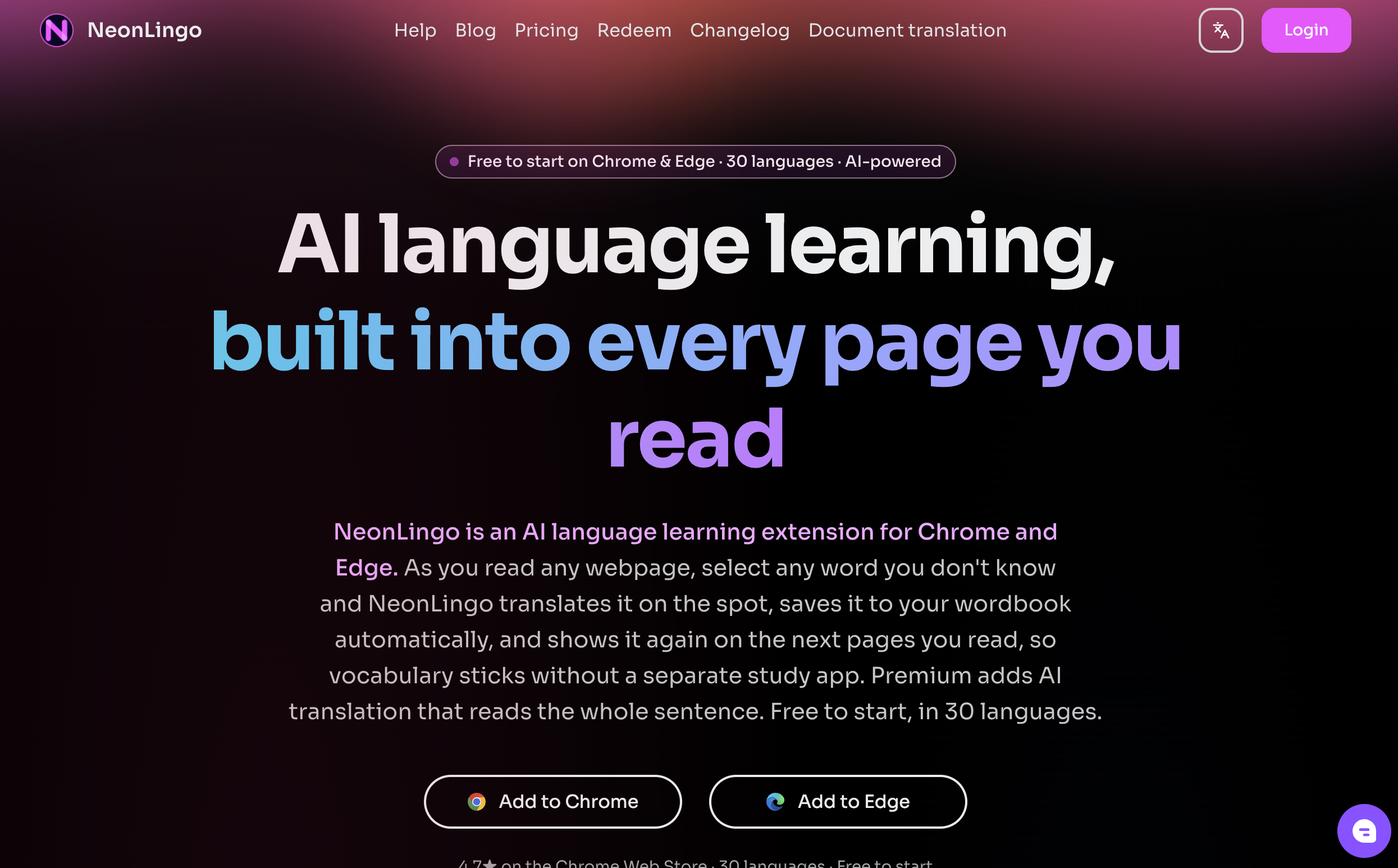
- Learn a new language from the articles and pages you already read, with in-page word translation that works on any website you visit.
- Recognize words you've already looked up wherever they appear next, through automatic vocabulary highlighting that tracks your translated words across every site you browse.
- Recall meanings instantly without breaking your reading flow, using a hover-to-translate popup bubble that shows the definition of any previously translated word.
- Get the meaning that fits the sentence, not just a dictionary entry, with AI context-aware translation that analyzes each word within its surrounding text.
- Turn passive reading into lasting vocabulary retention, as repeated in-page prompts on marked words reinforce memory each time they reappear.
- Build a personal word list without manual note-taking, through auto-save that stores every word you translate for review at any time.
- Keep your page clean and your focus intact, with multiple interactive modes for managing highlighted words so they support your reading instead of cluttering it.
- Start learning in the browser you already use, with simple operation commands available as a Chrome extension and an Edge extension.
Pros & Cons
From the listing; not yet checked by our editors.
Pros
- Translation while browsing
- Word marking feature
- Automatic word recognition
- Repeated prompts feature
- Unique vocabulary highlighting
- Popup bubble reminders
- Effective word management
- Seamless reading experience
- Language immersion
- Contextual translating feature
- Efficient reading enhancement
- Inbuilt memory aid
- Interactive modes available
- Chrome and Edge compatible
- Intuitive interface
- Enhanced learning experience
- Previously translated words reminder
- Word bubble feature efficiency
- Word management efficiency boost
- Semantic meaning in translations
- Translation accuracy increase
- Time-saving functionality
- Automated highlight feature
- Hover-to-translate feature
- Improved reading speed
- Auto-save function
Cons
- Only web-based
- No mobile app
- Limited to certain languages
- No offline usage
- No voice recognition
- No text-to-speech
- Limited interactive modes
- Learning tracking not available
- Reliant on internet connection
- No multi-language support
Alternatives to NeonLingo
Tools that share the most tags with NeonLingo.
- TransLinguist
Host fully multilingual webinars and conferences with real-time translation that engages global audiences directly in their preferred languages
Not listed
Not listed
Not yet checked
- Lara Translate
Translate technical documents with absolute precision using Faithful mode that maintains original structure and meaning
Freemium · from $9/month
$9/month
Not yet checked
- AI-Translate
Achieve human-quality translation accuracy verified by professional translators in blind tests through advanced neural networks that capture nuanced meaning
Not listed
Not listed
Not yet checked
- Reverso
Translate entire documents while keeping original formatting intact with support for Word, PDF, PowerPoint and Excel files
Freemium · from $7.41/month
$7.41/month
Not yet checked
- Lingvanex
Translate text, speech, and images instantly across 109 languages with neural machine translation
Not listed
Not listed
Not yet checked
- CoeFont Interpreter
Make instant decisions in global meetings with real-time multilingual interpretation that captures every word accurately
Freemium · from $20/month
$20/month
Not yet checked
Reviews
Rate this tool
Loading reviews...
Frequently asked questions
What is NeonLingo?
NeonLingo is a word translation tool that serves to assist users in learning unknown languages while navigating various web pages.
How does NeonLingo help in learning languages?
NeonLingo facilitates language learning through an intuitive process. It enables users to mark translated words and automatically recognizes if these words still exist on the websites visited subsequently. Its unique automatic vocabulary highlighting feature remembers every word that the user has translated. When the user hovers their mouse over a previously translated word, a popup bubble reminds them of the word's meaning.
Does NeonLingo work with any website?
Yes, NeonLingo is designed to work with any website, recognizing marked and translated words across different websites visited by the user.
What is the automatic vocabulary highlighting feature in NeonLingo?
The automatic vocabulary highlighting feature in NeonLingo is a unique function that remembers each word a user has translated. When a user hovers over a previously translated word, the word is highlighted, and a popup bubble appears to remind the user of its meaning.
How does NeonLingo use AI for translation?
NeonLingo incorporates AI-driveness in the translation process. It utilizes AI technology to understand and translate vocabulary in context effectively, ensuring each translation is accurate.
Can I manage the words I have highlighted using NeonLingo?
Yes, NeonLingo offers multiple interactive modes which allow users to manage their highlighted words. This feature facilitates a smooth and uninterrupted reading experience.
Does the vocabulary highlight in NeonLingo work after closing the browser?
The website does not provide explicit information regarding whether the vocabulary highlight feature functions after closing the browser.
How does NeonLingo ensure accurate translations?
NeonLingo ensures accurate translations by leveraging AI technology. The AI has the capability to analyze the meaning of vocabulary in sentences in conjunction with context, leading to more precise translations that are suitable for each given situation.