

Noisero | Typing Sound Remover
Get recordings where narration and conversation are easier to follow: Noisero targets short, sharp bursts like key clicks, spacebar thumps, and mechanical keyboard clacks, reducing typing noise between spoken phrases.
Listing not yet reviewed by our editors · How we check
Overview
- Get recordings where narration and conversation are easier to follow: Noisero targets short, sharp bursts like key clicks, spacebar thumps, and mechanical keyboard clacks, reducing typing noise between spoken phrases.
- Save takes you already recorded instead of re-recording: upload saved Zoom or Discord calls, podcast interviews, tutorials, voice memos, and screen recordings for post-production keyboard noise removal.
- Publish cleaner talking-head videos and screen recordings with the visuals untouched: Noisero cleans only the audio track and leaves the picture exactly as it was.
- Test the result before you commit: a short preview of your file is processed without payment, and no account is required to upload.
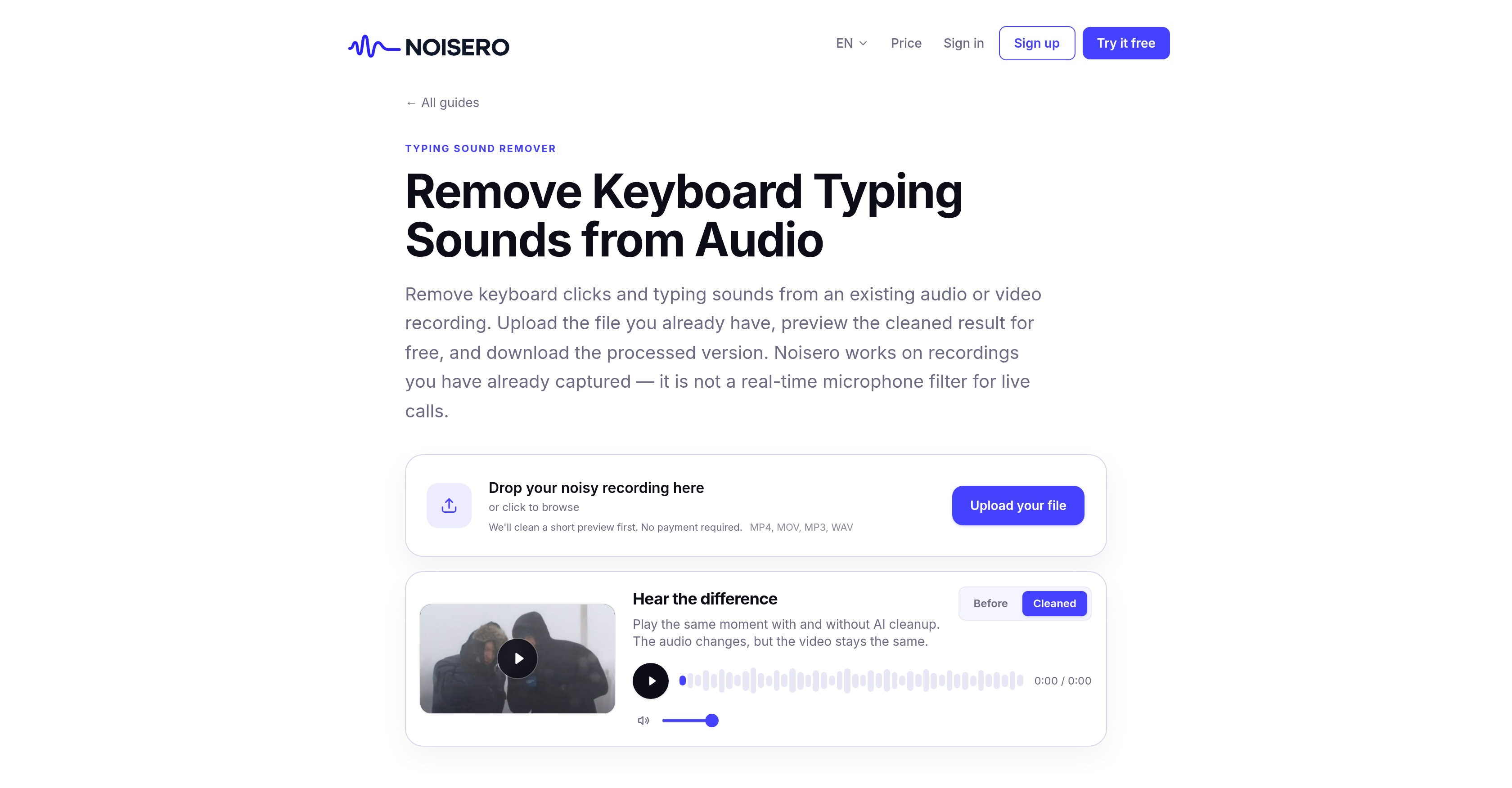
- Keep voices sounding natural: compare the same section of the original and cleaned audio side by side to confirm clicks drop without clipping the speech, then process the full file.
- Work straight from common audio and video formats: upload MP4, MOV, MP3, or WAV files and download the cleaned version when processing finishes.
- Reduce more than typing: mouse clicks, trackpad taps, and desk vibrations picked up by a mic sharing the desk surface are reduced too, with the strongest results when clicks sit beneath clear, louder speech.
Pros & Cons
From the listing; not yet checked by our editors.
Pros
- Post-capture recording cleanup
- Audio and video uploads
- MP4, MOV, MP3, WAV support
- Free short preview
- No account required for uploads
- Preview before full processing
- Original and cleaned comparison
- Same-section listening comparison
- Download cleaned full file
- Video visuals remain unchanged
- Targets intermittent keyboard clicks
- Reduces spacebar thumps
- Handles mechanical keyboard clacks
- May reduce mouse clicks
- May reduce trackpad taps
- Targets desk vibrations
- Cleans saved meeting recordings
- Cleans screen recordings
- Cleans tutorials and demos
- Cleans podcast recordings
- Cleans interview recordings
- Cleans voice memos
- Works with talking-head videos
- Useful for desk recordings
Cons
- Post-capture files only
- No live-call suppression
- Speech-overlapping clicks partly remain
- Cannot restore obscured speech
- Clicks may not disappear completely
- Video image remains unchanged
- Short preview before full processing
Reviews
Rate this tool
Loading reviews...
Frequently asked questions
Can Noisero remove keyboard clicks from an audio recording I already made?
Yes. Noisero can reduce keyboard clicks in an audio recording you have already made; sharp clicks may be reduced rather than completely erased.
Does Noisero work on MP4, MOV, MP3, and WAV files?
Yes. Noisero supports MP4, MOV, MP3, and WAV files.
How do I upload a recording and clean it with Noisero?
Upload or browse for your existing audio or video file. Noisero processes a short preview first; if it helps, process the full file and download the cleaned version.
Can I preview Noisero’s cleanup before processing the full file?
Yes. Noisero processes a short preview so you can assess the result before processing the full file.
Is Noisero’s short audio preview free, and do I need an account?
The short preview is available without payment, and no account is required to upload a file.
How do I compare the original and cleaned audio in Noisero?
Listen to the same section in its original and cleaned versions side by side, and check whether the clicks are reduced while the speech still sounds natural.
Can Noisero clean a saved Zoom or Discord recording?
Yes. You can upload a saved Zoom or Discord recording and clean it after the call. Noisero does not filter audio during a live call.
Does Noisero remove keyboard noise live during calls or streams?
No. Noisero works on recordings that have already been captured; it does not suppress keyboard noise live during calls or streams.