

Nuro.video
3
📝 Overview
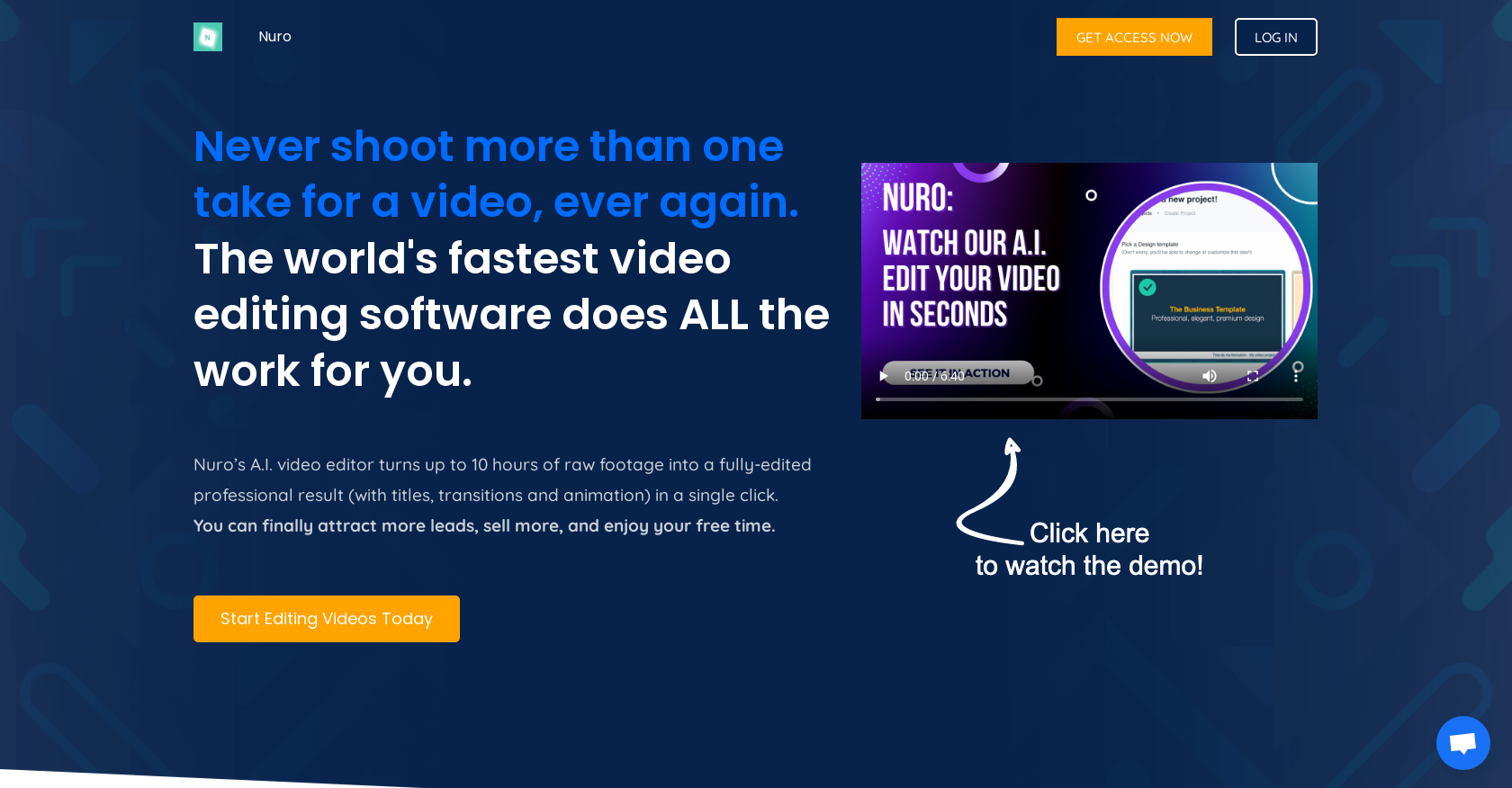
- Transform raw footage into polished videos automatically with one-click AI editing that handles transcription, analysis, and final cuts
- Save thousands annually on freelance editing costs by replacing manual work with automated video processing that completes in 1.5 minutes
- Increase viewer engagement with automatic chapters, key highlight summaries, and clickable calls-to-action embedded directly in your videos
- Repurpose existing content quickly by converting unedited recordings into professional sales videos, webinars, and YouTube content
- Maintain brand consistency across videos by customizing colors, fonts, and adding your logo as a watermark during automated editing
- Embed professional video content anywhere using the built-in ad-free video player designed for seamless website integration
⚖️ Pros & Cons
Pros
- Transcribes unedited raw footage
- Analyzes video content
- Video ready in 1.5 minutes
- Saves hundreds or thousands annually
- Includes automatic chapters
- Feature for key highlights
- Embed clickable links within video
- Editor as easy as text document
- Embeddable video player without ads
- Ideal for video courses creation
- Helpful for YouTube content
- Aids in producing sales videos
- Improves existing content
- No need for multiple takes
- Refreshes old content
- Turns 10 hours of raw footage into edited video
- Ideal for course creators
- Brilliant for entrepreneurs
- Analysis based on deep learning
- Minimizes human intervention
- Hosts videos without size or duration limit
- No ads in videos
- Video summary download option
- Un-downloadable videos
- Adjustable playback speed
- Real-time text size adjustment
- Intuitive video navigation
- Customizable design
- Choosable colors and fonts
- Logo as watermark
- Ready-made graphic themes
Cons
- Lacks advanced editing features
- No song/music integration
- Limited creative control
- No mention of offline editing
- No 3D editing features
- No multi-camera editing
- No VR support
- Unclear video resolution support
- No collaboration features
- No storyboard option
❓ Frequently Asked Questions
Nuro.video is a fully automated AI video editing software designed specifically for experts and online course creators. Its purpose is to simplify and streamline the creation and publishing process for video content.
Nuro.video works by taking unedited raw footage provided by the user. It then transcribes and analyses this content, editing it into a ready-to-publish video complete with titles, transitions, and animations. All work is done by the AI editor, which saves time for the user.
Nuro.video provides various features such as automatic chapters, key highlight summaries, clickable links, and calls to action inside the video. It also includes a video player that can be embedded on websites with no ads.
Nuro.video can be used by anyone who needs to create professional video content but especially experts and online course creators. It is ideal for creating video courses, quickly generating free content for YouTube, producing sales videos and webinars, and enhancing existing content.
Nuro.video is unique in its fully automated process which uses AI to transcribe, analyze and edit raw footage. This much automation significantly cuts down the time taken to create a finished video compared to manual editing and other software. Furthermore, it can complete an edit in just 1.5 minutes, which is far quicker than the 2.5 days a freelancer would typically need.
Nuro.video can go from being given raw footage to a completed video in 1.5 minutes.
The 'Magic Button' in Nuro.video is a feature that, when pressed, sets off the automatic transcription, analysis, and editing of the provided raw footage. This allows for minimal user input and fast video processing.
Nuro.video can save users money in multiple ways. First, instead of hiring freelancers to edit videos, which could cost up to $10,800 per year, users can use Nuro.video which operates at a fraction of the cost. Additionally, by streamlining video creation, it helps users attract more leads and generate sales more quickly.
Yes, with Nuro.video, you can customize your videos. The software allows you to select the colors and fonts to be used in your video, and you can even insert your logo as a watermark.
Yes, Nuro.video adds titles, transitions, and animations to the video. This is part of the automated editing process after the software transcribes and analyses the raw footage.
Nuro.video uses advanced AI algorithms to analyze and transcribe raw footage. It identifies the content, both meaning and structure, of your message during this process. This detailed understanding of the content then enables skilled editing and the creation of a finished video.
Yes, Nuro.video can be very useful for YouTube content creators. By streamlining the video editing process and aiding in the creation of professional, high-quality content, it can help to boost both the quantity and quality of videos available on a YouTube channel.
Videos produced with Nuro.video are of professional quality. The software creates high-quality videos complete with titles, transitions, and animations, all of which enhance the viewer experience and the effectiveness of the video's messaging.
There are no limits on the size or duration of the content that you can edit with Nuro.video. This flexibility ensures you can work with videos of any scale, making it suitable for a wide range of projects.
Nuro.video helps attract more leads by enabling the creation of professional-quality video content. Through its advanced editing tools and features, it ensures your videos effectively communicate your message and engage your audience, thereby driving more leads for your business or service.
Yes, with Nuro.video, you can embed your edited video on your website. The software provides a dedicated video player for this purpose that can be easily integrated into a website.
Yes, Nuro.video includes features such as automatic chapters and key highlight summaries. These features help to structurally organize the video content for a better viewer experience.
Yes, Nuro.video is an excellent tool for creating sales videos and webinars. The software's quick and effective editing capabilities, combined with its suite of features like clickable links and calls to action inside the video, help enhance the effectiveness of your sales videos or webinars.
By using Nuro.video, you can potentially save a significant amount of time and money. In terms of time, the software can finalize an edit in 1.5 minutes, saving the multiple days a freelancer would need. In terms of money, users can save up to $9,805 per year, money that would otherwise be spent on freelancer editing costs.
Nuro.video can add significant value to your existing content by giving it a 'second life'. The software can transform unedited recorded material into high-quality, engaging content, which can attract more views and generate more sales.
The 'Magic Button' in Nuro.video is a feature that, when pressed, sets off the automatic transcription, analysis, and editing of the provided raw footage. This allows for minimal user input and fast video processing.
Nuro.video can save users money in multiple ways. First, instead of hiring freelancers to edit videos, which could cost up to $10,800 per year, users can use Nuro.video which operates at a fraction of the cost. Additionally, by streamlining video creation, it helps users attract more leads and generate sales more quickly.
Yes, with Nuro.video, you can customize your videos. The software allows you to select the colors and fonts to be used in your video, and you can even insert your logo as a watermark.
Yes, Nuro.video adds titles, transitions, and animations to the video. This is part of the automated editing process after the software transcribes and analyses the raw footage.
Nuro.video uses advanced AI algorithms to analyze and transcribe raw footage. It identifies the content, both meaning and structure, of your message during this process. This detailed understanding of the content then enables skilled editing and the creation of a finished video.
Yes, Nuro.video can be very useful for YouTube content creators. By streamlining the video editing process and aiding in the creation of professional, high-quality content, it can help to boost both the quantity and quality of videos available on a YouTube channel.
Videos produced with Nuro.video are of professional quality. The software creates high-quality videos complete with titles, transitions, and animations, all of which enhance the viewer experience and the effectiveness of the video's messaging.
There are no limits on the size or duration of the content that you can edit with Nuro.video. This flexibility ensures you can work with videos of any scale, making it suitable for a wide range of projects.
Nuro.video helps attract more leads by enabling the creation of professional-quality video content. Through its advanced editing tools and features, it ensures your videos effectively communicate your message and engage your audience, thereby driving more leads for your business or service.
Yes, with Nuro.video, you can embed your edited video on your website. The software provides a dedicated video player for this purpose that can be easily integrated into a website.
Yes, Nuro.video includes features such as automatic chapters and key highlight summaries. These features help to structurally organize the video content for a better viewer experience.
Yes, Nuro.video is an excellent tool for creating sales videos and webinars. The software's quick and effective editing capabilities, combined with its suite of features like clickable links and calls to action inside the video, help enhance the effectiveness of your sales videos or webinars.
By using Nuro.video, you can potentially save a significant amount of time and money. In terms of time, the software can finalize an edit in 1.5 minutes, saving the multiple days a freelancer would need. In terms of money, users can save up to $9,805 per year, money that would otherwise be spent on freelancer editing costs.
Nuro.video can add significant value to your existing content by giving it a 'second life'. The software can transform unedited recorded material into high-quality, engaging content, which can attract more views and generate more sales.
💰 Pricing
Pricing model
Freemium
Paid options from
$26/month
Billing frequency
Monthly
Refund policy
Users can request refunds within 14 days of purchase, only for the first subscription payment.